My Claude Code — Complete Usage Guide¶
From a fresh machine to a tuned setup: installing, connecting every coding agent MCC routes for — Claude Code, Codex, OpenCode, Gemini CLI, Crush, Cline, Goose, Aider, Kimi Code, Qwen Code, Command Code, Droid, Pi, Kilo — and the desktop apps beside them, adding providers, routing models, web search, and analytics. Claude Code is one client among many; it is first in the tutorials only because it is the one most readers arrive with.
The README is the overview. This is the long-form manual.
Contents¶
- 1. How it works
- 2. Install
- Two ways in
- The Windows desktop-app installer
- The Linux desktop-app installers
- The macOS desktop-app disk image
- 3. First run
- Every command and its help flag
- Where your configuration lives
- Migrating from
~/.fcc - Pinning a directory with
MCC_CONFIG_DIR - Running the server with the desktop tray
- The desktop app: fetched, verified, installed
- Picking a window
- Installing the desktop shortcut
- DESKTOP_* settings apply on the next launch
- WSL and headless: still no tray. Linux desktop: now there is one.
- The embedded webview (pywebview), and its caveat
- 4. Tutorial: connect Claude Code (CLI)
- 5. Tutorial: connect Claude Desktop
- 6. Point a desktop app here
- The two undo modes
- Which apps have a button
- Antigravity
- Hyper / HyperCharm
- Tutorial: configure a desktop app, and undo it
- Without a browser:
mcc-apps - 7. Tutorial: connect another CLI
- Media tools for an agent: the MCC media server
- 8. Providers and API keys
- The workflow
- Using Claude models
- OpenCode Zen and OpenCode Go: what MCC sends about itself
- OpenCode Zen serves different models on different endpoints
- Custom providers
- 9. Model tiers and routing
- What a fresh install routes to
- Tiers for every other coding agent
- Images, the vision adapter, and outbound image size
- Tutorial: describe mode
- Tutorial: manage many models
- Catalogue refresh, and what MCC learned
- 10. Web search
- 10b. Usage: what is left
- Five layouts, one page (8.7.0)
- Every configured provider, including custom ones (8.7.0)
- Refreshing: the picker and Refresh now (8.7.0)
- 11. Analytics
- Tutorial: read the request detail
- Tutorial: read a request's cost
- The Token Optimizer page
- 12. Multi-key rotation
- Tutorial: why my key was benched
- The RTK token optimizer
- 13. Limits and resilience
- 14. Updating
- Stopping and restarting, and how long it takes
- 15. Security and networking
- Remote Control (
/rc) and tunnels - Tutorial: route a provider through a VPN, WARP or Tor
- 16. Troubleshooting
- Appendix: what changed in 6.x
1. How it works¶
My Claude Code is a local router that speaks four protocols at once: Anthropic's Messages API, OpenAI's Chat Completions and Responses APIs, and Google's Gemini API. Whichever one your coding agent already speaks, it believes it is talking to that vendor. The proxy receives the request, forwards it to whichever provider you configured — NVIDIA NIM, OpenRouter, a local Ollama, every provider in the README's table — and translates the response back into the wire format the agent asked in.

Because the translation happens at the protocol level, streaming, tool use, reasoning blocks and image input keep working. Your agent doesn't know or care.
Three consequences worth internalising before you start:
- The server must be running. It's a daemon, not a library. Close the terminal and your agent stops working.
- Your agent's model picker can list MCC's catalog, not Anthropic's. Selecting "Sonnet" routes to whatever you mapped Sonnet to. Codex and Pi's pickers always do this; Claude Code's needs model discovery turned on (
mcc-claude --discover-modelsormcc-claude-old) — see §4. - Credentials live server-side. Your agent holds a token that only authenticates it to the proxy; the real provider keys never leave your machine.
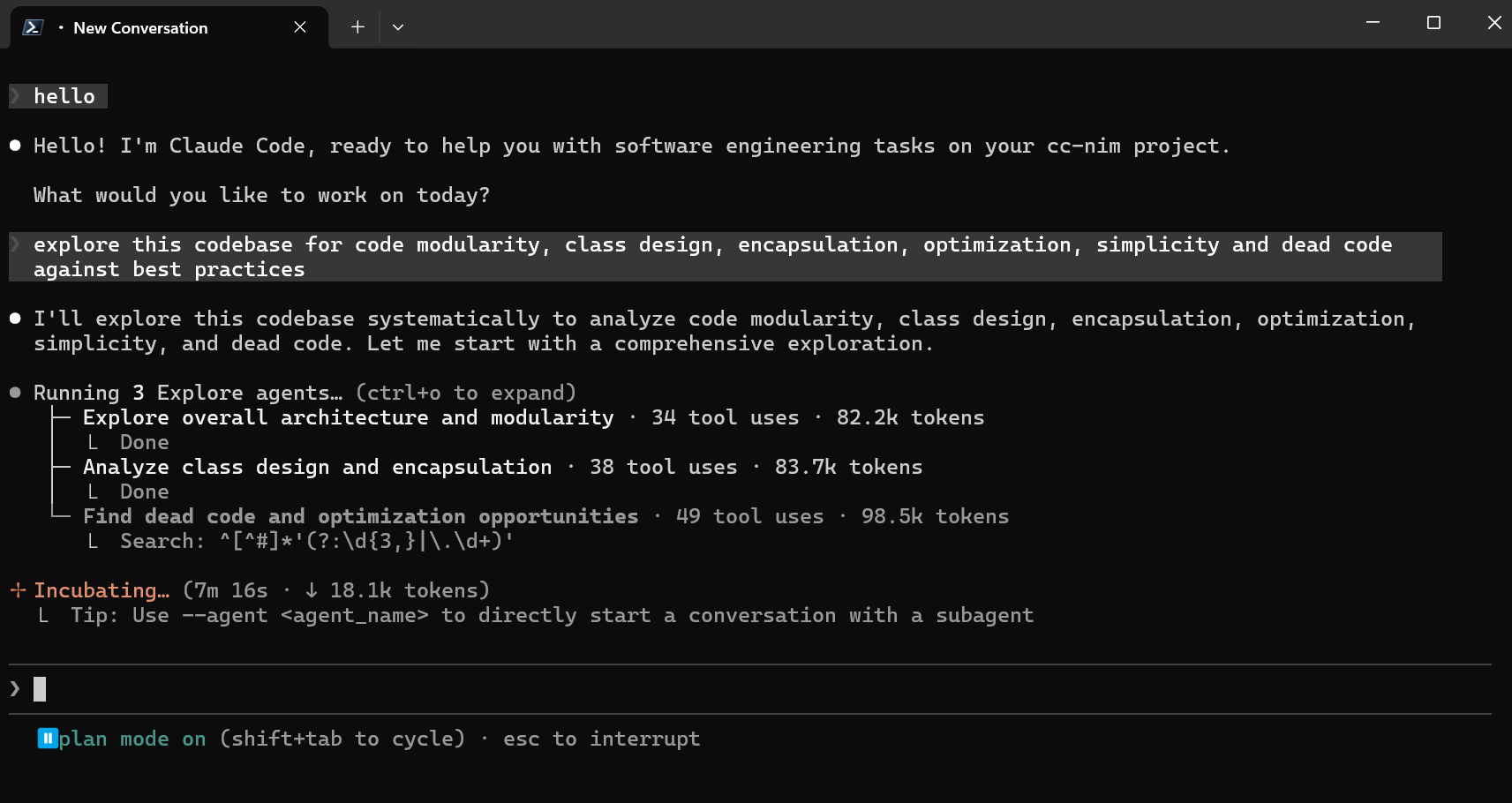
Claude Code, running normally, backed by a provider of your choosing.
2. Install¶
Two ways in¶
Both end at the same place: one server, one dashboard, one configuration directory.
| Server + web dashboard | Desktop app | |
|---|---|---|
| You get | mcc-server plus the 18 mcc-* launchers on your PATH; the dashboard opens in a browser tab. |
A window with its own icon and tray icon, rendering the same dashboard. |
| You install it by | running the one-liner below — or npm install -g @firedmosquito831/my-claude-code, which is a wrapper over that same script and installs the desktop app with it (Or with npm). |
downloading an installer from the latest release. |
| The other half | — | is installed by the app, on first launch, in front of you: no mcc-desktop on the machine means the window prints the exact install command and runs it, streaming the output. Nothing is bundled. |
| Available | Windows, WSL, Linux, macOS — today. | All three: MyClaudeCode-Setup-windows-x86_64.exe, MyClaudeCode-linux-x86_64.deb, MyClaudeCode-linux-x86_64.tar.gz and MyClaudeCode-macos-universal.dmg. The macOS image is unsigned and un-notarised, so its first launch needs one xattr command (The macOS desktop-app disk image); mcc-desktop fetching the same binary avoids that entirely (The desktop app). |
Neither excludes the other. The desktop app is a window onto the server, not a second copy of it, and one machine can have both.
Which one should I pick? Find the row that describes you.
| If this is you | Pick | Why |
|---|---|---|
| Running MCC on a headless box, a VPS, or over SSH | Server + web dashboard | There is no desktop session to draw a window or a tray into. Reach the dashboard by forwarding 8082. |
| Working inside WSL | Server + web dashboard | WSL has no tray. mcc-desktop says so and refuses rather than pretending; autostart there registers mcc-server under systemd --user. |
| You live in the terminal and want to start and stop things yourself | Server + web dashboard | mcc-server in a window you own, Ctrl-C when you are done, and the install command when you want a new version. |
| Running MCC as a service, or from CI | Server + web dashboard | One process, no session, no window chain to resolve. |
| You want it managed for you | Desktop app | It installs the server if it is missing, starts it on launch, watches its health, and reconnects on its own after an update. |
| You want a tray icon and start-at-login | Desktop app | The tray is the app's home: close the window and it stays there; Quit in the tray menu is what ends it. Start at login is one switch on the Deployment card. |
| You are on macOS and would rather not run a Terminal command | Server + web dashboard, then mcc-desktop |
The .dmg is unsigned, so opening it directly needs one xattr command. Letting mcc-desktop fetch the same binary skips that. |
| You just want to double-click something | Desktop app | That is the whole point of it. |
Both share one configuration directory, one .env and one dashboard, and a desktop
install still puts every mcc-* command on your PATH — so choosing the app costs
you nothing on the command line.
The Windows desktop-app installer¶
Download MyClaudeCode-Setup-windows-x86_64.exe from the release page — its SHA-256 is
in SHA256SUMS-desktop-shell.txt beside it — and run it.
| Where it installs | %LOCALAPPDATA%\Programs\My Claude Code, per user, no administrator rights. |
| What it installs | The executable, its icon, and a Start Menu entry. A desktop icon is offered and is off by default. That is the entire payload: no Python, no uv, no server. |
| What it does not write | The start-at-login registration. That value has exactly one owner (mcc-desktop, reconciling it from desktop.json at every launch); an installer with a second opinion about it would turn "remove the window" into "disable the tray's autostart". |
| WebView2 | Detected through the EdgeUpdate client key Microsoft documents, and by checking that the version it names has its files on disk — a registry entry whose runtime directory is gone counts as absent. Windows 11 ships the runtime; Windows 10 has had it pushed since December 2022. Only when it is genuinely missing is Microsoft's 1.8 MB Evergreen Bootstrapper run silently — and since 7.35.2 that bootstrapper travels inside the installer rather than being downloaded mid-install, so an offline machine still gets it. If it fails, setup says so and continues rather than refusing to install. |
| Visual C++ runtime | Not needed. The executable is built with a statically linked CRT, so it imports nothing from the Visual C++ redistributable. Before 7.35.2 it imported VCRUNTIME140.dll, and on a machine that had never installed the redistributable Windows killed the process at load time with 0xC0000135 — no window, no message. The release smoke now reads the binary's import table and fails if any redistributable DLL comes back. |
| Unattended | /VERYSILENT /SUPPRESSMSGBOXES /NORESTART finishes without a prompt. That is the switch set winget supplies for Inno installers, and the release workflow proves it on every build. |
| winget | winget install FiredMosquito831.MyClaudeCode — once the manifest is accepted. The manifest is written and validated and lives in the repository at desktop-shell/installer/winget/; it has not been submitted to Microsoft's community repository, which is a separate decision for the maintainer. Until then this command finds nothing and the download above is the way in. |
| Uninstall | "My Claude Code (desktop app)" in Apps & Features. |
Two uninstallers, two different jobs. This is the split, and it is deliberate:
| Uninstaller | Removes |
|---|---|
| "My Claude Code (desktop app)" (Apps & Features) | The executable, its icon, the Start Menu and desktop shortcuts, and its own HKCU uninstall key. It asks — defaulting to no — whether to also forget the window's remembered size and position. It never touches ~/.local/bin, ~/.mcc, or the start-at-login value. |
scripts/uninstall.ps1 |
Everything else: the shims, the configuration directory, the shortcut install.ps1 -Desktop made, and the start-at-login value. See What the uninstaller removes. |
Removing the window is not removing My Claude Code, and the Apps & Features entry says "(desktop app)" out loud so that nobody has to guess.
It is unsigned, and Windows will say so. There is no code-signing certificate on this installer, so the first run shows SmartScreen's "Windows protected your PC" dialog; More info → Run anyway proceeds. The warning is about reputation, which accrues per file hash from download volume — it fades for a widely installed release and returns with every new one, because every release is a new file. Buying an EV certificate would not remove it either: Microsoft's own guidance since 2024 is that EV no longer bypasses the prompt. On a machine with Smart App Control enabled the installer is blocked outright with no override; there, use the one-liner below, which downloads a wheel and verifies the SHA-256 GitHub publishes for it.
The Linux desktop-app installers¶
Two artefacts, one binary. Both digests are in SHA256SUMS-desktop-shell.txt.
MyClaudeCode-linux-x86_64.deb |
MyClaudeCode-linux-x86_64.tar.gz |
|
|---|---|---|
| For | Ubuntu 22.04+, Debian 12+ | Fedora 40+, Arch, openSUSE, or no root at all |
| Install | sudo apt install ./MyClaudeCode-linux-x86_64.deb |
tar -xzf … then ./install-desktop.sh |
| Where | /usr/bin/MyClaudeCode, /usr/share/applications, /usr/share/icons/hicolor |
~/.local/bin, ~/.local/share/applications, ~/.local/share/icons/hicolor |
| Root | yes, once, through apt |
never |
| Dependencies | apt resolves libwebkit2gtk-4.1-0, libgtk-3-0t64 \| libgtk-3-0 and libayatana-appindicator3-1 \| libappindicator3-1 |
yours to install; on Fedora that is webkit2gtk4.1 and libayatana-appindicator-gtk3 |
| Uninstall | sudo apt remove my-claude-code-desktop |
./install-desktop.sh --uninstall |
The | libgtk-3-0 and | libappindicator3-1 alternatives are not decoration: Ubuntu
24.04 and Debian 13 renamed both packages during the 64-bit time_t transition, so a
package naming only one spelling is uninstallable on half the supported distributions.
The .deb also declares libc6 (>= 2.35), the glibc of the ubuntu-22.04 runner it is
built on. glibc is forward-compatible only, so without that field apt would install it
happily on Debian 11 and the binary would then die at exec with a GLIBC_2.34 not found
message that names no package and suggests no fix.
The macOS desktop-app disk image¶
One file, MyClaudeCode-macos-universal.dmg, and its digest is in
SHA256SUMS-desktop-shell.txt.
| What is in it | My Claude Code.app and a symlink to /Applications to drag it into. Nothing else — no background image, no licence agreement. |
| The binary | Universal: one executable with an arm64 and an x86_64 slice, merged with lipo from the two macOS build runners. There is no per-architecture download to choose. |
| Where it goes | /Applications, by dragging. The .dmg is not an installer and writes nothing itself. |
| What it installs | The window, its icon and its Info.plist. No Python, no uv, no server, no configuration. On first launch, if mcc-desktop is not on the machine, the window prints the official install command and runs it in front of you. |
| Minimum macOS | 10.13 for the Intel slice — Tauri v2's own bundler default — and, unavoidably, 11.0 for the Apple silicon one, because Apple silicon did not exist before Big Sur. |
| Signing | Ad-hoc only. See below; this is the part that costs a Terminal command. |
| Uninstall | Drag /Applications/My Claude Code.app to the Trash. |
Ad-hoc signed is not "signed". The .app carries an ad-hoc signature, which is a
seal: every file in the bundle is hashed, so a corrupted or tampered copy is refused by
the loader instead of crashing strangely, and Apple silicon — which requires every
executable to carry at least an ad-hoc signature — will run it at all. What an ad-hoc
signature is not is an identity. There is no Developer ID behind it, nothing for
Gatekeeper to attribute the app to, and spctl --assess rejects it. The release
workflow asserts that rejection on every build rather than hoping it away.
macOS will refuse to open it the first time, and here is exactly why. The app is not signed with an Apple Developer ID and it is not notarised, because this project has no Apple Developer account ($99/year). macOS quarantines anything a browser downloads, and Gatekeeper refuses to launch a quarantined app that carries no Developer ID. There is no Control-click → Open workaround any more — Apple removed it in macOS Sequoia, and on current macOS the dialog offers little more than Move to Trash. The supported one-time fix is one command in Terminal, after you have dragged the app across:
Then open it normally; the quarantine flag is per-copy, so you never run it again for that install. (Run it again after replacing the app with a newer download.)
If that is a step too far, take the server one-liner instead. It is the recommended
macOS route for exactly this reason: mcc-desktop downloads the same window binary over
HTTPS from Python, and a file fetched by Python is never quarantined, so Gatekeeper is
never involved at all. Same app, no Terminal command — see Desktop App.
Why not just notarise it? Notarisation needs a Developer ID certificate, which needs a paid Apple Developer account at $99/year. The project does not have one, and a half-done job — an app claiming a signature it does not have — would cost more trust than the honest warning does.
One name, two programs, and how they are kept apart. install.sh --desktop writes a
small launcher bundle at ~/Applications/My Claude Code.app that simply runs
mcc-desktop. The .dmg's application has the same display name and can occupy the
same path if you drag it there. They carry different CFBundleIdentifiers
(com.my-claude-code.desktop for the launcher, com.myclaudecode.desktop for the app),
and both scripts read that identifier rather than the name: install.sh --desktop steps
aside when it finds the app instead of writing over it, and uninstall.sh removes only
the launcher bundle it wrote and prints the app's path instead of deleting it.
Neither installer carries a server. The payload is the window, its entry and its
icons. On first launch, if mcc-desktop is not on the machine, the window prints the
official install command and runs it in front of you (nothing is bundled, nothing is
hidden).
Three uninstallers, three lanes.
| Uninstaller | Removes |
|---|---|
sudo apt remove my-claude-code-desktop |
Everything the .deb installed under /usr. Nothing else. |
./install-desktop.sh --uninstall |
Everything the tarball installer wrote under ~/.local. Nothing else. |
scripts/uninstall.sh |
My Claude Code itself — the shims, the configuration directory, the launcher entries, the start-at-login registration and the per-user desktop app (~/.local/bin/MyClaudeCode, its receipts, its entry and its icons). It does not remove the .deb; it names it, with the apt command, if it finds it installed. |
No AppImage, and no .rpm this release. Tauri's own documentation puts an AppImage
of this shell at 70+ MB (against ~3 MB here) and its recurring failure mode is a silent
one — WebKitWebProcess aborts and no window appears. Fedora gets the tarball instead,
which is the same binary without the packaging risk.
One icon, not two. install.sh --desktop writes its own applications entry for
mcc-desktop. When the desktop app's entry is already present — either the .deb's in
/usr/share/applications or the tarball's in ~/.local/share/applications — it steps
aside instead of adding a second tile that looks the same. It never deletes the other
one; that is uninstall.sh's job.
The server and the web dashboard¶
Pick one environment and stay in it. On Windows you can install under PowerShell or WSL. Both work — but they keep separate configs (
C:\Users\<you>\.mccversus~/.mccinside WSL). Installing in both is the most common way to end up editing one config while the server reads the other.Already develop inside WSL? Install in WSL. Otherwise use PowerShell.
Windows (Command Prompt)¶
The shortest route, and the one with no PowerShell question in it. No admin rights needed:
curl -fsSL -o "%TEMP%\install-mcc.cmd" https://raw.githubusercontent.com/FiredMosquito831/my-claude-code/main/scripts/install.cmd && "%TEMP%\install-mcc.cmd"
scripts/install.cmd downloads scripts/install.ps1 — the same digest-verified
installer the PowerShell route runs — into %TEMP% and starts it with
-NoProfile -ExecutionPolicy Bypass -File, so an execution policy can never
refuse it. Add --desktop for the Start Menu shortcut, --dry-run to see what
it would do, or --version 6.63.0 to pin a release; it returns the installer's
own exit code, and keeps the downloaded script (naming the path) when a run
fails. It needs curl.exe, which ships with Windows 10 1803 and later.
Windows (PowerShell)¶
No admin rights needed:
& ([scriptblock]::Create((irm "https://raw.githubusercontent.com/FiredMosquito831/my-claude-code/main/scripts/install.ps1")))
If PowerShell blocks the script, allow it for this session only:
WSL, Linux, macOS¶
curl -fsSL "https://raw.githubusercontent.com/FiredMosquito831/my-claude-code/main/scripts/install.sh" | sh
Or with npm (any platform)¶
npm is a wrapper over the same digest-verified installer, never a second
build of the product. A global install runs install.ps1 -Desktop (Windows) or
install.sh --desktop (everywhere else) and streams its output, so it leaves the
machine exactly as the one-liner above does — the server, every mcc-* command
and the desktop app — and adds my-claude-code and mcc as two more aliases for
the same launchers. A failing installer fails the npm install -g; npm does not
report success for a package whose whole job is to put a server on your PATH.
npx @firedmosquito831/my-claude-code            # run without installing globally
mcc uninstall                                   # remove the server, its commands and the config home
npx … --version installs nothing at all: the launcher fetches a server only
when you ask it to run something that needs one. Four situations skip the
installer and say so in one line each — a local npm install or an npx run,
CI being set, --ignore-scripts, and MCC_NPM_SKIP_INSTALL=1.
With a system Node you may need sudo npm install -g. My Claude Code
installs per user, so since 7.79.1 a run as root through sudo on behalf of
your user installs only the mcc command — no server for root — and the server
is installed by your first mcc, as you. Or give npm a user-level prefix
(npm config set prefix ~/.npm-global, then add ~/.npm-global/bin to PATH)
and skip sudo altogether. The install scripts refuse the same case
(curl … | sudo sh, sudo mcc update) with a message saying what to run
instead; --allow-root or MCC_INSTALL_ALLOW_ROOT=1 installs for root on
purpose. A root shell, a root VPS or a Docker image has no SUDO_USER and is
not affected. Inside WSL the npm route installs the server only, display or
not, and on Linux and macOS a missing curl or a failed installer download now
fails the install instead of reporting "done".
Uninstalling takes both halves. npm uninstall -g
@firedmosquito831/my-claude-code removes the launcher npm installed and nothing
else; the server, the commands and the configuration home are mcc uninstall's
job, and running it first is the order that leaves nothing behind.
Then reopen your terminal¶
This step catches almost everyone. The installer appends ~/.local/bin to your PATH, and an already-open shell will never see it. If mcc-server appears "not found" immediately after a successful install, this is why.
Verify:
What the installer does — and doesn't¶
- Installs
uv(the Python tool runner) if missing or too old. - Looks up the latest release, downloads its wheel, and verifies the SHA-256 that GitHub publishes for that asset. A mismatch aborts rather than running unverified code.
- Installs the package and puts
mcc-server,mcc-claude,mcc-claude-old,mcc-codexandmcc-pion yourPATH.
It does not install Claude Code, Codex, or Pi. Those are separate third-party tools and the proxy doesn't need any of them to run. The installer installs MCC and its prerequisites, nothing else; agents are installed only by the dashboard button you press — the Install button on the Coding agents page (Install an agent from the dashboard) — or by you, with the vendor's own line. The mcc-* launchers simply point an agent you already have at the proxy, and never install one.
Pin a specific version instead of the newest:
Add --dry-run (-DryRun) to print what it would do without changing anything. Both scripts are readable before you run them: install.sh, install.ps1.
3. First run¶
Keep this process running. Once healthy, the Admin UI opens in your browser automatically (disable with MCC_OPEN_BROWSER=0). What you land on is a checklist of the three things that have to be true before a request can be routed, each ticked as you do it:
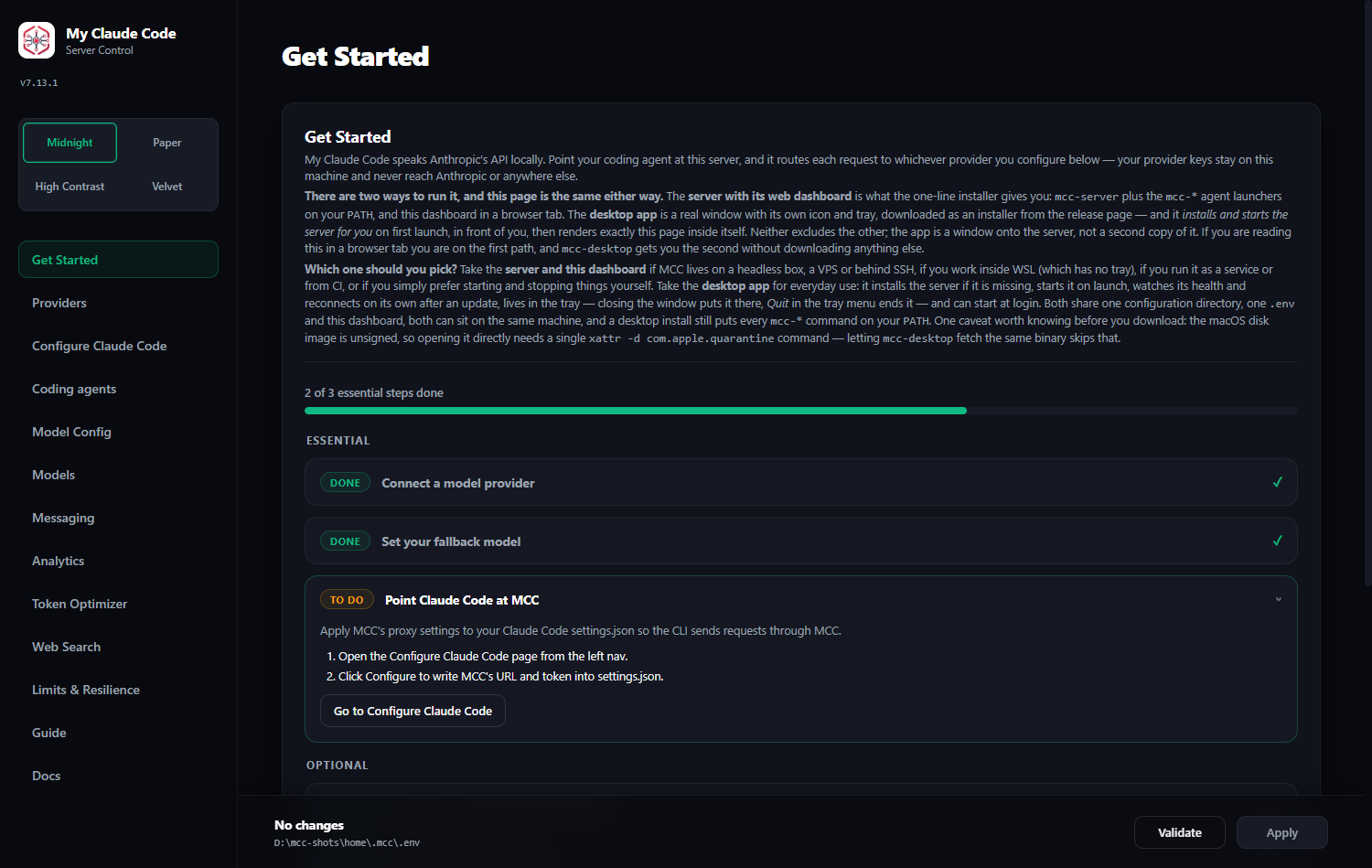
Get Started: connect a provider, set a fallback model, point your agent here. The step still to do expands into what to press.
The address is always printed in the startup log — by default:
What starting looks like (6.59.0)¶
The server binds its port before it loads anything. Until it is ready every
route answers 503 with a body that says so, and an x-mcc-starting: 1 header
so a program can tell it apart from a stranger on the port:
That matters more than it sounds. Until 6.59.0 the listener appeared only after
the whole of startup had finished, so for twenty-odd seconds a probe found
nothing at all on the port — and "nothing on the port" is what the desktop
app, the tray and every launcher read as "start a server here". They did, the
second server lost the race for the socket, and it died without a word.
mcc-desktop --print-status --presence-v2 now reports starting alongside
healthy, draining, free and foreign, with the stage in
server_starting_stage.
The log carries the whole timeline, one line per stage:
STARTUP: settings +2990ms
STARTUP: application +3131ms
STARTUP: listener +3150ms
STARTUP: prewarm +3351ms
STARTUP: learned-facts +5260ms
STARTUP: catalogue +5261ms
STARTUP: ready +5264ms
The clock starts at the process, not at the first log line, because most of a cold start is interpreter and imports. If a start ever gets slow again, that table is the first thing to read — and 6.59.0 exists partly because nothing measured it before, and the cost had roughly tripled since 6.41.2 unnoticed.
If something else is on the port¶
SERVER_PORT_TAKEOVER on Limits & Resilience decides. The default,
always, replaces a holder that is not answering — because the holder is
almost always MCC's own previous process, one that overran its drain, and
refusing to start because of one of those is refusing to recover. A holder that
is not MCC is named in one WARNING line in the server log before it is
stopped. Set it to mcc-only to limit that to processes this install can
identify as its own, or never for the behaviour of 6.58.4 and earlier (name
the holder, refuse to start).
A My Claude Code server that is answering is never stopped (7.70.0). Before
anything is stopped, the new start asks the holder's GET /health, with the
desktop app's own patience — the DESKTOP_HEALTH_PROBE_TIMEOUTS ladder (5, 10,
15 s) for DESKTOP_HEALTH_FAILURE_THRESHOLD (3) tries, 30 s at most, stopping
at the first answer. If My Claude Code answers — healthy, busy, or still
starting — the new start prints one line in its console and in the log, and
exits with code 1 having stopped nothing:
[2026-10-04 12:00:00] My Claude Code: Port 8082 is already served by My Claude Code (pid 81440; it answered /health in 0.0 s). This start was abandoned and nothing was stopped. To replace that server, stop it first -- Ctrl+C in the window it runs in, Quit in the desktop app that started it, or end process 81440 in Task Manager -- then start mcc-server again.
So to replace a running server, stop it first; starting a second one no
longer does it for you. A holder that answers that it is shutting down is
waited for — up to SERVER_GRACEFUL_SHUTDOWN_SECONDS plus four seconds, the
time its own watchdog allows — and never stopped while it says so. A holder that
does not answer at all, or that is not My Claude Code, is handled exactly as
before. This is user decision R5: on 2026-09-28 a new server stopped a working
one because that one answered a single /health late. Whether a holder is
stopped is still decided by its process — image name and command line;
what it answers on the port can only ever make a start stop nothing.
never asks nothing and is unchanged. Every /health answer now carries the
answering server's process id as x-mcc-pid, which is how the line above
names it (a server older than 7.70.0 is named from the operating system's port
table instead).
Old servers of this port and folder do not outlive a start or an update (7.72.0)¶
What was wrong. For days at the end of September three My Claude Code server
processes ran on one machine with no listening socket: servers from before 7.69.2
that had lost their listener (those never exit by themselves) and servers left
behind by updates. Nobody could reach them, and they kept doing everything else a
server does — an hourly catalogue sweep with outbound calls, refreshes of a stale
Claude Code sign-in (a 7.61.0 one posted a stale refresh token every hour),
rewriting the agent files under ~/.mcc from settings read days earlier, holding
server.log open. Every start only listed them.
What happens now. Every mcc-server start that may take its port — a start
from a terminal, and the start the installer makes after an install or an update
— looks for the old servers of this port and this configuration folder: My
Claude Code server processes (recognised by their process, never by a name or a
path) that
- own no listening socket on any port,
- whose own latest record in this configuration folder's request log
(
logs/requests.db, theserver_sessionstable) says they served this port, and - started before this server.
Each one is given SERVER_GRACEFUL_SHUTDOWN_SECONDS + 4 s (24 s by default) to
finish and exit by itself — a 7.69.2 or later server that lost its listener does
exactly that — and whatever is still running then is stopped by exact process
id, innermost first, after the process table has been read again. It runs on
its own thread, so the new server binds and answers meanwhile. Each outcome is
one line in the server log (WARNING for a stop) and, for what was found and what
was stopped, one line in the console:
[2026-10-04 09:24:59] My Claude Code: Found 1 old My Claude Code server of port 18870 and this configuration folder with no listening socket: pid 36428, 11900, 49744 (version unknown, older than 7.72.0, the first version that records it; started 2026-10-04 09:23:31; last heartbeat 18 s ago). It is given up to 24 s to finish and exit by itself; whatever is still running then is stopped by process id.
[2026-10-04 09:25:31] My Claude Code: Stopped an old My Claude Code server of port 18870 and this configuration folder: pid 36428, 11900, 49744 (version unknown, older than 7.72.0, the first version that records it; started 2026-10-04 09:23:31; last heartbeat 18 s ago). It owned no listening socket, so it could not answer anyone on port 18870, and it did not exit by itself within 24 s, so it was stopped by process id, innermost first.
From 7.72.0 every server records its version on its server_sessions row, so the
line names it; a row without one was written by a server older than 7.72.0.
What is never touched. A server that owns a listening socket anywhere — one
that answers is decided by the rule above, never by this; a server whose record
says another port (your agents' servers); a server with no record in this
folder (another configuration folder's); anything that is not a My Claude
Code server (the coding-agent launchers, the desktop app, other programs); a
server that started after this one. And whenever the evidence is missing or
ambiguous — a record that names no port, a record that may belong to an earlier
process that had the same process id, a process whose start time the operating
system did not give — the server is left alone and named in one Left alone:
line in the server log, and it stays in the list of other servers. A server the
desktop app starts carries --no-port-takeover and stops nothing here; the app's
own rescue (below) does the same job when its server dies.
Keeping a second server on purpose. Give it its own PORT or its own
configuration folder (MCC_CONFIG_DIR). A server that keeps its listening socket
is never stopped either way.
On an update. The installer still stops only the one server holding the configured port and starts the new one; the new server then does the above. The first update to 7.72.0 runs the installer of the version you had, which does not know about this — the old servers are stopped when the new 7.72.0 server starts, which is the same moment.
SERVER_STALE_SERVER_ACTION is unchanged. It still decides what a start does
about every other server it finds: report (the default) names them and stops
none, stop also stops the provably stale ones. The old servers of this port and
folder are stopped whatever it says, because that is your decision (2026-10-01),
and a value a first start wrote into .env long ago must not be able to undo it.
The rule this amends. Until 7.71.0 the rule was "My Claude Code never stops a server it did not start; stopping a stale one needs provable staleness and your confirmation (7.7.0)". It still holds for everything outside the scope above. Inside it — old servers of this port and this configuration folder with no listening socket — a start (from 7.72.0) and the desktop app's rescue (from 7.71.0) stop them without asking, with a log line instead of a confirmation.
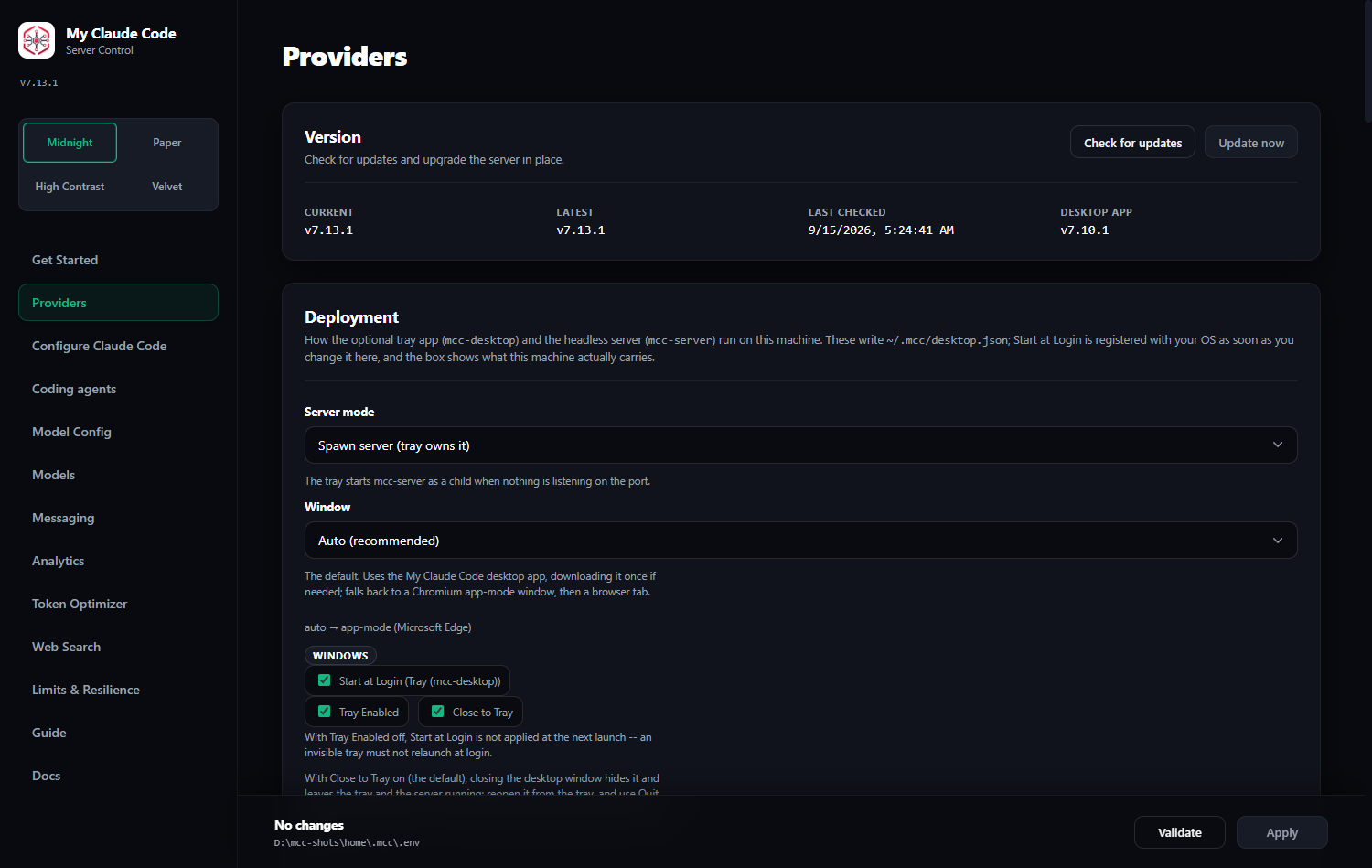
The dashboard is where everything is configured. Every setting maps to a variable in ~/.mcc/.env, and the UI writes to that same file — see .env.example for the fully annotated list. If you edit the file by hand, restart the server, because configuration is read at startup.
That file records choices, not defaults. A setting you have never touched appears as a commented placeholder naming what the code will use — # FALLBACK_BENCH_ENABLED= (default: false) — and a plain KEY=value line means it was set from the dashboard, so the field shows set here beside its label. Every field prints its default underneath, and one that was set gets a Use default button that removes the line again. Leaving a setting alone is what lets a later release change its default for you; storing the same value freezes it, which is the point of the distinction.
Blank means unset. Clearing a field removes its line, and the code default applies again — the one exception being a key your repo-level .env also sets, where MCC writes a bare KEY= to mask it if the setting's type accepts an empty value, and returns a warning naming the key if it does not. Warnings from a Save are shown in the dashboard rather than swallowed. Because "unset" is now a real state, selects carry an explicit Default (…) option and every boolean is a three-way choice — Default (On) / On / Off — instead of a checkbox that had no way to say "I never picked".
A value you wrote by hand is shown as written, and only what you edit is saved (7.121.1). A spelling the server accepts but a dropdown does not list — LOG_LEVEL=debug, PROXY_CHECK_ENABLED=True, NVIDIA_NIM_API_KEY_ROTATION=on_error, DDGS_BACKEND=brave,mojeek — appears as its own last option, selected, reading debug — saved, not in today's list; pick another option to change it, or Default (…) to clear it. A number a number box cannot hold (MODEL_DISCOVERY_REFRESH_SECONDS=7_200) is shown as text with the note not a number this box can hold. Until 7.121.1 those controls rendered blank, the page opened saying 5 unsaved changes, and Apply removed every one of those lines; now the page opens with No changes, and Apply sends only the settings you actually changed.
The server refuses a blank nobody asked for (7.121.3). A Save may only remove a setting's line when the page says, in the request itself, that the setting is being cleared — which the dashboard now does for Use default, the Default (…) option, and a box you empty on purpose. If a request tries to blank anything else, the whole save is refused with Not saved: this request would clear N settings without saying so: …, the settings it names, and nothing is written at all — not even the other, valid half of that save, and .env.previous is left alone. You will see that sentence only from a page that is out of date: a tab opened before 7.121.3 cannot say which settings you cleared (and one from 7.121.0 or earlier also sends blanks for values it could not display). Reload the dashboard after updating — a reloaded page is clean on load, sends only what you actually changed, and clears a setting exactly as before. Scripts and anything else that writes settings through POST /admin/api/config/apply must read back what they changed; a request that clears a setting names it in cleared alongside values ({"values": {"LOG_LEVEL": ""}, "cleared": ["LOG_LEVEL"]}), and a request that clears nothing needs neither.
If you have been running MCC since before 6.1.0, check one thing. Until then, the first Save of anything wrote every field's default into
~/.mcc/.envas a real value — and a value on disk always outranks a code default, so no default could ever change for you again. The upgrade deliberately does not rewrite those lines (a value on disk is effective configuration). Open Limits & Resilience and look at Bench failures (FALLBACK_BENCH_ENABLED): if it shows a set here chip and you never chose the value, press Use default. This is the setting that has moved most — off in 5.58.0, on in 5.61.0, off again in 6.14.0 — and a line on disk has outlived every one of those. Separately, the next Save after 6.2.0 regroups the file under six section headings instead of one# Limitsheading — the diff looks large, the values are untouched.
There is also a Guide tab inside the dashboard with a condensed version of this document, available offline.
On first run, the dashboard opens straight to a Get Started checklist instead of the Providers tab. It walks through configuring a provider, mapping model tiers, connecting Claude Code, and then points at the optional web search and analytics pages. Dismiss it once you're set up — the Get Started tab stays in the nav if you want it back.
Every command and its help flag¶
mcc-help prints the command reference. Since 7.113.1 every MCC command answers
--help (or -h) without doing anything else — it starts nothing, writes nothing
and opens nothing:
| Command | --help / -h |
--version |
|---|---|---|
mcc-server, my-claude-code |
the command reference; no server starts (since 7.111.5) | the version |
mcc-init |
the command reference; no .env is written (until 7.113.1 it created one) |
the version |
mcc-compact-log |
the command reference; the request log is not touched (until 7.113.1 it was rewritten and vacuumed) | the version |
mcc-migrate |
the command reference; nothing is moved (until 7.113.1 the migration ran) | the version |
mcc-help |
the command reference | the command reference |
mcc-chatgpt-oauth-login, mcc-anthropic-oauth-login |
their own usage, before any sign-in starts | the version |
mcc-apps, mcc-rtk, mcc-mcp |
their own usage | not an option: usage and an error exit |
mcc-desktop |
its usage, exit 2; nothing starts | the same |
mcc-claude, mcc-codex and the other agent commands |
handed to the agent, so you see the agent's own help (Claude Code's for mcc-claude), not MCC's |
the agent's version |
The agent commands pass --help on deliberately: everything after mcc-claude
is an argument for Claude Code. mcc-claude, mcc-claude-old and mcc-codex
check that the server is running before they hand anything over; the others pass
--help and --version straight to the agent.
Where your configuration lives¶
Everything MCC keeps for you sits in one directory: the .env above, your
custom providers, the OAuth tokens under auth/, the per-agent documents the
mcc-* launchers write, and logs/ (the server log plus the request-analytics
database).
| Install | Directory |
|---|---|
| A new install | ~/.mcc — on Windows, C:\Users\<you>\.mcc |
| Installed before 6.40.0 | ~/.mcc, migrated from ~/.fcc on the first start of 6.65.0 or later |
MCC_CONFIG_DIR set |
whatever absolute path you gave it, override everything else |
The server prints which directory it chose on the first line of its startup log, and the Get Started page repeats it. If you are ever unsure which config you are editing, that is the authoritative answer.
The rule is short:
MCC_CONFIG_DIRwins whenever it is set, and no migration is ever considered.- Otherwise
~/.mcc, if it exists. If~/.fccexists too,~/.mccwins, the startup log names both, and the other one is left completely untouched — the two are never merged and nothing is ever deleted. - Otherwise, if
~/.fccexists, it is migrated to~/.mcc(see below). - Otherwise a fresh
~/.mccis created, with a.envwritten from the shipped template and a proxy token generated on this machine.
Migrating from ~/.fcc¶
Since 6.65.0 the first start of the server does this for you. It is a single
atomic rename: nothing is copied, nothing is deleted, nothing is merged — the
whole tree moves at once, or nothing moves and the server refuses to start and
names the processes holding the directory open. A note saying how to move it
back is written to ~/.fcc-migrated.txt, and ~/.fcc-old/RESTORE.txt records
the exact command.
Quit the desktop app first. It holds desktop.lock inside the config home
for its whole lifetime, and a held directory is the one case the migration
refuses. Stop the server, quit the tray, then start the server again.
mcc-migrate runs exactly the same move by hand, before any server starts:
Stop the server and the tray first. This is not optional. A server that is
still running cached its log path at startup; it goes on writing to the old
location and recreates the legacy directory behind you, leaving you with two
half-configs. The command refuses to run while it can see a live MCC — it
checks the tray's lock file and knocks on the server's /health port — but
stop them yourself rather than relying on that.
# 1. Stop the server (Ctrl-C in its terminal) and quit the tray from its menu.
# 2. Then:
mcc-migrate
# 3. Start the server again:
mcc-server
Windows PowerShell is identical — the command is on your PATH after any
install. mcc-migrate --help prints the command reference and moves nothing
(until 7.113.1 it ran the migration).
What you should see:
Moved C:\Users\you\.fcc to C:\Users\you\.mcc. Nothing was copied and nothing
was deleted.

Rollback note written to C:\Users\you\.fcc-old\RESTORE.txt.
The command creates one more directory, ~/.fcc-old, containing a single
RESTORE.txt and no data at all. That file records the date and the exact
command to move everything back, written so that it fails loudly if the
legacy directory has reappeared instead of quietly nesting your config inside
it. Delete ~/.fcc-old whenever you are satisfied; nothing reads it.
Reasons the command will refuse, all of which leave every file where it is:
| Message | What to do |
|---|---|
Refusing to migrate: … already exists |
Both directories are present. Only you know which holds the data you want — move the unwanted one aside, or just keep using ~/.mcc. |
Refusing to migrate: an MCC server is answering … |
Stop the server, then re-run. |
Refusing to migrate: the desktop tray still holds … |
Quit the tray from its menu, then re-run. |
Could not move …: a file inside the legacy home is still open |
Windows only. The message lists the mcc-* processes holding files; close them and re-run. |
If you would rather keep your data where it is, you can. Setting
MCC_CONFIG_DIR=C:\Users\you\.fcc (or ~/.fcc) pins that directory
explicitly, and no migration is ever considered.
Pinning a directory with MCC_CONFIG_DIR¶
MCC_CONFIG_DIR is an environment variable, not a .env setting — the
directory has to be known before there is a .env to read. Set it in your
shell (or in the service definition that starts the server) to an absolute
path, and every process that reads it uses that directory and nothing else:
export MCC_CONFIG_DIR=/srv/mcc/config      # bash/zsh
$env:MCC_CONFIG_DIR = "D:\mcc\config"      # PowerShell, current session
It has to be set for the launchers too, not just the server — an mcc-claude
started in a shell without it reads a different directory than the server does.
The variable was introduced
with the MCC_ name and has only ever had that one; the FCC_* spellings of
the other variables were retired in 7.0.0.
Server logs under logs/¶
logs/server.log is the current log; older ones rotate to server.<date>.log.
SERVER_LOG_RETAIN_FILES (default 10) is how many rotated files to keep —
the current one is never counted and never deleted. 0 keeps every rotated
file, which is how an earlier install grew a 17 GB logs/ directory. The sweep
runs at startup as well as on each rotation, so lowering the number cleans up a
backlog on the next restart. logs/requests.db is the request-analytics
database and is never touched by log rotation.
The raw diagnostics settings — LOG_RAW_SSE_EVENTS, LOG_RAW_API_PAYLOADS,
the non-JSON lines of LOG_RAW_CLI_DIAGNOSTICS and LOG_RAW_UPSTREAM_BYTES —
write one line per record to logs/raw-diagnostics.log, tagged with the
request id and rotated and pruned exactly like server.log; the file is
created only while one of those settings is on, and it holds prompt text,
answer text and tool output in clear text, so turn them off again once the
problem is captured.
server.<pid>.log appeared next to server.log.
Since 7.69.6, if the startup rotation or the 50 MB size rotation cannot rename
server.log aside — another My Claude Code process on this machine already
has it open, which happens when two servers share one config directory —
this process does not touch server.log's existing content. It logs one
line to the console and one to the log it can still reach, and from that
point writes its own run to server.<pid>.log beside it. SERVER_LOG_RETAIN_FILES
still bounds how many of these are kept, the same way it bounds ordinary
rotated files. Since 7.69.8 that per-process file also rotates at 50 MB, to
server.<pid>.<date>.log, and every rotation of either file prunes the rotated
ones back to SERVER_LOG_RETAIN_FILES while the server runs, not only at the
next start — a server.<pid>.log itself, which may be another server's live
file, is left to the startup sweep. The fix: run one server per config
directory, or point the second one at a different MCC_CONFIG_DIR.
Console lines now start with a timestamp, and /health / poll lines stopped printing.
Since 7.69.6 every console line — uvicorn's own and MCC's — carries a local
timestamp. A successful (2xx) GET /health, the dashboard pulse
(/admin/api/requests/pulse), the in-flight poll
(/admin/api/requests/in-flight) and the proxy-chain ingest poll no longer
print to the console at all; a failing answer on any of those paths still
does, and nothing else changed — /v1/* traffic, admin writes, page loads
and 401s are exactly as visible as before. server.log is unaffected either
way; this is a console-only filter.
The server held the event loop for seconds and nothing said so.
Since 7.69.6, a hold of 2.0 seconds or more gets one INFO line in
server.log — how long, when it started, and the busy gesture if one was
running — even when LOG_LEVEL is at its default and DEBUG lines are not
being kept. A shorter hold is still only a DEBUG line, as before.
A pause, resume, or chain edit changed what's paused and nothing recorded it.
Since 7.69.6, every admin write that changes a rail's pause list — the Pause
button, Resume, a chain save that adds or drops a paused entry, a tier-rail
change — logs one INFO line naming the rail, the model refs added and
removed, the process id, and what triggered it. A save that leaves every
rail's pause list unchanged logs nothing.
The two addresses that matter¶
| What | Default | Who uses it |
|---|---|---|
| Proxy API | http://127.0.0.1:8082 |
your coding agent |
| Admin UI | http://127.0.0.1:8082/admin |
you, in a browser |
Same port. The Admin UI is additionally restricted to loopback callers — see Security and networking.
Running the server with the desktop tray¶
Two optional commands change how the server is owned, and both write to the same ~/.mcc/desktop.json state file:
| Command | What it does |
|---|---|
mcc-server |
The headless server. Blocks forever, binds :8082. This is the canonical path on WSL / headless Linux / macOS server. |
mcc-desktop |
A system-tray app. What it does on launch depends on its Server mode (below). |
The dashboard Deployment card (and the tray's Server mode menu) selects one of three modes:
| Mode | Meaning |
|---|---|
spawn |
The tray owns mcc-server as a child process. On launch, if nothing is listening on :8082, it starts the server itself. Best for Windows/macOS desktop users. |
attach |
The tray connects to an existing server on :8082 and never spawns one. For people who run mcc-server themselves (WSL / headless / ssh). If nothing is listening, the tray reports "server not running" and offers to open the dashboard. |
off |
Tray only; the desktop app does not touch the server at all. |
The older boolean server_auto_start is migrated on first read: true becomes spawn, false becomes attach.
Start at login, per platform¶
Start at Login registers a different target depending on where the machine lives, and the dashboard shows only the option that applies to the detected platform:
| Platform | What is registered |
|---|---|
| Windows | HKCU ...\CurrentVersion\Run entry for mcc-desktop (the tray). |
| macOS | A LaunchAgent for mcc-desktop (the tray). |
| WSL / Linux | A systemd --user unit (~/.config/systemd/user/mcc-server.service) for headless mcc-server, falling back to ~/.config/autostart/mcc-server.desktop when systemd isn't available. |
You can also drive these from the command line:
mcc-desktop --server-mode spawn|attach|off
mcc-desktop --autostart on|off
mcc-desktop --status
mcc-desktop --print-status
mcc-desktop --ensure-shell [--target PATH]
--ensure-shell: bring the desktop app up to this release's pin¶
Every release pins one build of the desktop app, and until 6.60.0 that pin was
checked in exactly one place: the moment the tray created a window. Launch
MyClaudeCode.exe from the Start Menu, the taskbar, or the Programs-folder
install instead — which is how most people launch an app — and nothing ever
compared what you were running with what the wheel wanted. One person ran the
v6.43.0 window for fifteen releases while the wheel updated itself every time,
so every desktop fix shipped in between was, for them, source-only.
--ensure-shell is that comparison as a command:
$ mcc-desktop --ensure-shell
{
  "updated": true,
  "from_tag": "v6.43.0",
  "to_tag": "v6.60.0",
  "staged_path": "C:\\Users\\me\\.local\\bin\\MyClaudeCode.exe.new",
  "restart_required": true
}
It reads the receipt beside the binary, and if it names another release it
downloads that release's archive, checks its SHA-256 twice — against the
digest pinned in the wheel and against the SHA256SUMS-desktop-shell.txt the
release publishes, which must agree — and then puts the verified executable
where it belongs.
It never writes over a window you are running, and the operating system is
what decides whether you are. The new executable is written beside the target
and then moved onto it: Windows refuses that for a file that is a running
image, and on Linux and macOS it is safe by construction, because a running
process keeps the file it started from. So if nothing has the app open it is
simply updated (restart_required: false); if something does, the file stays
exactly where it is and the replacement waits as MyClaudeCode.exe.new for the
next start of the app, which does the rename itself — the one moment nothing
holds either file open.
--target names the binary to update; without it the default install
(~/.local/bin) is meant. The window passes its own executable, so the copy
that changes is the one you actually launched — the Programs-folder install as
readily as the tray's.
You do not normally run this yourself. The app runs it for you: on launch it
compares the release stamped into it (MyClaudeCode.exe --version) with the
shell_release_tag in the status document, and when they disagree it stages the
update in the background and offers Restart now in its tray menu. The
dashboard's Update banner says the same thing.
--print-status: the same answers, as JSON¶
--status prints five key=value lines for a human. --print-status prints one JSON
document on stdout and exits 0, for a program:
$ mcc-desktop --print-status
{
  "schema": 1,
  "version": "6.42.0",
  "config_dir": "C:\\Users\\me\\.mcc",
  "config_dir_source": "current",
  "config_dir_is_legacy": false,
  "host": "127.0.0.1",
  "port": 8082,
  "root_url": "http://127.0.0.1:8082",
  "admin_url": "http://127.0.0.1:8082/admin",
  "health_url": "http://127.0.0.1:8082/health",
  "server_presence": "healthy",
  "port_conflict": null,
  "server_mode": "spawn",
  "window": "auto",
  "window_open": true,
  "window_width": 1400,
  "window_height": 900,
  "tray_enabled": true,
  "minimize_to_tray": true,
  "close_to_tray": true,
  "start_at_login": true,
  "autostart_reconcile": true,
  "server_log": "C:\\Users\\me\\.mcc\\logs\\server.log",
  "start_timeout_seconds": 20.0,
  "health_check_interval_seconds": 0.25,
  "health_poll_seconds": 5.0,
  "health_failure_threshold": 3,
  "activation_poll_seconds": 1.0,
  "reconnect_timeout_seconds": 1040.0,
  "reconnect_restatus_seconds": 30.0,
  "shell_tray": true,
  "shell_binary": "C:\\Users\\me\\.local\\bin\\MyClaudeCode.exe",
  "shell_release_tag": "v6.43.0",
  "shell_ready": true
}
Eight things are worth knowing about it:
autostart_reconcilesays whether anyone is enforcingstart_at_login. It isfalsewhenMCC_DESKTOP_SKIP_AUTOSTART=1is set in the environment, which turns the launch-time reconciliation of the OS registration into a no-op with one log line. Set it whenever you runmcc-desktopagainst a configuration directory that is not your own — a smoke, an installer test, a bug repro. The reason is that the registration is machine-global (oneHKCU\...\Runvalue, one LaunchAgent, one XDG entry) while the preference driving it lives inside a config directory: without the switch, launching against a scratchMCC_CONFIG_DIRreads a freshdesktop.json, sees the defaultfalse, and helpfully deletes the registration belonging to your real install.- It is a pure read. No server is started, no singleton lock is taken,
desktop.jsonis not written, and no autostart registration is touched. It is safe to run against a live machine, in a loop, from a script. hostis where you connect, not where the server binds. The default bind is0.0.0.0, which is not an address anything can navigate to; the wildcard is mapped to127.0.0.1here exactly as it is in the URL the server prints at startup.server_presenceis a four-way answer, not a boolean:healthy(a My Claude Code server is answering),free(nothing is listening),foreign(something else holds the port) ordraining(MCC's own server is on the port and is refusing every request with503while it finishes stopping). Onlyforeignfillsport_conflict, and it names the holding process.
draining is opt-in: it appears only when you pass --print-status --presence-v2.
Adding a value to a key is not a schema bump by the rule below, but the desktop
window refuses a presence it has no branch for rather than guessing at the nearest
neighbour — so a window built before 6.50.0 would turn a routine restart into an error
page. It asks for the fourth value; older readers keep the three they were written
against. Before 6.50.0 a draining server reported as foreign, which is why relaunching
the desktop app during a restart used to land on a port-conflict page accusing MCC's own
process of not being the MCC server.
- close_to_tray is already resolved for you. minimize_to_tray is the stored
preference; close_to_tray is the answer to "if the user closes this window, is there a
tray for it to go to?" — the preference and a tray that exists. A window cannot work
that out from tray_enabled, because that key answers "should you draw an icon", and
it is false on Windows and macOS precisely because a tray is already running.
- reconnect_restatus_seconds is how often a reconnecting window should re-read this
document rather than only re-pinging health_url. It is what lets a window notice that
the port has gone free and start a server itself.
- start_timeout_seconds and server_start_retries are the desktop app's start
budget. From 6.66.0 the app multiplies them (start_timeout_seconds x
(server_start_retries + 1), 45 s on the shipped values) and, once that has passed or
three servers have been started with no answer, replaces its "Starting the server..."
spinner with a page naming the child's exit code, its last lines of output, and the two
log files: the server's own server_log, and the app's logs/desktop-server-start.log.
It keeps starting the server every tick regardless — the budget decides what the window
says, never whether it tries again.
- schema is the compatibility handle. It is bumped when a documented key is removed
or changes type. New keys can appear without a bump, so a reader must ignore keys it
does not recognise, and should refuse loudly on a schema it does not know. The four
shell_* keys were added in 6.44.0 and the schema stayed at 1.
- tray_enabled answers "should you draw a tray", not "what is saved". While the
Python tray is running it reports false to the desktop app it launched — one icon,
not two — and shell_tray says the same thing in a key that cannot be confused with a
preference. mcc-desktop --status always prints the saved value, so nothing is hidden.
There are no keys, tokens or secrets in the document — it is safe to paste into a bug
report. reconnect_timeout_seconds and health_failure_threshold are the two numbers a
window must use rather than invent: together they are what stops a routine self-update
restart being drawn as a dead server.
The desktop app: fetched, verified, installed (6.44.0)¶
auto now starts with My Claude Code's own desktop app — a ~1.5 MB window built from
desktop-shell/ in this repository and attached to the same GitHub release as the wheel.
uv tool install cannot deliver a compiled binary, so the first mcc-desktop launch
after upgrading fetches it. What that means, in order:
| Step | What happens | If it fails |
|---|---|---|
| Pin | The wheel names one release tag (shell_release_tag) and one SHA-256 per platform. |
— |
| Published checksums | SHA256SUMS-desktop-shell.txt is downloaded from that release and compared against the pinned digests. |
Refuses — a replaced release asset cannot change what runs. |
| Archive | The ~1.5 MB .zip/.tar.gz is downloaded and its SHA-256 compared to the pin. |
Refuses. |
| Extract | Exactly one executable is read out of it. Symlinks and .. paths are refused, not sanitised. |
Refuses. |
| Install | Atomic replace into ~/.local/bin/MyClaudeCode[.exe]; a running copy on Windows is renamed aside and swept later. |
Refuses, and says to close the window. |
| Receipt | MyClaudeCode.receipt.json records the tag and digest beside the binary. |
— |
Every one of those failures is a warning, not an outage. Offline, behind a proxy, on
an architecture nothing is built for, or on a read-only home, the launch continues and the
window falls through to app-mode with a single line naming the reason. --print-status
reports shell_ready: false and a null shell_binary.
Because the receipt is checked first, this happens once. An unchanged pin costs one JSON read and no network at all. A pin that moves in a later release downloads once more.
Two switches, both environment variables read by mcc-desktop at launch:
DESKTOP_SHELL=off              # never use the desktop app; auto starts at app-mode
MCC_DESKTOP_SHELL_DIR=/some/where   # install it somewhere other than ~/.local/bin
mcc-desktop --window app-mode is the other way to opt out, and it is the stronger one:
an explicit --window falls back only through the browser providers, never into the app.
Unsigned, stated plainly. Windows SmartScreen may warn on first run — reputation is
per file hash and accrues from real download volume, and since a 2024 policy change even
an EV certificate no longer skips the prompt. Windows 11 machines with Smart App
Control may block it outright with no "run anyway"; there, DESKTOP_SHELL=off and
app-mode are the answer. On macOS the app is equally unsigned, but a file Python
downloaded is not quarantined — quarantine is applied by browsers, and urllib is not
one — so it never meets Gatekeeper's download gate. Download the same archive yourself in a
browser and you will meet it. That asymmetry was the original reason for shipping no
.dmg; since 6.45.3 there is one, and it carries the consequence rather than
ducking it — see The macOS desktop-app disk image.
Linux. The app carries its own tray, which is the one thing Linux never had, so
mcc-desktop runs there now. It needs webkit2gtk-4.1: Ubuntu 22.04+, Debian 12+,
Fedora 40+. Older distributions keep app-mode and the browser tab.
Picking a window¶
There is no single "native window" API that behaves the same across Windows, macOS, and Linux (WebView2 / WKWebView / WebKitGTK all differ), so mcc-desktop resolves its window through a provider chain: auto walks shell → app-mode → pywebview → browser.
Chromium app-mode — a real browser process launched with no tabs and no URL bar, its own taskbar entry, and a private profile under ~/.mcc/desktop-profile — is the fallback and remains a first-class one. Three things the dashboard depends on break inside an embedded webview: window.open (both OAuth logins use it), <a download> (the analytics export), and navigator.clipboard (every copy button). App-mode is a real browser process, so all three keep working.
Choose it with --window:
auto is the default — it tries the desktop app, then app-mode, then a plain browser tab if no Chromium-family browser (Edge, Chrome, Brave) is found. mcc-desktop --status reports which provider is currently in effect. Picking an option that isn't available on this machine falls back with a warning, not a failure.
The same choice is on the dashboard's Deployment card as a Window control, with a line underneath showing what auto currently resolves to (for example auto → app-mode (Microsoft Edge)). Reading this at launch means a change applies to the next mcc-desktop start, not a window already open.
Launching mcc-desktop a second time raises the existing window instead of opening a duplicate; closing the window does not stop the server (close ≠ quit) — use the tray menu or --server-mode off for that.
Installing the desktop shortcut¶
Pass --desktop to the installer (-Desktop on PowerShell) to add a platform shortcut at install time:
This writes a Start Menu .lnk on Windows, a .desktop entry on Linux, and a minimal .app bundle on macOS. It's opt-in — a plain install is unchanged — and if the shortcut can't be created, the installer warns and continues rather than failing the whole install.
When the desktop app is installed it already has the menu entry, and the installer steps aside instead of adding a second one: on Linux and macOS since the app's packages shipped, and on Windows since 7.79.1 — the desktop app's setup and install.ps1 -Desktop write the same My Claude Code.lnk, and a shortcut that opens the installed MyClaudeCode.exe is now left alone, by the installer and by uninstall.ps1 alike. Inside WSL --desktop writes no Linux launcher at all: WSL gets the server only, and the desktop app for that PC is the Windows one.
What the uninstaller removes¶
These two scripts are the server's uninstallers. The Windows desktop app has its own, separate one — "My Claude Code (desktop app)" in Apps & Features — which removes the window and deliberately leaves everything in this table alone. See The Windows desktop-app installer.
scripts/uninstall.sh and scripts/uninstall.ps1 remove everything the installers and the tray create, not just the command shims. Until 6.41.3 they removed the shims and the config directory only, which left a Start Menu entry pointing at a deleted mcc-desktop.exe and an autostart registration relaunching a package that was no longer installed.
Removed:
| Artefact | Path or key | Created by |
|---|---|---|
| Command shims | the uv tool bin directory | uv tool install |
| Config, logs, data and the exported icon | ~/.mcc/ (and ~/.fcc/ on a machine that was never migrated) |
normal use |
| Start Menu shortcut | %APPDATA%\Microsoft\Windows\Start Menu\Programs\My Claude Code.lnk — unless it opens the installed desktop app, whose entry it then is (kept, 7.79.1) |
install.ps1 -Desktop |
| Start-at-login value | HKCU:\Software\Microsoft\Windows\CurrentVersion\Run\MyClaudeCodeDesktop |
Start at Login |
| Desktop entry and icon | ~/.local/share/applications/my-claude-code.desktop, ~/.local/share/icons/hicolor/256x256/apps/my-claude-code.png |
install.sh --desktop |
| App bundle | ~/Applications/My Claude Code.app |
install.sh --desktop |
| LaunchAgent | ~/Library/LaunchAgents/com.myclaudecode.tray.plist |
Start at Login (macOS) |
| systemd user unit | ~/.config/systemd/user/mcc-server.service — systemctl --user disable --now runs first |
Start at Login (Linux/WSL) |
| XDG autostart entry | ~/.config/autostart/mcc-server.desktop |
Start at Login (Linux/WSL, no systemd) |
Kept: uv, the uv-managed Python runtime, Claude Code, Codex, Pi, shared PATH entries, the shared XDG directories the entry and icon lived in, and ~/.fcc-old/ (the directory holding the migration rollback note). ~/.claude/ is never touched.
Ordering and safety are unchanged: the desktop artefacts are removed only after every shim is verified gone, so a failed or unverified tool removal leaves your config and your shortcut alone. A shortcut or registry value that cannot be deleted (a file the shell has open, a locked key) is reported as a warning rather than aborting an uninstall that has already removed the tool. --dry-run / -DryRun prints every removal without performing it.
The desktop app starts the server itself, every ten seconds, on every path. Since 6.61.0 everything the window does about the server is decided by one controller on one ten-second tick, and the rule is decision Q4, in the user's own words: probe every ten seconds forever; if the server is dead, force start it on that tick. There is no attempt cap, no exponential backoff, and no page that waits for you to press something. Every page carries the same two numbers —
Starting the My Claude Code server… (last checked 3 s ago, next start attempt in 7 s)
— and Retry now only brings the next check forward. What it replaced was seven separate waiting loops, six of which could reach a page with nothing running behind it.
The concrete failure this fixes, reported on 2026-09-08: after Update-and-restart the app stops the server, then only watches; pressing F5 fixes it. F5 fixed it because reloading the page re-ran the one code path that could start a server. Now the tick starts it, so no path depends on a reload — and reloading the window during a wait shows you the same page you were on rather than resetting it to Checking the server…, which is the other half of the same defect.
A reload no longer loses the window's state. Every page used to be pushed into the document, so F5 threw it away. The page now asks the controller what state it is in as it loads.
The port-conflict page can now take the port back — but only from My Claude
Code. The window classifies the holder by process (its pid, image and command
line) rather than by whether a socket can be bound, so MCC's own server during its
twenty-second startup is never called a stranger. When the holder is one of ours
and it is wedged, the page offers Take port; when it is genuinely somebody
else's, it names the program and the pid, offers nothing, and keeps re-checking —
and it waits DESKTOP_FOREIGN_GRACE_SECONDS (default 45) before saying so at all,
because an unidentifiable holder during our own start is overwhelmingly us.
The update helper no longer starts the server when a window is watching. The dashboard's Update button, pressed inside the desktop app, tells the installer to install and exit; the window's next tick starts the new server. In an ordinary browser tab nothing is watching, so the helper restarts exactly as it always has. Two owners of "restart the server" is how one update came to start two of them.
Updating the server now updates the desktop app too. Just after it becomes
ready — on a thread, once per start, never on a request — the server compares the
desktop app installed on this machine with the release this build pins, and brings
it up to date through the same code mcc-desktop --ensure-shell runs: replaced in
place when nothing is running it, staged beside it as MyClaudeCode.exe.new when
something is, which the app's own next start renames in. One log line either way
(desktop app updated to vX / desktop app vX staged; it will be used at the next
app start), and the dashboard's version card says the same thing. Turn it off with
Update the desktop app automatically on the Desktop card
(DESKTOP_SHELL_AUTO_UPDATE=false), or with DESKTOP_SHELL=off, which turns the
app off altogether. Nothing is downloaded on a machine that has no desktop app
installed. Before this, the pin reached a machine only if somebody ran something,
and one user consequently ran a fifteen-release-old window while their wheel moved
through fifteen releases of fixes to that window.
On Windows the desktop app now owns the tray icon. There used to be two: the app's and the Python tray's, offering different menus and two different answers to "restart the server" from two processes that did not know about each other. The app's is the one that stays, because it is the process that survives an update and the process that owns the server lifecycle. Closing the window hides it to that icon and leaves the server running; the tray's Open dashboard brings it back; the tray's Quit is the only thing that ends the app. The Python tray remains the fallback wherever there is no desktop app installed, and on macOS.
Closing the window, and the reconnect banner¶
Closing the window puts the app in the tray. It does not quit it. Before 6.50.0
the close button ended the app outright — and took the tray icon and, in spawn
mode, the server with it. Since 6.50.0 the default is Close to Tray:
- the X hides the window and leaves the tray icon and the server running;
- the tray's Open Dashboard (also a plain click on the icon) brings it back;
- the tray's Quit is what ends the app, and it still stops only the server it started itself.
Turn it off with Close to Tray on the dashboard's Deployment card, or in the tray menu, if you would rather the close button ended the app. With Tray Enabled off there is nowhere to close to, so the close button ends the app whatever this says.
While the server restarts, the window says what it is doing. An update replaces the server process, and the window waits for the new one. That wait used to be a single sentence painted once and never touched again, which over a fourteen-minute update was indistinguishable from a frozen window. It now repaints on every health poll with:
- how long it has been trying and how much of the budget is left, counting down;
- what the last check actually said —
connection refused,shutting down,HTTP 502; - on Windows, which stage the update helper reported:
Waiting for the running server to stop.,Installing the new version.,Starting the updated server.
Those stages are appended to ~/.mcc/updates/progress.json, one JSON object per
line, by the helper that performs the update. Read it if a restart goes wrong; the
last line is where it stopped.
What you see during an update (6.71.0)¶
An update takes about a minute and a half on a warm cache. Until 6.71.0 the whole
of it looked like this: one sentence, painted once. uv's output went into a
variable and was written out at the very end, into a file nothing reads until the
episode is over — so during the only part of an update anyone cares about there
was literally nothing on disk to look at.
Now the installer writes two files, as it goes, both in
~/.mcc/updates/:
| File | What it is |
|---|---|
progress.json |
One JSON object per line, one per stage. Each carries the stage, the installer's own sentence, a UTC timestamp, seconds since the episode started, the installer's process id, the version it is heading for, and log — the path of the transcript below. |
install-<stamp>.log |
Everything uv printed, appended a line at a time as it prints it. One episode, one transcript. |
The stages are monotonic — an episode only ever moves forward:
waiting-for-parent → staging → stopping → verifying → swapping →
starting (the installer starts the server) or handing-off (the desktop app
does) → done; or rolling-back → recovered when the new version does not
answer, or failed → recovered when it never gets that far. installing
appears in place of staging/swapping on the repair path described below.
How an update is applied (6.72.0)¶
Until 6.72.0 an update was one command: uv tool install --force against the
environment you were running. uv empties a tool environment in place before it
resolves a single new byte, so that one command deleted the only working copy of
MCC on the machine and then went to the network. Measured here: mcc-server
answered normally at the start, failed with
ModuleNotFoundError: annotated_types 7.2 seconds later, failed with
ModuleNotFoundError: my_claude_code at 8 seconds, and the executable itself was
gone at 9.4 seconds. Two real updates took 58 and 102 seconds end to end. For all
of that there was no server, no mcc-server, and nothing to go back to — if the
download failed halfway, you had neither version.
Now the new version is built beside the one you are running:
staging— the new version is installed into a tools directory of its own, at<uv tools root>/../.mcc-staging/<stamp>/. Your installed version is not touched, somcc-serverkeeps answering for the whole of it. This is where all the time goes, and it starts before the server has even finished stopping.verifying— the staged version is run:mcc-server --versionhas to print the version that was asked for, andimport my_claude_codehas to succeed. A wheel that installs and then cannot run never reaches your installed copy; the update stops here and says so, and nothing was replaced.swapping— two directory renames exchange the old environment for the new one. Measured on the machine this was built on: 3.9 ms typical, 20 ms worst of ten. Your launchers are not rewritten at all — everymcc-*command is a small stub that runs whatever environment is at the canonical path, so the instant the new one lands there they run the new code. A command window you left open can no longer hold up an install.- The old environment moves to
<uv tools root>/../.mcc-previous/<stamp>/. It is not deleted yet. starting/handing-off, then the new server has to answer/healthwithin 90 seconds. If it does, the update isdoneand the previous copy is swept. If it does not, the update goesrolling-back: the previous environment goes back to the canonical path, it is started, and the page saysrecoveredrather than pretending the update worked.
Exactly one previous copy is kept — it is the rollback, and a second one is only disk. It is deleted only after the new server has answered.
Both directories are siblings of uv's tools root rather than children of it.
That is measured, not taste: a directory inside the tools root whose name uv
cannot read as a package name makes uv tool list fail outright and list
nothing.
The repair path. A release that adds a brand-new command needs uv to write a
launcher for it, and no rename can produce one. Those updates (and any machine
that is not a uv tool install) finish with the old in-place --force install
instead, against a cache the staging pass has already filled. It is a repair
path now, not the ordinary one.
Housekeeping. Older installers renamed the environment aside as
my-claude-code.old-<stamp> inside uv's tools root, where uv reads each one as
a broken tool and warns about it on every uv tool command. Any that are still
there are moved out on the next server start, along with abandoned staging
directories, and the last five installer transcripts are kept.
The desktop app shows all of it. While an update runs, the window shows the
stage timeline with each stage's clock time and how long it took, the total
elapsed time, the last fifteen lines of install-<stamp>.log refreshed on every
tick, the path of that file so you can open it yourself, and the installer's
process id. It reads both files directly, so it keeps showing them through the
seconds in which mcc-desktop itself cannot answer because its environment is
being replaced.
A dashboard in an ordinary browser tab cannot. It has no way to read a file on your disk, and the server it would ask is the thing being replaced. So it is honest about it instead: when you press Update now it prints both paths before the server stops, then counts down to the reconnect. That is the whole reason to run the desktop app during an update.
The hand-run installers write the same two files in the same vocabulary, so a
window watching them shows the same timeline whichever installer is running. Set
MCC_INSTALL_LOG to an existing transcript to make an installer append to it
rather than open one of its own.
A slow start is no longer a failed one. The window gives the server it
starts DESKTOP_SERVER_START_TIMEOUT (default 20 s) to answer, and since 6.58.1
it does that three times — DESKTOP_SERVER_START_RETRIES (default 2) more
attempts, 45 s in all — before it says anything went wrong. A real configuration
here takes 22–25 s to bind, because everything MCC loads at startup happens
before the port is opened; a single 15 s budget could not fit that, and the
window used to park on a Retry button about seven seconds before the server
answered. The countdown says which attempt it is on (attempt 2 of 3) so a
window that is patiently waiting cannot be mistaken for a stuck one.
A retry never starts a second server. A server that has not finished starting has not bound its port yet, so every check the window can make says the port is free — a retry that acted on that reading would put two servers into one bind race. What it watches instead is the child it started: still running means still coming up, and only a child that has actually exited is started again.
And the page you get if all three attempts run out is not the end. It keeps checking on the same health poll, so a server that binds a minute late is picked up and the dashboard loads with nothing asked of you. Retry is now an accelerator — check again now — rather than the only way out. Before 6.58.1 it was the only way out, and it was worse than that: nothing behind that page was still running, so waiting at it achieved nothing and closing and reopening the app was the only recovery anybody found.
The same applies to the very first launch. When MCC is not installed at all,
the desktop app runs the project's own installer and shows its output. It now
does that at most three times. An installer that succeeds without putting
mcc-desktop on the running window's PATH — the ordinary Windows first launch,
because a PATH change reaches only newly started processes — used to mean
installing MCC again every few minutes for as long as the window stayed open,
under a spinner that said Checking the server… the whole time. The window now
names what it is doing, quotes the installer's last line, tells you that quitting
and reopening it is the fix, and goes on watching for mcc-desktop to appear.
The installer itself is bounded too: one that stops to ask a question it will
never be given an answer to is stopped after 15 minutes rather than holding the
window for the rest of the session.
And the window now restarts a server that nobody else did. Every
DESKTOP_RECONNECT_RESTATUS_SECONDS (default 30) the reconnect loop re-reads
mcc-desktop --print-status instead of only re-pinging the health URL. If the port
has gone free and Server mode is spawn, it starts the server — once per
reconnect, never in a loop — and goes back to polling. Before that, a server that
had exited with nothing to restart it was waited on, idle, for the whole budget, and
closing and reopening the app was the only thing in the design that started one.
A restarting server is no longer reported as a port conflict. While MCC drains,
its own port answers every request with 503, and a window launched in that moment
used to be told the port was "held by python.exe (pid N), which is not the MCC
server" — about MCC's own process. The server now stamps x-mcc-shutdown: 1 on that
refusal and the window reads it as "shutting down", waits, and reconnects.
The single biggest thing you can do about a slow restart is check
SERVER_GRACEFUL_SHUTDOWN_SECONDSon Limits & Resilience. It bounds the drain, and every update waits it out twice over: once while the old server finishes, and again in the reconnect budget the window shows you. At the shipped default of20the banner says about 17 minutes; at300it says 22, and roughly five minutes of every update is that setting alone.
DESKTOP_* settings apply on the next launch¶
These settings apply on the next
mcc-desktoplaunch, not to a tray already running.mcc-desktopis a separate process frommcc-serverand reads them once at start — changing one in the dashboard or in~/.mcc/.envdoes nothing to a tray you already have open. Quit and relaunchmcc-desktopto pick it up.
Nineteen settings live under Admin → Providers → Desktop, beside the live desktop panel. They sat on the Limits page until 6.2.0; if you are following an older note, that is where they went.
| Setting | Default | Range |
|---|---|---|
DESKTOP_HEALTH_POLL_SECONDS |
30 | 0.5–3600 |
DESKTOP_HEALTH_FAILURE_THRESHOLD |
3 | 1–1000 |
DESKTOP_ACTIVATION_POLL_SECONDS |
1 | 0.1–3600 |
DESKTOP_RECONNECT_RESTATUS_SECONDS |
30 | 5–3600 |
DESKTOP_SERVER_START_TIMEOUT |
20 | 1–300 |
DESKTOP_SERVER_START_RETRIES |
2 | 0–20 |
DESKTOP_ADMIN_REQUEST_TIMEOUT |
5 | 0.5–60 |
DESKTOP_HEALTH_CHECK_INTERVAL |
0.25 | 0.05–5 |
DESKTOP_WINDOW_WIDTH |
1400 | 640–7680 |
DESKTOP_WINDOW_HEIGHT |
900 | 480–4320 |
DESKTOP_BROWSER_PATH |
(empty) | any path |
DESKTOP_TICK_SECONDS |
10 | 1–3600 |
DESKTOP_START_BACKOFF_SECONDS |
10 | 1–3600 |
DESKTOP_HEALTH_PROBE_TIMEOUT |
1.5 | 0.1–60 |
DESKTOP_HEALTH_PROBE_TIMEOUTS |
5,10,15 | seconds, comma-separated |
DESKTOP_BUSY_GRACE_SECONDS |
15 | 0–3600 |
HEALTH_HEARTBEAT_INTERVAL_MS |
100 | 10–10000 |
HEALTH_BUSY_LAG_MS |
500 | 0–60000 |
REQUEST_WATCHDOG_ENABLED |
true | true / false |
REQUEST_WATCHDOG_STALL_SECONDS |
300 | 0–86400 |
REQUEST_WATCHDOG_INTERVAL_SECONDS |
30 | 1–3600 |
REQUEST_WATCHDOG_LOG_MAX_MB |
5 | 0–1024 |
DESKTOP_FOREIGN_GRACE_SECONDS |
45 | 0–3600 |
DESKTOP_STATUS_WALL_SECONDS |
15 | 1–600 |
DESKTOP_SHELL_AUTO_UPDATE |
true | true / false |
The five new in 6.61.0 are the desktop app's lifecycle: DESKTOP_TICK_SECONDS is
how often it checks the server and how often it starts one that is not running;
DESKTOP_START_BACKOFF_SECONDS is the shortest gap between two starts, equal to
the tick by default, and raising it is how you slow the retries on a server that
fails on start without slowing the health check;
DESKTOP_HEALTH_PROBE_TIMEOUT is one check's socket timeout, in every process
that makes one, replacing two constants that were meant to be the same number and
were not; DESKTOP_FOREIGN_GRACE_SECONDS is how long an unrecognised program may
hold the port before the window calls it a conflict rather than assuming the
holder is My Claude Code still starting; and DESKTOP_STATUS_WALL_SECONDS is how
long the app waits for one status read before painting something anyway — raise it
on a machine where antivirus scanning makes a cold start take longer than that.
DESKTOP_SHELL_AUTO_UPDATE is the server's one-shot desktop-app update described
above.
When mcc-desktop finds the server dead (7.70.0)¶
mcc-desktop probes /health every DESKTOP_HEALTH_POLL_SECONDS — 30 s since
7.70.0 (it was 5 s) while the server answers — and every 5 s once a probe has
failed, exactly as fast as before. After DESKTOP_HEALTH_FAILURE_THRESHOLD (3)
failed probes it asks the operating system, not another timeout, what
happened:
| What the OS says | What you are told |
|---|---|
The server's process (the pid it named in x-mcc-pid) has exited |
at once: "…process 58620 has exited. Start it again with mcc-server." |
| The process is alive but no longer holds the port (a lost listener), or nothing listens and no pid is known | once that has held for 3 looks over 30 s (DESKTOP_HEALTH_FAILURE_THRESHOLD × DESKTOP_TICK_SECONDS), so an in-process reload that re-binds its own port is never announced |
| A program that is not My Claude Code now holds the port | at once, naming it; nothing is stopped |
| My Claude Code still holds the port (busy), or the lookup failed, or an update is installing | nothing, however long it lasts — a busy server is never called dead |
It says so once per outage, and "…is answering again." when an announced outage ends. It never restarts anything itself.
Where the sentence goes. Always into server.log. Then: with the Python tray
icon (macOS, or Windows without the desktop app), as that icon's notification;
while the desktop app is running, nothing else is shown by mcc-desktop — the
notification belongs to the app, under its own name, and the app shows it from
7.71.0 (below); with no desktop app, one
stamped line on the console mcc-desktop runs in ([2026-10-04 07:02:11] My
Claude Code: The My Claude Code server on port 8082 is not answering (since 07:01):
process 58620 has exited. …). On Windows mcc-desktop normally runs windowless,
so there the server.log line is the record. A server that loses its own port
already says so in its console (7.69.2) and exits with code 75.
A slow server keeps its dashboard; a dead one is replaced (7.71.0)¶
What was wrong. On 2026-09-28 at 14:40 the desktop app replaced a server that
was working: one /health answer came late, the app had only a process id cached
from a status read that a healthy answer never refreshes, an unknown process id
counted as dead, and the server the app started then took the port from the busy
one. And on 2026-10-01 a server sat dead for seven hours with no notification at
all. From 7.71.0 the app decides from what the operating system says, never
from a timeout:
| What the OS says | What the app does |
|---|---|
| The server's process still holds the port (or the lookup failed, or could not tell who holds it) | Slow. The dashboard stays on screen under an amber banner — "The server is busy: it is running (process 33560) and still holds port 8082, but has not answered for 37 s. Nothing will be restarted while that is true." Nothing is reloaded, started or stopped, for as long as that holds. When it answers again the banner goes away; the page is not reloaded. |
| A program that is not My Claude Code holds the port | After DESKTOP_FOREIGN_GRACE_SECONDS (45 s), the port-conflict page and one notification. Nothing is ever stopped. |
| Nothing listens and the server's process has exited | Replaced at once. |
| Nothing listens and the process is still running (it lost its port) | Replaced after DESKTOP_HEALTH_FAILURE_THRESHOLD (3) looks spanning that many DESKTOP_TICK_SECONDS (30 s), so a reload that re-opens its own port is never touched. |
| A server the app started is still running and has never opened the port | Replaced once it has been running for the whole start budget (DESKTOP_SERVER_START_TIMEOUT × (DESKTOP_SERVER_START_RETRIES + 1), 60 s at 20 × 3), with every look across that budget agreeing — one look that sees the port held, or a lookup that fails, starts the count again — and never a server that ever answered, even 503 starting. |
What "replaced" does. mcc-desktop --rescue looks again from fresh OS tables
and does nothing at all if anything holds the port now. Then, for each old
server — only My Claude Code server processes tied to this port and this
configuration folder (one whose last record in this folder's request log was
this port — from 7.72.0, a record written by that very process, never one left by
an earlier process that had the same process id — or the exact server the app
itself started); never a server on another
port, never one of another configuration folder, never a program that is not My
Claude Code — it waits up to SERVER_GRACEFUL_SHUTDOWN_SECONDS + 4 s (24 s by
default) for it to finish its open requests and exit by itself, stops by exact
process id, innermost first, only what is still there and still has no port, waits
up to DESKTOP_BUSY_GRACE_SECONDS (15 s) for the port to be free, and only then
starts the new server. For the first DESKTOP_BUSY_GRACE_SECONDS the app watches
the new server and never acts on it. Every server the app starts is started with
--no-port-takeover (it never takes the port from anything, whatever
SERVER_PORT_TAKEOVER says) and MCC_OPEN_BROWSER=0 (no browser tab beside the
window).
The notification. When the server is found dead, and for every replacement, the app says what happened, what was stopped and why — "The My Claude Code server on port 8082 stopped answering: process 58620 is still running but no longer holds the port, so it cannot take requests. It was given 24 s to finish and exit by itself and did not, so it was stopped by process id because it had lost its port (pids 42776, 58620). A new server is starting." — in three places:
- in the window, as a banner at the bottom (dismissable), always;
- in the app's transcript,
desktop-server-start.logbesideserver.log, always — with one more line saying how (or why not) it was shown natively; - as a notification under the app's own name where the platform allows it:
on Windows only when the app was installed with the Windows installer
(
MyClaudeCode-Setup-windows-x86_64.exe), which registers the name "My Claude Code" for notifications and removes it again when the app is uninstalled; a copy of the app thatmcc-desktopfetched by itself has no such registration and shows the banner instead of a notification labelled with another program's name. On Linux throughnotify-sendwhen it is installed. On macOS this release shows the banner only. Whenmcc-desktop's own tray icon is the one drawing the icon (macOS today), that icon announces the outage and the app does not say it twice.
The desktop app has to be updated to get this. It is a change to the app, not
only to the server. The app release is 7.71.1 (7.71.0 published it first; 7.71.1
fixes its Windows notification, which 7.71.0 never showed on a fresh install); the
server that pins it — and so fetches it — is 7.71.2 and later (the pin can only
name an app release that already exists). Such a server updates the app it pins after it is ready
(DESKTOP_SHELL_AUTO_UPDATE), and a running app is staged and swapped in the
next time it starts — so quit the app and start it again once after updating.
Until then the app you have keeps its old behaviour (it reloads the dashboard
after a missed check and restarts a server it believes is dead); the 7.70.0
server already protects a busy server from being taken over by a start that finds
it answering.
A busy server is not an absent one (7.26.0)¶
The two new in 7.26.0 exist because the desktop app used to restart a server
that was working. One /health answer that arrived later than 1.5 seconds was
enough: the window read a single late sample as the server is gone, started a
second mcc-server, and that second server took the port from the first one by
process id. On the machine this was found on it happened six times between
2026-09-16 and 2026-09-18, always in the middle of a long operation — a
three-hundred-address proxy add, a big provider refresh — and there was not one
crash in the logs. The server was never dying. It was busy.
DESKTOP_HEALTH_PROBE_TIMEOUTS is how long each further check may take once
the app has seen this server answer: one number per consecutive failure, in
seconds, the last one repeating. The default 5,10,15 gives a server that is
merely busy about thirty seconds to finish what it is doing. Leave it empty to
use the single DESKTOP_HEALTH_PROBE_TIMEOUT for every check, which is what
7.25.0 did.
DESKTOP_BUSY_GRACE_SECONDS is how long the app leaves a server of its own
alone after it last answered, whatever a later check says. Inside that window
the app shows The server is busy (N s since it last answered) and starts
nothing. Set it to 0 to restart on the first missed check, as before 7.26.0.
DESKTOP_HEALTH_FAILURE_THRESHOLD — which has been a setting since 6.61.0 and
which the desktop window's own controller had never read — now does what this
page and the app's README have always said it does: a server the app can see,
whose process is alive, must miss that many checks in a row before the app calls
it gone.
What does not change. A server whose process has actually exited, or a port
nothing is listening on, is started again immediately, on exactly the same check
it always was — none of the three settings above applies to a server the app has
never seen answer. Nothing about updating or installing changes. (Since 7.70.0
SERVER_PORT_TAKEOVER=always takes the port only from a holder that is not
answering: a server you start yourself from a terminal while another My Claude
Code answers on the port says so and exits — see
If something else is on the port.)
And now the server says so itself (7.27.0)¶
7.26.0 taught the desktop app to wait. 7.27.0 is the other half: the server stops holding its own event loop for that long, and while it is busy it says so.
Two settings, on Limits & Resilience under Server responsiveness.
HEALTH_HEARTBEAT_INTERVAL_MS (100) is how often one task asks to sleep and
records how much later than that it actually woke — that difference is how long
something held the loop, and it is the only honest measure of it.
HEALTH_BUSY_LAG_MS (500) is how late the loop has to be before GET /health
answers with x-mcc-busy: 1 and three extra fields: busy , busy_since and
busy_reason ("300 proxy address(es) are being tested for NVIDIA NIM"). The
status is still 200 and the body still carries {"status": "healthy"} — the
busy fields are beside it, never instead of it, so anything that has never heard
of them reads exactly what it always read. Set HEALTH_BUSY_LAG_MS to 0 to
stop marking answers at all; the measurement carries on either way.
What actually got faster. Three things that used to hold the loop, measured on the reporting machine:
- A chain save no longer sweeps every provider. Saving a proxy chain used to
fire a background
/modelsquery against every configured provider — 1.6–9.7 s of held loop per call. A chain edit changes the address a provider dials from, not the models it has, so it no longer asks. The generation is still rebuilt before the save answers, so the new chain routes immediately — and since 7.55.0 only the provider whose chain you saved is rebuilt: every other provider keeps its client, its credential pool and its benches. The automatic speed order of 7.56.0 ("Keep the fastest healthy proxy first", off for every chain saved before it) writes through the same save, so it too rebuilds only the provider whose chain it reordered. - A bulk add rebuilds once, not once per batch. The page sends a long selection in batches of ten and used to republish after each one — thirty generation rebuilds for three hundred addresses. Now only the last batch republishes, and a run you Stop part-way republishes when it stops, so nothing that landed waits for a restart.
- The TLS handshakes moved off the server's loop. "Add all working" opens up
to a hundred tunnels at once. Measured against 300 addresses at concurrency
100: the loop was up to 650 ms late, and is now up to 65 ms — with the
same checks, the same trust, the same verdicts and the same wall-clock time.
Only
check_proxymoved, onto one worker thread for the length of the sweep.
DESKTOP_BROWSER_PATH points at a browser binary in a nonstandard location; if the path no longer exists, mcc-desktop warns and falls back to the built-in search instead of failing to start. DESKTOP_WINDOW_WIDTH/HEIGHT are only the window's initial size — once it has opened, its size and position are remembered across launches, so changing these later applies on first run or when you actually change the setting, not every launch.
WSL and headless: still no tray. Linux desktop: now there is one.¶
mcc-desktop needs a desktop session — a tray, a window manager, a browser it can launch. WSL and headless Linux don't have one. Run mcc-server there instead; it's the same server without the tray, and it's the canonical path for WSL / headless Linux / macOS server (see Running the server with the desktop tray above). Trying to run mcc-desktop on WSL/headless explains this and gives you the dashboard URL instead of hanging.
A Linux machine with a display is a different case, and changed in 6.44.0. The old refusal — "no Linux tray backend is packaged" — was about pystray, which is declared Windows/macOS only and always will be. The desktop app carries its own tray, so with DISPLAY or WAYLAND_DISPLAY set and the app installed, mcc-desktop runs on Linux: one window, one tray, both from the app. Without the app (DESKTOP_SHELL=off, no network on first launch, an unbuilt architecture) the refusal comes back and now names the reason it could not be used.
Reach the dashboard from a Windows browser at the address mcc-server prints on startup — normally http://127.0.0.1:8082/admin, which WSL forwards to Windows automatically in most configurations.
The embedded webview (pywebview), and its caveat¶
pywebview is the third link of the chain, behind the desktop app and app-mode. It ships switched off and is not installed as a dependency. Two reasons: MCC can't guarantee pywebview's embedded webview handles downloads and external links correctly (the same window.open / <a download> / clipboard breakage described above), and on macOS its run loop conflicts with the tray's own run loop.
To opt in anyway: install pywebview yourself into the same environment MCC runs in, then set --window pywebview (or pick Embedded webview on the dashboard's Deployment card). It is present, gated, and unexercised by default — treat it as experimental, and expect OAuth login, the analytics export, and copy buttons to potentially misbehave inside it.
4. Tutorial: connect Claude Code (CLI)¶
Claude Code is configured through its settings file, not shell variables. This matters: ~/.claude/settings.json takes precedence over exported environment variables, so export ANTHROPIC_BASE_URL=... in your shell will appear to do nothing if the settings file says otherwise.
Step 1 — open the settings file¶
| Platform | Path |
|---|---|
| macOS / Linux / WSL | ~/.claude/settings.json |
| Windows | %USERPROFILE%\.claude\settings.json |
If the file doesn't exist yet, create it.
Prefer not to hand-edit it? The Claude Code settings file card on the dashboard's Providers view lists every settings file it can see on this machine (including the Windows-side file when this server runs under WSL) and warns when a higher-precedence file — like an enterprise managed settings file — already sets these variables and would override the one you configure here.
Step 2 — add the env block¶
{
  "env": {
    "ANTHROPIC_AUTH_TOKEN": "<your token from Providers -> Runtime>",
    "ANTHROPIC_BASE_URL": "http://127.0.0.1:8082"
  }
}
Keep any other keys you already have — merge these two entries into the existing env object rather than replacing the file.
ANTHROPIC_BASE_URLpoints Claude Code at your local server.ANTHROPIC_AUTH_TOKENis sent as a bearer token. It must match the proxy's ownANTHROPIC_AUTH_TOKEN. Since 6.65.0 that value is generated on your machine the first timemcc-serverstarts without a.env, so there is no shipped value to copy: read yours on the dashboard under Providers -> Runtime. On a loopback server (HOST=127.0.0.1, the default) the token may also be empty, in which case any value works.
On the token: it authenticates your agent to the proxy, nothing more. It is not a provider key. If you clear
ANTHROPIC_AUTH_TOKENon the server, the proxy stops requiring authentication altogether — convenient on a single-user machine, but read Security and networking first.
Step 3 — restart Claude Code and verify¶
Restart the app, then run:
It should report:
If it still shows Anthropic's own endpoint, the settings file wasn't picked up — check you edited the right path for your platform and that the JSON is valid.
Step 4 — pick a model¶
No model overrides are needed — MCC exposes native Fable / Opus / Sonnet / Haiku tier models, so you can type a tier name at the /model prompt either way. Claude Code's built-in picker, though, only lists the MCC catalog once model discovery is on: add "CLAUDE_CODE_ENABLE_GATEWAY_MODEL_DISCOVERY": "1" to the env block from Step 2, or use mcc-claude --discover-models from the Shortcut below.
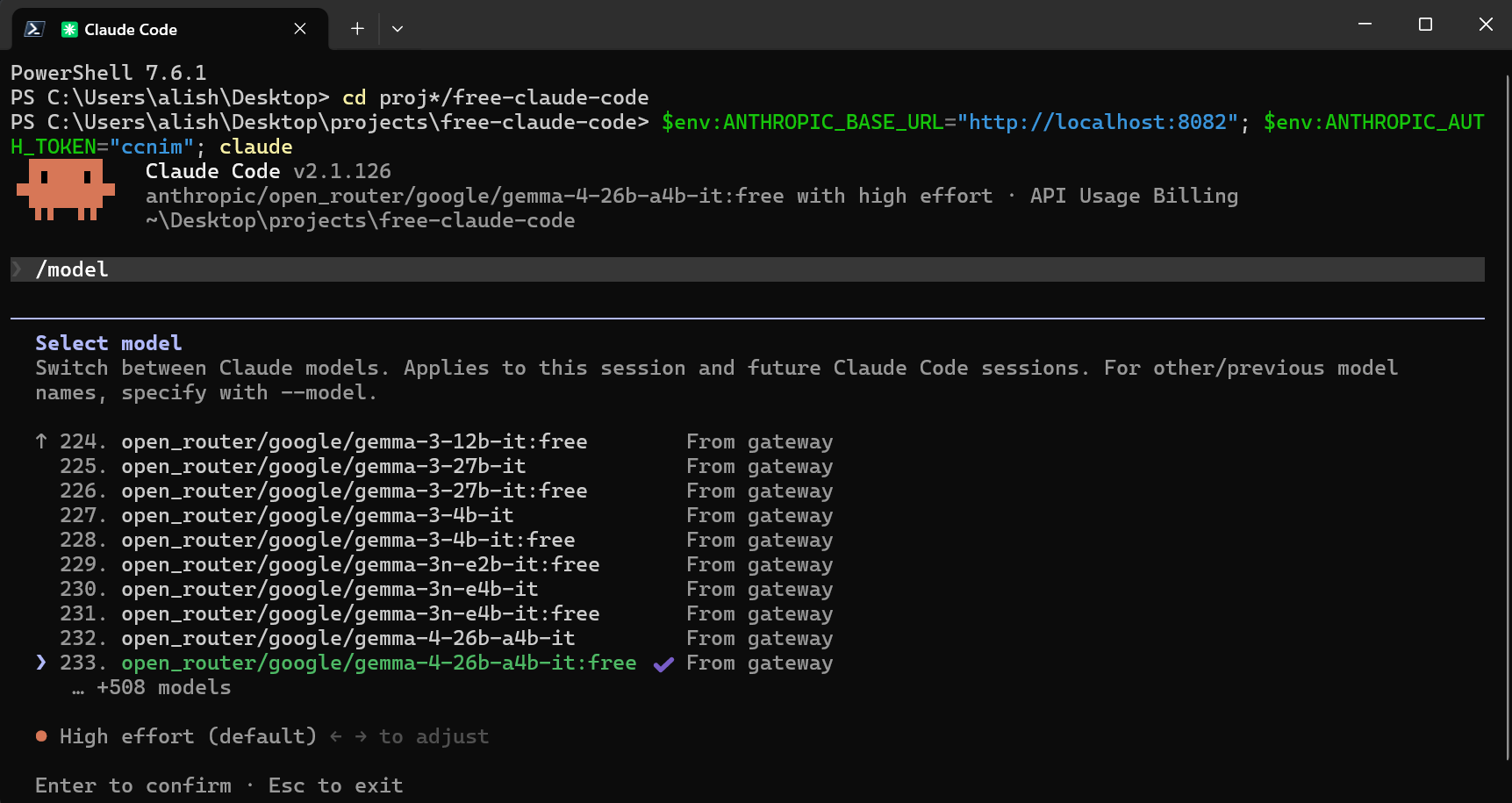
/model in Claude Code, listing the MCC catalog (model discovery on).
Shortcut¶
If you'd rather not edit the settings file, the bundled launcher sets the two proxy variables for the session:
mcc-claude only sets ANTHROPIC_BASE_URL and ANTHROPIC_AUTH_TOKEN — it
doesn't touch anything else, since ~/.claude/settings.json (Step 2 above)
takes precedence over environment variables anyway. This also means its
native model picker stays empty by default; pass --discover-models to have
mcc-claude additionally set CLAUDE_CODE_ENABLE_GATEWAY_MODEL_DISCOVERY=1
for the session (an extra request to the proxy on every launch, so it's
opt-in):
If you want the previous mcc-claude behavior — gateway model discovery
enabled, the auto-compact window set, telemetry/autoupdate disabled, and
inherited ANTHROPIC_* variables cleared — run mcc-claude-old instead.
Official references: Claude Code LLM gateway docs · settings.json reference
5. Tutorial: connect Claude Desktop¶
The desktop app has a native gateway setting. Since 6.56.0 MCC can write it for you: the Claude Desktop card in the Desktop apps group owns one document in the app's local configuration library (%LOCALAPPDATA%\Claude-3p\configLibrary\, macOS ~/Library/Application Support/Claude-3p/configLibrary/) and points the library's appliedId at it, leaving every configuration you authored where it is. That library is the lowest-precedence source the app reads, so where a managed profile is present (HKLM/HKCU\SOFTWARE\Policies\Claude, or macOS Managed Preferences) the card says so and offers no button rather than writing a file the app will ignore.
The manual route below is still the fallback — it is what to do when the app has never written that library, or when your organisation manages it. Its Code tab also honours the ~/.claude/settings.json above, but the gateway configuration below is the supported path for the app itself.
Menu labels shift slightly between app versions; this is the currently documented route.
Step 1 — enable Developer Mode¶
Help → Troubleshooting → Enable Developer Mode
The app restarts and gains a Developer menu.
On older builds the path is Settings → enable Developer mode, which exposes Settings → Developer instead.
Step 2 — open the inference settings¶
Developer → Configure Third-Party Inference…
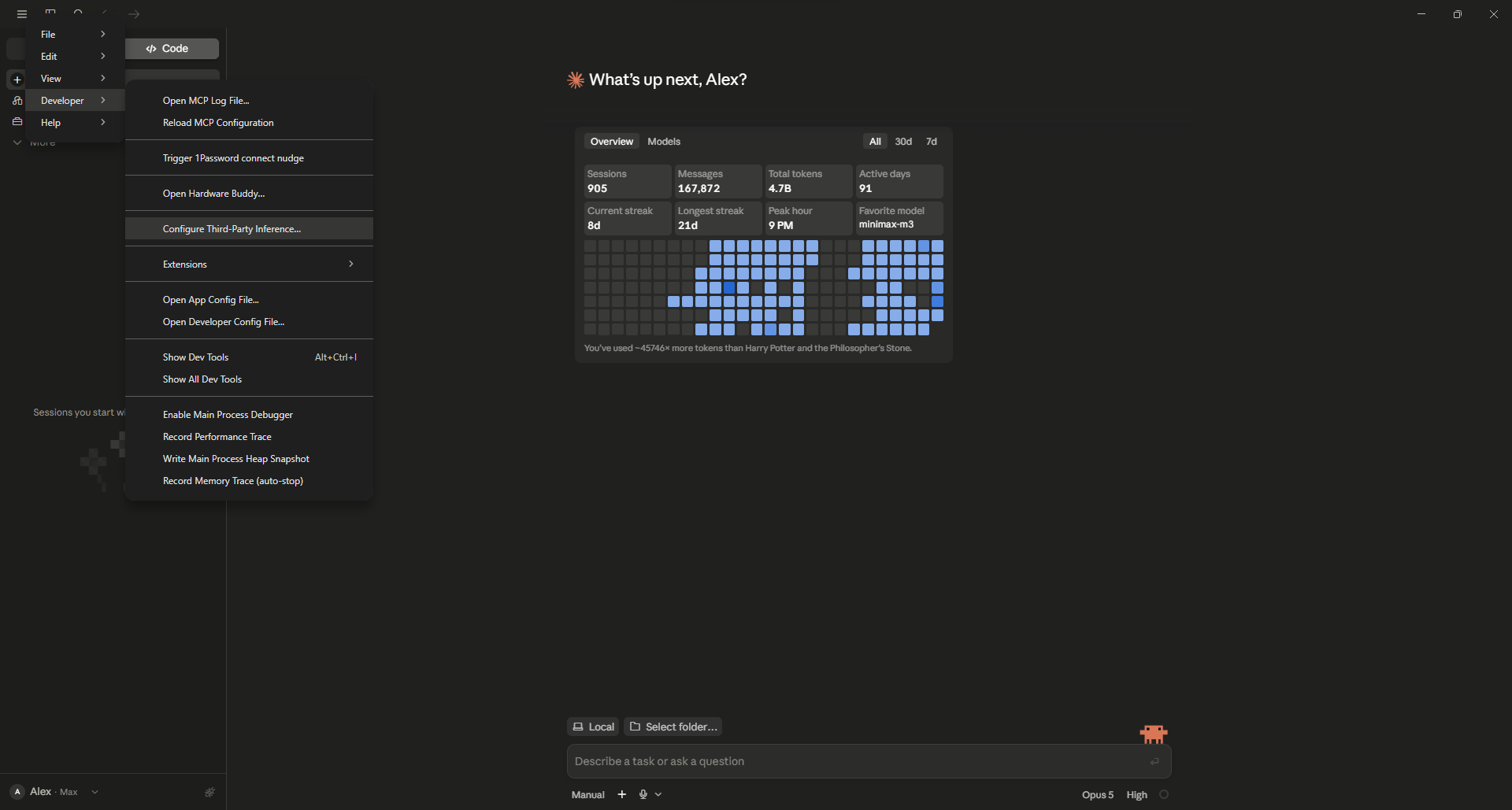
Step 3 — fill in the Connection section¶
| Field | Value |
|---|---|
| Connection | Gateway |
| Gateway base URL | http://127.0.0.1:8082 |
| Gateway API key | your ANTHROPIC_AUTH_TOKEN (dashboard: Providers -> Runtime) |
| Gateway auth scheme | bearer |
| Credential kind | Static API key |
| Model discovery | off |
Then fill in Model list with the five entries MCC's own Configure writes.
Claude Desktop accepts a model name only if it looks like a Claude model, so
these are display names MCC resolves itself — mcc/best and its siblings are
rejected by the app's own filter:
| Model ID | Display label | Tier alias | Default for tier | Routes to |
|---|---|---|---|---|
claude-mythos-5.1 |
Mythos 5.1 | mythos |
yes | MODEL_MYTHOS (mcc/cyber) |
claude-fable-5.1 |
Fable 5.1 | fable |
yes | MODEL_FABLE (mcc/best) |
claude-opus-5 |
Opus 5 | opus |
yes | MODEL_OPUS (mcc/good) |
claude-sonnet-5 |
Sonnet 5 | sonnet |
yes | MODEL_SONNET (mcc/medium) |
claude-haiku-4.5 |
Haiku 4.5 | haiku |
yes | MODEL_HAIKU (mcc/cheap) |
Tick Offer 1M-context variant and Default to 1M context on each. Do not
use a bare tier name such as sonnet or mythos as a model ID: with discovery
off the app flags it, because bare aliases are what discovery resolves.
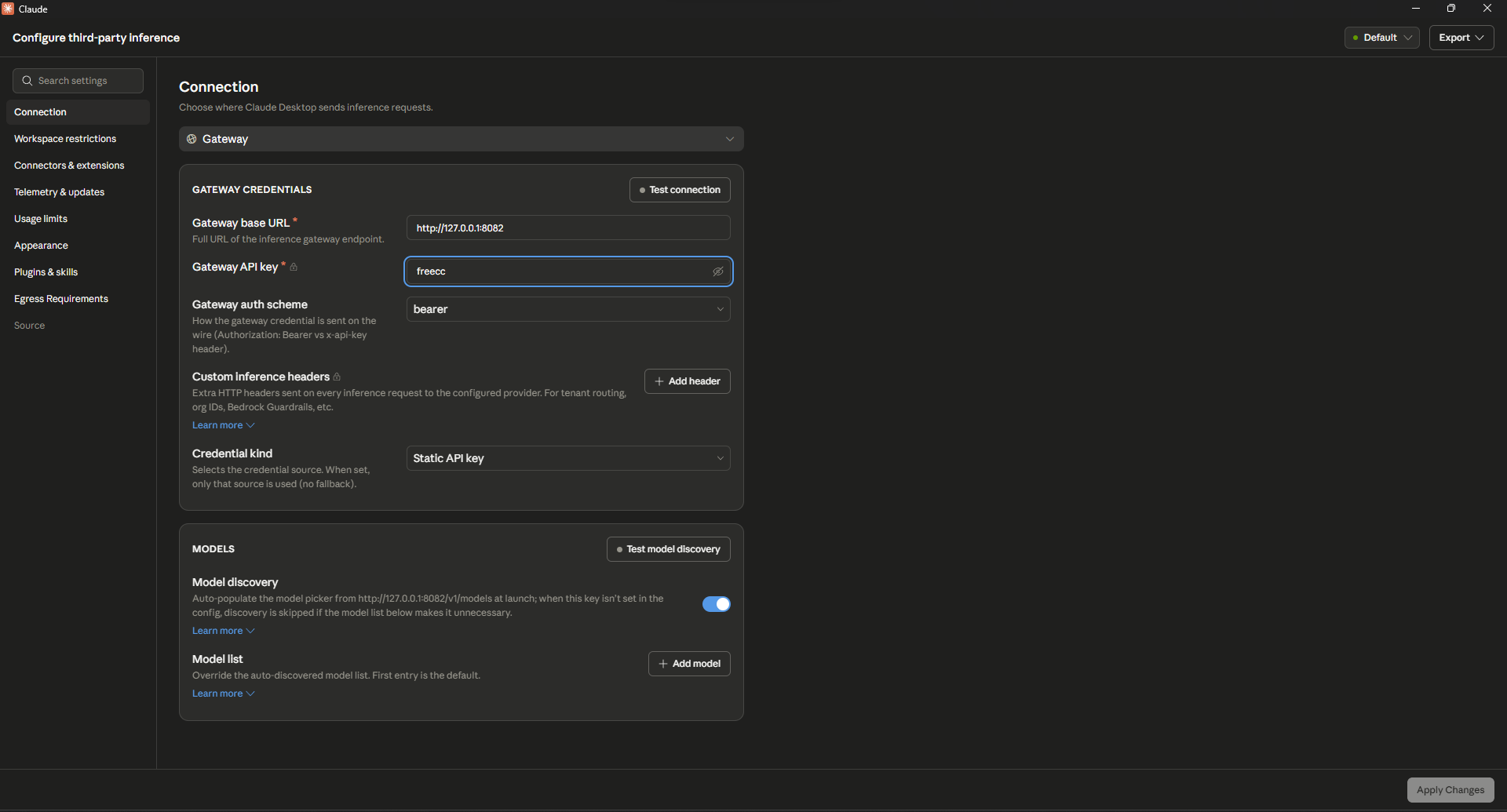
Then click Apply Changes.
Use the port from your server's startup log if it isn't 8082, and match the API key to your ANTHROPIC_AUTH_TOKEN, which the dashboard shows under Providers -> Runtime.
Step 4 — test before restarting¶
The dialog has Test connection and Test model discovery. Both hit your running MCC server, so use them to confirm the setup before restarting — the server must be running or they will fail.
Step 5 — restart the app¶
With Model discovery off and the five models named above, the picker is
filled from your own list at launch rather than from a /v1/models call, so it
cannot come up empty because a request was slow.
Two things to expect:
- The initial warning dialog can be safely ignored.
- With a gateway active, the desktop app runs local sessions only — no Anthropic-hosted cloud environments.
6. Point a desktop app here¶
Section 5 is a tutorial for one application. This section is the general case: Coding agents -> Desktop apps lists every desktop application MCC knows about, says what state each one is in on this machine, and — for the ones whose configuration lives in a file MCC can find — gives you one button to write it and one to take it back out.
MCC never launches these applications, and never sets an environment variable on your behalf. The card tells you what to export and what to restart; you do both.
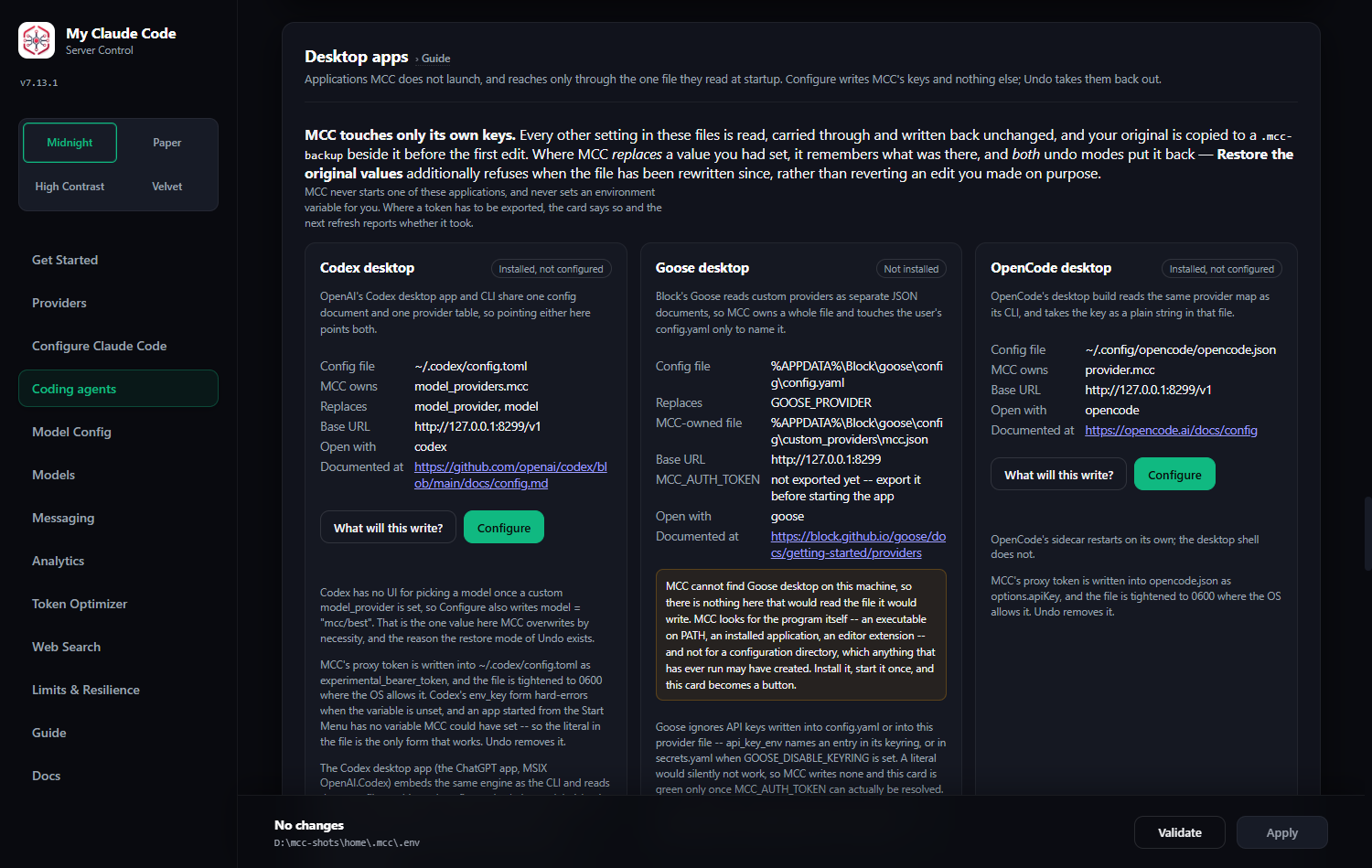
One card per application: the file, the keys MCC claims, the URL it will write — and a dry run before it writes anything.
What each card can say¶
| Badge | What it means |
|---|---|
| Not installed | None of the marker paths this app creates on first run exists here. |
| Installed, not configured | The app is here; its config file has no MCC keys, or does not exist yet. |
| Configured by MCC | MCC's keys are present and are exactly what a re-apply would write. |
| Configured but drifted | MCC's keys are present but different — a hand edit, a stale token, or an older MCC. |
| Config file will not parse | The file exists and is not valid. MCC will not write a document it cannot read. |
| Not routable | This app cannot be pointed here at all. The card gives the reason and the date it was measured. |
What Configure writes, and what it leaves alone¶
Press What will this write? first. It returns a real unified diff of your real file, with any credential masked, and touches nothing on disk.
When you press Configure, MCC:
- copies your file to a
.mcc-backupsibling, once, before its first ever edit — so the backup is always your pre-MCC file rather than yesterday's MCC output; - writes exactly one subtree (
model_providers.mcc,provider.mcc, and so on) and carries every other key through byte-for-byte, comments included; - never writes a literal token. Where the app takes a reference —
env_key,$VAR,{env:VAR},${input:...}— MCC writes the reference. Where the app resolves nothing at all, MCC keeps the value in a file of its own at mode 0600 rather than in a document you edit.
Re-applying with the same models is a no-op: no rewrite, no changed mtime, no second backup.
The two undo modes¶
Undo offers a picker, because there are two honest answers:
Both remove the keys MCC created, and both put back a value MCC replaced —
Codex's model, Goose's GOOSE_PROVIDER, Antigravity's modelProvider, Claude
Desktop's appliedId, all values you may already have set to something of your
own. What separates them is what they refuse:
- Remove MCC's keys (and put back what it replaced) — never refuses. No restore record required and no hash check, so it is always available. The default.
- Restore the original values exactly — guarantees the pre-MCC state instead. It requires the record MCC wrote at Configure time and refuses when the file has been rewritten since, rather than reverting an edit you made on purpose, pointing you at the backup instead. This is the mode that consumes the record.
Fixed in 6.56.0. Before this release the first mode deleted a replaced value rather than restoring it, and then emptied the restore record — so a Codex user's own default model was destroyed and "Restore the original values" answered no record afterwards. Neither happens now.
The same two modes now apply to Configure Claude Code. Before 6.55.0 that
page overwrote ANTHROPIC_BASE_URL without remembering what it held, so a
user who had it pointed at another gateway lost it. It is remembered now.
Which apps have a button¶
| App | Configure button | Notes |
|---|---|---|
| Codex desktop | yes | Also writes model = "mcc/best", by necessity: with a custom model_provider the app has no UI to pick a model. |
| OpenCode desktop | yes | The token is written into opencode.json as options.apiKey, at mode 0600 where the OS allows it: OpenCode does expand {env:...}, but nothing sets the variable MCC used to name, so what went on the wire was the unexpanded string and a 401. No attribution header — ProviderConfig.options has no headers key and OpenCode dropped the one MCC wrote, silently. |
| Crush | yes | Also the official client for Charm's Hyper/HyperCharm. Since 6.84.0 the card writes the same document mcc-crush writes: provider type: "anthropic" with the proxy root as base_url, which is the pair that was measured on the wire. It used to write openai-compat with a /v1 suffix, so MCC shipped two disagreeing documents for one application and only one of them had ever been tried. |
| VS Code (Copilot custom endpoint) | no — instructions only | Demoted in 6.84.0. The program that reads chatLanguageModels.json is GitHub Copilot Chat, and nothing about that file has ever been read out of Copilot Chat's own shipped code — only out of documentation. The card now lists the element's fields for you to add by hand and says so with a date. Copilot's own BYOK key lives in VS Code SecretStorage in any case, so no file MCC writes could carry it. |
| Goose desktop | yes | Keys written into Goose's config.yaml or into the provider file are ignored: api_key_env names an entry in Goose's keyring, so MCC writes no credential at all and the card stays amber until MCC_AUTH_TOKEN resolves. 6.84.0 also fixed the document itself — read out of Goose 1.50.0's own source, the file is a bare provider config with base_url, engine and models, and what MCC wrote before (api_url, model_details, no engine, and in the CLI serialiser a custom_provider wrapper) could not be parsed by Goose at all. |
Antigravity (agy) |
no — instructions only | Demoted in 6.84.0, and the file is the reason. agy takes its key from GEMINI_API_KEY and its endpoint from GOOGLE_GEMINI_BASE_URL; the only thing a file can carry is modelProvider, and agy's own error message is that modelProvider set with the variable unset stops it using the backend it was signed in to. A Configure that wrote the one key it can write would leave agy worse than it found it. See below. |
| Roo Code | yes | Uses Roo's own import hook. MCC writes a Roo settings export — providerProfiles with one openai profile, both required openAiCustomModelInfo fields — into a file it owns at mode 0600, and adds one key to your settings.json, roo-cline.autoImportSettingsPath, naming it. Reload the VS Code window: Roo reads that file at activation only. |
| Command Code | status only | Already configured by mcc-commandcode since 6.27.0; the card reports and does not re-mechanise. Declaring a provider is not selecting one: open Command Code and pick a My Claude Code model, or set "modelProvider": "mcc" and "model" together in ~/.commandcode/config.json — its own config merge deletes modelProvider from any layer that sets model without it, so one of the two on its own does nothing. |
| Claude Desktop | yes | Anthropic's MDM documentation names the local configuration source, so MCC owns one document in %LOCALAPPDATA%\Claude-3p\configLibrary\ (macOS ~/Library/Application Support/Claude-3p/configLibrary/) and merges exactly one foreign key, _meta.json's appliedId. It is the lowest-precedence source the app reads, so a managed profile under HKLM/HKCU\SOFTWARE\Policies\Claude (macOS: Managed Preferences) replaces it wholesale — MCC probes for one before every write and shows the card as Managed by your organisation, with no button, rather than writing a file the app ignores. The credential has no reference form in this store, so it goes into MCC's own document at mode 0600 and never into one you edit. Since 7.3.0 that document is the full working shape: model discovery off, the five claude-* models above with their tier aliases and 1M-context flags, and this app's own preference keys (desktop extensions, telemetry off, Auto mode, the WebFetch preflight, Claude.ai import) at the values a proven-working configuration uses — never your organisation banner. Relaunch the app to load it. |
| Kimi desktop, Qwen desktop, LM Studio, Warp | not routable | Each card carries the measured reason and its date. |
Why some cards lost their button in 6.84.0¶
A card keeps its Configure button only where the document MCC generates is
checked, in CI, against a rule read out of that application's own shipped code
or published schema. The rule is vendored under
tests/fixtures/app_rules/, and each one records the application version it
was read from and the exact command that read it, so the claim can be
re-checked rather than believed. A test fails if a card has a button and no
rule beside it, which is how a future card is stopped from being added the way
these were.
Seven cards have one: Codex (its binary's own 17-field provider table and the
wire_api rejection), Claude Desktop (the entry-id regex and key allow-list
from app.asar), Goose (DeclarativeProviderConfig and ModelInfo from the
v1.50.0 source release), Roo Code (its extension bundle), Command Code (its
npm bundle), and OpenCode and Crush (each application's own published schema).
Two do not, and say so on the card with the date and what was not proven:
VS Code / Copilot and Antigravity.
This is why: every desktop card shipped a Configure button on the strength of documentation, and every single one of them was broken — one of them unconfigured a working setup. "MCC wrote what MCC intended" was the wrong thing to be testing.
Two card states that used to be hidden¶
Written, but the key cannot resolve. A card whose app reads its credential
from a variable — Goose, from its keyring entry MCC_AUTH_TOKEN — used to go
green the moment the file was written, with one line in the details table
saying the variable was not exported yet. The application would still fail on
its first request. That is now its own amber state, and the card says which
variable to export; it turns green by itself on the next poll once it is
there. MCC does not set variables for you.
The app removed MCC's configuration. MCC's keys can vanish for three different reasons, and until 6.84.0 all three read Installed, not configured: you never pressed Configure, you pressed Undo, or the application rewrote its own configuration file and dropped a table it does not own. Undo now stamps its own record, so the third case — an unstamped record, the backup still on disk, and MCC's keys gone anyway — gets a badge that names it. It is the only way an app that keeps deleting MCC's block can ever become visible.
What counts as installed, and what Configure refuses¶
A card reads installed only when the program is here. Until 6.83.0 the
evidence was "a directory the app creates on first run", and on the machine
this was written for that made two cards lie: %LOCALAPPDATA%\crush and
%APPDATA%\Block\goose both existed, both cards offered Configure, and
neither crush.exe nor goose.exe existed anywhere on the machine — both
directories had been created by MCC's own mcc-crush and mcc-goose
launchers the one time each was run. MCC was reading its own footprint as
proof that somebody else's application was installed.
What counts now is the program: an executable on your PATH, an installed
application or package directory, or — for an editor extension, which has no
binary of its own — the extension directory. A configuration directory never
counts, including the very file MCC would write into.
Configure refuses when the app is not installed, in the same shape as the
refusal for a configuration your organisation manages. There was no such gate
before 6.83.0: a scratch run wrote MCC's element into VS Code's
chatLanguageModels.json while the probe on the same card said not
installed. Nothing errored, the badge went green, and the configuration did
nothing forever.
If a card says Not installed for something you have, it is on PATH that
MCC looks first — start the app once from a terminal where crush, goose,
codex, opencode, agy or commandcode runs, and the card follows.
The same rule decides the Install button (7.102.0): a CLI found under its
name or any alias — cmdc for Command Code, kimi-cli for Kimi Code — on the
server's PATH or in the folder its vendor installs into shows its path and
version and no button, so MCC never installs a second copy. A desktop card with
this page's installed badge gets no button either.
MCC does not reformat the JSON it does not change¶
Since 6.83.0 JSON documents are edited as text, the way Codex's TOML and
Goose's YAML already were: the lines MCC does not own come back byte for byte,
comments and indentation included, and a re-apply of identical content leaves
the file untouched rather than rewriting it. VS Code's settings.json is also
read as JSONC — with the comments VS Code itself ships in it — so a
Configure no longer fails with cannot parse on an ordinary settings file.
Before this, a Roo Code Configure against a four-space settings.json rewrote
all 32 lines of it while changing nothing at all.
Antigravity¶
agy is routable, as of a 2026-09-07 measurement, and MCC needed no new
inbound surface for it: with modelProvider set to gemini, agy speaks the
public Gemini API, which MCC has served at /v1beta for some time. What it
does not have is a button, since 6.84.0: the card lists the three values
and you set them yourself. Read out of the shipped binary's own strings, agy
says
modelProvideris set to "…" in settings.json, but the … environment variable is not set. Set … to your Gemini API key, or remove"modelProvider"from settings.json to use the default backend.
so writing the one key a file can carry, without the two variables MCC will
never set at user scope, would stop agy using the backend it was already
signed in to. The three values are {"modelProvider": "gemini"} in
~/.gemini/antigravity-cli/settings.json, GEMINI_API_KEY set to your MCC
token, and GOOGLE_GEMINI_BASE_URL set to the proxy root. Two more limits are
worth knowing before you turn it on:
modelProvideris the switch, not the base URL. With that key absent,agytalks to Google's own backend whateverGOOGLE_GEMINI_BASE_URLsays.agyvalidates--modelagainst its own catalogue before it sends anything, so themcc/*tier aliases cannot be named. Useagy's own model ids; MCC routes them through the resolution ladder like any other name.
Antigravity has no launcher command of its own, and does not need one:
agy publishes no verified settings-path override, so a launcher would have
to write the same file this card already writes, with the same backup and the
same undo, and would add nothing.
Hyper / HyperCharm¶
Hyper has no launcher command of its own, and will not get one. Hyper
(hyper.charm.land) is a gateway and an API — it ships no CLI and no desktop
application of its own. Crush is its official client, and Crush is already
both an MCC harness (mcc-crush) and a card in this group. Point Crush here
and you have pointed Hyper's client here.
Tutorial: configure a desktop app, and undo it¶
Codex desktop, start to finish. Every other card works the same way.
1. Open the card. Coding agents → scroll to Desktop apps → Codex desktop. Read the four lines that matter before you press anything:
| Line | On this card |
|---|---|
| Config file | ~/.codex/config.toml |
| MCC owns | model_providers.mcc |
| Replaces | model_provider, model |
| Base URL | http://127.0.0.1:8082/v1 |
MCC owns is the key that is created and is removed again by either undo mode. Replaces is the list that makes the second undo mode meaningful — Codex has no UI for picking a model once a custom model_provider is set, so Configure has to write model too.
2. Press What will this write? You get a unified diff of your real file. Nothing has been written, and nothing is written by this button — the plan is computed server-side and thrown away. Read the - lines: those are your values, and they are what Restore the original values would put back.
3. Press Configure. Three things happen in order: your file is copied to ~/.codex/config.toml.mcc-backup (once, before the first edit ever), the plan is recomputed server-side rather than trusted from the browser, and the edit is applied to the parsed document — so comments, key order and every setting MCC does not own survive byte for byte.
4. There is nothing to export. Codex takes MCC's proxy token as experimental_bearer_token inside config.toml, and the file is tightened to 0600 where the OS allows it. Until 6.67.0 MCC wrote env_key = "MCC_AUTH_TOKEN" and told you to export that variable instead — which nothing in MCC has ever set, and which Codex treats as a fatal error rather than a missing credential (ERROR: Missing environment variable). An app you start from the Start Menu inherits no shell export anyway. Undo removes the token with the rest of the block.
5. Check the badge. It should now read configured by MCC. If you later hand-edit one of the owned keys it becomes configured but drifted — a statement, not an error. Nothing is corrected behind your back; press Configure again to take MCC's values back.
Undoing it. The card offers both modes and they answer different questions:
mcc-apps undo codex_desktop              # remove MCC's keys, touch nothing else
mcc-apps undo codex_desktop --restore    # ...and put back the model / model_provider you had
Use plain undo if you never had model set — restoring it would resurrect a key you never wrote. Use --restore if you did, and want your own choice back. Both remove model_providers.mcc entirely; the .mcc-backup stays where it is either way.
Since 7.111.4 your own model / model_provider lines come back exactly as you wrote them — a comment after the value, the indentation, the quoting: Configure changes only the value, and both undo modes put the original line back. Undo on a Codex that MCC never configured changes nothing and says Nothing of MCC's was in that file (until 7.111.4 plain undo deleted your model line there).
Without a browser: mcc-apps¶
mcc-apps list                      every app and its state
mcc-apps status <app>              one app: its file, its keys, what to export
mcc-apps configure <app>           write MCC's keys
mcc-apps configure <app> --preview show the diff and write nothing
mcc-apps undo <app>                remove MCC's keys
mcc-apps undo <app> --restore      remove them and put back what MCC replaced
It calls the same routes the page does, so a card and the command cannot disagree about what would be written. It needs the MCC server running.
It is not mcc-desktop — that command is MCC's own tray application.
7. Tutorial: connect another CLI¶
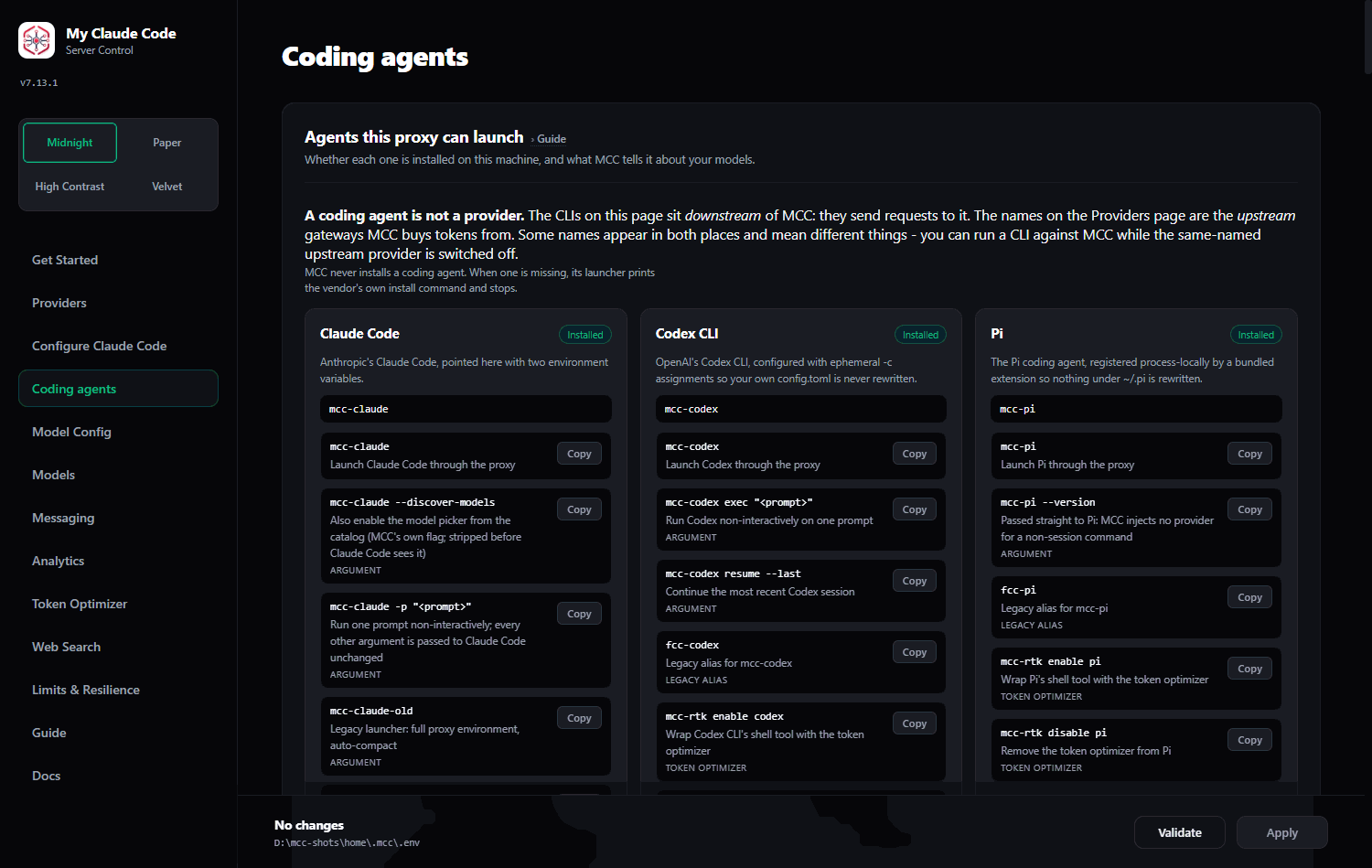
Coding agents: every CLI MCC can launch, whether it is on this machine, and the exact command for each.
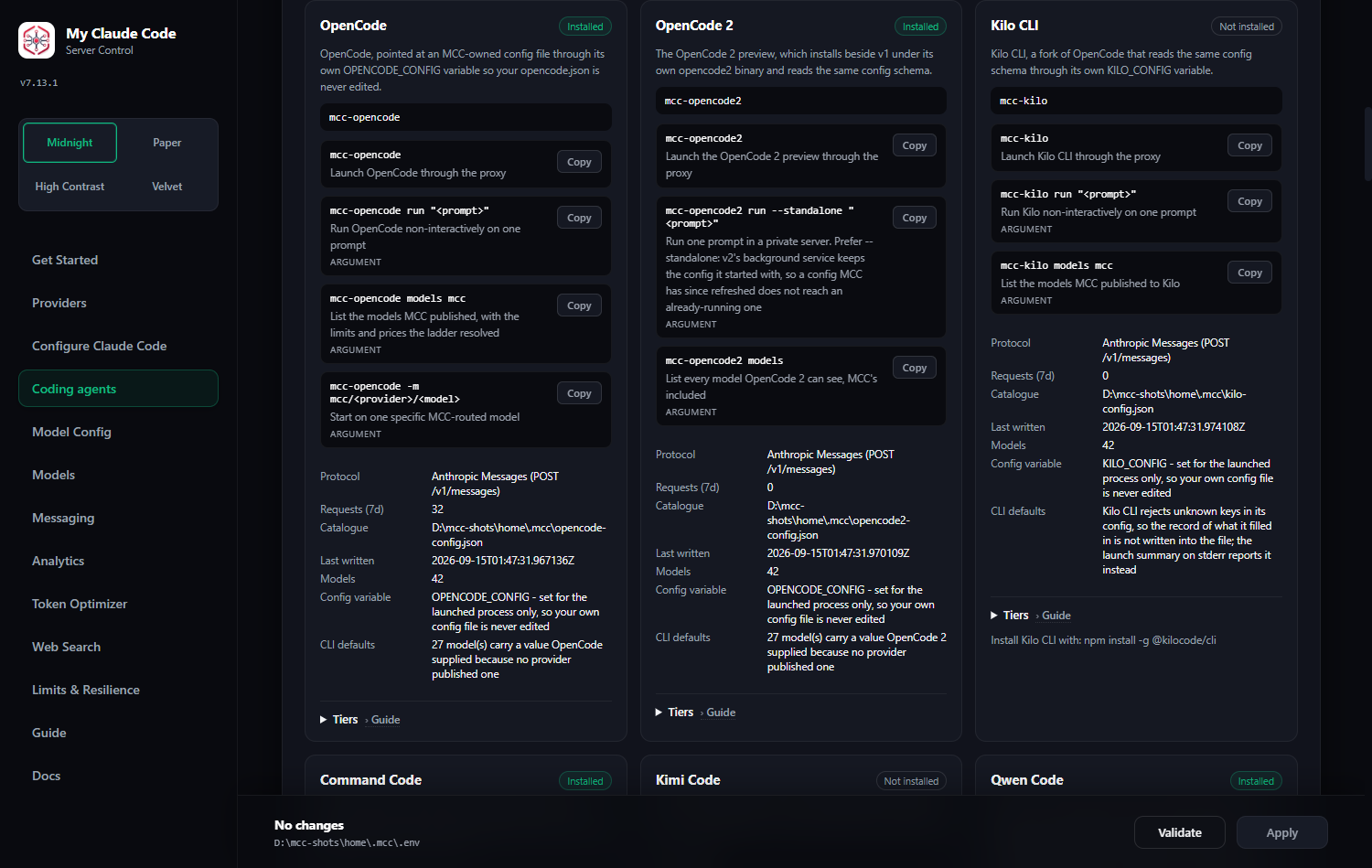
Behind each card: the protocol MCC answers it on, the catalogue file MCC generates for it, and how many models that file carries.
A coding agent is not a provider. The CLIs in this section sit downstream of MCC: they send requests to it. The names on the Providers page — including
opencode,commandcode,cline,kimi_codingandkilo— are upstream gateways MCC buys tokens from. Some names appear in both lists and mean different things, and both can be on at once: you can run a coding agent against MCC while the same-named upstream provider is switched off. In the code they are separate namespaces (harness_idincli/harnesses/andconfig/harnesses.py,provider_idinproviders/andconfig/provider_catalog.py) and are never joined.Qwen Code is a third pair. The providers
qwencloudandqwencloud_codingare Alibaba endpoints MCC sends requests to, paid for with a DashScope key.mcc-qwenlaunches Alibaba's Qwen Code CLI, which sends its requests to MCC — and needs neither of those providers switched on. Its harness id isqwen_code, deliberately notqwen.crushcollides with nothing today; the id is still spelled out in the registry so a futurecrushgateway cannot quietly take it over.Cline is a pair too. The provider
clineon the Providers page is the Cline gateway MCC sends requests to.mcc-clinelaunches the Cline CLI, which sends its requests to MCC, and needs that provider switched on for nothing. Its harness id iscline_cli, deliberately notcline.goose,aideranddroidcollide with nothing today, and each id is spelled out in the registry so a future gateway of that name cannot quietly take it over.Kimi Code is the pair most likely to be misread, because the two halves do not even share a spelling. The providers
kimiandkimi_codingare Moonshot endpoints MCC sends requests to, paid for with a Moonshot key.mcc-kimilaunches Moonshot's Kimi Code CLI (kimi, published on PyPI askimi-cli), which sends its requests to MCC — and needs no Moonshot account, no Moonshot key and neither of those providers switched on. Its harness id iskimi_code, deliberately notkimi.Command Code is the sharpest case, because both halves ship. The provider
commandcodeis the Command Code gateway MCC sends requests to, paid for with aCOMMANDCODE_API_KEYyou bought.mcc-commandcodelaunches the Command Code CLI, which sends its requests to MCC. Running the CLI routed toanthropicwith thecommandcodeprovider switched off is an ordinary setup. The registry even gives them different ids — the harness iscommandcode_cli— so no lookup can resolve one and answer with the other.Gemini is the newest pair, and the one where the word means three things. The provider
geminion the Providers page is Google's own OpenAI-compatible endpoint MCC sends requests to, paid for with a Google AI Studio key.mcc-geminilaunches Google's Gemini CLI, which sends its requests to MCC over the Gemini protocol — and needs that provider switched on for nothing. AndPOST /v1beta/models/{model}:generateContentis MCC's own inbound Gemini surface, which is what the CLI talks to. Three different things, one word: the harness id isgemini_cli, deliberately notgemini.
Every CLI MCC can launch is declared once, in config/harnesses.py. That one
declaration produces the mcc-<id> command, the mcc-help line, the
installer's verification list, the RTK toggles and the Coding agents
dashboard page — so an agent cannot be present in one of those and missing from
another.
Open Coding agents in the dashboard to see, per agent: whether its binary is
on your PATH, the command to copy, the protocol it will speak to MCC, the
catalogue MCC generates for it (with the file's path, when it was last written,
and how many models carry a value the CLI supplied rather than a provider), and
its RTK toggle.
The installer installs MCC and its prerequisites, nothing else; agents are installed only by the dashboard button you press (Install an agent from the dashboard). When one is missing, its launcher prints that agent's own install command and exits 127 — a launcher never installs anything.
Codex and Pi¶
Both have launchers that configure the environment for you:
Neither rewrites your own configuration. Codex is configured with ephemeral
-c assignments on the command line, and Pi is registered by a bundled
extension that lives only for that process.
Codex reads a model catalog that MCC generates, so its own picker works normally:
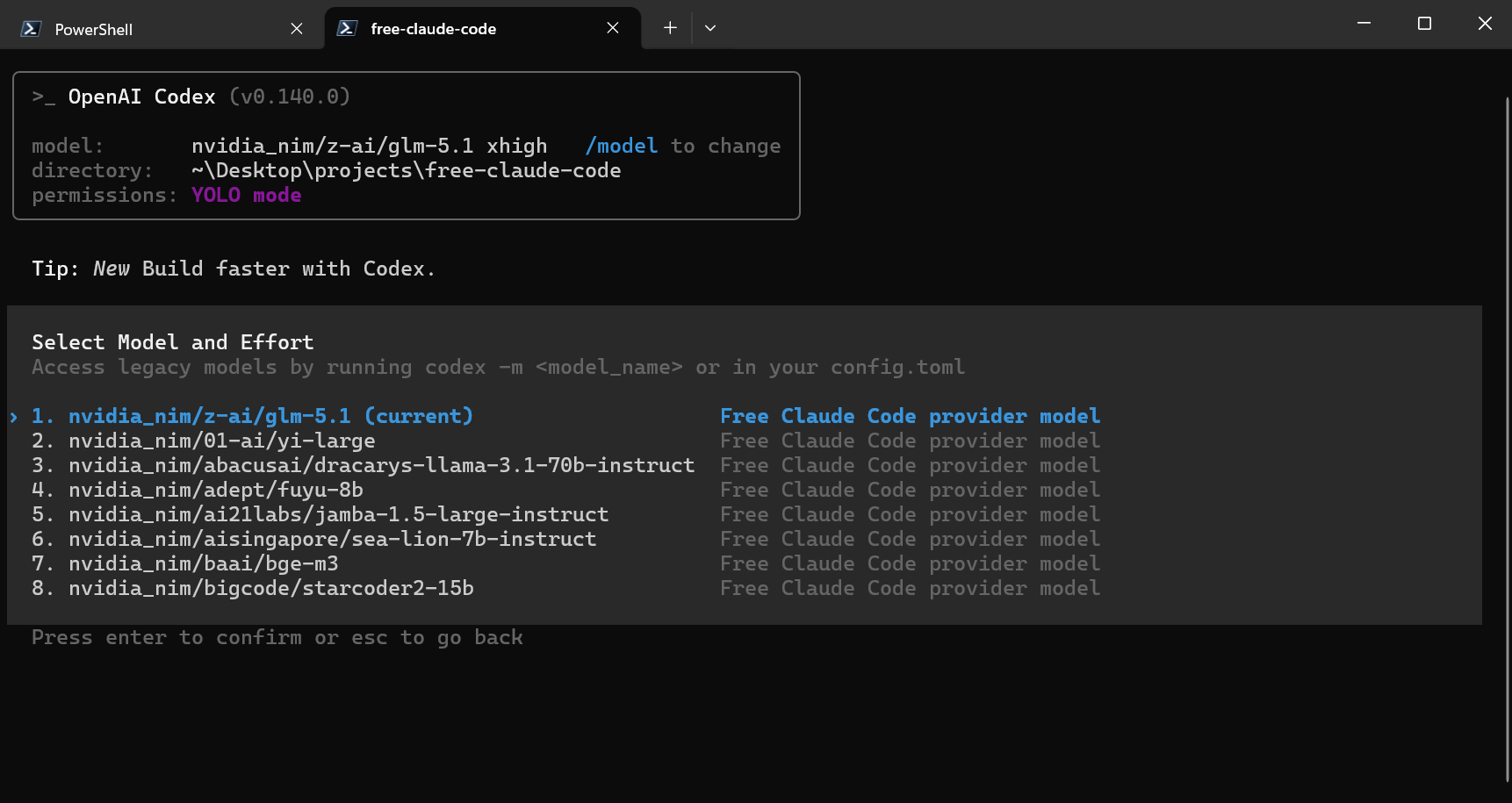
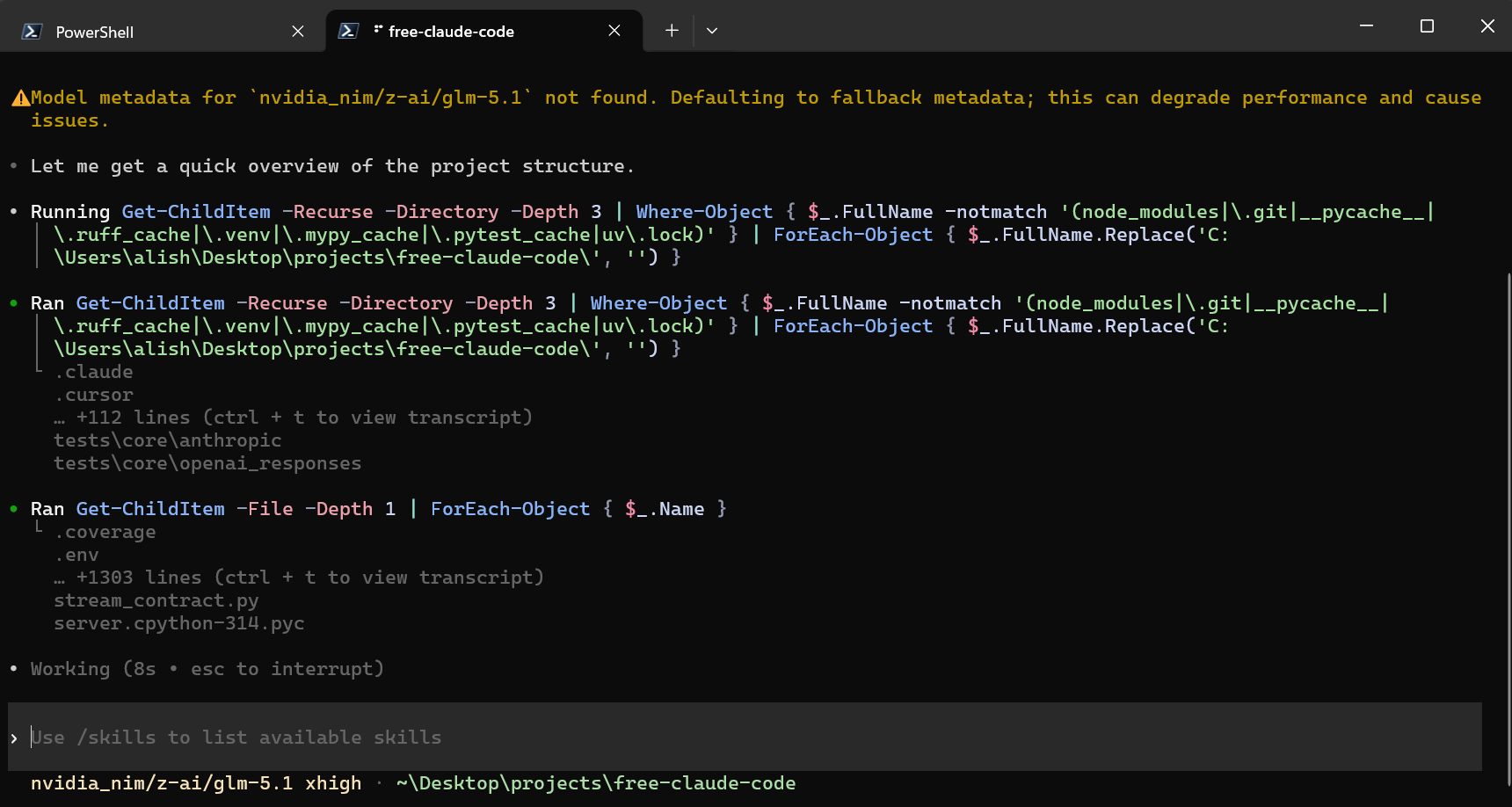
OpenCode, OpenCode 2 and Kilo¶
mcc-opencode    # OpenCode, against MCC's Anthropic Messages route
mcc-opencode2   # the OpenCode 2 preview (installs beside v1, binary opencode2)
mcc-kilo        # Kilo CLI, a fork of OpenCode with the same config schema
These three read their provider configuration from a file, which is the
first time an MCC launcher has needed something other than an ephemeral flag
list. MCC does not edit yours. Each CLI documents an environment variable that
names an extra config file, merged into its precedence chain rather than
replacing it — OPENCODE_CONFIG for OpenCode
(docs) and KILO_CONFIG for Kilo
(docs) — so MCC writes a
document of its own under ~/.mcc and hands the launched process its path:
| Command | File MCC owns | Variable it is handed with |
|---|---|---|
mcc-opencode |
~/.mcc/opencode-config.json |
OPENCODE_CONFIG |
mcc-opencode2 |
~/.mcc/opencode2-config.json |
OPENCODE_CONFIG |
mcc-kilo |
~/.mcc/kilo-config.json |
KILO_CONFIG |
Your ~/.config/opencode/opencode.json is never read, never written and never
backed up. Stop launching through MCC and the file you wrote is the file you
have.
The server owns the file; the launcher reads it. mcc-server writes every
agent's document under ~/.mcc when it starts, and rewrites it whenever the
model inventory or any model's resolved capabilities change. mcc-opencode
opens the file it needs and launches — no HTTP, no wait. It asks the server to
build one only when the file is not there at all, which on a machine where the
server has ever run means never. See
How an agent's model list gets to disk.
Your proxy token is not in the file. The generated document writes
options.apiKey as OpenCode's own {env:MCC_OPENCODE_API_KEY} substitution,
and the launcher sets that variable in the launched process only.
MCC appears inside these CLIs as the provider mcc, so its models are
addressed as mcc/<provider>/<model>:
mcc-opencode models mcc            # what MCC published, with real limits
mcc-opencode run "say ok"          # one prompt, non-interactively
mcc-opencode -m mcc/openrouter/anthropic/claude-sonnet-4.5
OpenCode 2 caveat, measured. v2 runs a background service that keeps the
configuration it started with, so a config MCC refreshed after that service
started does not reach it. Pass --standalone to run in a private server that
reads the current one:
Everything else you type is passed through unchanged; opencode upgrade,
opencode uninstall and --version reach the CLI without MCC configuring
anything or requiring a running proxy.
Command Code¶
Command Code is the one agent MCC serves by editing a file you own, because it
gives no alternative. Read out of the installed CLI's own bundle
(command-code 1.39.0, dist/cli.mjs), getUserProvidersConfigPath resolves
$HOME/.commandcode/providers.json — USERPROFILE only as a fallback — and
loadProvidersConfig reads that document and no other. There is no --config
path, no config environment variable, and no project-local file.
So MCC merges one key, provider.mcc, into it and treats everything else
as untouchable:
| Guarantee | How |
|---|---|
| One owner | Only provider.mcc is written. Every other key is read, carried through and written back byte-for-byte. |
| Backed up once | The document is copied to providers.json.mcc-backup before MCC's first edit, and that copy is never overwritten — so it is always your pre-MCC file, not yesterday's MCC output. |
| Idempotent | A refresh that resolves the same numbers writes nothing and does not churn the file's timestamp. |
| Never uninvited | The background refresh only touches the file when provider.mcc is already in it. Having a providers.json is not consent; running mcc-commandcode is. |
| Reversible | mcc-commandcode --disconnect deletes provider.mcc and leaves the rest of the document exactly as it was. |
Your proxy token is not in the file. Command Code refuses a literal key
there — "raw secrets don't belong in providers.json" — and expands a "$VAR"
reference from the process environment instead, so MCC writes
"$MCC_COMMANDCODE_API_KEY" and the launcher supplies the value to the child
process only. The baseURL beside it is written literally, because Command
Code validates that field with new URL(...) and substitutes nothing into it;
it is a loopback address on your own machine, not a credential.
MCC appears inside Command Code as the provider mcc:
mcc-commandcode --list-models          # what MCC published, with real limits
mcc-commandcode -p "say ok"            # one prompt, non-interactively
mcc-commandcode -m mcc/openrouter/anthropic/claude-sonnet-4.5 -p "say ok"
mcc-commandcode --disconnect           # remove MCC's key again
Maintenance subcommands — update, login, logout, mcp, skills,
status, info, --version — reach the CLI untouched and do not need a
running proxy.
One thing MCC cannot do anything about, measured on 1.39.0. Command Code's
headless -p mode checks you are signed in to Command Code before it runs a
turn, whatever model you asked for — resolvePrintAuthentication in its own
bundle — so mcc-commandcode -p "…" on a machine that has never run
cmdc login exits with Error: Not authenticated, even for an MCC-routed
model and even with --local-only. Sign in once, or set
COMMAND_CODE_API_KEY. MCC will not fake that credential for you: it belongs
to Command Code's account, not to this proxy.
OpenClaw¶
OpenClaw is a multi-channel AI gateway and agent; its own npm package is
openclaw (install it with npm install -g openclaw, on Node.js 24.22.1 or
newer — the package's own engines.node is >=24.22.1 <25 || >=26.12.1). It
reads exactly one document, ~/.openclaw/openclaw.json, resolved from
OPENCLAW_CONFIG_PATH, else OPENCLAW_STATE_DIR, else OPENCLAW_HOME, else
HOME/USERPROFILE. The two levers it also publishes were measured and
rejected: OPENCLAW_CONFIG_PATH replaces the ambient config for that
process, so your channels, skills and gateway settings would vanish, and
$include resolves only inside ~/.openclaw.
So MCC merges one block, models.providers.mcc, into your document and
treats everything else as yours:
| Guarantee | How |
|---|---|
| One owner | Only models.providers.mcc is written, plus two additive keys beside it (agents.defaults.models["mcc/*"] and, when your file has no default model, agents.defaults.model.primary — see below). Comments, indentation, key order and every other key come back byte for byte, because the edit is made to the text rather than to a re-serialised copy. |
| Backed up once | The document is copied to openclaw.json.mcc-backup before MCC's first edit, and that copy is never overwritten — so it is always your pre-MCC file. |
| Idempotent | A refresh that resolves the same models writes nothing. |
| Never uninvited | The background refresh only touches the file when models.providers.mcc is already there and names this server's address. Having an openclaw.json is not consent; running mcc-openclaw is. |
| Reversible | mcc-openclaw --disconnect removes the block and the two keys MCC added, and leaves the rest of the document exactly as it was. mcc-openclaw --restore does the same but refuses if the file changed since MCC wrote it, and consumes the record. A file mcc-openclaw created is removed again. |
What MCC writes, precisely. models.providers.mcc carries the proxy base
URL, your proxy token in plaintext, the openai-completions API and every
model MCC can route, each with the limits and prices the resolution ladder
actually resolved: contextWindow, maxTokens, input, reasoning, cost
in USD per million tokens. A value nobody published is omitted, never
written as 0 — a zero window or a zero price is a claim MCC cannot make, and
a free-looking model is worse than one with no price.
The token is written literally because OpenClaw decides whether a provider is
usable from credentials it can read in its own process: a
$MCC_OPENCLAW_API_KEY reference only resolves when OpenClaw was started by
mcc-openclaw, so a gateway started from your shell or a unit file showed
every model as "Connection not confirmed". The file is yours, so treat it like
one — openclaw.json now contains a credential. With no proxy token
configured, MCC writes the $MCC_OPENCLAW_API_KEY reference instead (never an
empty value), which mcc-openclaw supplies to the process it launches.
The two keys outside the block, and why. OpenClaw reads a non-empty
agents.defaults.models map — or an explicit agents.defaults.modelPolicy.allow
list — as an allowlist and offers only the models it names. If you already
restrict your own models there, every mcc/… row is filtered out and the
picker shows a single entry, which is the "1 model" this release fixes. So
mcc-openclaw adds one wildcard, mcc/*, to whichever of those containers
governs your file (the explicit policy if it has one, else the map, else it
creates the map holding only that key). Per-agent policies
(agents.entries.<id>.modelPolicy.allow) are yours and are never touched. The
other key is OpenClaw's default model, agents.defaults.model.primary: it is
written only when your file has none, and an existing value — including a
plain string — is left exactly as it is. Both additions are recorded, so
--disconnect takes them back out. The background refresh never writes your
default model.
MCC appears inside OpenClaw as the provider mcc:
mcc-openclaw --models                  # what MCC published to the file
mcc-openclaw                           # OpenClaw, routed through MCC
mcc-openclaw --disconnect              # remove MCC's block and restore your default
mcc-openclaw --restore                 # the same, hash-checked, consuming the record
Maintenance subcommands — config, doctor, gateway, models, plugins,
channels, --version and the rest — reach the CLI untouched and do not need
a running proxy.
models.json under ~/.openclaw/agents/<id>/agent/ is never touched: the
app regenerates that file itself.
Hermes Agent¶
Hermes Agent is Nous Research's hermes-agent — a Python tool on PyPI, so
install it with Nous Research's own installer (curl -fsSL
https://hermes-agent.nousresearch.com/install.sh | bash, or
install.ps1 on Windows). Hermes documents pip and Homebrew as unsupported
install methods, which is why the Coding agents card's Install button is a link
to that page and not a package-manager step.
It reads exactly one document, config.yaml, inside its home: HERMES_HOME,
else %LOCALAPPDATA%\hermes on Windows, else ~/.hermes. Note that Windows
answer — the CLI's home is not your home folder there. HERMES_HOME itself
is never set by MCC: redirecting it would move sessions, skills, plugins and
credentials too.
So MCC merges one block, providers.mcc, into your config.yaml and
treats every other section as yours:
| Guarantee | How |
|---|---|
| One owner | Only providers.mcc is written. Comments, quoting, indentation, key order and every other section come back byte for byte, because the edit is made to the YAML text rather than to a re-serialised copy. |
| Backed up once | The document is copied to config.yaml.mcc-backup before MCC's first edit, and that copy is never overwritten. |
| Idempotent | A refresh that resolves the same models writes nothing. |
| Never uninvited | The background refresh only touches the file when providers.mcc is already there and names this server's address. Having a config.yaml is not consent; running mcc-hermes is. |
| Reversible | mcc-hermes --disconnect removes the block and leaves the rest exactly as it was — no record required. mcc-hermes --restore does the same but refuses if the file changed since MCC wrote it, and consumes the record. |
What MCC writes, precisely. providers.mcc carries the proxy base URL, a
key_env: MCC_HERMES_API_KEY reference — the name of an environment
variable, which mcc-hermes sets in the child process only, so your proxy
token is never in the file — the openai_chat transport, MCC's starting
model as default_model, and every model MCC can route with the context window
the ladder actually resolved. A window nobody published is omitted and the
launcher says so; Hermes then runs its own detection. There is deliberately no
output ceiling, price, tool flag or reasoning flag: Hermes reads none of those
from a provider's model entry.
Why --restore is the honest undo here. Hermes rewrites config.yaml
itself — its _config_version migrations and save_config both re-dump the
YAML, losing comments and layout. MCC's own edits are byte-preserving, but the
app's are not, and there is no version MCC can pin (Hermes' _config_version
is Hermes'). So --restore checks the file's hash and refuses when it moved,
while --disconnect never refuses.
mcc-hermes --models                    # what MCC published to the file
mcc-hermes                             # Hermes Agent, routed through MCC
mcc-hermes -m mcc/<provider>/<model> --provider mcc   # start on one model
mcc-hermes --disconnect                # remove MCC's block
mcc-hermes --restore                   # the same, hash-checked, consuming the record
hermes model lists the provider mcc and every model MCC published, and
maintenance subcommands — config, sessions, logs, auth, gateway,
update, --version and the rest — reach the CLI untouched and do not need a
running proxy.
Kimi Code¶
Kimi Code is Moonshot's kimi CLI. It is a Python tool on PyPI, not an npm
package: install it with uv tool install kimi-cli or pipx install kimi-cli.
MCC never installs it — a missing binary prints Moonshot's own line and exits
127, and the Coding agents page has no Install button for it yet: Moonshot now
ships a new Kimi Code (@moonshot-ai/kimi-code), and MCC has not checked that
mcc-kimi works with it. The version everything below was read against is 1.50.0, and it was
read out of the installed package's source rather than its docs, because four
things the docs would have told you are no longer true:
| What you might expect | What Kimi Code 1.50.0 actually does |
|---|---|
KIMI_CODE_HOME overrides the config directory |
There is no such variable. The share directory is $KIMI_SHARE_DIR or ~/.kimi, and the config is <share dir>/config.toml. ~/.kimi-code/ is an older layout. |
[models."…"] has max_output_size |
It does not. LLMModel is provider, model, max_context_size, capabilities, display_name — nothing else. Kimi derives the completion cap itself from max_context_size. |
capabilities names vision, tools and reasoning |
The whole vocabulary is image_in, video_in, thinking, always_thinking. There is no tools capability and no per-model reasoning-effort field anywhere. |
KIMI_MODEL_* / KIMI_API_KEY can override a provider |
Only for provider types kimi, openai_legacy and openai_responses. An anthropic provider — the only type that reaches MCC — falls through untouched. |
Your ~/.kimi/config.toml is never read, written or backed up. Kimi
publishes --config-file PATH, so MCC writes a config.toml of its own at
~/.mcc/kimi-code-config.toml and passes that path for the launch. The share
directory is deliberately not redirected: it also holds your sessions, your
credentials, your plugins and the background-worker state, and moving it to
serve one config file would hide every session you have.
The trade, stated rather than hidden: --config-file replaces the config
document, it does not overlay it. So an mcc-kimi session takes Kimi's own
defaults for theme, hooks and loop_control rather than yours. Sessions,
skills and MCP servers are unaffected — those come from the share directory and
from Kimi's own MCP defaults, neither of which MCC touches.
This is the one agent whose generated file holds the proxy token, and the
reason is in the table above: api_key is a plain string with no "$VAR",
"{env:VAR}" or "!command" form, and Kimi's environment overrides do not
reach an anthropic provider. There is no out-of-band channel, so the choice
was a literal value or no Kimi Code support at all. The literal goes into a
file MCC owns under ~/.mcc, mode 0600, in the same directory as the
~/.mcc/.env that already holds the identical ANTHROPIC_AUTH_TOKEN in
clear — nothing is disclosed that was not disclosed already, and nothing is
written into a document you own. With proxy auth off, the value written is the
fcc-no-auth marker, which is not a credential.
MCC appears inside Kimi Code as the provider mcc, and its models as
mcc/<provider>/<model>. Kimi Code has no model-list subcommand and MCC
states no default model, so name one on the command line or pick it with
/model once the session is up:
mcc-kimi -m mcc/openrouter/anthropic/claude-sonnet-4.5
mcc-kimi --print -p "say ok"            # one prompt, non-interactively
mcc-kimi --quiet -p "say ok"            # only the final message
Maintenance subcommands — login, logout, info, export, mcp,
plugin, vis — and --help / --version reach the CLI untouched and do not
need a running proxy. acp, term and web are not passed through: they run
an agent, so they get MCC's provider like any other session.
Qwen Code¶
Qwen Code is Alibaba's qwen CLI: npm install -g @qwen-code/qwen-code. MCC
never installs it — a missing binary prints Alibaba's own line and exits 127.
The version everything below was read against is 0.15.11, out of the
installed package's cli.js and then confirmed on the wire, because two things
the survey expected turned out to be wrong in MCC's favour:
| What you might expect | What Qwen Code 0.15.11 actually does |
|---|---|
ANTHROPIC_BASE_URL + ANTHROPIC_API_KEY + ANTHROPIC_MODEL is how you point it at a proxy |
It works, but it is the lowest-precedence source. loadCliConfig resolves argv.authType \|\| settings.security.auth.selectedType \|\| getAuthTypeFromEnv(), so an auth type you once picked in Qwen's UI silently outranks the environment. |
Selecting the anthropic auth type needs a security.auth.selectedType write |
It does not. --auth-type anthropic is a real flag whose choices include it, and it outranks both the settings key and the environment. MCC writes nothing under ~/.qwen. |
The Anthropic route carries one model, from ANTHROPIC_MODEL |
settings.modelProviders.anthropic is an array of {id, name, baseUrl, envKey, generationConfig} records — the shape Qwen's own provider wizard writes — so MCC publishes the whole ladder with real context windows. |
Your ~/.qwen/settings.json is never read for MCC's sake, never written and
never backed up. Qwen publishes QWEN_CODE_SYSTEM_SETTINGS_PATH, so MCC
writes ~/.mcc/qwen-code-settings.json and names it in the launched process's
environment only.
The proxy token is not in that file. envKey names an environment
variable and Qwen reads process.env[envKey] at request time, so the file
holds "envKey": "MCC_QWEN_API_KEY" and the launcher supplies the value.
The trade, stated rather than hidden: Qwen declares modelProviders a
replace key and the scope that variable selects is the highest-precedence
one, so for the length of an mcc-qwen session MCC's provider list is the
whole list — your own modelProviders entries are not merged in. Every other
setting you have deep-merges as usual, because the document MCC writes contains
nothing else.
MCC's models appear under their full gateway ids, which is what Qwen sends on
the wire. Qwen Code has no model-list subcommand; /model lists what MCC
wrote:
mcc-qwen "say ok"                                # one prompt, non-interactively
mcc-qwen -m anthropic/openrouter/gpt-5           # start on one model
mcc-qwen -o json "say ok"                        # machine-readable
Maintenance subcommands — mcp, extensions, auth, hooks, channel —
and --help / --version / --list-extensions reach the CLI untouched and do
not need a running proxy. review is not passed through: it runs an agent.
Crush¶
Crush is Charm's crush CLI: npm install -g @charmland/crush, or the Go
binary from its GitHub releases. Its launcher never installs it (the Coding
agents page's Install button does, when you press it). The version everything
below was read against is v0.92.0, from its own published JSON schema
(crush schema — an undocumented command, not in --help) and then measured
on the wire, because the survey's picture of it was out of date:
| What you might expect | What Crush v0.92.0 actually does |
|---|---|
crush.json is deprecated; crushrc (a Bash script) is the format |
Both load, and crush schema still publishes the full JSON schema. If a directory has both they merge, with crushrc winning. |
You configure a provider with crush provider add … |
There is no provider command in --help. |
| There is no config override, so MCC must merge into your file | CRUSH_GLOBAL_CONFIG replaces the global config directory, so MCC owns ~/.mcc/crush/ and writes one crush.json into it. No merge, no backup file. |
discover_models will find MCC's models |
It asks GET <base_url>/models — not /v1/models — so it finds nothing against a root base URL, and the /v1 base URL that would reach it breaks POST /v1/messages. MCC sets discover_models: false. |
Your ~/.config/crush is never read for a provider, written or backed up.
Neither is your data directory: every session, log and statistic Crush has
stays exactly where it was, and only crush dirs' first line changes.
The proxy token is not in that file. Crush's schema gives
"$OPENAI_API_KEY" as the example for providers.<id>.api_key, so MCC writes
"$MCC_CRUSH_API_KEY" and the launcher sets that variable in the child process
only. Measured: the outgoing request carried the variable's value as
x-api-key.
The trade, stated rather than hidden: the variable moves the whole global
layer, so an mcc-crush session takes Crush's own defaults for the LSP
servers, MCP servers, permissions and theme you set globally. Project-local
configuration — .crushrc, crushrc, .crush.json, crush.json in or above
the working directory — is a separate layer and still applies.
Crush is the harness where "unknown stays unknown" costs the most. Ten of
its per-model fields are required, so a capability nobody published cannot be
omitted and becomes Crush's own value instead. Every one of those is listed in
the file's _mcc_defaulted block, on the launcher's stderr and on the Coding
agents card. Two of the numbers were measured rather than assumed: with
default_max_tokens: 0 Crush's agent request goes out with max_tokens: 4096
while its title request goes out with 0, so MCC writes 4096; context_window:
0 loads, runs and reaches no request body, so it is written as is.
MCC appears inside Crush as the provider mcc, and its models as
mcc/anthropic/<provider>/<model>:
mcc-crush run "say ok"                  # one prompt, non-interactively
mcc-crush models                        # every model Crush can see
mcc-crush dirs                          # which config directory this launch uses
Maintenance subcommands — completion, help, login, logout, logs,
projects, update-providers — and --help / --version reach the CLI
untouched and do not need a running proxy. run, models, session and
dirs are not passed through: the first three need MCC's provider and the
last should report the directory this launch actually uses.
Cline¶
Cline is the cline CLI: npm install -g cline. Its launcher never installs it
(the Coding agents page's Install button does, when you press it).
Everything below was read against 3.0.61 and then measured on the wire,
because the survey's picture of it was wrong in two ways:
| What you might expect | What Cline 3.0.61 actually does |
|---|---|
Configure it by running cline auth --provider openai-native … against ~/.cline |
cline --config <dir> moves the whole configuration directory, and Cline derives its data directory from the settings file inside it. MCC owns ~/.mcc/cline/ and passes the flag. |
openai-native is the OpenAI-compatible provider |
It is OpenAI's own hosted entry. openai is an alias that normalises to openai-compatible, which is the one described as "OpenAI-compatible chat completions endpoint", takes an arbitrary baseUrl, and has no modelsSourceUrl — so it makes no discovery call to a route MCC does not serve under that id. |
| Writing the provider block is enough | It is not. With the block written but not selected, Cline fell back to its own hosted cline provider and failed with "Unauthorized … re-authenticate your Cline account". MCC passes -P openai-compatible on every session launch. |
Leave apiKey out and export OPENAI_API_KEY |
Cline does have that fallback, and on 3.0.61 it neither authenticated nor terminated — the run hung. With the key in the document the same run answered in 885 ms. |
Your ~/.cline is never read for a provider, written or backed up. The
base URL is <root>/v1: @ai-sdk/openai-compatible appends chat/completions
and nothing else.
This is one of two generated files that carries the proxy token literally.
It is MCC's own file under ~/.mcc/cline/, mode 0600, beside the .env that
already holds the same value — the same treatment, and the same justification,
as Kimi Code's config.toml.
Cline's schema carries limits for one model at a time. There is no
per-model array in providers.json: the provider entry holds contextWindow
and maxTokens for the model it names. So MCC records every routable model's
resolved limits in an inert _mcc_models block and promotes the one named by
-m / --model into the provider block before the file reaches disk. Verified:
with that in place, Cline's own run result echoed back
info: {contextWindow: 131072, …} — the ladder's figure for that ref.
mcc-cline "say ok"                       # headless; -p is --plan, not --print
mcc-cline --json "say ok"                # the same run as JSON events
mcc-cline -m anthropic/<provider>/<model>
mcc-cline -i                             # Cline's interactive TUI
mcc-cline config                         # which configuration this launch uses
Maintenance subcommands — doctor, plugin, skill, mcp, schedule,
hook, connect — and --help / --version / --update reach the CLI
untouched and do not need a running proxy.
Goose¶
Goose is Block's goose binary, from its GitHub releases. Its launcher never
installs it (the Coding agents page's Install button does, when you press it).
Read against 1.48.0.
Goose is the one agent MCC configures without writing a file anywhere. That
is a decision, not a gap. Goose 1.48.0 does have a declared-model mechanism —
a JSON file under <config dir>/custom_providers/ whose models[] carry
context_limit and per-token costs — but the config directory is Goose's own
(%APPDATA%\Block\goose\config on Windows, ~/.config/goose elsewhere), it
holds the user's own settings, and Goose publishes no variable or flag moving
the config file alone. Writing there would put an MCC-owned document inside a
directory MCC does not own, which is the one thing every launcher here exists
to avoid.
Everything Goose needs comes from the environment, set in the launched process only:
| Variable | Value | Why |
|---|---|---|
OPENAI_HOST |
the proxy root | Goose joins host and path with RFC 3986 rules |
OPENAI_BASE_PATH |
v1/chat/completions |
Goose's own default, no leading slash — the pair resolves to <root>/v1/chat/completions |
OPENAI_API_KEY |
your proxy token | sent as Authorization: Bearer |
GOOSE_PROVIDER |
openai |
selects the provider with no config.yaml |
GOOSE_MODEL |
the model this session runs on | your own --model outranks it |
GOOSE_CONTEXT_LIMIT |
that model's resolved context window | the one place Goose accepts a resolved capability |
GOOSE_DISABLE_KEYRING |
1 |
so a locked or absent keyring never prompts for a credential this session does not use |
Measured with an empty config directory: Goose ran straight through and its own
config.yaml stayed "missing (can create)". Model discovery still works —
Goose's OpenAI provider fetches <host>/v1/models for its picker, which is a
route MCC serves, so goose configure lists exactly what GET /v1/models
publishes.
mcc-goose run -t "say ok" --no-session   # one prompt, nothing left behind
mcc-goose session                        # interactive
mcc-goose run --model anthropic/<provider>/<model> -t "say ok"
mcc-goose info -v                        # provider, model and context limit
mcc-goose configure                      # Goose's own wizard, listing MCC models
Maintenance subcommands — update, completion, help, recipe, plugin,
local-models — and --help / --version reach the CLI untouched.
Aider¶
Aider is the aider command from the aider-chat PyPI package:
uv tool install aider-chat. Its launcher never installs it (the Coding agents
page's Install button runs Aider's own installer, when you press it). Read
against 0.86.2.
Aider reads two model documents, and looks for each of them in the working
directory, the git root and your home directory — so simply writing them
would mean writing into your ~. Both have a flag, so MCC owns both files:
| Flag | MCC's file | What it carries |
|---|---|---|
--model-metadata-file |
~/.mcc/aider-model-metadata.json |
LiteLLM's model_cost schema: max_input_tokens, max_output_tokens, max_tokens, input_cost_per_token, output_cost_per_token, supports_vision, litellm_provider, mode |
--model-settings-file |
~/.mcc/aider-model-settings.yml |
a list of ModelSettings records: accepts_settings (reasoning_effort, thinking_tokens) and use_temperature |
The split is not arbitrary. The first says what the model is; the second says
what it accepts, which is what decides whether --reasoning-effort is
honoured at all. The second is loaded with ModelSettings(**entry), so an
unrecognised key raises — which is why the _mcc_defaulted record lives only
in the first, a plain dict.update that tolerates it. The settings file is
written as JSON, which yaml.safe_load parses identically, so there is one
atomic writer rather than two encoders to keep in step.
The metadata file is merged over LiteLLM's own registry, not instead of it, and an exact hit short-circuits LiteLLM's price-table fetch from GitHub — so a generated entry also stops Aider phoning out for a model it would never find there.
The proxy token is not on disk. OPENAI_BASE_URL (LiteLLM's preferred
name) and OPENAI_API_BASE (its fallback) are both set to <root>/v1, and
OPENAI_API_KEY carries the token, all in the launched process only. The /v1
matters: LiteLLM's get_complete_url appends chat/completions and inserts no
version segment of its own.
Models appear as openai/anthropic/<provider>/<model>. The openai/ prefix
selects LiteLLM's OpenAI handler and is stripped before the request body; the
metadata file is keyed by the whole prefixed string, because that is the exact
key Model.get_model_info looks up.
mcc-aider --message "say ok"             # one prompt, non-interactively
mcc-aider --model openai/anthropic/<provider>/<model>
mcc-aider --list-models openai/anthropic # every MCC-routed model Aider can see
mcc-aider --exit --verbose               # resolve everything, send nothing
Droid¶
Droid is Factory's droid binary, from app.factory.ai/cli. MCC never
installs it. Read against 0.210.0.
Droid does not use the chat-completions door, and that is the finding. The
survey grouped it with the OpenAI-only CLIs and expected a
generic-chat-completion-api custom model. Measured, provider: "anthropic"
accepts an arbitrary baseUrl, instantiates the bundled @anthropic-ai/sdk
against it and reaches POST <baseUrl>/v1/messages — MCC's own native
protocol, with no translation between the agent and the router. The request log
row read endpoint=/v1/messages protocol=anthropic status=success. So that is
what MCC declares, and baseUrl is the proxy root with no /v1, because
the Anthropic SDK appends /v1/messages itself.
| What you might expect | What Droid 0.210.0 actually does |
|---|---|
MCC must merge into ~/.factory/config.json |
--settings <path> is a runtime settings overlay, merged into the same hierarchy for that process only. MCC owns ~/.mcc/droid-settings.json. (The persistent file is settings.json in current versions; config.json is a legacy snake_case fallback. MCC touches neither.) |
| A custom model needs a Factory login | It does not. With a fresh home and no login, droid exec --model custom:… logged "Invalid auth", classified the model isByok, made no whoami call and went straight to the custom base URL. |
The apiKey must be a literal |
Droid documents ${VAR} and expands it from the process environment. MCC writes ${MCC_DROID_API_KEY} and the launcher supplies the value. |
authMode: "bearer" switches the Anthropic SDK from its default x-api-key to
Authorization: Bearer; MCC accepts both, and Bearer is the header the rest of
this document names.
Models appear as custom:anthropic/<provider>/<model> — the custom: prefix
is part of the id you type, and not part of the model field in the document.
mcc-droid exec "say ok"                  # one prompt, non-interactively
mcc-droid exec --model custom:anthropic/<provider>/<model> "say ok"
mcc-droid exec --output-format json "say ok"
mcc-droid doctor                         # config, connectivity and auth state
Maintenance subcommands — update, mcp, plugin, computer, doctor,
help, search — and --help / --version reach the CLI untouched.
Gemini CLI¶
mcc-gemini                                     # interactive
mcc-gemini -p "say ok"                         # one prompt, non-interactively
mcc-gemini -m anthropic/<provider>/<model> -p "say ok"
mcc-gemini -o json -p "say ok"                 # machine-readable
mcc-gemini --skip-trust -p "say ok"            # see the note on trusted folders
mcc-gemini mcp                                 # passed straight through
Gemini CLI is Google's gemini, and it is the only agent in this list that
speaks neither Anthropic Messages nor an OpenAI shape. It speaks Google's
own protocol and nothing else, which is why MCC now serves a third inbound
surface — POST /v1beta/models/{model}:generateContent — described under
Connect a Gemini client below.
What mcc-gemini sets, and what it never touches. Two environment
variables in the launched process only — GOOGLE_GEMINI_BASE_URL pointing at
this proxy and GEMINI_API_KEY carrying your ANTHROPIC_AUTH_TOKEN — plus one
MCC-owned settings document at ~/.mcc/gemini-cli-settings.json, handed to the
CLI through its own GEMINI_CLI_SYSTEM_SETTINGS_PATH variable. Your
~/.gemini/settings.json is never written and never read for authentication,
and the OAuth tokens beside it are never read at all: the API-key path returns
before Gemini CLI's Code Assist client is ever constructed. Everything in your
own settings that MCC does not name — your theme, your MCP servers, your memory
settings — still applies, because Gemini CLI merges the system scope last and
MCC's document contains only three keys.
Why a file at all. Setting only the two variables does not work, and it
fails in a way that looks like a bug in MCC. Gemini CLI infers its auth type
from the environment, and the presence of GOOGLE_GEMINI_BASE_URL makes it
infer gateway — a value its own validateAuthMethod then refuses with
"Invalid auth method selected." before a single request leaves the machine. The
one settings key security.auth.selectedType: "gemini-api-key" short-circuits
that inference entirely. The same document also sets
privacy.usageStatisticsEnabled: false, because a session routed through a
local proxy has no business reporting itself to Google and there is no
environment variable for that switch.
The model list. Gemini CLI runs one model at a time and builds its /model
picker from a list of Google models compiled into the binary — MCC cannot add
entries to it. So the generated document sets model.name to your primary
routed model, mcc-gemini prints the full list of routable ids on startup, and
-m <id> reaches any of them. Each id also gets an entry under
modelConfigs.customAliases, which is where its output ceiling and reasoning
level land; that key merges with Gemini CLI's built-in presets rather than
replacing them.
Trusted folders. Gemini CLI refuses a headless run in a directory it has
not been told to trust, and answers with its own message naming --skip-trust
and GEMINI_CLI_TRUST_WORKSPACE. MCC does not set either for you: trusting a
working directory is your security decision, not a launcher's.
mcp, extensions, budget, --help and --version reach the CLI
untouched.
Antigravity: checked, and not possible¶
Google's Antigravity CLI (agy) appears on the Coding agents page marked
Not servable, with the reason on the card. It is listed rather than omitted
so the question has a dated answer instead of being re-asked every quarter.
Verified 2026-09-02 against agy 1.0.14. Two independent blockers, either
of which alone is fatal:
- Every credential path ends in a Google OAuth token. The binary's auth
chain is keyring, browser OAuth, Application Default Credentials and a
corporate login — there is no API-key entry point, and the strings
GEMINI_API_KEY,GOOGLE_API_KEYandGOOGLE_GEMINI_BASE_URLdo not appear in it at all. Without a Google sign-in it stops at "You are currently not signed in." - It does not speak the public Gemini API. It calls
/v1internal:generateContent,:loadCodeAssist,:onboardUserand:fetchAvailableModelsoncloudcode-pa.googleapis.com— the private Gemini Code Assist service — and never/v1beta/models/{model}:generateContent. Its model list is server-supplied, so--modelcannot name an MCC route either.
CLOUD_CODE_URL does redirect the backend host, so a proxy in front of an
already-signed-in session is technically reachable. That would mean
reimplementing a private Google protocol and would still require your Google
account, which is a different product from the one this proxy is.
Other CLIs that were checked and cannot be served¶
| CLI | Checked | Why not |
|---|---|---|
Antigravity (agy 1.0.14) |
2026-09-02 | Google OAuth only, and speaks the private Gemini Code Assist protocol rather than the public Gemini API. See above. |
| Cursor CLI | 2026-09-01 | No published base-URL or API-key override: the CLI authenticates against Cursor's own account service and routes every request through it. |
Amp (@sourcegraph/amp) |
2026-09-01 | Server-side agent. The CLI is a thin client for Sourcegraph's hosted service and has no setting that moves the inference endpoint. |
| Roo Code CLI | 2026-09-01 | Ships as a VS Code extension host; its provider configuration lives in the editor's own storage with no file or variable a launcher can point at. |
If one of these publishes a base-URL override, the work is small — every
harness in this section is one entry in config/harnesses.py plus a launcher.
What MCC tells an agent about a model¶
The catalogue MCC generates for an agent carries each model's real metadata, as MCC's resolution ladder resolved it, translated into that CLI's own schema:
| What the ladder resolves | Where it lands in Gemini CLI | Where it lands in Codex | Where it lands in Pi | Where it lands in OpenCode / Kilo | Where it lands in Command Code | Where it lands in Kimi Code | Where it lands in Qwen Code | Where it lands in Crush | Where it lands in Cline | Where it lands in Aider | Where it lands in Droid |
|---|---|---|---|---|---|---|---|---|---|---|---|
| context window | (one model at a time; no field) | context_window / max_context_window |
contextWindow |
limit.context |
contextWindow |
max_context_size |
contextWindowSize |
context_window contextWindow |
max_input_tokens |
maxContextLimit |
|
| output ceiling | generateContentConfig.maxOutputTokens |
(Codex has no field) | maxTokens |
limit.output |
maxOutput |
(Kimi has no field) | (Qwen has no field) | default_max_tokens maxTokens |
max_output_tokens + max_tokens |
maxOutputTokens |
|
| vision support | (no field) | input_modalities |
input |
attachment + modalities.input |
(no field) | capabilities: ["image_in"] |
modalities.image |
supports_attachments (no field) |
supports_vision |
noImageSupport |
|
| tool support | (no field) | supports_parallel_tool_calls |
(Pi has no field) | tool_call |
(no field) | (Kimi has no field) | (Qwen has no field) | (Crush has no field) (no field) | supports_function_calling |
(no field) | |
| reasoning support | thinkingConfig.thinkingBudget: 0 when known absent |
supports_reasoning_summaries |
reasoning |
reasoning |
reasoning |
capabilities: ["thinking"], plus "always_thinking" when it cannot be turned off |
reasoning: false when known absent |
can_reason (no field) |
(via settings) | enableThinking |
|
| reasoning efforts | thinkingConfig.thinkingLevel, one starting rung clamped to LOW\|MEDIUM\|HIGH |
supported_reasoning_levels, clamped to Codex's own rungs |
(Pi has no field) | variants.<rung>, clamped to OpenCode's own rungs |
reasoningEfforts[], clamped to low\|medium\|high\|xhigh\|max |
(Kimi has no field) | reasoning.effort, one starting rung clamped to low\|medium\|high |
reasoning_levels[] + default_reasoning_effort, clamped to low\|medium\|high (no field) |
accepts_settings: [reasoning_effort] |
(no field) | |
| prices | (no field) | (Codex has no field) | cost.input / cost.output |
cost.input / cost.output |
cost.input / cost.output |
(Kimi has no field) | (Qwen has no field) | cost_per_1m_in / cost_per_1m_out (no field) |
input_cost_per_token / output_cost_per_token |
(no field) | |
| pinned parameters | (inherited from the chat-base preset) |
(Codex has no field) | (Pi has no field) | options |
options |
(Kimi has no field) | (Qwen has no field) | options (no field) |
use_temperature: false |
(no field) |
A model with a 32k window is advertised as 32k. A model that publishes only
low and high gets exactly those two rungs in Codex's picker — xhigh
disappears rather than being offered and rejected. A model that cannot reason
gets no effort list at all.
Every one of those values walks the same ten-rung ladder. The routed
deployment's own /models payload wins outright; only where it published
nothing does MCC consult models.dev — that provider's own bucket, then the
OpenRouter reference catalogue, then a guarded cross-provider vote — and the
rung that answered is recorded and shown beside the number on the Models
page. One resolver feeds the Models page, /admin/api/catalogue-models, every
generated catalogue and GET /v1beta/models, so those surfaces cannot
disagree about a number or about where it came from.
Unknown stays unknown. Where a CLI's schema makes a field optional and no source anywhere published a value, MCC omits the key rather than writing a zero. Where the schema requires a value, MCC uses that CLI's own documented default — never a number MCC invented — and records the substitution. So you can always tell which figures are the CLI's guess from which are your provider's answer.
The record has three homes, and which ones you get depends on the CLI:
- a
_mcc_defaultedblock in the generated file — for every agent except Kilo CLI, whose config validator rejects unknown top-level keys outright; - one line on the launcher's stderr when it starts, naming how many models
and which fields (
limit.context ×4, cost ×8). SetMCC_CATALOGUE_VERBOSE=1for the full per-model list, which used to print on every launch; - the agent's card in Coding agents, which is where the Kilo record lives.
What "that CLI's own default" means, per agent:
| Agent | Required-and-unknown becomes | Optional-and-unknown |
|---|---|---|
| OpenCode / OpenCode 2 / Kilo | limit.context or limit.output → 0, OpenCode's own unknown marker. The object is all-or-nothing: a limit carrying only one of the two makes OpenCode reject the whole file, so the known half is kept and the unknown half filled. A model with neither known gets no limit at all. |
omitted (cost, reasoning, tool_call, attachment, modalities, options, variants) |
| Codex CLI | nothing — context_window is optional in 0.151.0, so an unknown window is omitted, not written as 200000 |
omitted (context_window, max_context_window, input_modalities) |
| Pi | contextWindow → 128000, maxTokens → 16384, all four cost rates → 0 |
omitted |
| Crush | all ten required fields, including context_window → 0 and the four cost_per_1m_* → 0.0 |
omitted (reasoning_levels, default_reasoning_effort) |
| Kimi Code | max_context_size → 0, Kimi's own marker |
omitted (capabilities) |
| Qwen Code | nothing required | omitted — but note Qwen then uses its own DEFAULT_TOKEN_LIMIT = 131072, not "no gauge" |
| Command Code, Aider, Cline, Droid, Gemini CLI | nothing required beyond identity | omitted |
0 is a real answer in three of those CLIs and MCC uses it only where the CLI
itself documents it as "unknown" — OpenCode's limit coercion, Kimi's
compute_max_completion_tokens branch on <= 0, Crush's Go zero value. It is
never written as a context window MCC believes in.
:batch refs are excluded from every agent catalogue. A :batch route is
an asynchronous pricing tier of a model you already have, not a second
interactive model, so it doubles a picker for nothing. They remain in
GET /v1/models, which answers "what ids may I send?" — every id, each with
the capabilities MCC resolved for it since 8.21.0 — rather than "what should I
pick". On a real install that is 142 entries down to 82.
The catalogue obeys MODEL_VISIBILITY_ALLOW / MODEL_VISIBILITY_DENY
exactly as /v1/models does — same two glob lists, same filter — so a model
hidden on the Models page is absent from every agent's catalogue too.
Three agents have to pin one model to open a session at all (Cline, Crush
and Goose). They start on the route named by MODEL; if that is not among the
visible entries, on the first entry that is not a free tier. Taking the first
entry outright is what they used to do, and on a real install that selected a
free tier the provider had withdrawn, so every session opened on a model that
answered 404.
Aider is launched with --no-gitignore. Without it Aider appends .aider*
to the working tree's .gitignore, and git inits a directory that is not a
repository — silent edits to your tree that nothing asked for. Pass
--gitignore after the command if you want the old behaviour; Aider keeps the
last occurrence.
Gemini CLI needs --skip-trust for a headless run. MCC does not set it:
workspace trust is the user's decision, not the proxy's. mcc-gemini -p "..."
in an untrusted directory exits 55; mcc-gemini --skip-trust -p "..." runs.
Kimi Code is the clearest illustration of what "that CLI's own default" means.
max_context_size is a required integer there, so a model whose context
window nobody published cannot simply omit it — and MCC still refuses to invent
one. It writes 0, which is Kimi's own marker: compute_max_completion_tokens
branches on max_context_size <= 0 and falls back to its own 32,000-token
budget. The 0 is recorded under _mcc_defaulted like every other
substitution.
Editor integrations work the same way — Claude Code and Codex in VS Code, or Claude Code through JetBrains ACP. Point them at the proxy address and they behave normally.
Media tools for an agent: the MCC media server (7.99.0)¶
An agent learns that MCC serves pictures, speech, transcripts and video from MCC's
media server, mcc-mcp, and from nothing else: MCC never adds a tool to a request on
its own. Add it to one agent at a time on the Coding agents page: each card has an
Add MCP server button, and Remove MCP server puts back exactly what was there.
The buttons write MCP_MEDIA_APPS, a comma list of app ids (claude, codex,
opencode, opencode2, kilo, crush, qwen_code, gemini_cli, claude_desktop;
empty, the default, adds it nowhere), which is also on that page.
| With the button on | What MCC changes, and only that |
|---|---|
mcc-claude |
adds --mcp-config=<MCC's mcp-claude.json> before your arguments (always the = form) |
mcc-codex |
adds -c mcp_servers.mcc_media.command=…, -c mcp_servers.mcc_media.args=[…] and -c mcp_servers.mcc_media.required=true; MCC's Codex model list says its models have no tool search (7.107.0) |
mcc-opencode, mcc-opencode2, mcc-kilo |
MCC's config layer gains mcp.mcc_media and permission ask for the paid tools |
mcc-crush |
MCC's global config gains mcp.mcc_media |
mcc-qwen, mcc-gemini |
MCC's system settings gain mcpServers.mcc_media (never trust) |
| Claude Desktop | MCC's own document gains managedMcpServers when that card is configured; relaunch once |
The agent's next session lists media_status and one tool per job whose rail has a
model. Each spending tool goes through the agent's own "allow this tool?" prompt; the
tool list adds a few KB to each of that agent's requests and stays the same from turn
to turn. Results are saved in the agent's working folder, never over an existing file.
Gemini CLI starts MCP servers only in a folder you trusted. With its button on, every
Codex start waits up to about 3 seconds for the server, Codex also lists its own sub-agent
tools, and a broken mcc-mcp stops Codex until you press Remove MCP server
(Known limits). The
full reference: docs/MEDIA.md.
Install an agent from the dashboard¶
Since 7.102.0 a card on the Coding agents page whose program is not on this
machine has an Install button, for a CLI and for a desktop app. The installer
installs MCC and its prerequisites, nothing else; agents are installed only by the
dashboard button you press. Nothing installs an agent on first start, on an update,
from a mcc-* launcher or in the background.
- Open Coding agents. An installed agent shows its path and version and no button. One that is not installed shows Install, a method picker when your system has more than one way, and Copy command with the vendor's own line for your own terminal.
- Press Install. MCC shows the plan before anything runs: every file it downloads (https only, from that vendor's own hosts), every command, the permission prompt your system will show, and what changes — "adds that folder to your PATH", "adds one line to ~/.bashrc", "Node.js LTS will be installed first". Nothing has run yet.
- Press Install now. The lines the installer prints appear under the card;
Cancel install stops the installer MCC started and its children, nothing
else. The run is logged to
~/.mcc/logs/agent-installs/<agent>-<time>.log. - The card then says what is true: Installed and verified: claude 2.1.301 at …, or installed, not on PATH in this server yet — open a new terminal, or a failure panel with the exit code, the last 40 lines, the log path, what went wrong (network, permission, disk, antivirus, Node.js too old, cancelled), the exact command to run yourself and the vendor's page. Nothing is retried on its own.
What each method is, per system:
| Kind of agent | Windows | macOS | Linux / WSL |
|---|---|---|---|
| Vendors with their own installer (Claude Code, Codex, Pi, Qwen Code, Goose, Aider, Droid; OpenCode and Kilo on macOS/Linux) | the vendor's PowerShell script, downloaded to a file and run with powershell -NoProfile -ExecutionPolicy Bypass -File <file> |
the vendor's sh/bash script, downloaded and run by path |
the same |
| npm-only CLIs (Gemini CLI, Command Code, Cline, OpenCode 2; Kilo and OpenCode on Windows) | npm.cmd install -g <package> |
npm install -g <package> |
the same |
| Package managers, as alternatives in the picker | winget (Claude Code, Crush) | Homebrew | — |
| Desktop apps | the vendor's setup .exe, opened by path; Goose's .zip unpacked into %LOCALAPPDATA%\Programs\Goose |
the .dmg copied into ~/Applications |
a .deb needs sudo: the line is shown for you to copy |
Node.js and npm are installed only when an npm method needs them and they are
missing: the official Node.js LTS installer on Windows (checked against the
release's SHASUMS256.txt; Windows asks for administrator permission) and macOS
(macOS Installer asks for your password), and fnm per user on Linux and WSL (no
sudo; it adds one loader line to your shell's file). An older Node.js is never
upgraded: the card says it is too old and offers the agent's own installer. A
global npm folder you cannot write is reported, and MCC never runs sudo — use the
agent's own installer, or fix npm's folder and run the line yourself.
What MCC never does here: run sudo or runas, add --unsafe-perm, elevate
itself (a permission prompt is always your system's own), run a script from a
string (iex, curl | sh), install a second copy of an agent it finds under any of
its names, install into WSL from Windows, upgrade, update or uninstall anything.
Kimi Code has no button yet: MCC has not checked that mcc-kimi works with
Moonshot's new Kimi Code. Apps MCC cannot route through get a button only where the
vendor publishes a direct download (LM Studio on Windows) and a link otherwise
(Warp, Kimi and Qwen desktop). Codex desktop is now part of the ChatGPT desktop app,
so its card links to OpenAI's page. A server with no desktop (a Windows service, an
SSH session, WSL) hides the desktop installs and refuses a method that needs a
permission prompt, and says why.
8. Providers and API keys¶
Open the Providers tab. Every provider is one card in a single searchable grid — there are dozens of them, so start by typing in Search providers. It matches the provider's name, its id and its environment variable, so groq, GROQ_API_KEY and alibaba all find what you would expect. Only configured hides everything you have not set up yet.
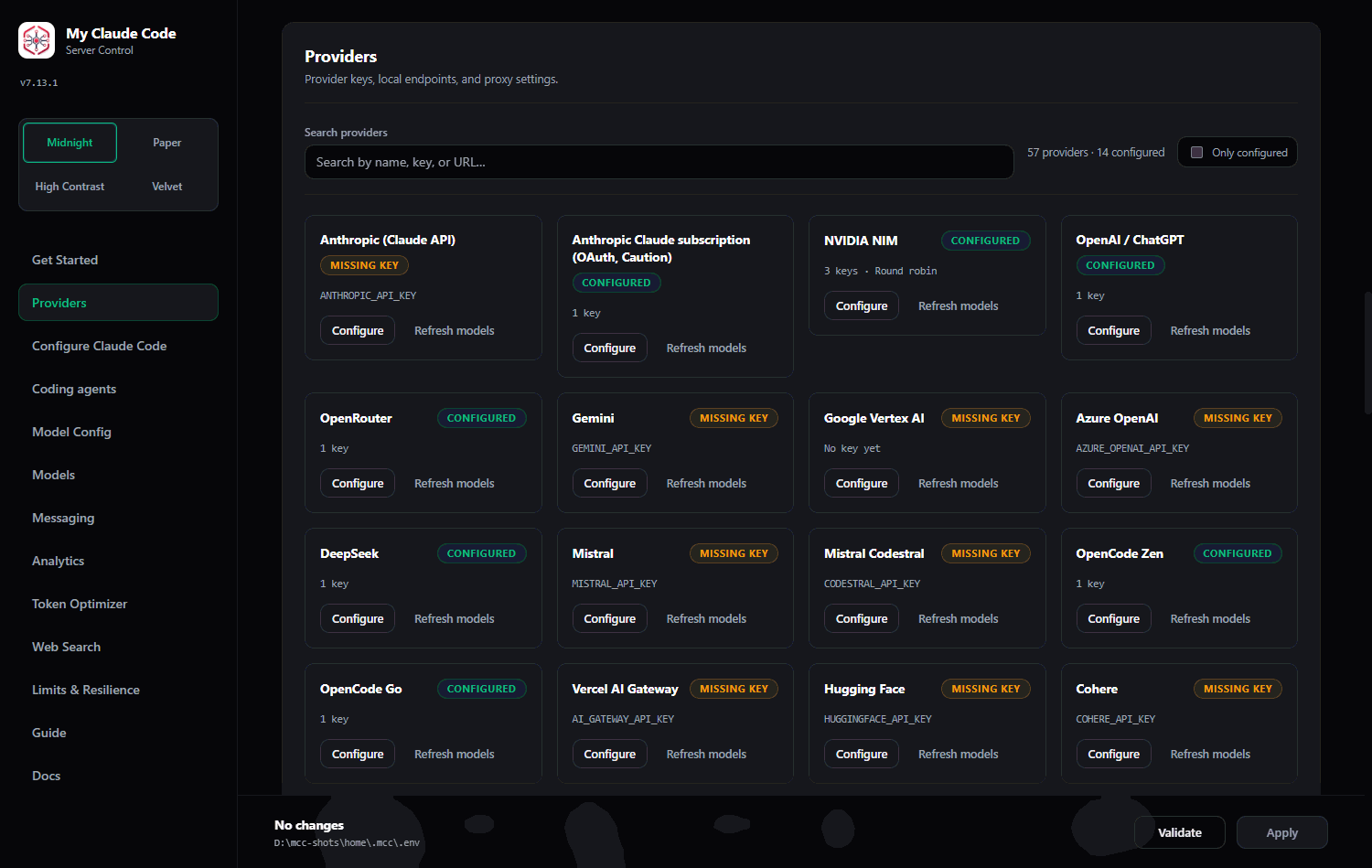
The provider grid: every provider MCC supports, 14 of them configured here. A card that needs a key names the variable instead of a key count.
Providers you add yourself get their own card above the grid, with the key pool, the rotation policy and what MCC learned about that host's reasoning dialect.
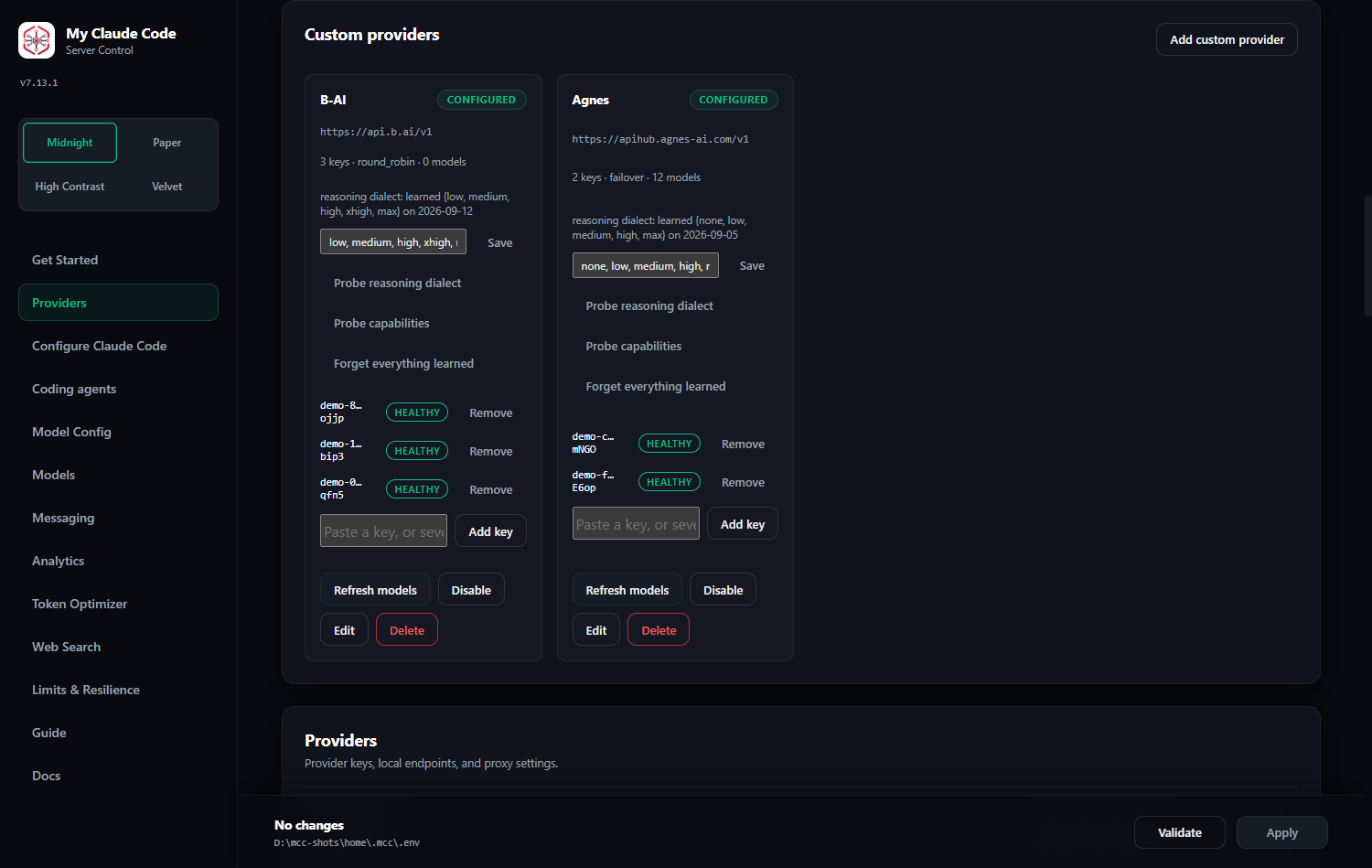
Custom providers: the card carries the count and Refresh models; the panel carries the keys, their health and the effort words each host was learned to accept.
The workflow¶
- Find the provider — search by name or by variable name.
- Press Configure, or anywhere else on the card. The card is a summary — the provider's name, its status, how many models MCC knows for it, and two buttons — and its settings open in a panel over the page, the way a request's detail does. Nothing expands in place, so the grid stays a grid however many providers you open.
- Paste your key into "Add key" and press it. Keys are saved immediately — you do not need Apply for them. To add several at once, paste them separated by commas; keys you already have are skipped rather than rejecting the whole paste.
- Press Refresh models (it stays on the card itself, and works without opening anything). This makes a real API call to that provider. A model count means the key works and MCC can read that provider's catalog. The Detect models control beside it asks that one provider again and says how many models came back. The count on the card is that answer, and it is repainted after every load, so it follows the catalog rather than the moment the page was drawn. It reads one of three things: N models once the provider's list is known, No models detected once this provider has been asked and offered none, and Not detected yet before anything has asked it — a provider nobody has queried has an unknown list, which is not the same fact as an empty one. The status pill beside the card's name says Reachable or Configured; it never carries a number.
- Choose the model on the Model Config tab. There is no "active provider" to select — the model ref you set there decides which provider serves a request.
The panel keeps the header and Close in place and scrolls its own body, so a provider with forty settings never moves the page behind it. Everything the card used to hold inline is in it: the key pool, the rotation policy, the proxy and base-URL overrides behind Collapse advanced, and every help sentence. Edits you make and have not applied survive closing it and opening another provider; Apply in the footer saves them all.
A provider holds a pool of keys, not a single value. Each key in the pool shows its own health (healthy, cooling down, locked out) and has its own Remove, which also takes effect immediately.
The order of the pool is the order failover reads, and since 7.29.0 you can change it here instead of retyping the variable: drag a key by its grip, or press Move up / Move down (ArrowUp / ArrowDown work on a focused grip). It applies at once with no restart, and the line above the pool says what moved and offers Undo. It also rebuilds the pool, so that pool's health counters start again -- the same thing adding or removing a key has always done, now said out loud.
You can name a key. Type a name in the box beside it, or in the optional Name field when you add one. A named key then reads as its name everywhere a credential is shown -- the card, the request log row and its detail modal, the Analytics Key filter, the retry ladder, the per-key analytics and the CSV -- with its masked label still on hover. Names live in ~/.mcc/credential_names.json, stored against sha256(key)[:16] rather than the key, and they never leave this machine: not in a request, not in the request log, not in a rollup. Because the name is only a display join, renaming a key rewrites nothing that was already recorded, and a masked label that two keys in the pool share shows no name at all rather than the wrong one. If you added more than one key, pick a Rotation policy and press Apply — rotation is a restart-required setting, so the server restarts when you apply it.
Local backends (LM Studio, llama.cpp, Ollama) take a base URL instead of a key, and offer Test connection where remote providers offer Refresh models.
Using Claude models¶
There are two Anthropic providers, and the difference between them matters.
anthropic — a Claude Console API key. This is the ordinary, supported path: Anthropic's own Messages API, billed per token like any other provider here.
- Create a key at platform.claude.com/settings/keys.
- Paste it into the Anthropic (Claude API) card, exactly like any other provider.
- Set a model ref such as
anthropic/claude-sonnet-4-6on Model Config.
One thing to know: the override for the upstream address is ANTHROPIC_UPSTREAM_BASE_URL, not ANTHROPIC_BASE_URL. The latter is the variable that points Claude Code at MCC — if MCC read it as its own upstream, the proxy would call itself. You almost certainly never need to set either.
anthropic_oauth — a Claude Pro/Max subscription. Anthropic does not permit this.
Their published terms state that plan OAuth credentials are for Claude Code and Claude.ai only, and that third-party products may not route requests through them. There is no "inside Claude Code" exemption, because once MCC is interposed it is MCC that presents your credential upstream. Anthropic may enforce without notice, and the risk is to your Claude account.
If you enable it anyway, MCC refuses by default to use the subscription for anything that did not come from Claude Code, the Claude Agent SDK or the Claude desktop app — it reads the cc_entrypoint marker Claude Code puts in the request body, so another harness pointed at your proxy is refused rather than silently billed to your plan. Since 6.36.0 the admitted set is cli, cli-bg, sdk-cli, sdk-py, sdk-ts and, since 7.92.1, claude-desktop-3p and claude-desktop (the Claude desktop app); before that it was cli alone, which refused Anthropic's own SDK.
The Claude subscription card on the Providers page reports the plan and rate-limit tier, when the access and refresh tokens expire, the scopes (flagged if user:inference is missing, without which the credential cannot answer at all), and the 5-hour and weekly usage windows. Those windows are read from Anthropic's own anthropic-ratelimit-unified-* response headers and are never computed: until a real response has carried one, the card says not yet observed rather than guessing.
The card has four buttons, and the flow through them is:
- Use Claude Code credentials copies the credential Claude Code already stored into MCC's own store, or Sign in with Anthropic gets a fresh one. The sign-in finishes by itself — a callback server on
127.0.0.1catches the redirect, so there is nothing to copy. If your browser cannot reach MCC'slocalhost(WSL, SSH, a container) it falls back to a paste field, and there you may paste the code, thecode#statestring, or the whole callback URL from the address bar. - Apply settings — both actions fill
ANTHROPIC_OAUTH_ACCESS_TOKENwith a non-secret marker, and Apply is what activates the provider. The success message says so. - That is all. No restart. The running provider notices the new credential on its next request.
The other two buttons are for a credential you already have. Refresh now renews it immediately and reports the new expiry. Disconnect sets MCC's own store aside — renamed, never deleted — and leaves your Claude Code login alone, so MCC falls back to it if it is healthy.
Several accounts, since 7.30.0. Once one account is stored, "Sign in with Anthropic" becomes Sign in another account, and the card shows one row per account — name, plan, both expiries, scopes and that account's own usage windows — each with its own Refresh now and Disconnect. Signing the same account in again updates it in place and keeps the name you gave it; nothing is ever replaced or duplicated. Each account is a slot in the ordinary credential pool, so ANTHROPIC_OAUTH_ACCESS_TOKEN_ROTATION and the health ladder apply per account, and the request log and every export show the account's name where a key's name would be. Names default to the account's email address, which the token response already carries — MCC still never fetches the profile — and you can change or clear them. mcc-anthropic-oauth-login --list and --remove <id> do the same from a terminal, and neither ever prints a token.
Shared and native credentials, since 7.69.1. A Claude credential read from Claude Code's ~/.claude/.credentials.json — imported, or found automatically — is shared: Claude Code's file is the truth. MCC re-reads it whenever it changes, never renews it early (no head start, no background, discovery, probe, image-description or dashboard refresh while it is valid), and renews it only once it has expired and a real request needs it — under Claude Code's own .oauth_refresh.lock, writing the new token back into that file by compare-and-swap before letting go. With write-back off, on macOS, or without a writable file it is read-only: MCC serves it while valid and then waits for Claude Code. A refresh token Anthropic refused is never sent again, and the card says Sign in again in Claude Code (claude /login). An account MCC signed in itself is native and renews as before, now single-flight across several MCC servers through anthropic_oauth.json.refresh.lock. The card shows Owner, any Read-only reason, Write-back pending (amber) and the Last decision; on a shared row Refresh now reads Re-read from Claude Code. The Codex side is the same with a weaker guarantee: Codex has no lock, so MCC re-reads auth.json right before the refresh and right before the write and writes only if the refresh token and account_id are still the ones it sent — if Codex refreshes inside that window, one of the two has to sign in again. Importing from Codex no longer refreshes anything. Full rules: ANTHROPIC-SUBSCRIPTION.md. ANTHROPIC_OAUTH_WRITE_BACK=false makes every shared Claude credential read-only; CHATGPT_OAUTH_WRITE_BACK is the Codex equivalent.
ChatGPT OAuth per-conversation cache affinity (8.28.0; default true since 8.36.0). CHATGPT_OAUTH_SESSION_AFFINITY defaults to true (hot-applied from the ChatGPT OAuth card on the next request without restart): MCC derives per-conversation session-id, thread-id, x-client-request-id, and bounded prompt_cache_key (<= 64 chars) from root session headers/metadata/opening turns (sharing Claude Code subagents under the root session) and echoes x-codex-turn-state per (base_url, account, conversation) with a 2-hour TTL (cleared on HTTP error, never shared across accounts). Setting CHATGPT_OAUTH_SESSION_AFFINITY=false restores the v8.27.0 provider-wide session-id and omits prompt_cache_key and sticky turn-state headers byte for byte.
ChatGPT OAuth service tier (8.42.0). CHATGPT_OAUTH_SERVICE_TIER defaults to unset (""), omitting service_tier from outbound bodies; setting priority (or fast, normalized to priority) requests priority processing when the caller omitted service_tier (an explicit inbound service_tier always wins). Hot-applied on the next request without a restart.
Downgrade note. A 7.29.x build reads the first account out of the new store and serves it correctly, but the first write it performs replaces the whole document and drops the others. The .bak-<epoch> taken when the store was migrated is the recovery path.
If a refresh reports that Anthropic is rate-limiting (a 429), that means wait. It does not mean your credential is dead, and signing in again in response would rotate a working refresh token away. MCC will not tell you to sign in again for a 429; when it does say that, it means it.
Read ANTHROPIC-SUBSCRIPTION.md first. It is the full disclaimer, the settings, and the credential handling.
Claude models also reach you through bedrock, vertex, and gateways such as kilo, nous_portal and cline — all pay-per-token, none with a policy question attached.
antigravity_oauth — Google Antigravity, scaffold only (8.22.0). The card exists and sign-in does not: this release adds the provider, its own account store (~/.mcc/auth/antigravity-oauth.json), the v1internal door, the fetchAvailableModels roster reader and the refusal classifier, and there is no way to obtain a credential yet. Until the next release the card reads Not signed in, no model on this provider can serve a request, and nothing changes for any provider you already use — with no credential Antigravity is never discovered, never listed and never dialled. Settings, all optional: ANTIGRAVITY_OAUTH_ACCESS_TOKEN (advanced override; normally the store holds the credential), ANTIGRAVITY_OAUTH_BASE_URL, ANTIGRAVITY_OAUTH_PROXY, ANTIGRAVITY_CLIENT_IDENTITY (antigravity by default — Google's official CLI identity, shown as such; mcc presents My Claude Code and is expected to be refused), ANTIGRAVITY_CLIENT_PROFILE (cli by default; ide is a declared, unmeasured second profile) and ANTIGRAVITY_CLIENT_VERSION (empty uses the dated constant). This direction is MCC calling Antigravity's upstream; serving the agy CLI through MCC is the other direction and is unchanged. The refusal taxonomy — a 200 with no currentTier and a 403 TOS_VIOLATION are policy refusals, never a quota — is in OAUTH-PROVIDERS.md.
Using Mistral models¶
There are two Mistral providers, and the difference between them is money, not address.
mistral — Mistral Studio (API). The general developer API at
api.mistral.ai/v1, keyed by MISTRAL_API_KEY from
console.mistral.ai, billed against the plan's
API allowance. This is the card that has existed all along; its id, its
mistral/… refs and its transcription surface are unchanged.
mistral_vibe — Mistral Vibe (subscription). A Vibe plan key, created under
Vibe Code → Extensions → Advanced (chat.mistral.ai/code/extensions), stored as
MISTRAL_VIBE_KEY. It dials the same host with the same request shape and
draws on the subscription's coding budget instead of the API allowance.
Three things follow from that, and they are the whole reason there are two cards rather than one key field with two values:
- They are separate pools. One
MISTRAL_VIBE_KEYis not a second key for the Studio card, and MCC never substitutes one credential for the other. If the Vibe key is missing, the Vibe card reads Missing key and says which variable it wants; it does not quietly borrowMISTRAL_API_KEY. - A refusal is not a bad key. Which models and which operations a Vibe plan covers is Mistral's decision and is not published. A request the plan does not cover is refused on its own terms — it does not mean the key is wrong, and it does not mean the host is down. Mistral's exact refusal wording is not something MCC has captured, so MCC does not guess at it: the provider's own sentence reaches you unchanged.
- Neither card shows a balance, because neither can. No documented Bearer-authenticated Mistral route returns a remaining allowance for either pool. The Vibe percentage exists only inside Mistral's own dashboard, behind a browser session MCC will not ask you for. Both cards say so in one sentence and carry no number, no bar and no retry — your own spend from MCC's traffic is on Analytics, labelled as MCC's traffic rather than as the provider's allowance.
The plan rules worth knowing before you spend (documented on the card's help text too):
- Rate limits still apply on top of any allowance — per-model requests per second and tokens per minute, plus monthly limits. The dashboard's API → Limits page is authoritative.
- Pay-as-you-go is off by default. With it off, usage may simply stop at the plan limit. Some partner-purchased Pro plans cannot enable PAYG at all.
- The Vibe web environment's session limits are not API limits. Its 24-hour maximum session and 100 daily sessions are managed-session rules for the web product; they say nothing about how many API requests you may make.
Model metadata on the Vibe card is deliberately thinner than on the Studio card. models.dev publishes no bucket for the Vibe product, so a Vibe model's price and limits come from the cross-provider vote, which needs three agreeing rows before it will state a number. Where only one row exists — Mistral's own — the Models page reads withheld: 1 of the required 3 rows reported one rather than borrowing the Studio card's prices, which the Vibe pool may not be billed at. That is the honest answer, not a gap to be filled by an alias.
Images on the Studio card (8.14.0). A mistral/… ref can serve the Image
rail. Mistral does not document POST /v1/images/generations; it serves images
as the image_generation built-in tool on Chat Completions, so MCC asks for the
picture with a chat call and then fetches it with a second call,
GET {base}/files/{file_id}/content, on the same key and through the same proxy
exit. Two consequences worth knowing before you spend:
- Only your
promptis forwarded. A chat call has nowhere to putn,size,quality,response_formatorstyle, so they are recorded as not forwarded on the request row rather than guessed at. The Models page says the same for each model. - The image is recorded unpriced. Mistral bills $0.10 per image on top of
the model's tokens, but neither models.dev nor LiteLLM publishes a per-image
rate MCC could read, and MCC never invents a price. If the host reports its
own
coston the answer, that figure is used; otherwise the row reads unpriced while the Media card still counts the image and its bytes.
Vibe models are not offered on the Image rail. Which budget an image charge
draws on is not published, so a mistral_vibe ref is skipped uncharged rather
than spending an allowance nobody agreed to. Use a mistral/… ref.
Prompt cache worker affinity (8.29.0, opt-in). Mistral (mistral,
mistral_vibe, and mistral_codestral) caches prefixes automatically in
64-token blocks without a lifetime parameter. MISTRAL_PROMPT_CACHE_AFFINITY
defaults to false so outbound Mistral Studio and Vibe requests match v8.28.0
byte for byte. Setting MISTRAL_PROMPT_CACHE_AFFINITY=true on the Mistral
Studio card (hot-applied on the next request without restart) sends an opaque,
restart-stable 40-character session digest (prefixed mcc + -aff-) in both body
prompt_cache_key and HTTP header x-affinity for mistral and
mistral_vibe (derived from x-claude-code-session-id and sibling session
headers, metadata.user_id/metadata.session_id, or opening turns so Claude
Code subagents share the parent session's cache pod). mistral_codestral
stays OFF by default. Custom provider cards also expose a per-card Cache
affinity selector (off default, body, header, or both) across Chat
Completions and Responses, with a non-mutating UI hint when the Base URL
targets api.mistral.ai, api.eu.mistral.ai, or api.us.mistral.ai.
Regional hosts (MISTRAL_BASE_URL / MISTRAL_VIBE_BASE_URL, 8.31.0).
Leave empty for https://api.mistral.ai/v1 (global default), or set
MISTRAL_BASE_URL (Studio) / MISTRAL_VIBE_BASE_URL (Vibe) independently to
Mistral's official regional endpoints (https://api.eu.mistral.ai/v1 for EU or
https://api.us.mistral.ai/v1 for US). Upstream bills EU and US regional
endpoints at 1.1x global pricing; MCC's cost estimates use models.dev
global Studio rates (or cross-provider vote on Vibe) without applying a
regional multiplier. Each card keeps its own proxy (MISTRAL_PROXY /
MISTRAL_VIBE_PROXY) and credential isolation (mistral_codestral stays on
codestral.mistral.ai).
Official /v1/responses surface (8.31.0). Both mistral and
mistral_vibe declare chat_completions and responses, defaulting unchanged
to /v1/chat/completions. Models pinned to responses on the Models page (or
proved on /responses by a probe) use POST {base_url}/responses and keep
MISTRAL_PROMPT_CACHE_AFFINITY (prompt_cache_key + x-affinity) and
per-provider learned surface memory isolated between Studio and Vibe.
Reading a failed Refresh models¶
| Result | Almost always means |
|---|---|
| 401 / 403 | The key is wrong, expired, or revoked. |
| 404 | The key is fine — the model id isn't available on your account. |
| 402 | Billing: no credit, or plan quota exhausted. |
| Timeout | Network, or a self-hosted endpoint that isn't running. |
That 404 case trips people up constantly. If Refresh models fails with 404, check the exact model id against the provider's own model list before assuming the key is bad.
Doing it by file instead¶
Set the matching variable in ~/.mcc/.env:
Restart mcc-server afterwards.
OpenCode Zen and OpenCode Go: what MCC sends about itself¶
Both OpenCode gateways read a small set of identity headers off every request: which program is calling, which version, which project, which conversation and which single call. Their own client sends all five. Before 6.69.0 MCC sent none of them.
That is why the OpenCode Zen free models stopped working. Measured on 2026-09-10, with four requests on a real key:
| Request | Answer |
|---|---|
| bearer token only — what every release before 6.69.0 sent | 400 MissingSessionID — "OpenCode's free tier can only be used in OpenCode" |
| the same request carrying the five headers | 200 |
| the same, with a deliberately invalid client id | 200 |
| the same, plus a header the host has never heard of | 200 |
So the check is a refusal, not a smaller allowance, and the header it acts on
is the conversation id. Since 6.69.0 MCC sends all five, to both providers, on
every request — and since 7.92.3 a sixth, x-opencode-session-id, which
OpenCode 1.19.0 sends with the same value as x-opencode-session:
| Header | What MCC puts in it |
|---|---|
User-Agent |
opencode/<version> — the OpenCode release installed on this machine, else the one this build was pinned against |
x-opencode-client |
cli |
x-opencode-project |
global |
x-opencode-session |
one id per conversation, minted the way OpenCode mints one (its clock, then random characters) the first time MCC sees that conversation — named by your coding agent's own id, or by how the conversation opened — and kept until the server restarts. Since 7.92.3, when the agent calling MCC is OpenCode itself and it sends a session id in exactly the shape OpenCode mints (ses_, 12 hex characters, 14 letters or digits), that id is sent on unchanged instead |
x-opencode-session-id |
New in 7.92.3. The same value as x-opencode-session |
x-opencode-request |
a fresh id for this one call |
Which address (7.92.3). MCC calls OpenCode Zen at
https://opencode.ai/inference/v1 and OpenCode Go at
https://opencode.ai/inference/go/v1 — the addresses the vendor's own model
registry (models.dev) publishes and OpenCode 1.19.0 uses. Until 7.92.2 they
were …/zen/v1 and …/zen/go/v1, which still answered on 2026-10-16. The
address is not a setting and is not written to your .env: every install,
including one that has run before, uses the new one from its next start.
Say this plainly, because it is your account and your choice. The default
identifies MCC's requests as the official OpenCode client's. MCC is not the
OpenCode client. The vendor's Zen page says the service is meant to be usable
"with any other coding agent" and documents no required header anywhere, so
there is no published rule either way — but the user-agent is still a claim
about which program made the request, and the free tier's identity check is
the vendor's, not MCC's. The row above showing an invalid client id answered
200 is the useful part here: the header the host acts on is the conversation
id, which MCC sends under either setting, so the truthful identity is not
known to cost anything.
The truthful opt-out is one setting:
which sends User-Agent: my-claude-code/<version> and
x-opencode-client: mcc instead. The conversation, request and project
headers are unchanged — they are the ones the vendor actually asked for, and
the ones that buy prompt-cache stickiness. Not measured, and said rather than
implied: nobody tried a truthful user-agent against the live free tier inside
this release's request budget, so if mcc ever stops working, that is the
first thing to suspect. OPENCODE_CLIENT_VERSION pins the
release named in the user-agent; empty, the default, reads it from the
opencode-ai package installed on this machine.
Since 7.28.0 the user-agent has all three of the real client's segments —
opencode/1.18.31 ai-sdk/provider-utils/4.0.40 runtime/bun/1.3.14, captured
off that client's own wire on 2026-09-19. MCC used to send only the first,
because the first is the only one the client's source writes: its HTTP
transport appends the other two underneath. Neither appended segment can be
read off this machine, so both are pinned and both are overridable —
OPENCODE_CLIENT_AI_SDK_VERSION and OPENCODE_CLIENT_RUNTIME.
The free tier now reads your tool names¶
Some time before 2026-09-18 00:52 UTC the Zen free tier stopped checking only
those headers and started classifying the request's tool catalogue. Since
then it answers 403 FreeTierError — "OpenCode's free tier can only be used
from within OpenCode" — to any request whose tool names are not its own
client's. Measured on 2026-09-18, with MCC's headers untouched in every row:
| tools on the request | answer |
|---|---|
bash, edit, glob, grep, read (the client's own spellings) |
200 |
Bash, Edit, Glob, Grep, Read (Claude Code's) |
403 |
| no tools at all | 403 |
| both casings at once | 500 server_error |
So from 7.28.0 MCC translates, on free-tier OpenCode models only: on the
way out Bash, Read, Edit, Glob and Grep are sent under the names
OpenCode's own client uses, every other tool name is aliased through the codec
that already handles this host's 64-character limit, and on the way back every
tool call the model makes is mapped to the name your agent actually sent. Your
agent never sees the wire names. No decoy tool is added beside a name your
agent already has — that is the 500 in the table. (Since 7.51.0 a clearly
labelled stand-in may fill a role your agent has no tool for at all; see
below.)
Every coding agent, not only Claude Code (7.49.1). Until 7.49.0 the
translation knew only Claude Code's five spellings, and it did worse than
nothing for an agent that already uses OpenCode's: to stop a stray bash
from sitting beside Claude Code's Bash, it renamed every lowercase bash,
read, edit, glob and grep to a hashed alias such as
bash_37d2b12d5d9abc2a. So OpenCode itself reached OpenCode's free tier with
none of its own tool names, and Pi (read, bash, edit, write) with none of
its three. From 7.49.1 each agent's spellings are declared as data, and MCC
picks the set to use from the tool names the request carries — never from
a header saying which agent sent it. An agent that already speaks OpenCode's
spellings keeps them. A Claude Code or Agent SDK request is sent byte for byte
as 7.49.0 sent it, and a test compares it with bodies the 7.49.0 code wrote.
From 7.50.0 four more agents are declared. Each row is read from that agent's own request or from its installed code, at the version named:
| agent | its names -> OpenCode's | OpenCode names on the wire |
|---|---|---|
| Gemini CLI 0.58.0 | run_shell_command, read_file, replace, glob, grep_search |
5 of 5 (3 headless) |
| Qwen Code 0.15.11 | run_shell_command, read_file, edit, glob, grep_search |
5 of 5 (3 headless) |
| Command Code 1.65.0 | shell_command, read_file, edit_file, glob, grep |
5 of 5 |
| Codex 0.155.1 | exec_command -> bash, apply_patch -> edit |
2 of 5 |
"Headless" means run with -p and no approval mode. In that mode Gemini CLI
and Qwen Code do not send their shell or editor tools at all, so only three of
the five names can go out.
Only tools that do the same job are mapped. Codex has no separate read, find
or search tool — it does those through its shell — so it reaches only two of
the five. Not every free model checks (measured 2026-09-25):
space-bunny-free answered a Codex request that carried none of OpenCode's
names. muse-spark-1.3-contributor-free does check, and on it two names
(bash, edit) were refused, and so were three (read, grep, glob, a real
headless Gemini CLI request). Four passed, and so did five. Codex's
apply_patch is a custom tool. It goes out as edit and comes back to Codex
as the same custom tool call.
Stand-ins (7.51.0). For an agent that cannot reach four on its own, MCC
now adds the missing OpenCode tools as stand-ins. Those agents are Codex,
and Gemini CLI or Qwen Code run headless. A stand-in carries OpenCode's name
and an empty argument list. Its description says plainly that the tool does
not exist in this client and what to use instead. For Codex that reads, for
example, "Not available in this client: Codex has no file-reading tool. Read a
file with the bash tool (Codex's exec_command)". The fences:
- only for those three agents;
- only on free-tier models (the same scope as above), never with
OPENCODE_CLIENT_IDENTITY=mcc; - only on a request that already has tools (a request with none is handled separately since 7.92.3; see below);
- only the roles the request lacks;
- always after the agent's own tools, in a fixed order, so the prompt cache keeps its prefix;
- never a name the request already has in any casing.
Claude Code, OpenCode, Pi and Command Code never get one.
If the model calls a stand-in anyway, MCC passes the call to your agent as it
is, and the agent answers it as a call to a tool it does not have. MCC never
turns it into a shell command. Measured with a real Codex 0.155.1 turn on
muse-spark-1.3-contributor-free:
- the request with stand-ins was accepted (HTTP 200), where Codex's own tools
alone were refused;
- the model called read, and Codex answered unsupported call: read;
- the model then reported exactly that.
Agents read from their source (7.52.0). Six more agents that MCC can launch were not installed on the machine these rows were written on. Their spellings are read from each one's published source at a pinned release, or from the installed bundle for Droid, which publishes no source. Each row cites the file and line, or for Droid the byte offset, it came from.
| agent | its names -> OpenCode's | OpenCode names on the wire |
|---|---|---|
| Droid 0.227.0 | Execute, Read, Edit, Glob, Grep |
5 of 5 |
| Crush 0.96.1 | bash, view, edit, glob, grep |
5 of 5 |
| Kimi Code 1.52.0 | Shell, ReadFile, StrReplaceFile, Glob, Grep |
5 of 5 |
| Kilo CLI 7.8.0 | OpenCode's own spellings | 5 of 5 |
| Cline CLI 3.0.65 | run_commands, read_files, editor, search_codebase |
4 of 5 |
| goose 1.52.0 | shell, edit |
2 of 5, plus stand-ins for read, glob, grep |
Four was enough on muse-spark-1.3-contributor-free for a Cline-shaped request
(read, grep, bash, edit, measured 2026-09-25), so Cline gets no stand-in.
Aider sends no tools at all, so there is nothing to translate; since 7.92.3
its requests to a free model carry OpenCode's five names like every tool-less
request (see below). Google Antigravity publishes no source and no package that can be
read without running its installer, so it has no row. A guessed row would fail
silently.
OpenCode 2 (7.58.3). The OpenCode 2 preview (mcc-opencode2, measured on
@opencode-ai/cli 0.0.0-beta-18866) calls its shell tool shell, not bash;
its read, edit, glob and grep keep OpenCode's names. Until 7.58.2 only
those four reached the free tier, with shell sent as it was. From 7.58.3
OpenCode 2 has its own row, shell -> bash, so all five go out and a bash
call from the model comes back to OpenCode 2 as shell. The row is declared
after every other agent's, so it is chosen only when it finds more of the five
than any other row does: OpenCode 1, Pi, Kilo, goose and Codex are translated
exactly as before (goose also says shell, and keeps its stand-ins).
| agent | its names -> OpenCode's | OpenCode names on the wire |
|---|---|---|
| OpenCode 2 beta-18866 | shell, read, edit, glob, grep |
5 of 5 |
Which models: any whose id ends in -free or :free, any the catalogue
prices at zero on this host, and anything you list in
OPENCODE_FREE_TIER_MODELS (big-pickle by default — it is free and its name
does not say so). Every other model is untouched, on OpenCode and
everywhere else: a paid Zen model gets the byte-identical request it got in
7.27.0, and a contract test pins that.
OPENCODE_CLIENT_IDENTITY="mcc" turns the translation off along with the rest
of the impersonation. A free-tier model will then answer 403, which is the
truthful outcome rather than a hidden one.
Tool-less requests (7.92.3). Until 7.92.2 a request with no tools — a
title or summary call — was sent tool-less, because the real OpenCode 1.18.30
client sent its own title and compaction sub-requests that way (captured
2026-09-19), and those were refused inside the genuine client too
(#49592,
#49723). Measured again
on 2026-10-16 with a freshly minted session id, MCC's exact tool-less request
to big-pickle was still answered 403 FreeTierError. So, by your decision,
a request that offers no tools now carries OpenCode's five names (bash,
edit, glob, grep, read) on free-tier models only. Each one's
description says the agent offered no tools and it must not be called, and
none takes any argument; if the model calls one anyway, the call reaches your
agent as it is. A request that has tools, a paid model and
OPENCODE_CLIENT_IDENTITY=mcc are unchanged.
Such a refusal is now its own failure kind, free_tier, instead of
authentication. It does not bench the key (the key is fine), it does not
bench the proxy (the same account is refused from every address), and the
route falls through to the next model.
Expect this to break again. The vendor tightened this gate three times in 48 hours and has said on the record that the free tier is harness-locked policy. Everything above is written to be re-measured — one mapping, one predicate, three settings — rather than to be clever. The durable paths remain a paid Zen key or OpenCode Go.
OpenCode Go's original header probes were inconclusive. The vendor said on 2026-09-03 that Go requests
must carry the conversation header and began enforcing it on 2026-09-06. MCC
sends it, under the same rule as Zen. Both live Go probes were answered
401 CreditsError — the subscription behind the key had run out — so nothing
here claims to have watched the Go requirement be satisfied.
Go reasoning (7.113.2). On Go's Chat Completions endpoint, MCC preserves
earlier assistant thinking in reasoning_content rather than inserting
<think> wrappers into the assistant's answer text. Requested max can now
reach Go as reasoning_effort: max; the existing per-model capability and
refusal checks still decide whether it is used. xhigh keeps its previous
high mapping, and no new default effort or off value is invented. The Go
model registry states low/high/max for DeepSeek V4.1 Flash; acceptance of
every Go model is not implied by that model's entry.
An existing conversation containing thinking changes its serialized prefix
on the first request after this update, so an earlier prompt-cache hit may be
lost once. Nothing rewrites the stored conversation or clears a cache.
Incoming malformed native reasoning is still delivered in the field the
host sent it in: MCC does not guess that text after </think> is an answer,
and it does not remove arbitrary <analysis> or <summary> markup.
Two things MCC deliberately does not send: x-parent-session-id, because
MCC never forks a session and would be inventing a relationship, and
x-mcc-harness — which coding agent sent the request is between you and MCC,
and never travels upstream.
The conversation id is derived, not forwarded: whatever your agent called its session is reduced to an opaque id, and the original is not written to the request log. The one exception (7.92.3): OpenCode itself, calling OpenCode's gateways through MCC with a session id in exactly OpenCode's own shape, has that id sent on unchanged — it is already the id OpenCode would have sent.
If the vendor turns the check back on, MCC says so rather than quietly
halving its own quota. A 429 that names the free daily quota and resets at
00:00 UTC is recorded as a learned fact against the provider and shown on
Models; Probe capabilities on the OpenCode card also spends two
requests asking the host directly, and records "checked
The free tier is metered per key, so free models use OpenCode's own¶
New in 7.34.0. The Zen free-usage limit is keyed on the API key, not on the address you call from. Measured on 2026-09-20 from one machine behind one exit IP, inside seventy seconds:
| UTC | who | credential | answer |
|---|---|---|---|
| 00:43:49 | MCC | the operator's key | 429 FreeUsageLimitError |
| 00:44:16 | the real opencode CLI |
public |
200, 29 807 tokens, cost 0 |
| 00:44:56 | MCC | the operator's key | 429 FreeUsageLimitError |
One machine, one address, two credentials, two outcomes. Rotating exit IPs,
new session ids and different headers cannot lift that 429 — MCC's five
identity headers were already byte-identical to the client's, and the 200 in
the middle of that table proves the headers were never the difference.
public is not a trick: it is the vendor's own anonymous tenant. With no
credential configured, opencode-ai@1.18.31 sends the literal key public
and deletes every model whose cost.input is non-zero — the rule appears
twice in the shipped bundle. An unauthenticated OpenCode CLI is a public
client.
So from 7.34.0, free Zen models go out as Bearer public by default and
your own key's free allowance is not spent on them. Concretely:
- scope is the same free-tier scope as the tool-name translation above — a
-free/:freetag, anything inOPENCODE_FREE_TIER_MODELS, or a model the catalogue prices at zero here. One predicate, so the credential and the tool names can never disagree; - paid Zen models always use your key, byte-identical to 7.33.0.
publiccannot buy them and your key is what makes them reachable at all; - OpenCode Go is untouched. It is a paid subscription endpoint;
publicis its own credential slot. A 429 on the shared bucket benches the shared bucket, your key's health is not touched, and the request log, Analytics and the CSV exports showpublicfor those attempts rather than naming a key that was never spent;- the housekeeping stops spending your key too. The hourly model-discovery sweep and the Test button name no model at all, so under the default they ask anonymously. One 429 an hour for two and a half days was that sweep re-confirming a limit on a key it had already exhausted. If the anonymous listing fails or comes back empty, MCC asks again with your key, so a pruned or refused anonymous catalogue can never remove a paid model from Models. Probe capabilities picks per model: a free model is probed anonymously, a paid one on your key;
- with no
OPENCODE_API_KEYat all, free Zen models now work. A paid one is refused with the same sentence it was refused with before. Since 7.78.0 the OpenCode Zen card says so: Free models ready (not Missing key), with "Configured by default: free models work with no key. A key is needed only for paid models and for OpenCode Go." WithOPENCODE_FREE_TIER_CREDENTIAL="key"and no key it says Missing key, because then nothing can be served; the OpenCode Go card says Missing key without a key either way.
The caveat, stated plainly: public is a shared bucket. Anyone can
exhaust it, and its scope — per address, per device, global — is not known;
all that was measured is that it was not exhausted from this machine at that
minute. If your own key still has free allowance and you would rather spend
it, set OPENCODE_FREE_TIER_CREDENTIAL="key" on the OpenCode Zen card, which
restores 7.33.0 exactly.
OPENCODE_CLIENT_IDENTITY is a different switch and stays one: it chooses
what MCC claims to be, not whose allowance it spends. Setting it to mcc
does not move the credential.
The public bucket also follows the address (measured 2026-10-06). In the
same minutes a few proxy exits were answered while more than forty others, and
this machine's own address, got 429 FreeUsageLimitError on Bearer public;
the direct address stopped at about 500 answers per UTC day. So a proxy chain
on OpenCode Zen does lift the 429 -- one exit at a time. Since 7.81.1
Keep trying exits until one answers is on for every chain, including the
ones saved before 7.81.0 (untick it on a chain's card, Proxying page, to
switch it off for that chain): a request an exit refused (a free-usage 429, a
refusal for the exit's country) or dropped goes to another exit on the same
model instead of being retried on the same exit, within your Switches per
request, and MCC remembers the refused exits so later requests skip them.
When the switch limit is reached the request moves to the next model without
pausing it. See
Keep trying exits until one answers.
With the box unticked, or on a one-entry chain, a static proxy or no proxy at
all, a refusal for the country goes to the next model as it always did -- and
since 7.96.0 it no longer locks the key out on the way
(details).
A VPN, WARP or Tor you already run (7.89.0). Scan this computer on the
Proxying page finds a proxy listening on this machine (WARP in proxy mode,
ssh -D, Tor, gluetun, wireproxy) and offers it as a chain address -- two
Tor ports, or WARP plus a VPN's proxy, give a Zen chain two exits. With
PROXY_CHECK_EXIT_IP_URL=provider every Test also asks OpenCode's own host
(/cdn-cgi/trace) which address and country it saw, so entries that come out
of the same address show up as one exit; Where does Direct come out? shows
the address a connected VPN app gives this computer. See
Proxies on this computer.
A tor you run yourself (7.90.0). Under Tor you run yourself on the
Proxying page, give your tor's SOCKS ports (two or more, any free ports)
and its control port: each port becomes its own chain address, named
Tor · 127.0.0.1:<port>, and the card shows the torrc lines to paste. Put the
ports in the Zen chain with Keep trying exits until one answers ticked and
a refused request moves to the next Tor port. New Tor identity asks tor for
new circuits (at most once per 10 seconds; MCC never asks by itself). MCC never
downloads or starts tor. Raise PROXY_CONNECT_TIMEOUT_SECONDS (to 30, say)
when you use Tor. See
Bring your own Tor.
A VPN account, a gateway or a proxy list (7.91.0). On the same page, Add a VPN account (NordVPN's or PIA's SOCKS5 hosts with their service credentials; Mullvad's in-tunnel proxies while its app is connected), Add a gateway (Oxylabs, IPRoyal, Decodo, Bright Data datacenter or ISP zones: N sessions, N addresses) or Add a proxy list (Webshare's free list, pasted or by its download link). A preset fills each form from the vendor's documentation; nothing is contacted until you save, and a vendor's list is fetched only when you press Fetch now or switch on its schedule. Two or more of these addresses in the Zen chain with Keep trying exits until one answers ticked give a refused request somewhere else to go. Proton VPN Free has no proxy: turn its app on and Direct goes out through it. See VPN accounts, gateways and proxy lists.
OpenCode Zen serves different models on different endpoints¶
New in 6.74.0. OpenCode Zen is not one API. It is a front door onto four,
and which one a model lives behind is a property of that model, published in
OpenCode's own registry as a provider.npm override. Five of the seven free
models Zen lists today are on Chat Completions; two — both Muse Spark
contributor models — are served only on the Responses API, and a request
sent to the wrong endpoint comes back as a bare HTTP 500 Internal server
error that names nothing (the vendor's own open issue
anomalyco/opencode#47969
calls it a missing WrongEndpointError). Every MCC release before 6.74.0
spoke Chat Completions to all of them, which is exactly what those 500s were.
MCC now resolves the endpoint per model, from six sources, strongest first:
| Shown as | Where it came from |
|---|---|
responses (override) |
you wrote "response_surface" into model_overrides.json |
responses (learned) |
MCC probed this deployment and the endpoint answered |
messages (measured) |
a dated measurement of this deployment, shipped with the build (7.114.0) |
responses (registry) |
the vendor's published registry, already cached from models.dev |
chat_completions (profile) |
nobody said otherwise, and this host serves more than one endpoint, so its profile names the one to knock on first |
chat_completions (default) |
nobody said otherwise, and this host has only one endpoint anyway |
Since 7.114.0 a model may be known to answer on more than one endpoint —
muse-spark-1.3-contributor on OpenCode Go was measured on Messages and
Responses both — and the order depends on what your client speaks: an
Anthropic-format request (/v1/messages) asks Messages first, then Responses,
then Chat Completions; an OpenAI-format one asks Responses first, then Chat
Completions, then Messages. The order never removes an endpoint, and a model
with one known endpoint resolves exactly where it did before. A known endpoint
that answers wrong (a 4xx naming an endpoint, a bare 500, or a 404 on an
endpoint MCC only guessed at) is dropped from that model's set for seven days
and the request is served from the next one inside the same attempt; the
Models page's Forget re-opens it at once. A 429, a timeout, a credit refusal
or a country refusal teaches nothing. A model the vendor places on an API this
proxy cannot speak (@ai-sdk/google) is probed once on first use instead of
being refused, and the answer is remembered.
Since 7.115.0 the same one-time probe covers the opposite silence: a model
whose endpoint nobody publishes — no provider.npm at all, or a package
this build cannot map, which is 88 of the 167 OpenCode rows — is tried once on
the endpoint your client's format prefers, then falls back to Chat Completions
inside the same request. That trial costs one ~16-token probe, once per model
per seven days; the answer is remembered as a learned fact, so the second
request goes straight to the endpoint that worked and never probes again.
Nothing else changes: the Models page still shows the floor for such a model
until a probe has answered, and a declared endpoint, an operator override or a
learned fact is never guessed at.
The chat_completions (profile) row is the one a fresh or keyless install sees, because its
models.dev cache has not been fetched yet — as does any install whose fetch
failed. The note beside it says which silence produced it: no registry entry
for this model, or no cached copy of the vendor's registry yet. Both
OpenCode profiles declare Chat Completions there, because five of the seven
free models Zen lists today are behind it and two are not; the two are carried
by the probe below, in the same request, and the answer is written down as a
learned fact so nobody pays for it twice. Every other provider declares
nothing and keeps (default) exactly as before.
The row is on the Models page beside every other capability, with the
reason attached — the npm package that selected the endpoint, or why one
cannot be reached. The request log carries it too: each attempt's wire facts
now open with surface responses (registry), so a failed request tells you
which door it knocked on.
When the registry is wrong, MCC finds out in one request. If the endpoint
MCC chose refuses in a way that is about the endpoint — a bare 500, the
403 RegionError the vendor's region check emits instead, or a 4xx naming the
other path — MCC sends one ~16-token probe to the alternative, and on success
remembers it as a learned fact and retries your request there. A 401, a 404, a
429 or any quota refusal never triggers this: those are answers about your
credential or your rate, and moving endpoints would learn nothing. A 500 that
carried a real complaint stays an ordinary retryable outage.
No model is ever hidden. A model MCC cannot reach at all — Zen serves a
few through Anthropic's Messages API and one through Google's own API, neither
of which this provider speaks — keeps its row and reads
unservable (registry) with the reason spelled out. A catalogue that silently
drops a model the vendor is giving away is worse than one that says why it
cannot use it.
To pin an endpoint exclusively yourself, in model_overrides.json:
Values are chat_completions, responses, messages and unservable. To prefer an endpoint first while keeping the fallback ladder (off by default — unset requests stay byte-identical), set preferred_surface on a provider row or a model row (valid values: chat_completions, responses, messages; never unservable), or use Set preference on the Models page:
{
  "providers": {"opencode_go": {"preferred_surface": "chat_completions"}},
  "models": {"opencode_go/deepseek-v4.1-flash": {"preferred_surface": "messages"}}
}
Precedence is response_surface pin > preferred_surface (model > provider) > learned > measured > registry > marketplace > floor. If your preferred door has not been proved for that model yet (but the host declares it), MCC probes it once (~16 tokens) before sending the client's request; if the host refuses it in a surface-shaped way, MCC records the refusal for seven days, falls back inside the same attempt, and keeps your preferred_surface intact while the Models page reports "you prefer X; this host refused it at HH:MM UTC; serving Y".
Both keys are deliberately not request parameters — neither is ever written into a request body — and an unrecognised value is ignored with a log line rather than obeyed. reasoning_preference and max_output_tokens are the other two keys of that kind; see Per-model reasoning and output preferences below.
InferHub marketplace profiles¶
InferHub (INFERHUB_API_KEY, keys look like
sk-airo-…) is not one seller. It is a marketplace that pools many people's
upstream subscriptions — Claude Code (cc/…), Codex (cx/…), Antigravity
(ag/…) and about twenty more — behind one OpenAI- and Anthropic-shaped API
at api.inferhub.dev. For one model there can be thousands of seller
accounts, grouped into a handful of price levels (each level is a price
per million tokens and how many accounts ask it). Every price is a percent off
InferHub's "official" price for that model, the same on input and output, and
never more than half of it.
How you can be overcharged. With no ceiling, InferHub routes to "the
best-scoring provider regardless of price": any live ask, up to that half of
official — for cc/claude-opus-4-6 that was 3.33× the cheapest ask when the
research was done. And a conversation stays with its seller for up to 30
minutes; after that it pays the seller's current ask, which may have been
raised meanwhile. The only protection a client has is a ceiling sent with
every request: the headers x-max-input-price and x-max-output-price
(USD per million tokens). MCC sends them on every attempt and every retry, on
all three doors, whenever a profile with a ceiling applies.
Choosing a profile. On the Models page, InferHub's provider table and
each InferHub model's table have a marketplace profile row (the 15th
override key, marketplace_profile): Inherit, Force value (a profile's
name) or Force unset — "InferHub decides", no ceiling, shown in red. The
model's row wins over the provider row. Since 7.110.0 the
InferHub page edits the same rows and the profiles
themselves. Profiles live in marketplace_profiles.json in the config folder:
{"version": 1, "profiles": {
  "opus-cap": {"kind": "pct_of_official", "percent": 10},
  "tight":    {"kind": "max_price", "max_input_usd": 0.5, "max_output_usd": 2.5,
               "max_usd_per_request": 0.2},
  "follow":   {"kind": "cheapest_level_now", "cap_percent": 20,
               "exclude_upstreams": ["kiro"]},
  "deep":     {"kind": "cheapest_level_min_accounts", "min_accounts": 10}
}}
| Kind | What it sends |
|---|---|
inferhub_decides |
nothing — today's request, no ceiling (the default) |
pct_of_official |
percent % of the model's own official price, both sides |
max_price |
your max_input_usd / max_output_usd; a side left out is not capped |
cheapest_level_now |
the cheapest level right now, re-read on every request; optional cap (cap_percent, or cap_input_usd / cap_output_usd) — without one it follows the market, so add a cap to be sure |
cheapest_level_min_accounts |
the cheapest level with at least min_accounts accounts at or below it; same optional cap |
Two modifiers on every kind but the first: exclude_upstreams (prefixes sent
as x-ignore-upstream) and max_usd_per_request (MCC refuses a request whose
worst case — every input token at the input ceiling plus the whole output
allowance at the output ceiling — is above it).
When nothing fits. MCC never sends an InferHub request uncapped once a
profile is set, and never raises your ceiling by itself. It answers with a
short 400 in the client's own error shape, before any upstream call, when
the profile no longer exists, when it cannot compute a number (a
pct_of_official profile on a model with no official price — an alias), when
it excludes the model's own upstream, or when the market snapshot already
shows the cheapest level above your ceiling. If InferHub itself answers 402
with the code no_provider_under_bid, MCC turns it into the same short 400
naming the cheapest price InferHub stated. A 402 without that code (a
balance that ran out) stays "out of credits", exactly as on every other
provider.
The market snapshot. While InferHub has a key, MCC reads, hourly and on
every models refresh: your key's model list (each model's levels, regrouped
from one entry per account into one per level), and — while
MARKETPLACE_PUBLIC_MARKET is on — InferHub's keyless public pages (cheapest
and dearest ask, speed and success per model, cache hit rate, the platform
cap), plus your combos and each upstream's prompt note with your key. It is
stored beside the model catalogue (cache/derived/marketplace-inferhub.json)
and read through the InferHub proxy chain; INFERHUB_MARKET_BASE_URL says
where. No key, nothing is read. The Models page shows each model's offers
and route note rows from it; the route note is the upstream's own words
about what it does to your system prompt.
Doors. InferHub serves every model on Chat Completions, Claude Code's
cc/… natively on Anthropic Messages (which keeps cache markers and signed
thinking) and Codex's cx/… natively on Responses; MCC picks those by
default and you can pin any model's endpoint on its row. InferHub's
usage.cost on Chat Completions is recorded as the whole bill; each attempt's
request detail keeps, under params.marketplace, the ceiling sent (ceiling:
profile, which row named it, the headers, how the numbers were reached),
InferHub's own X-Inferhub-* and rate-limit headers verbatim (headers) and
the charge it reported (charged_usd, recorded whatever the cost setting says;
absent when not reported, never 0). The Chat door also notes the ceiling beside
its body (params.wire.marketplace). Requests to every other provider carry no
marketplace key at all.
Not verified on a real account. Everything above is built from InferHub's documentation and public pages; nothing keyed has been observed yet — the exact
402body, the header values, andusage.coston the Messages and Responses doors are still unknown.
The InferHub page¶
New in 7.110.0. While InferHub has a key, the left nav has an InferHub link: one page for everything that is not like an ordinary provider. With no key the link is not there and nothing on it is read. Its blocks, top to bottom:
- What this is — the overcharge mechanism in plain words. InferHub resells pooled subscriptions (its terms say it is run by an individual); with no ceiling it may route you to any live ask, up to its platform cap of 50 % of the official price; a conversation keeps its seller for up to 30 minutes and then pays that seller's current ask, which may have been raised meanwhile. The ceiling is enforced by InferHub itself through the two headers MCC sends. Each route's own route note is quoted here word for word — some upstreams rewrite or prepend your system prompt. When the provider row names no profile, a red line says so above the blocks.
- Account — balance and spend (InferHub's own account-usage read, which
any inference key may make), which kind of key it is (
inference,inference_only,config,config_read), InferHub's own budgets and alias groups and your combos — read-only here; MCC never writes them. A read your key may not make says not readable with this key (never a zero, never a blank), and every value carries not verified on a real account. Read when you open the page and when you press Refresh, and at no other time. - Profiles — each profile with its rule in words, the rows that name it
and would match now: for every model it applies to, the ceiling it
would send and how many seller accounts ask at or under it (or matches
nothing, with the refusal a request would get). New profile and
Edit open the editor: the five kinds and the two modifiers above, the
store's own checks before anything is sent, and follows the market — add
a cap to be sure on a cheapest-level kind until it has a cap. A save
writes the whole
marketplace_profiles.json; it refuses — rather than loses anything — when the file changed since the page read it, when the file cannot be parsed, when it holds entries MCC cannot use (you can tick Remove these entries when I save), or when you remove a profile a row still names (a second press confirms; those requests are then refused, never sent uncapped). - Assignments — the provider default and each model's own row, saved as
the
marketplace_profileoverride through the same route the Models page uses: Inherit (no row), InferHub decides (no ceiling) or a profile. Add row gives one more model its own row. - Offer explorer — one model at a time, searchable, grouped by prefix
(
cc/,cx/, …): the price ladder (each level and how many accounts ask it) with your ceiling drawn on it as a dashed line, official, cheapest, dearest and last rate, the platform cap in dollars, success, time to first token and tokens per second over the last 30 minutes, the prompt-cache hit rate, the route note, and the combos and alias groups the model is in. When the cheapest price moved between two snapshots this page showed, it says offers moved since …. - Last requests — the last 10–100 requests InferHub served: time, model,
X-Inferhub-Model,X-Inferhub-Publisher, the attempt (and InferHub's own hop), the ceiling sent, the charge InferHub reported and over the ceiling when that charge is above every token at the ceiling sent (cached tokens counted at the input price, the worst case; never below InferHub's minimum charge of $0.00001 per billed request) — evidence, never an action. A dash means not reported. Fetch the charged ask reads InferHub's usage log for these rows (it keeps 7 days; aninference_onlykey may not read it) and shows the ask each was charged at — only when pressed. - Snapshot — when the market snapshot was read, each source's state (a
source that failed keeps its last copy), the platform cap, Refresh, and
the
MARKETPLACE_PUBLIC_MARKETswitch — the same setting as on the InferHub card.
The page's routes are local-only like every admin route:
GET /admin/api/marketplaces, PUT /admin/api/marketplaces/profiles,
POST /admin/api/marketplaces/refresh,
GET /admin/api/marketplaces/{provider}/offers,
GET /admin/api/marketplaces/{provider}/recent and
POST /admin/api/marketplaces/{provider}/charged.
Local providers¶
LM Studio, llama.cpp and Ollama need a base URL rather than a key:
These take no credentials — the key field stays empty and validation just checks reachability.
Custom providers¶
Any OpenAI-compatible endpoint that is not one of the 56 built-in cards can be added by hand. Press Add custom provider on the Providers tab and give it a display name, a base URL and one API key.
The card is a face, and its form is a panel (8.11.0). Exactly like a built-in provider's card since 8.10.0: the card shows the name, the status, the detected model count, Refresh models and Configure, and everything else — the key pool, the reasoning dialect, Edit, Disable and Delete — opens in the same panel a built-in card uses, by pressing anywhere else on the card or Configure. The panel body scrolls inside itself, Escape closes it, focus goes back to the card, and the key pool is open when it appears, because managing keys is what a provider's panel is for. Nothing was removed in the move: every control the card carried is in the panel, in the same order.
The count on the card is the number this provider's own last discovery returned. It reads Not detected yet until one of the card's own controls has asked, and No models detected once the host has answered with none — two different facts, never one number.
The base URL must include /v1 (or whatever path segment your gateway uses). MCC calls the URL you typed, verbatim — it does not append /v1 for you. https://api.example.com/v1 is right; https://api.example.com is refused by the gateway on every request — measured against one real host, that is a 403 naming the paths it does serve, not a silent 404, and it surfaces immediately as a red card because the create route probes /models before it answers you. Check the gateway's own curl example: whatever comes before /chat/completions is your base URL.
Creating the provider registers it, hot-reloads the provider runtime and queries GET <base_url>/models once. What that query returns is what the card reports, what /v1/models serves, what the Models page counts and what the Model Config pickers offer — one discovery, one answer, no restart. If it fails, MCC retries it once and then says so: the card turns red with the upstream's error, and the banner tells you to press Refresh models. A failed discovery never renders as a healthy card.
Refresh models on a custom card does exactly what it does on a built-in remote card: re-queries the upstream's model list and republishes every generated harness catalogue, including ~/.mcc/codex-model-catalog.json. Use it after the upstream adds a model, or after a discovery failure you have since fixed. Enabling a provider, adding a key and removing a key each re-run discovery on their own.
Keys for a custom provider live in ~/.mcc/custom_providers.json, not ~/.mcc/.env. There is no environment variable for them, so the {ENV}_API_KEY / {ENV}_ROTATION file workflow does not apply — but the pool itself is the same one built-in providers use, so several keys plus a rotation policy work exactly as they do elsewhere. That includes the rail: drag or Move up / Move down to change which key failover reaches first, and name a key to have it read as that name everywhere. Names for a custom pool live in the same ~/.mcc/credential_names.json a built-in pool's do.
Per-key health. A custom pool has always rotated, benched and cooled down on the same engine a built-in pool uses; since 6.25.0 the card also shows it. Each key row carries the same badge the built-in pools carry — HEALTHY, a cooldown with the time remaining, a lockout, or HEALTHY (1 model) when the key is rate-limited for one model and still serving every other. Custom pools also appear in the Rotation, per pool readout on the Providers tab.
Disabling and deleting. These now mean different things, because you mean different things by them.
- Disable is temporary, so your routing is left alone and switched off instead: every
MODEL*chain entry naming the provider is paused, exactly as if you had paused it on Model Config, and the banner names the entries it paused. Re-enabling lifts precisely those pauses — a ref you paused by hand before disabling stays paused. - Delete is permanent, so the references go with it. Every
MODEL*key that named the provider is rewritten, and the banner lists what was removed. A route whose own model was the deleted provider is reset to its default rather than left pointing at nothing.
Before 6.25.0 either gesture, applied to a provider a MODEL* setting named, made the next settings load fail outright — the whole process, rather than the one route. A disabled custom provider now stays valid in configuration while remaining unbuildable at runtime, which is what "disabled" should have meant all along.
Reasoning dialect. This is the one capability a custom provider genuinely could not have. A built-in provider's reasoning_effort vocabulary is written into its profile by someone who probed the host; a provider you invented has no profile, so it was assumed to speak the four standard OpenAI words (minimal, low, medium, high) — and a host that documents low, high, max had every request for max quietly clamped to high, with no user-accessible way around it.
MCC now asks the host directly. On create, and again on every Refresh models, it sends at most two 16-token chat completions: the first carries a deliberately invalid reasoning_effort, and if the host answers 400 naming its enum, that enum becomes this provider's vocabulary. Three outcomes, all shown on the card:
| Card reads | What was established |
|---|---|
learned {low, high, max} on 2026-09-01 |
the host named its enum in a 400; MCC now spells those words |
ignored on 2026-09-01 |
the host answered 200 to a value no scale contains, so it does not read the field |
unknown (401) / unknown (not probed) |
nothing was measured; behaviour is unchanged from before |
Probe reasoning dialect on the card re-runs it on demand, and the field beside it takes a comma list (low, high, max) if you would rather state the answer than measure it; clearing the field forgets what was learned. Nothing about reasoning gating changes: the vocabulary is still intersected with the model's own, a clamp is still recorded in the request log, and an unknown dialect still behaves exactly as it did before.
Wire APIs. A gateway is not always one API, and since 7.33.0 a custom provider can say which ones it fronts. The card's Wire APIs control offers three tick boxes — Chat Completions (/chat/completions), Responses (/responses) and Messages (/messages) — and the default is Chat Completions alone, which is what every custom provider has spoken since 6.25.0. An entry that keeps the default is routed exactly as it was: same body, same endpoint, nothing added to its request log.
Tick a second door and three things become available, all of them the machinery the built-in OpenCode cards have used since 6.74.0:
| What happens | |
|---|---|
| Per-model override | The Models page's wire surface row gains a Pin endpoint select, offering only the surfaces you ticked. Before 7.33.0 a response_surface override on a custom provider resolved to unservable, because the resolver folds what a model needs against what the provider declares and a custom entry declared nothing. |
| The probe | When a model fails on one door in a way that names the endpoint — the bare 500 a gateway answers when the model lives elsewhere — MCC asks the other declared door one 16-token question and, if it answers, remembers that for seven days. Nothing is guessed: a probe that fails leaves the original failure exactly as it was. |
| The nets | Both alternative doors carry the recovery ladders: a host that states a tool-name ceiling in a 400 is retried once with aliased names and the ceiling is remembered, and a host that accepts only tool_choice: auto is retried once without the field. Each rung fires at most once per request, and a 400 nothing recognises is raised unchanged. |
A custom host's Responses and Messages requests carry its base URL and its key pool, and no vendor identity headers: those are declared by the two OpenCode profiles and nothing else. The Messages door sends the credential in both shapes (Authorization: Bearer and x-api-key with anthropic-version), because that is what a gateway fronting Anthropic's protocol authenticates with.
One caveat on capabilities. models.dev, which supplies context windows, output caps and reasoning-effort vocabularies, is keyed by its provider ids — and a provider you invented is not in it. That turns out to be an advantage rather than a gap: without a bucket, custom models fall through to the cross-provider vote (the same model id as served by other providers), which in practice resolves more than a bucket does. supported_parameters and default_parameters are the fields that genuinely stay unknown, and they are unknown for nine of the eleven live providers, built-in ones included. Routing, rotation, key health, benching, fallback chains, visibility globs and analytics are all identical to a built-in provider.
9. Model tiers and routing¶
MCC routes by tier, not by a single model. Fable, Opus, Sonnet, Haiku and a fallback each map to a real model on your provider.
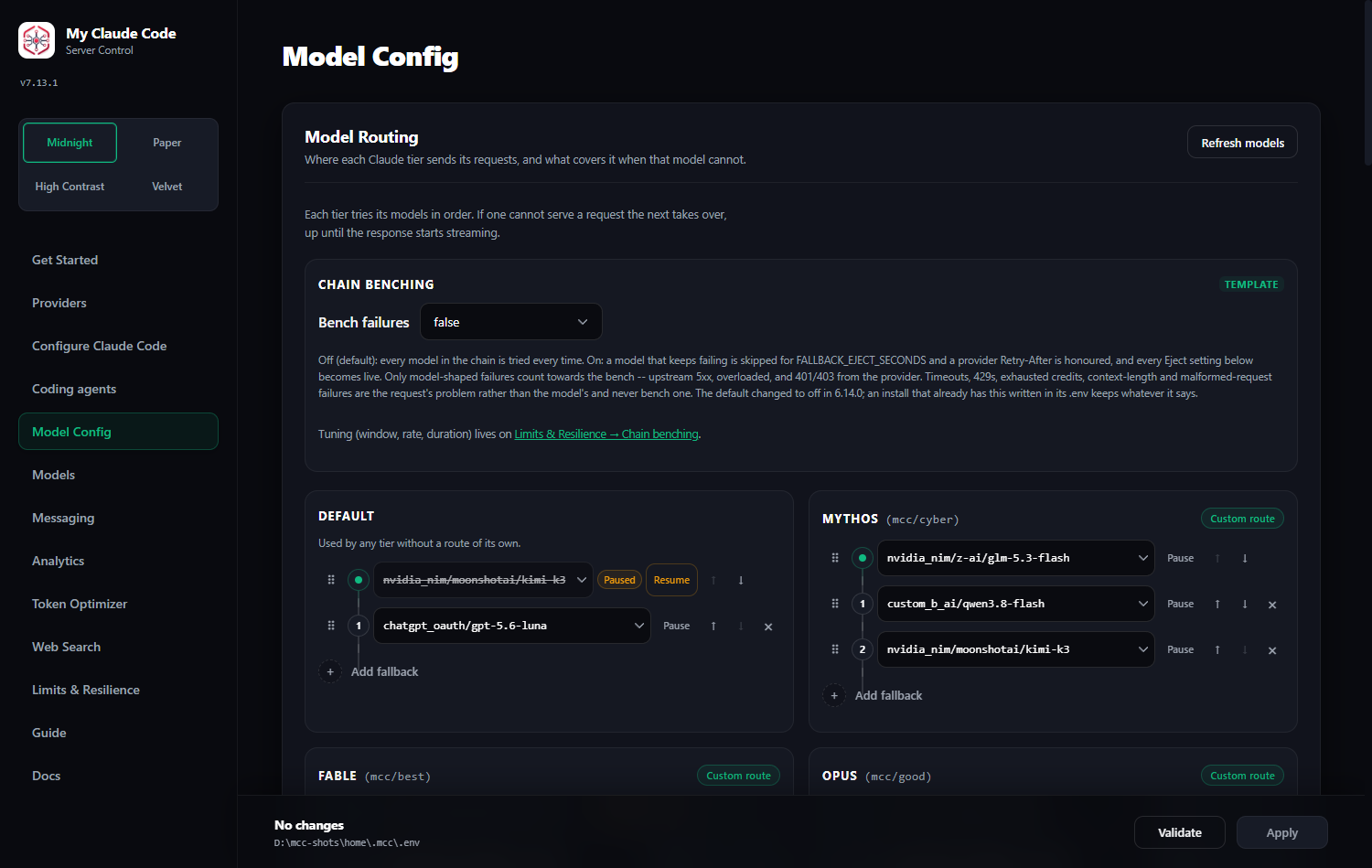
So when Claude Code requests "Sonnet", it receives whatever you mapped Sonnet to. This is the mechanism that lets an unmodified agent run on any backend.
What a fresh install routes to¶
New in 7.78.0. The first start of a new install writes its .env, and since 7.78.0 that file sends four tiers to OpenCode Zen's free model, which needs no key (free Zen models go out on OpenCode's own anonymous credential, see The free tier is metered per key):
| Setting | A fresh install | An install from before 7.78.0 |
|---|---|---|
MODEL_MYTHOS, MODEL_FABLE, MODEL_OPUS, MODEL_SONNET |
opencode/muse-spark-1.3-contributor-free |
unchanged: whatever its .env says. A blank or missing line still follows MODEL |
MODEL_HAIKU |
blank, so it follows MODEL |
unchanged |
MODEL |
nvidia_nim/nvidia/nemotron-3-super-120b-a12b (needs an NVIDIA NIM key) |
unchanged |
So Claude Code's Opus, Sonnet, Fable and Mythos traffic works on a new machine before you add a single key, and the OpenCode Zen card on Providers says Free models ready. Haiku-tier and unmapped traffic still go to MODEL, so add a key for it or point MODEL and MODEL_HAIKU somewhere you can use.
Things to know:
- An existing install never moves. The value is written once, by the first start, into the file it creates. It is not a code default: a
.envis never back-filled, so an install first started before 7.2.0 has noMODEL_MYTHOSline at all, and a code default would have repointed it. A dashboard Save writes these lines back exactly as they were. - "Use default" on one of these four tiers clears it, and a cleared tier follows
MODEL(the field's default reads none). Type the Zen model back in to return to it. - A tier with its own model uses only its own fallback chain, and a fresh install's chains are empty. When the free model is rate-limited (
429 FreeUsageLimitError, reset around midnight UTC; the anonymous bucket is shared by everyone using it) or withdrawn, those four tiers have nothing to fall back to until you add a chain. - Free models come and go. OpenCode rotates its free roster without notice; a withdrawn free model answers
401"not supported", which is not a key problem. Pick another free model on Model Config when that happens.
Practical advice¶
Map Haiku to something cheap and fast. Agents use the small tier constantly for internal bookkeeping — summarising, classifying, deciding what to do next. A slow model there makes the entire session feel sluggish even when your main model is quick. This single choice affects perceived speed more than anything else in this document.
Reserve the big tier for actual work. Opus/Fable should be your strongest available model; you'll hit it far less often than you expect.
Set the fallback deliberately. It catches requests for models you haven't mapped. Pointing it at something cheap avoids nasty surprises.
Fallback chains¶
Every tier can carry an ordered list of stand-ins. Press Add fallback under a tier's model, name a second model, and add a third if you want. When the model a request routes to cannot serve it, the next entry takes over — a free model that rate-limits at an awkward moment stops being the end of the request.
Each chain belongs to its own tier and they are never merged: a tier with its own model tries its own chain, and a tier left on None tries MODEL and MODEL_FALLBACKS.
A model may appear more than once (7.82.0). Put the tier's own model again further down, or one fallback twice, and each appearance is one more try in the place you put it — a/x, b/y, a/x tries a/x, then b/y, then a/x again. A repeat is judged when it is reached exactly like any other entry: a paused or benched model is skipped at every appearance, the same-key retries and key rotation run again, and a model whose provider is still cooling down after a rate limit is stepped over unless it is the last entry. Every row of a repeated model shows a small ×2 chip, and Apply keeps the repeat. The same holds for the Vision adapter's chain, a coding agent's own tier override and the media rails.
Reordering a chain. Each entry has a grip on its left. Drag it and the row moves; the up/down arrows beside it do the same thing one step at a time and still work, so the whole feature has a keyboard equivalent.
| Gesture | What it does |
|---|---|
| Drag a grip within one card | Reorders that chain |
| Hold Ctrl (or Cmd) while dropping within one card | Copies the row into the same chain — the model is then tried once per listing |
| Ctrl/Cmd-click a row | Adds it to the selection |
| Shift-click a row | Selects the range from the last one you clicked |
| Shift+Space, Shift+Up/Down on a focused grip | The same range, from the keyboard |
| Drag onto another tier's card | Copies the model there; the source keeps it |
| Hold Shift while dropping on another card | Moves it instead — the source loses it |
| Drop onto a card's top slot | That model becomes the route's own model; the one it replaces becomes fallback 1 |
| Escape | Clears the selection, or abandons a drag in progress |
| Ctrl+Z | Undoes the last drag — one level, and only on this page |
A group keeps the order it has on screen, not the order you clicked. Nothing is written until you press Apply; the panel at the top of the page says what just happened in a sentence and offers an Undo.
A route's own model is a drag source like any row, but it is never moved out of its own card: a route with no model of its own fails validation and the server refuses to start, so that drop is refused with a sentence saying so. Dragging it onto its own first fallback trades the two, which is exactly what its down arrow does.
Pausing one entry. Every row, the route's own model included, has a Pause button. A paused model keeps its place and stays fully visible with its whole ref, but the router never tries it: no attempt is spent on it and no deadline is consumed, and the request log still lists it under not tried with the reason paused, so a paused route is still debuggable. Pause is per route. Pausing an entry on one route does not pause the same model on other routes: a ref that appears in the Opus chain and the Haiku chain is two entries, and pausing the first leaves the second live. Pause it on every route you want it off. The panel names the route it just wrote, which is the route it applies to.
The button always shows the real state (7.69.4). Before 7.69.4, after a Save, a page load or a key change, every row read Pause and every Paused chip was hidden until the Coding agents cards had loaded (about 5 s, longer under load, and never if one of those calls failed). A click on a paused row in that window sent a Resume, so the model really served traffic until it was paused again. Now each row is drawn with its real state as the rails are rebuilt. A click sends the opposite of what its button showed. If the button was showing an older state than the saved one, nothing is sent: the row is redrawn and the panel says so. A pause on a coding agent's own tier rail, clicked in that same window, also keeps that rail's fallbacks and earlier pauses (it used to post an empty list).
Unlike everything else on this page, a pause is written the moment you click it: there is no Apply, and an unsaved drag elsewhere on the page is left exactly as it was. The status panel offers an Undo. Since 6.35.1 the click is immediate — a pause used to rebuild every provider client and re-query every provider's /models before it answered, which cost seconds and could briefly stall the proxy; a routing-only write now skips both, because neither can change what a pause does. If a pause fails, the same panel says so and the row goes back to the state it was really in. Pausing every model on a route is allowed and makes that route fail with an error naming the setting, rather than quietly re-routing somewhere you did not ask for.
Pausing is not hiding. Hiding a model on the Models page only removes it from /v1/models and the admin pickers and never changes routing. Pausing only changes routing and never changes listings. They are separate switches on purpose.
| Setting | Holds |
|---|---|
MODEL_PAUSED |
paused entries on the default route |
MODEL_MYTHOS_PAUSED |
paused entries on Mythos |
MODEL_FABLE_PAUSED |
paused entries on Fable |
MODEL_OPUS_PAUSED |
paused entries on Opus |
MODEL_SONNET_PAUSED |
paused entries on Sonnet |
MODEL_HAIKU_PAUSED |
paused entries on Haiku |
MODEL_VISION_PAUSED |
paused entries on the vision adapter |
MODEL_IMAGE |
the Image rail's model: POST /v1/images/generations routes here (Media routing) |
MODEL_IMAGE_FALLBACKS |
the Image rail's fallback chain |
MODEL_IMAGE_PAUSED |
paused entries on the Image rail |
MODEL_TTS |
the Speech rail's model: POST /v1/audio/speech routes here (Media routing) |
MODEL_TTS_FALLBACKS |
the Speech rail's fallback chain |
MODEL_TTS_PAUSED |
paused entries on the Speech rail |
MODEL_ASR |
the Transcription rail's model: POST /v1/audio/transcriptions and /v1/audio/translations route here (Media routing) |
MODEL_ASR_FALLBACKS |
the Transcription rail's fallback chain |
MODEL_ASR_PAUSED |
paused entries on the Transcription rail |
MODEL_VIDEO |
the Video rail's model: POST /v1/videos routes here until a provider accepts the job (Media routing) |
MODEL_VIDEO_FALLBACKS |
the Video rail's fallback chain (tried only before a provider accepts the job) |
MODEL_VIDEO_PAUSED |
paused entries on the Video rail |
MEDIA_FALLBACK_ON_UNDOWNLOADABLE |
off by default; on, a generated image MCC cannot download (Gemini-shaped requests) is retried on the next model on the Image rail (Media routing) |
MEDIA_UPLOAD_MAX_MB |
the largest file a media request may upload, in MB (7.95.0; Media uploads card under the rails). 0 (default) sets no limit of MCC's own; above 0 a larger file is refused with 413 before any provider is asked (Media routing) |
VISION_ADAPTER_MODE |
what the vision adapter does with an image: route (default, divert the whole request) or describe (describe the image, keep the model) |
TOOL_RESULT_IMAGE_DELIVERY |
how an image a tool returned reaches a non-Anthropic model: auto (default), attach, strip |
IMAGE_MAX_LONG_EDGE |
longest edge, in px, an outbound image may have. 1568 (default), 0 to send images untouched |
IMAGE_JPEG_QUALITY |
re-encode a resized image as JPEG at this quality. 0 (default) never changes the format |
IMAGE_DETAIL |
OpenAI's per-image detail knob: auto (default, sends no field), low, high |
All eleven _PAUSED settings in this table are comma-separated provider/model lists, written by the Pause button rather than typed; the first seven are new in 6.21.0 and the four media-rail ones arrived with their rails (7.60.0–7.64.0). An entry is dropped from its list automatically when it leaves the route it was paused on.
Failover stops once you have seen output. This is the part people get wrong:
| The model fails… | What happens |
|---|---|
| while connecting, authenticating, or rate-limiting | the next model takes over, invisibly |
| before it emits anything | the next model takes over, invisibly |
| halfway through streaming its answer | the request fails |
| at any point, for a non-streaming request | the next model takes over — nothing reached you yet |
A chain rescues the failures that happen before the first word, not the ones that happen at word five hundred. Switching models mid-answer would splice two different replies together, so MCC refuses to.
A model that goes quiet is a failure too. Accepting a request and then producing nothing looks, to a proxy with no deadline, exactly like thinking hard — so without a limit it holds the request until the transport gives up, and the chain gets its turn minutes later. Four settings on the Limits & Resilience tab bound that:
| Setting | Default | What it does |
|---|---|---|
| First-token deadline | 0 (no limit) |
How long a model may stay silent before the next one takes over. Nothing has streamed yet, so you never see the switch. Ships off with the other deadlines, so nothing hands over on silence until you set it. |
| Total request budget | 0 (no limit) |
The whole request, across every attempt and retry. A stream that already started cannot be replaced, but it can be stopped. |
| Eject mode | rate_based |
How a failing model is benched. rate_based (default) skips a model when its failure rate over the last FALLBACK_EJECT_WINDOW requests (default 10) crosses FALLBACK_EJECT_FAILURE_RATE (default 50%), with at least FALLBACK_EJECT_MIN_SAMPLES (default 8) requests observed, for FALLBACK_EJECT_SECONDS (default 10 s since 6.68.0 — until 6.0.0 a clamp inside route health silently cut that to 1 s for timeout and 5xx ejections, so a model you thought was benched for half a minute was back at the front of the chain a second later). A single blip never benches a working model; sustained failures do. legacy preserves the old consecutive-count behaviour keyed on FALLBACK_EJECT_AFTER_FAILURES / FALLBACK_EJECT_SECONDS. This is about models. It never touches a key — see Multi-key rotation. |
| Retry primary once | skip |
What happens when the primary model fails. skip (default) moves straight to the next fallback. retry_once gives the primary one more chance for transient errors (timeout, 5xx, 429) before falling through. Auth and invalid-request errors are never retried. |
If every model on a route is benched, MCC tries them in order anyway — skipping a bad model is an optimisation, refusing to try anything is an outage.
Running out of context no longer ends the chain. A conversation that outgrew a model's window and a genuinely malformed request both come back as HTTP 400, and until 5.43.0 MCC treated them alike: it gave up on the whole chain, on the reasoning that a bad request will be bad everywhere. That is true of a malformed body and false of a context overflow, which is precisely what a larger-window fallback is for. MCC now tells the two apart and falls through to the next model on an overflow. If you preferred the old behaviour, set FALLBACK_SKIP_KINDS=invalid_request,model_rejected,context_length to abort on all of them again.
Nor does a model refusing the request (6.46.0). The same reasoning went one step further. A 400 was still treated as your body is wrong, and it will be wrong everywhere — but measured across 274,375 live requests, not one 400 any configured provider actually sent was that. They were Model "stealth/ox-alpha" is not supported on this endpoint., `top_p` is immutable for this model and must be 0.95, `name` must be at most 64 characters, got 68, Additional info: missing tags — a model that host does not serve, a sampling value that one model pins, a length cap that is 64 on one dialect and 128 on another and unbounded on a third. Every one of them would have been served by the next model on the chain, and every one of them ended the route instead: 123 requests on a two-model route, 45 on a five-model one, 28 on a chain of twelve.
MCC now splits the two on the provider's own words. A 400 whose message says the request is malformed keeps the invalid_request kind and still ends the route — nothing else can serve a body the host cannot parse. Every other 400 is the new model_rejected kind, which is not in FALLBACK_SKIP_KINDS by default, so the chain gets its turn. Nothing changes for your client: both kinds go out on the wire as invalid_request_error, and on the Gemini surface as the same invalid-argument status, exactly as before, and neither one benches a model or charges an API key. To get the old behaviour back byte for byte, set FALLBACK_SKIP_KINDS=invalid_request,model_rejected.
Nor does running out of credits. Since 6.34.0 an account with no balance left is its own failure kind, quota. It is what the provider says, not what status it picks: HTTP 402, or a 400/403 whose error body names an explicit billing phrase — insufficient credits, purchase more credits, insufficient balance, NOT_ENOUGH_BALANCE, quota exceeded, insufficient_quota, payment required, out of credits, credit balance is too low, CreditsError. One measured request on 2026-09-02 asked for commandcode/z-ai/glm-5.3-flash, got HTTP 400 "You have insufficient credits to make this request. Please purchase more credits to continue using the service.", and — because that body classified as invalid_request, which is in FALLBACK_SKIP_KINDS by default — six configured chain entries were recorded as not tried and the caller got a 400 for a request that was perfectly fine.
What "credits exhausted" now does. Another key may have credits, so the pool rotates first; when every key is out, the chain moves to the next model. It never counts toward the chain bench — an empty wallet says nothing about the model. When the phrase is one of the list above, the key is also benched for RATE_LIMIT_COOLDOWN_SECONDS (the same setting a header-less 429 uses; no new number), whole-key rather than per-model, and the Models page says so: COOLDOWN — credits exhausted, with benched: credits exhausted, 55s left on hover. A bare 402 with no recognisable phrase still rotates and still falls through, but benches nothing: unsure never benches. If every model on the route ends this way, the error you get names it — all keys reported exhausted credits — and points at Providers.
Requests that name a provider and model directly (open_router/…) are never redirected. An explicit choice is honoured as given.
Tiers for every other coding agent¶
Everything above this line has been Claude Code's privilege. Claude Code never
names a model: it asks for claude-sonnet-5 and receives whatever you mapped
Sonnet to, which is why moving a route moves every session that is already
running on it. Every other agent had to name a concrete provider/model ref,
because that was the only thing that existed for it — and the request log is
blunt about the consequence. Across the whole 272,132-row request log the number
of non-Claude-Code requests that ever named a tier-style alias is zero —
every coding-agent request named a concrete provider/model ref, because that was
the only thing that existed for them, while 99.98% of Claude Code traffic names
an alias. A model id typed into OpenCode's config a month ago is still that
model id today, however many times you have moved the route it should have been
following.
New in 6.38.0, these names close that gap — mcc/cyber joined them in
7.2.0. They sit at the top of the model
picker MCC generates for each of the thirteen agents that carry a catalogue —
Codex, Pi, OpenCode, OpenCode 2, Kilo, Command Code, Kimi Code, Qwen Code,
Crush, Cline, Aider, Droid and Gemini CLI — and each one is a name for a route
on this page rather than a model of its own:
| Name | The route it names | And therefore the chain it uses |
|---|---|---|
mcc/cyber |
MODEL_MYTHOS |
MODEL_MYTHOS_FALLBACKS, MODEL_MYTHOS_PAUSED |
mcc/best |
MODEL_FABLE |
MODEL_FABLE_FALLBACKS, MODEL_FABLE_PAUSED |
mcc/good |
MODEL_OPUS |
MODEL_OPUS_FALLBACKS, MODEL_OPUS_PAUSED |
mcc/medium |
MODEL_SONNET |
MODEL_SONNET_FALLBACKS, MODEL_SONNET_PAUSED |
mcc/cheap |
MODEL_HAIKU |
MODEL_HAIKU_FALLBACKS, MODEL_HAIKU_PAUSED |
mcc/vision |
MODEL_VISION |
MODEL_VISION_FALLBACKS, MODEL_VISION_PAUSED |
An image a tool returned reaches the model as an image, since 6.49.0.
A screenshot or a Read of a PNG arrives nested inside the tool result, and
no OpenAI-format chat message can carry an image there. MCC used to flatten
it into base64 text, which every OpenAI-dialect provider billed at roughly a
token per byte -- 324,000 prompt tokens for one 213 KB screenshot the model
never actually saw. It is now moved into a short user message right after
the tool output, marked as tool output rather than as something you said.
TOOL_RESULT_IMAGE_DELIVERY picks the rule: auto attaches unless the model
that answers is published as not accepting images, attach always attaches,
strip never does. The request log's image_delivery field records which
happened, per request.
Images are shrunk before they are sent, since 6.53.0, and this is on by
default. IMAGE_MAX_LONG_EDGE is 1568 px -- the size Anthropic itself
resizes to, and the size Claude Code ships. An image larger than that is
resized once, on the copy of the request MCC is about to send, and the request
detail shows the before and after (1920x1080 -> 1456x819). Nothing MCC stores
changes: the picture in the request log has always been a thumbnail.
The resize respects the destination's token budget as well as the pixel one, which is why 1920x1080 lands on 1456x819 and not on 1568x882 -- the second would satisfy the 1568 px edge and cost 1792 tokens, over the 1568-token half of the same budget.
What this actually changes, per family:
| family | formula | effect of the default resize |
|---|---|---|
Anthropic (ceil(w/28) x ceil(h/28), docs) |
28 px per token, capped 1568 px / 1568 tokens | none -- Anthropic resizes to exactly this before billing anyway |
OpenAI tile (base + tiles x per_tile, docs) |
fit 2048², short side to 768, 512 px tiles | none -- both sizes land on the same 6 tiles |
| Gemini (258 per tile, docs) | flat 258 under 384 px, else floor(min(w,h)/1.5) crop units |
none -- both sizes land on the same 6 tiles |
OpenAI patch (ceil(w/32) x ceil(h/32) x multiplier, same docs) |
per-model patch budget | -41%: 2448 tokens becomes 1435, and the model genuinely sees less |
That last row is the reason this is a setting and not a constant. Set
IMAGE_MAX_LONG_EDGE=0 to send exactly what your client sent, byte for byte.
IMAGE_JPEG_QUALITY is off (0) by default and means "never change the
format" -- these are screenshots of text and code, the worst case for JPEG
ringing. 85 is the usual opt-in; any image with an alpha channel is skipped
whatever it says.
IMAGE_DETAIL is OpenAI's per-image fidelity knob and is meaningless
elsewhere. auto, the default, emits no detail field at all -- which is what
OpenAI applies anyway. low bills the base tokens only and shows the model a
thumbnail, so it will confidently misread a screenshot rather than say it
cannot see one. It never changes MCC's own token estimate: that is a function
of the picture's real dimensions and the host's published formula.
How MCC estimates what a picture costs, since 6.53.0. Every provider has a
declared image_token_family, shown as a chip on the Models page beside each
host. A host with no published formula is unknown and is charged Anthropic's
28-px rate, because the request arrived in the Anthropic protocol and that is
the budget the client itself is reasoning about -- the fallback is recorded,
not hidden. Nothing anywhere branches on a model name to reach the family.
Every request that carried a picture now stores est_tokens_in and
est_image_tokens in the request log, and the Models page shows a
billed/est ratio per host over the uncached successful requests that
carried one. Read it like this: near 1.00x means that host's declared family
is right. A host far from 1.00x has either the wrong family or a formula
nobody publishes, and should be marked UNVERIFIED rather than guessed at.
The vision adapter's describe calls now report what they cost, since
6.53.0. They always had a row in the request log; that row never had a token
column, so the cost was discarded rather than misfiled. request_attempts now
carries nullable tokens_in / tokens_out, and the request row carries
adapter_tokens_in / adapter_tokens_out rolled up from them. The request
detail shows the answering model's tokens as it always has, and a separate
+ adapter line beneath. The adapter's tokens are never folded into
tokens_in: that column measures the model that answered and has measured
exactly that since the log existed. NULL there means not measured, never zero.
The vision adapter has two modes, since 6.51.0. VISION_ADAPTER_MODE
decides what happens when a request carries an image and the model its route
picked is published as unable to read one.
| mode | what happens | who answers |
|---|---|---|
route (default) |
the whole request is diverted to MODEL_VISION |
the vision model |
describe |
each image is sent to MODEL_VISION on its own, and its description replaces the image |
the model the route picked |
route is what every release up to 6.50.1 did, and upgrading changes nothing.
Choose describe when your coding model is fast, cheap and blind and the
screenshot is context rather than the question -- in route mode the vision
model has to answer a coding question it has no context for. Choose route
when the picture is the question.
A describe call is an ordinary routed request over the vision chain: same
fallbacks, same MODEL_VISION_PAUSED, same benching, same retries, and its own
row in the request log linked to the request that carried the picture
(route_diversion reads vision_described, image_delivery reads
described). Descriptions are cached against the image's own content, so one
screenshot re-sent on every turn is described once; Admin UI -> Requests ->
Clear image descriptions forgets them all. Images of one request are
described concurrently, at most three at a time.
Failure never reaches the client. A describe call that fails falls back to
route mode for that request; a route with nowhere to divert to falls back to
a placeholder sentence saying the image could not be described. The request is
answered either way.
The fleet is genuinely split over how it spells a model id, so both spellings
are accepted: the bare mcc/best that Codex, Command Code, OpenCode, Kilo, Pi
and Kimi Code put on the wire, and the gateway form anthropic/mcc/best that
Cline, Crush, Droid, Gemini CLI, Qwen Code and Aider put on it. The router
answers the same way to both, and the tier segment is matched exactly — no name
merely containing cheap lands on the cheap rail.
On a default install all six resolve to the same model, and the dashboard
says so. MODEL_MYTHOS, MODEL_FABLE, MODEL_OPUS, MODEL_SONNET,
MODEL_HAIKU and
MODEL_VISION ship unset, so every tier collapses onto MODEL — primary,
fallbacks and pause list together — which is exactly what claude-opus-5
already does today. That includes mcc/best, which names MODEL_FABLE since
6.51.0: it used to name MODEL, which made the ladder's top rung and the floor
every unset route falls back to the same setting, and an install that never set
MODEL_FABLE sees no change at all. MCC
deliberately does not invent a different model for an unset tier, because
choosing one would be MCC choosing a model for you; the Tiers section says Same
as global Opus — currently <ref> instead of quietly picking something. Map
Opus, Sonnet and Haiku the way section 8 recommends and the names separate
by themselves, with no further configuration.
Giving one agent its own tier. Each card on the Coding agents page now
carries a collapsible Tiers section built from the same rail component as
Model Config: drag a row by its grip to reorder the chain, Pause one entry
without deleting it, and drop a fallback onto the top slot to promote it to the
route's own model. Override on a tier starts that agent's own chain,
Revert to global removes it again. The result is written atomically to
~/.mcc/harness_tiers.json, which you can also read or edit by hand:
{
  "harnesses": {
    "opencode": {
      "best":  {"model": "open_router/x-ai/grok-5",
                "fallbacks": ["nous_portal/tencent/hy3"],
                "paused": []},
      "cheap": {"fallbacks": ["open_router/z/cheap-1"]}
    }
  }
}
There are three states per agent and tier, and the middle one is the point of the file:
| What the file says | What the agent gets |
|---|---|
| no entry for that agent, or none for that tier | the global chain — the default for every agent and every tier |
an entry with no model |
the global primary still leads, but this agent's own fallbacks and paused follow it |
an entry with model set |
this agent's own chain leads |
An entry that names its own model owns its whole chain: the global
fallbacks are not appended underneath it, because attaching models you never
listed under a heading that says these are yours would be the more surprising
answer. A ref in the mcc/ namespace is refused — a tier can never point at
another tier — and an entry for an agent id MCC does not know is dropped with a
log line rather than honoured against nothing.
A request with no agent identity still resolves. Per-agent overrides need to
know which agent is asking, which MCC learns from the x-mcc-harness header its
launchers send or from the user-agent fingerprinting added in 6.37.0. When
neither answers — raw curl, an older launcher — the tier still resolves; it
simply resolves against the global chain. The feature never fails a request for
want of an identity.
Turning the names off. HARNESS_TIER_ALIASES (default true) is the master
switch for whether the five aliases are emitted into the generated pickers and
into /v1/models. It is on Model Config, under the models section, as List
MCC tiers in coding agents. Switching it off keeps the pickers to concrete refs
only; it does not stop the router resolving a tier alias a client sends
anyway, so an agent whose config already names one keeps working either way. For
the same reason MODEL_VISIBILITY_ALLOW and MODEL_VISIBILITY_DENY never
filter these five: they are protocol names for MCC's own routes, exactly like
the eight claude-* aliases, so filtering one would not hide a model — it would
break an agent whose config file already names it.
What else moved with them. Crush now seeds models.large on mcc/best and
models.small on mcc/cheap; it used to repeat the same model for both,
because inventing a "small" model by matching on a name would have been MCC
guessing which of your routes is cheap, and mcc/cheap is not a guess — it is
the route you labelled cheap. Cline seeds its session model on mcc/best for
the same reason. Gemini CLI's seeded model was simply a bug: it took the first
entry of the enumeration rather than the route you configured, so a session
opened on whichever model happened to enumerate first; it now goes through the
same starting-model rule as Cline and Crush. Kimi Code prefixes every ref with
mcc/, so a tier's generated key there reads mcc/mcc/best while the model
value on the wire is the plain mcc/best. Claude Code is unaffected — it has no
generated catalogue and keeps speaking the claude-* names. And the provider id
mcc is now reserved: creating a custom provider whose name would slug to it is
refused with a message saying why, rather than shadowing all five aliases and
leaving that provider's models silently unroutable.
Finding one in the log. A request that named a tier is recorded with
requested_model=mcc/best, harness=<agent id> and resolved_model=<the real
ref>, plus tier, tier_source (global or override) and tier_harness in
the row's parameters — enough to answer the question resolved_model alone
cannot, which is whether your override fired or the agent quietly followed the
global route. Nothing about the log's schema changed and exports are unchanged.
Per-agent wire surfaces (harness_surfaces). Each card on the Coding
agents page also has a Surfaces it uses section for providers declaring two
or more wire surfaces (opencode, opencode_go, inferhub, mistral,
mistral_vibe, and multi-door custom providers). Single-door providers show no
surface control. Picking a door saves harness_surfaces.<harness>.<provider> in
~/.mcc/model_overrides.json via POST /admin/api/harness-surfaces (choosing
Follow the client (auto) removes the entry cleanly, and invalid or
single-door requests fail with HTTP 422). Precedence across preferences is:
response_surface pin > harness_surfaces[harness][provider] > model
preferred_surface > provider preferred_surface > the discovered surface
ladder. Attribution comes from x-mcc-harness (else User-Agent), is a
client-claimed label rather than a login, and groups Claude Desktop under
claude; internal vision-describe calls inherit the client request's harness,
and fallback models on other hosts ignore a preference set for another provider.
How an agent's model list gets to disk¶
Every agent's generated document lives under ~/.mcc — ~/.mcc/opencode-config.json,
~/.mcc/crush/crush.json, ~/.mcc/kimi-code-config.toml and the rest, one per
agent, all listed on the Coding agents page with the path and the time it was
last written. They are MCC's files in MCC's own directory; nothing is ever
written inside a CLI's own configuration folder.
mcc-server writes all of them at startup, and rewrites them on every
catalogue publish. A launcher's job is therefore to open the file and start
the agent. It costs no HTTP at all, so a launch is as fast as the agent itself.
A launcher fetches only to create a document that is not there — a machine
where mcc-server has never run, or a file you deleted. That single build gets
CATALOGUE_FETCH_TIMEOUT_SECONDS (20 s by default, on Limits & Resilience →
Deadlines), and if it fails the warning names the file it wanted, the request
it tried, the budget it had and what to do next; the agent then starts without
MCC's provider rather than refusing to start.
Two agents work differently, on purpose:
- Command Code has no extra-config variable, so MCC owns one key inside
~/.commandcode/providers.json— a file you wrote. That merge happens on everymcc-commandcodelaunch and never in the background: aprovider.mccblock must not appear in your own config because a key rotated on a server you left running. - Goose has no generated file anywhere. It takes its model and context limit from environment variables the launcher sets, so it reads the model list from the server on each launch.
Before 6.36.1 this was the other way round, and it deadlocked. Only the launcher created a file, and its fetch was given the 1.5 s budget belonging to the
GET /healthpreflight — for a route that takes 1.8–4.0 s on a real install. So the fetch timed out, the file was never created, the server never refreshed a file that did not exist, and every later launch failed the same way: "could not prepare the OpenCode config (timed out); launching without an MCC provider", forever.
The Codex App catalog¶
The Codex App has no launcher — it reads a persistent ~/.codex/config.toml rather than an environment built per command. Its catalogue is written the same way every other agent's is: mcc-server writes ~/.mcc/codex-model-catalog.json at startup and rewrites it whenever the model inventory or any model's resolved capabilities change. The Codex App points at that stable path from its config:
model_catalog_json = "/Users/YOUR_USERNAME/.mcc/codex-model-catalog.json"   # macOS
# model_catalog_json = "C:/Users/YOUR_USERNAME/.mcc/codex-model-catalog.json"  # Windows

model_provider = "fcc"
model = "nvidia_nim/nvidia/nemotron-3-super-120b-a12b"

[model_providers.fcc]
name = "My Claude Code"
base_url = "http://127.0.0.1:8082/v1"
env_key = "MCC_CODEX_API_KEY"
wire_api = "responses"
env_key reads the same proxy auth token the mcc-codex launcher sets per process. Because the server owns this copy of the catalog, the Codex App always sees the current model list — restart it after setup or a model change, then pick an MCC model from its picker.
Images and the vision adapter¶
Plenty of fast text-only models cannot read a screenshot. Set a Vision adapter on Model Config and any request carrying an image goes there instead — but only when the tier's own model is known not to accept images. A model whose provider publishes no capability data is left alone, because rerouting on silence would move traffic away from models that handle images perfectly well.
You do not have to work out which of your models are affected: a tier that needs the adapter says so on its own card, naming where its images actually go. If no adapter is set, the same line turns amber to say those images will fail there.
The adapter is a route like any other, so it gets its own Add fallback chain. One unreachable vision model would otherwise lose every image on the machine.
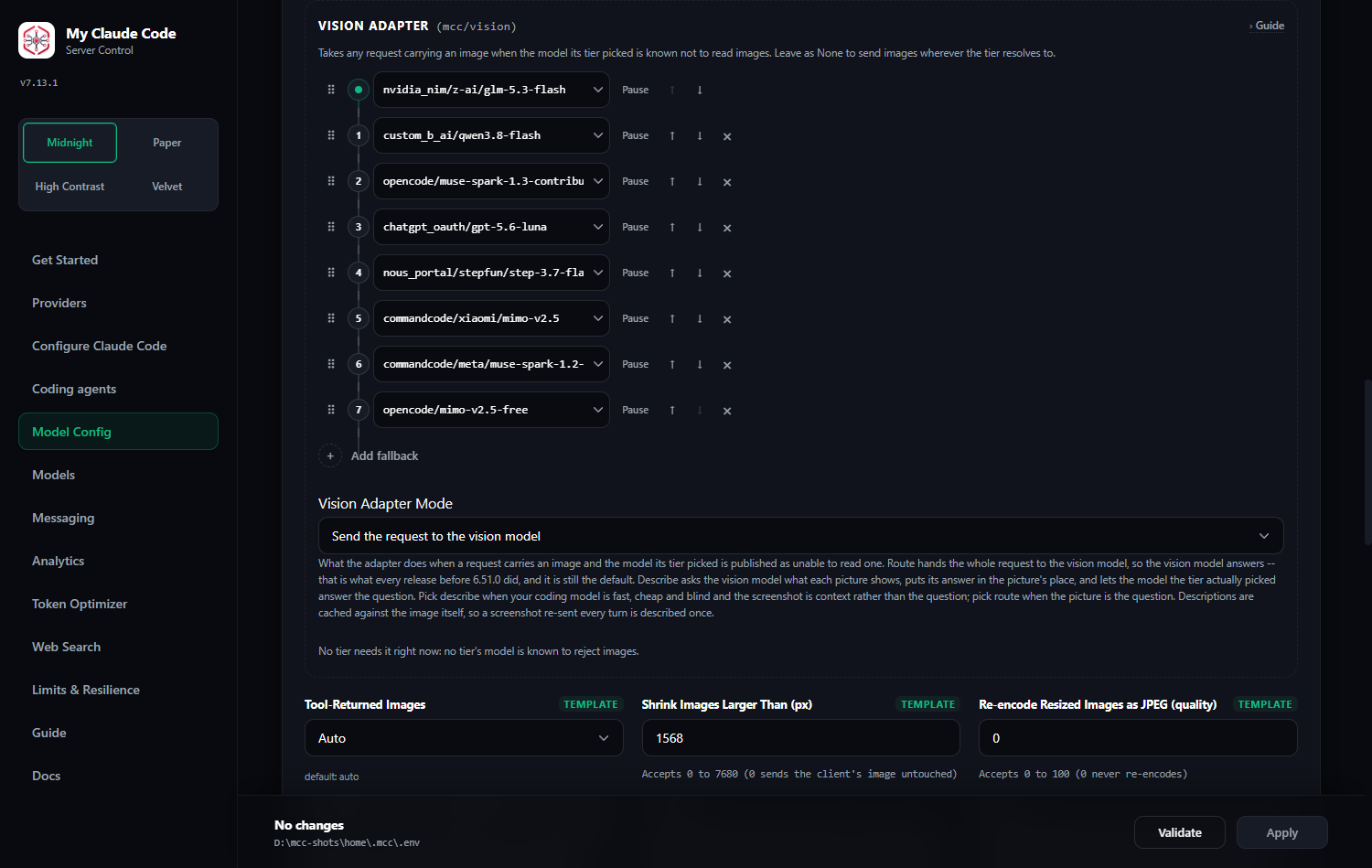
The vision adapter: its own eight-deep chain, the route-or-describe selector beneath it, and the line saying no tier currently needs it.
Outbound image size¶
Since 6.53.0 every outbound picture is resized before it is sent, on the deep copy the router already takes — your client's own request is never mutated, and every dialect converter is handed pre-shrunk data.
IMAGE_MAX_LONG_EDGE=1568   # long edge in px; 0 sends what the client sent
IMAGE_JPEG_QUALITY=0       # 0 = never re-encode; >0 = JPEG at this quality
IMAGE_DETAIL=auto          # OpenAI's per-image fidelity field: auto | low | high
IMAGE_MAX_LONG_EDGE ships on, at 1568 — the budget Anthropic itself resizes to. On three of the four billing families that is token-neutral, because they already resize server-side; on the fourth, OpenAI's patch-billed models, it is a 41% saving and the one case where the model genuinely sees less. Set 0 to turn it off.
IMAGE_JPEG_QUALITY is opt-in for a reason: these are screenshots of text and code, which is the worst case there is for JPEG ringing. 0 never changes the format. Any image with an alpha channel is skipped whatever this says.
IMAGE_DETAIL=auto emits no field at all, which is unchanged behaviour. It is meaningless outside the OpenAI dialects and is not emitted there.
All three live on Model Config, beside the vision adapter. The Models page carries a billed/est chip on a provider row once there is enough traffic to compare — the input tokens that host actually billed against what MCC's per-family estimator predicted — and the request detail shows the same comparison per request, with a + adapter line when a describe hop contributed tokens of its own.
Images a tool returned¶
An image nested inside a tool result cannot ride in an OpenAI-format tool message at all. TOOL_RESULT_IMAGE_DELIVERY chooses what happens to it:
| Value | What is sent |
|---|---|
auto (default) |
the picture is hoisted into a short user message right after the tool output — unless the answering model is published as unable to read one, in which case a plain sentence naming the tool takes its place |
attach |
always hoist the picture |
strip |
never send it; always the sentence |
There is deliberately no option to send base64 text: that is what cost 324,000 prompt tokens for one 213 KB screenshot before 6.49.0, for a picture the model never saw. The request detail marks what happened with an image_delivery line, so a request that lost a picture says so.
Tutorial: describe mode¶
The case this exists for: your Sonnet tier is a fast, cheap, text-only model, and Claude Code keeps sending screenshots mid-conversation. In route mode the whole request goes to the vision model, which then has to answer a coding question it has no context for. In describe mode the screenshot becomes words and your model answers.
1. Set a vision adapter. Model Config → Vision Adapter → pick a model that reads images. Give it a fallback or two; one unreachable vision model would otherwise lose every image on the machine.
2. Switch the mode. Under the adapter's chain, Vision Adapter Mode → Describe the image, keep the model. The line under it tells you which tiers this currently covers — those are the tiers whose models cannot read images.
3. Send a screenshot. Then open Analytics → Requests and find the row. You will see two rows for the one turn: the describe call against the vision model, and the answer from the model your route actually picked. That is deliberate — a describe hop is a different model on a different key, so it is priced on its own row rather than folded into the answering model's figure.
4. Send the same screenshot again. There is no second describe call. Descriptions are cached against the image itself, so a screenshot Claude Code re-sends every turn is described once. Clear the cache from Requests → Clear image descriptions when you switch to a better vision model.
What it costs, exactly. One extra sub-request per image, not per request, and only for images the answering model could not have read anyway. A model that can see is simply sent the picture, which is cheaper than two calls and always better.
What it cannot cost you. An answer. A describe call that fails falls back to route; a route with nowhere to divert to falls back to the placeholder sentence. Each describe call is an ordinary routed request, so the vision chain's own fallbacks, pause list, health registry and retry policy all apply to it.
Pick describe when the picture is context. Pick route when the picture is the question.
Tutorial: manage many models¶
A provider with three hundred models is not manageable one tick at a time. On a real catalogue of 1,021 models across 10 providers, hiding the 317 published by one gateway used to be 325 clicks and 634 requests — about 1.07 GB of traffic and five to nine minutes of clicking. The same job is now two interactions and one request: 41 KB, 7 ms.
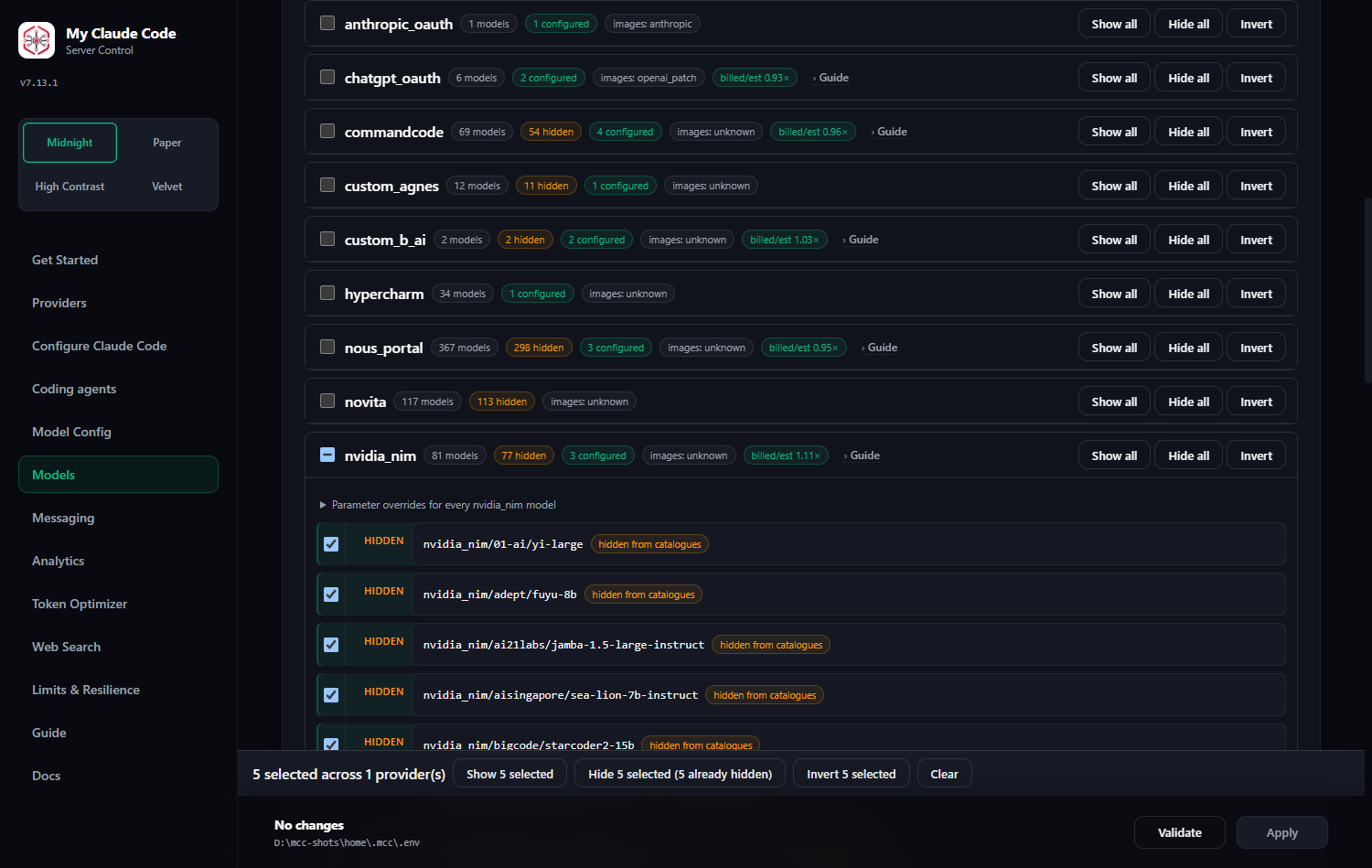
Five rows ticked, and the action bar that appears with them. It names how many providers the selection spans, because a glob can only be written for one.
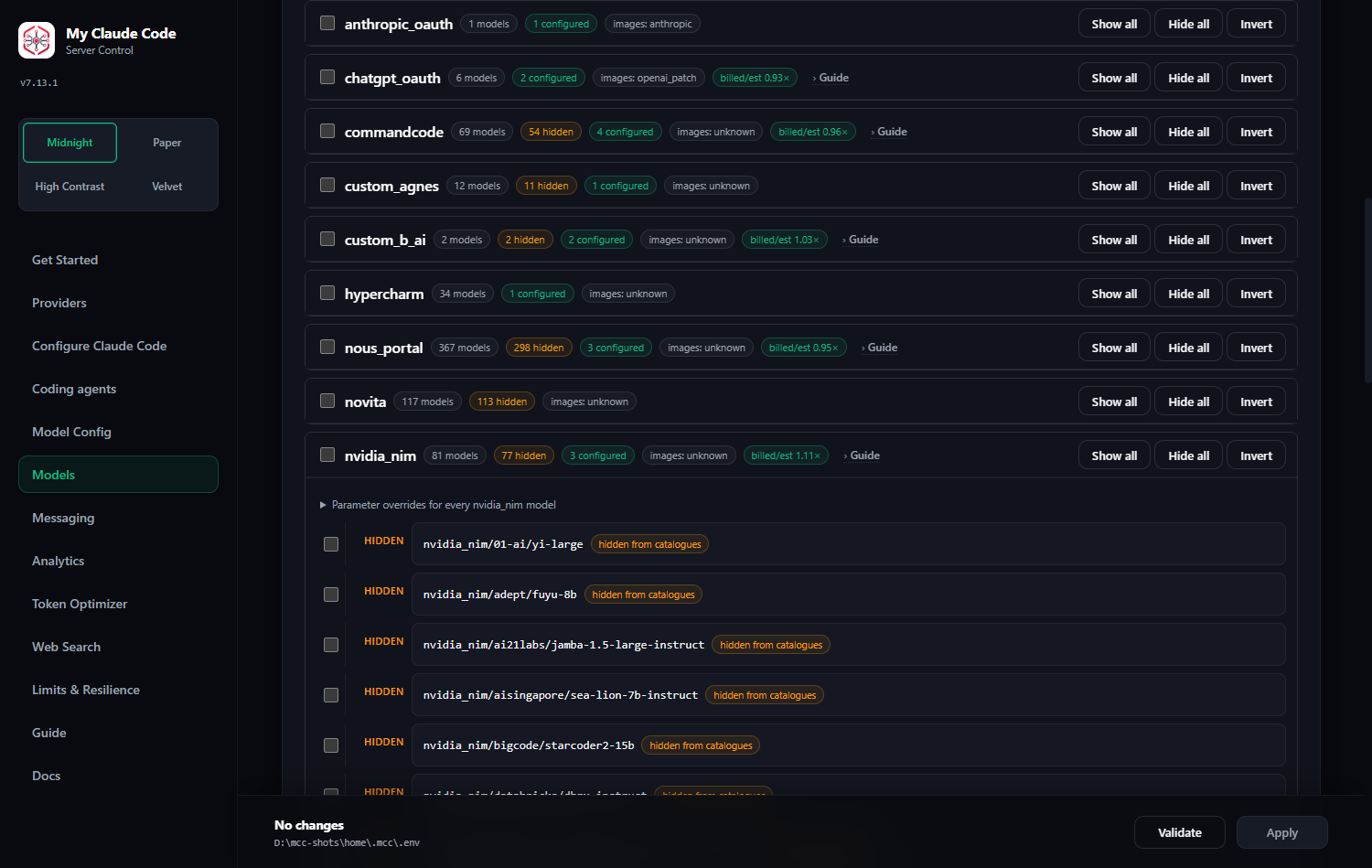
Each provider header carries its counts while still collapsed — which is what lets Hide all act on 317 rows you never expanded.
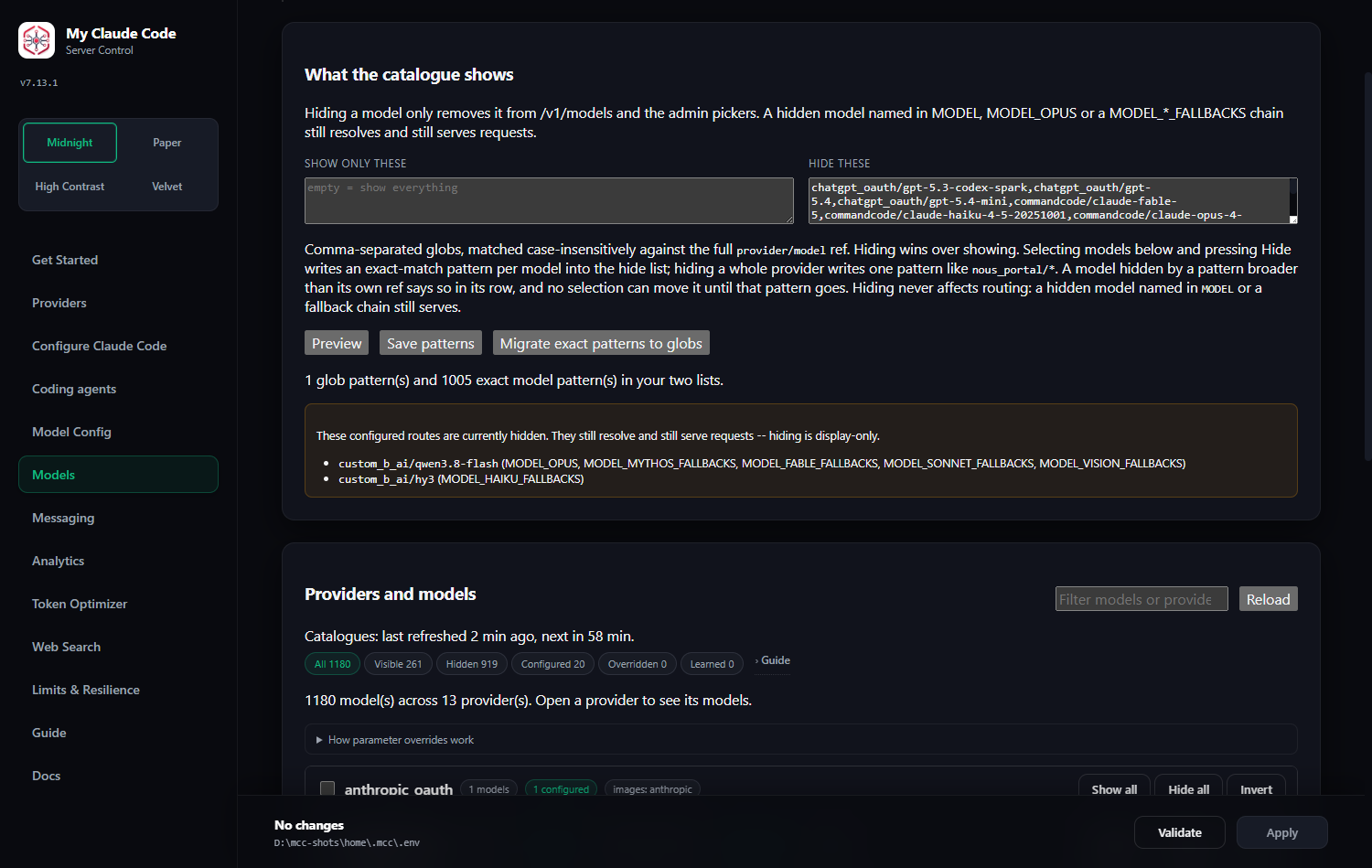
What the bulk buttons actually write: one glob for a whole provider, exact refs for a hand-picked set — and a standing reminder that hidden routes still serve.
1. Open Admin UI → Models. Each provider is a collapsed disclosure with a sticky header carrying its visible / hidden / configured counts. The header buttons — Show all, Hide all, Invert — work while the provider is still collapsed; you never have to expand 317 rows to act on them.
2. Press / to search. It focuses the filter from anywhere on the page. Type opus, or a provider id, or a fragment of a model name. The facet chips — All / Visible / Hidden / Configured / Overridden / Learned, and one per model kind (Chat / Image / Speech / Transcription / Video / Kind not known, 7.78.2) — narrow the same list, and the result-count line offers Select all N. Each model's panel has a kind row naming the rung that stated it: the provider's own model list, models.dev, the provider's model type or endpoint names, or your media rail (7.80.0). A row whose stated kind is not chat carries a chip saying so: that model is left out of /v1/models, the coding agents' catalogues and the chat pickers (see Media routing).
3. Apply to what the filter left. This is the point of the filter: the bulk buttons act on the filtered set, not the whole catalogue. "Hide the 38 models matching opus across four providers" is three interactions — filter, Select all 38, Hide.
4. Or pick a range by hand. Every row has one checkbox, in the ruled left gutter. Beside it is a readout — Shown, Hidden, or Hidden by <pattern> — which reports the row's state and is not a second control:
| Gesture | Selects |
|---|---|
| Click, then Shift+click | everything between the two rows |
| Shift+ArrowDown / Shift+ArrowUp | extends or shrinks the same range from the keyboard |
| Shift+Space | extends the selection from the anchor row to the focused row — the keyboard equivalent of Shift+click; a single row only when no anchor exists |
| Press and drag down the gutter | every row the pointer crosses |
A drag never leaves a mixed run — swept rows all take the anchor row's state. The provider header checkbox is tri-state, and the action bar counts what you have picked as you pick it. The keyboard gestures are not decoration: a pointer drag alone would fail WCAG 2.2's dragging-movements rule.
5. Escape clears the selection. Only when no dialog is open, though — inside the request or export modal, Escape still belongs to the modal. With nothing selected, Escape simply drops focus out of the filter.
6. Confirm, if it is a big one. At 200 models or more the button asks once, in place: it relabels itself Hide all 317 — confirm and waits. Press it again to go ahead, or leave it and it reverts after five seconds. There is no modal — visibility is display-only and reversible, and a dialog on every Hide all is exactly the friction being removed.
7. Read the status panel. One role="status" panel, not a toast: it stays until you dismiss it, because a message that names a pattern you may want to copy has no business vanishing on a three-second timer. It reads, for example: Hid 317 of 317 nous_portal model(s). Written as one pattern, nous_portal/*. Routing is unaffected either way.
The part that is not obvious: what gets written¶
The bulk actions edit the same MODEL_VISIBILITY_DENY / MODEL_VISIBILITY_ALLOW lists you can type into by hand, and which shape they write is a deliberate distinction:
- Hide all on a whole provider writes ONE glob,
nous_portal/*, as a standing policy. Models that provider publishes next week are hidden on arrival. Show all removes that glob again. Running Hide all on an already-globbed provider is idempotent and reports that nothing was written. - A selection, or a provider narrowed by a filter, writes exact refs — one per model. A hand-picked set is a fact, not a policy, and no glob describes it without also hiding something you did not choose. Invert writes exact refs for the same reason.
- A glob you wrote yourself is never deleted on your behalf. If
*:freeornous*still hides a model after a Show all, the panel says so once per offending pattern — 12 of them did not change: your pattern*:freeoverrules an exact tick — with a Show the 12 button that filters the list down to exactly those rows. One pattern named once, not 317 rows reported individually. Those rows also say it themselves, permanently: their readout readsHidden by *:free, and clicking the pattern offers to remove it. - Hide all shadows your per-model choices; it does not delete them. Writing
nous_portal/*leaves the exact patterns underneath it in place, and the first Show all afterwards lifts only the glob — so the per-model state you had before the Hide all comes back exactly. Press Show all again and it clears those exact patterns too. Hide all → Show all is an identity; Show all → Show all is "show everything".
Undo sits in the same panel and restores both pattern lists exactly as they were, in one click. It restores the lists; it cannot undo a hand edit you made to the pattern fields since. And none of this changes routing — hiding is display-only, so a hidden model you have configured still resolves, still serves, and still appears in your agent's picker.
Hiding models: the three rules¶
Everything above reduces to three sentences, and they are the whole model:
- The allow list is opt-in when it is not empty.
MODEL_VISIBILITY_ALLOWempty means "list everything". The moment it names one pattern, every model it does not name is hidden. - The deny list is applied after the allow list, and it wins.
MODEL_VISIBILITY_DENYcannot be overruled by anything in the allow list, which is why an exact tick can fail against a glob: showingnous_portal/aion-2.0writes its exact ref, andnous_portal/*still hides it. The row says so —Hidden by nous_portal/*— instead of springing back with no explanation. - Hiding never affects routing. A hidden model named in
MODEL, in a tier override, or in aMODEL_*_FALLBACKSchain still resolves and still serves. Hiding removes it from/v1/modelsand from the pickers; that is all it does. A visibility filter that silently broke a working chain would be worse than a chain entry that is invisible but alive, because the breakage would surface as an outage nowhere near the setting that caused it.
Both lists are comma-separated globs matched case-insensitively against the full provider/model ref, with *, ? and [...]. * crosses /, so nous_portal/* covers nous_portal/anthropic/claude-opus-4.6 as well as nous_portal/aion-2.0.
One mechanism, one write path¶
There is exactly one way to change what the catalogue shows from this page: select rows in the gutter and press a button in the action bar. That is true for three hundred rows and it is true for one — a single row goes out on the same batched request, so there is one endpoint, one repaint and one owner of what the page is holding. The readout beside each checkbox is a state (Shown / Hidden), never a verb, because a word that reads like a command in the slot that reports what is true makes a row that did not change look like a control that did not respond.
The action bar says how much of the work is already done — Hide 3 selected (2 already hidden) — rather than offering a tri-state control. Hide on a mixed selection hides all of it; Invert is computed against the state at the moment you click, before anything is written.
Folding a thousand exact patterns into globs¶
Ticking models one at a time writes one exact pattern each, and that adds up: a real install reached 994 exact deny patterns and not a single glob — a ~30 KB line in the managed env file, parsed and rewritten on every write. Migrate exact patterns to globs, beside Save patterns, folds every provider whose models are all individually hidden into one provider/*.
It is offered, never applied on its own. Pressing it previews: how many patterns become how many, which providers, and how many models are hidden before and after. The fold is only offered when those last two numbers are equal — the migration is verified model by model and abandoned whole if it would move even one — and the write that follows is undoable from the same panel. One thing does change going forward: a provider/* glob also hides models that provider publishes later, which is the point of a policy and is worth knowing before you accept it.
Catalogue refresh, and what MCC learned¶
Two things on the Models page answer "why does MCC think that about this model?".
The catalogue re-reads itself¶
MODEL_DISCOVERY_REFRESH_SECONDS=3600   # 0 turns the background sweep off
MODEL_PROBE_NEW_MODELS=false           # probe models the sweep has just discovered
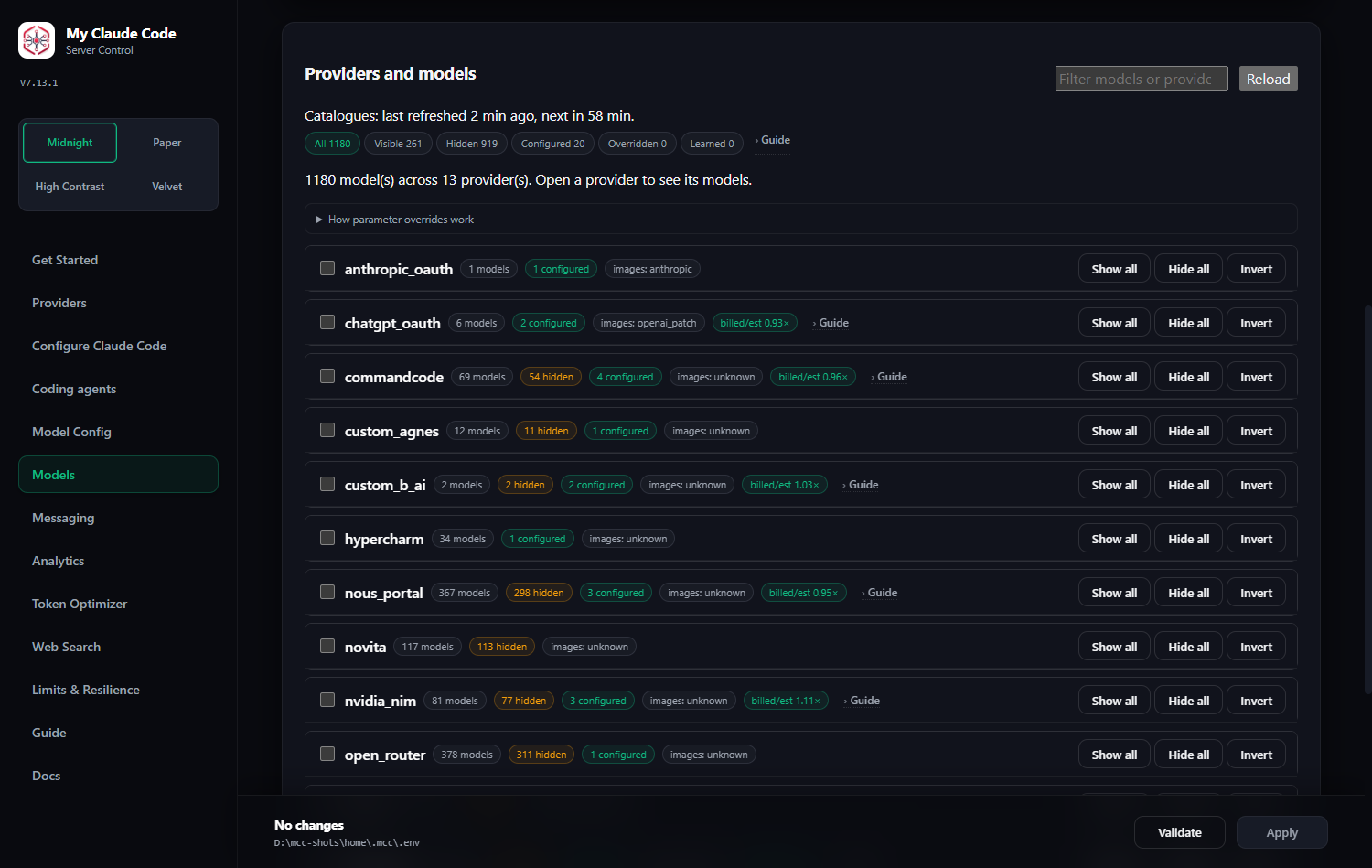
The refresh readout and the facet chips, above one row per provider — 1,180 models across 13 providers, 20 of them named by a route.
Every usable provider's /models is refetched in the background once an hour, so a gateway that added a model this morning is listed this afternoon without a restart. The line under Providers and models reads "Catalogues: last refreshed 12 min ago, next in 48 min.", and says "Automatic model catalogue refresh is off (MODEL_DISCOVERY_REFRESH_SECONDS=0)" when you turn it off — a catalogue whose age is unanswerable is how "this gateway added a model today" became a support question. The server log prints catalogue changed: +N -M only when the list actually moved.
This is not Claude Code's model discovery.
CLAUDE_CODE_ENABLE_GATEWAY_MODEL_DISCOVERYis a variable MCC writes for Claude Code and never reads; it decides whether Claude Code's own picker lists this catalog. The setting above decides how often MCC re-reads its providers.
What this host taught MCC¶
Every negative MCC holds was learned from something the upstream itself said: an output ceiling named in a 400, a retry that only succeeded once a reasoning field was dropped, a probe that came back without vision. They are persisted to ~/.mcc/learned_facts.json, so a restart does not re-pay every rejection.
They also expire, and that is the point. MCC stops sending the thing that would produce a positive — it never asks for more than a learned cap again — so a host that raises its own ceiling has no way to tell us. Three evidence classes, three clocks:
| Evidence | What it is | Good for |
|---|---|---|
| Stated | a number or an enum the host named in its own words: an output cap, the effort words it accepts, the validator its /models last sent |
30 days |
| Inferred | "it worked once the field was gone": a rejected reasoning field, no streamed usage, no vision, no tool calls | 7 days |
| Withheld | a model id the backend refused by name | 72 hours |
Expiry never deletes. A fact past its clock is still loaded and still shown — marked stale — and simply stops being applied. The next real request re-pays one rejection and the row is fresh again. That is the self-healing a restart used to give for free, put back on a timer.
Reading them. The Learned filter chip on the Models page narrows to models this host has corrected. Open one and the What this host taught MCC block lists each fact with its age, its evidence, and whether it disagrees with the catalogue — which is the interesting case, because it means the published metadata is wrong for this deployment.
Probing instead of waiting. Probe capabilities on a provider card sends a handful of deliberately tiny requests — a one-pixel image, a trivial tool definition — so a model's real vision and tool support are known before a real request pays to discover them. A probe is narrow on purpose: it only ever records an absence the host demonstrated, never a capability the catalogue already claims.
Forgetting. Three scopes: Forget on one row, the forget button on a provider card, and Forget everything learned under Requests. Use them when something changed on the host's side — a raised quota, a new deployment behind the same name — and you do not want to wait out the clock.
No response text is ever stored. Evidence is the bounded, redacted excerpt the recovery matchers already produce for their log lines; for a probe it is a status word and at most an HTTP code.
Reasoning control¶
Providers expose reasoning differently. MCC resolves your intent once at the boundary and each provider adapter translates it, so you configure it in one place rather than per provider. See the Model Config tab.
Two independent facts decide what actually goes on the wire: what the model supports, and which reasoning fields the host in front of it parses. A control is sent only when both agree; otherwise the nearest thing both can express goes instead, and the request log names the field it went through. A model with only an on/off switch behind a gateway whose only word for "reason" is one of its own effort rungs gets the level you asked for, clamped to that gateway's scale — the gateway's own default rung is never put in its place, so a request for low never leaves as max. Where the host has no reasoning field at all, nothing is sent and the model's own default applies; the request log calls that "no reasoning instruction sent (model default applies)", and it is a correct outcome, not a fault. Where MCC knows neither fact the request is unchanged.
Every OpenAI-compatible host declares the standard reasoning_effort field unless it was probed speaking something else; a host that refuses it answers with a 400, is retried once without it, and is not asked again for that model. Since 6.33.0 that is true of every provider, whichever protocol it speaks: an Anthropic Messages host that refuses a thinking object and a Responses host that refuses a reasoning block are learned from the same way, by the same matcher. Your own model-parameter override is applied after every postprocessor, so setting reasoning_effort explicitly — or to null — on a model always wins over the default dialect.
ADAPTIVE is a choice on every door, not a rung (8.13.0). It is not an effort level and not a budget: it asks the host to think as much as it decides it needs, and that sentence is defined once and read by every door. What goes out depends on what the host declares it can parse, never on a model name or a provider id:
| What the host declares | What MCC sends |
|---|---|
| An adaptive channel of its own (Anthropic Messages) | thinking: {"type": "adaptive"} — the instruction leaves verbatim |
| An on/off field that is not its effort field | That field, switched on — the same statement in the host's own words, nothing substituted |
| Only an effort vocabulary | The highest rung it publishes — the least restrictive thing it accepts, and a substitution the request detail records as one |
| No reasoning field at all | Nothing; the request detail says no reasoning instruction sent (model default applies) |
The top rung is read from the host rather than assumed, because it is not max everywhere: the OpenAI standard map spells max as high, and a gateway with its own words spells every rung differently. A model with no published vocabulary is sent nothing rather than an invented level. off emits nothing on every door, and every request that does not ask for adaptive is byte for byte what it was before 8.13.0.
The Models page shows the two side by side: what the model can do, with the resolution tier each field came from, and what the host parses, labelled default OpenAI dialect, declared by this provider, or learned from the host's own rejection — never a vote.
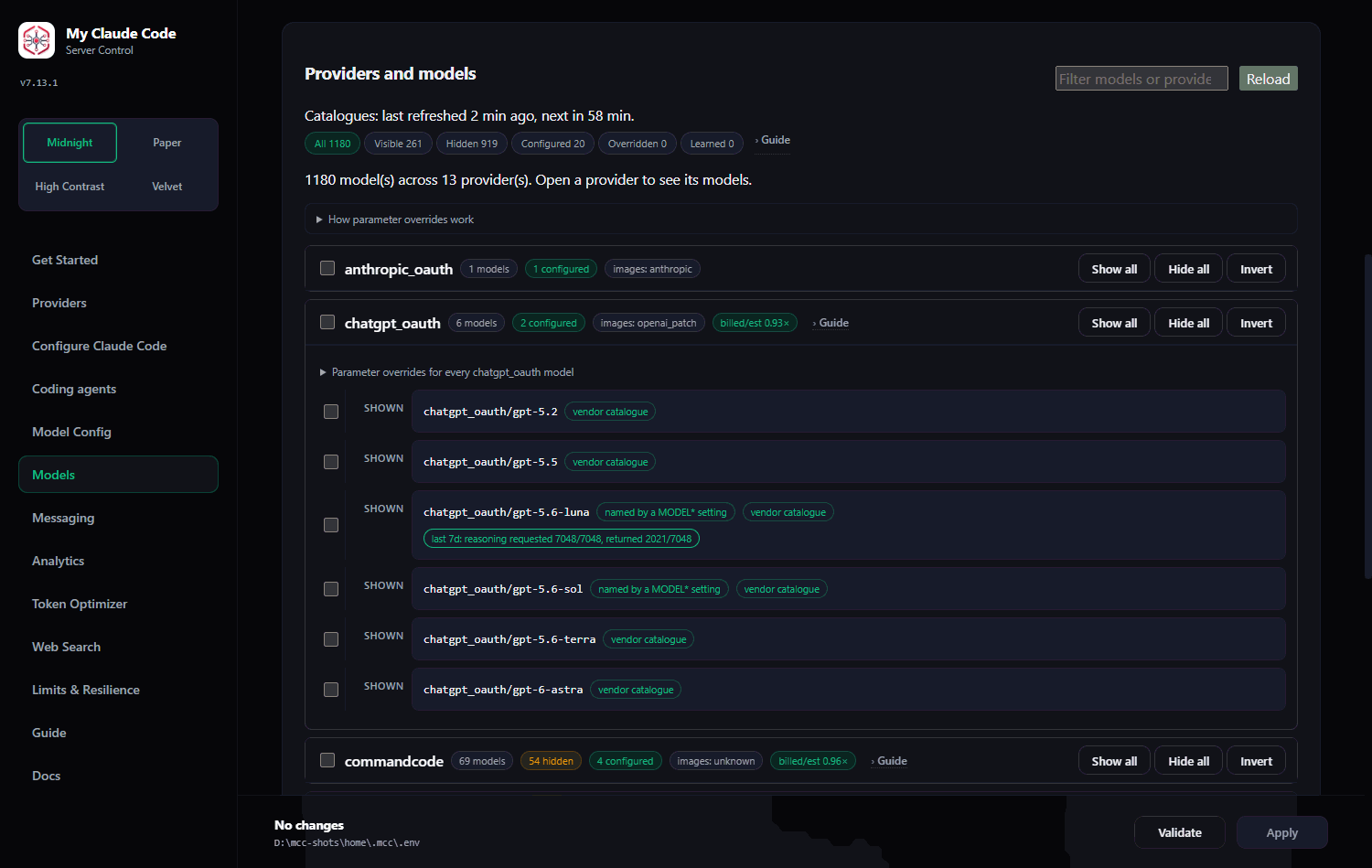
A provider opened: each model names its source, and one row carries what the host actually did with reasoning over the last seven days.
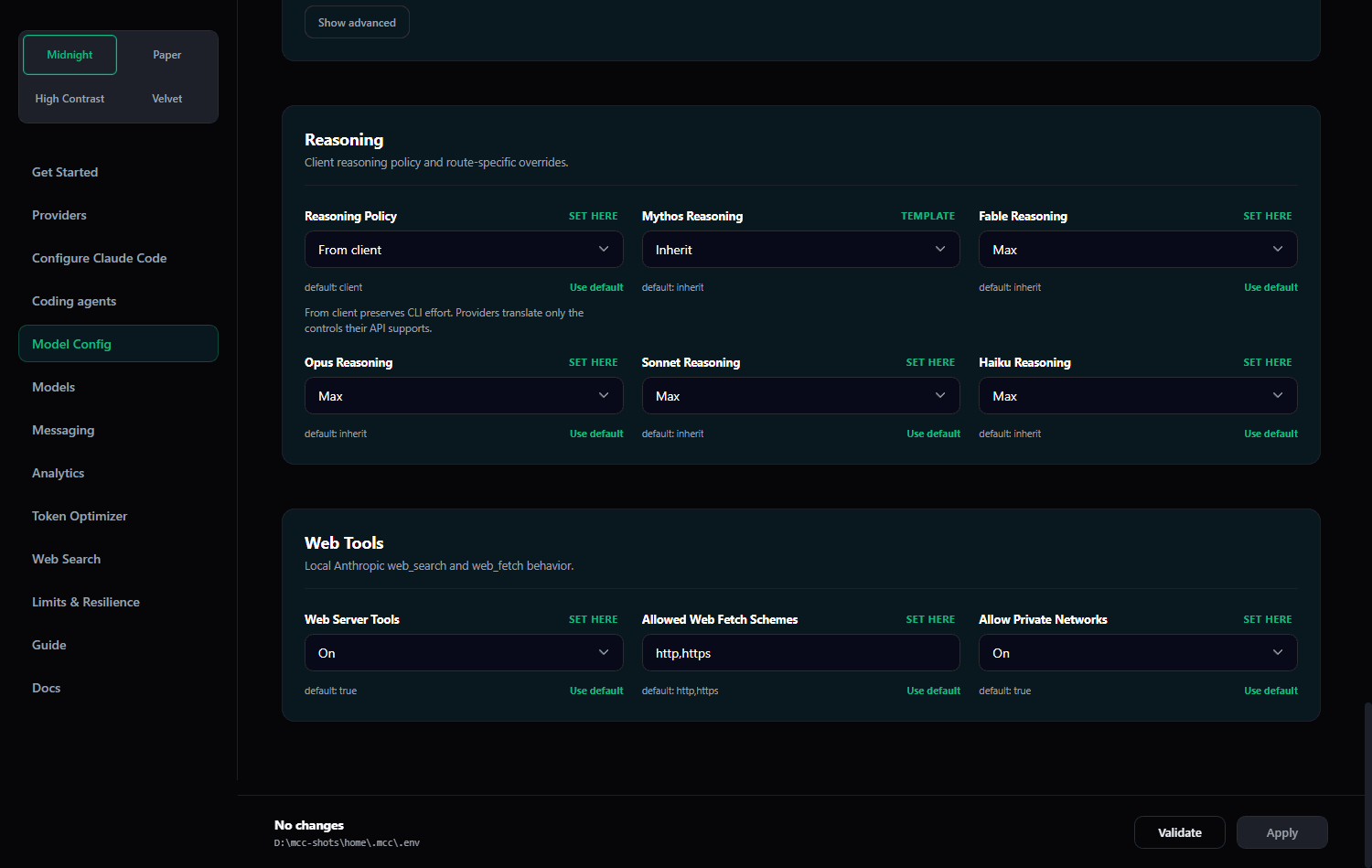
Model Config → Reasoning: one client policy and a per-tier override, resolved once at the boundary.
Since 6.35.0 the tier is shown for every resolved field, not only the output ceiling: the context window, vision support, tool support and all four price rates each walk the same ten rungs and each name the one that answered. Where the routed deployment's own /models payload supplied the value the badge reads provider /models or models.dev with no tier, because the enrichment step that merged them keeps no record of which won; where the ladder supplied it, the rung is exact — down to cross-provider, bare model, which is a vote across strangers who merely share a name and is badged approximate accordingly. The Models page and every generated agent catalogue read that from the same resolver, so they cannot disagree about a number or about where it came from.
New in 7.79.0: what the provider's own list says a model is. Many model lists say more than an id: OpenRouter, Nous Portal and Kilo publish what each model accepts and produces, Novita publishes a model type, those two lists and the endpoints that serve each model, Vercel publishes a type word and a modality pair, and Command Code publishes each model's endpoints. MCC now keeps those words on the model's record exactly as the provider published them (lower-cased and sorted, nothing translated) and shows three more rows in the model's capability panel: accepts → produces (the provider's own pair first, then models.dev's pair down the same rungs, with the tier that answered), model type (provider's word) and endpoints (provider's words), which only a provider publishes and which read unknown where its list is silent. Nothing reads them yet: kinds, /v1/models, the agent catalogues, routing and prices are exactly what they were. A provider's words appear after its next catalogue refresh; Refresh models on its provider card records them at once.
New in 7.83.0: each list's own numbers and flags come first. Where a provider's model list publishes a model's context window, output limit, listed input and output price, or says the model reasons or takes tool calls, MCC now uses that before models.dev, field by field, and models.dev fills only what the list left out. That is the ladder's own order, extended to every list shape the reader understands: Novita (context_size, max_output_tokens, pricing.*.price_per_m_decimal, features), HyperCharm and Vercel's AI Gateway (context_window, max_output_tokens / max_tokens, pricing.input / pricing.output), the OpenRouter dialect's listed pricing.prompt / pricing.completion (OpenRouter, Nous Portal, Kilo), and a generic list's own supported_parameters. A price written as a decimal string is USD per token (OpenRouter's convention) and one written as a number is USD per million; a negative price (Kilo's auto-router lists -1) states nothing, and a published 0 is a free price. A capability word list (features, tags) can only say yes — a word a provider left out is not a no. Where the provider's own row stated the very value a record holds, the capability panel's badge reads provider /models with the tier it matched at, instead of provider /models or models.dev.
New in 7.84.0: OpenRouter's own live list is a rung for every provider. OpenRouter publishes, without a key, what every model it serves accepts and produces, whether it reasons and takes tools, its window, its top deployment's output limit, its prices, a description, a knowledge cutoff and the day it listed the model. MCC now fetches that list (https://openrouter.ai/api/v1/models?output_modalities=all, about 1 MB) in the background at the models.dev catalogue's freshness (MODELS_DEV_CACHE_TTL_SECONDS, within MODELS_DEV_FETCH_TIMEOUT_SECONDS), stores it beside models-dev.json as cache/openrouter-models.json, and matches each of your providers' models to it by name the way the cross-provider vote does: the id as written, its pricing tag stripped, the bare model with its tag, the bare model. Where one name meets several OpenRouter models, a field is used only where they all agree. Placement, per field class (the user's decisions of 2026-10-08):
- What a model is — what it accepts and produces (so its kind), image input, reasoning, tool calls. For a provider models.dev has no bucket for (Nous Portal, Command Code, B.AI, …): the provider's own list, then OpenRouter live, then models.dev's OpenRouter copy and the cross-provider vote. For a provider models.dev does describe (Novita, NVIDIA NIM, OpenCode, Cline, …): the provider's own list, then its bucket, then OpenRouter live only where both said nothing — it never overrides a bucket, and where they disagree the Models page shows both statements (also stated: …).
- Numbers — window, output limit, input/output/cache/reasoning price: the provider, then models.dev, then OpenRouter live last, only where nothing else said.
- New rows — description (OpenRouter), knowledge cutoff and listed on OpenRouter: the day OpenRouter added the model to its list, never its release date.
OpenRouter's own models are left alone: its list already is their first rung, so only the three new rows read the live copy for them. Every value from this rung is badged OpenRouter live with how the name matched. Nothing a request is built from reads it: the output-token clamp, the context headroom, reasoning gating and vision routing are decided exactly as before, and per-request cost is unchanged. It reaches the Models page, which lists offer a model (kinds) and the generated agent catalogues. The fetch is masked like any request to OpenRouter: it leaves through the OpenRouter provider's proxy chain (the exit a Providers-card probe would use), never from this computer while that chain's Direct fallback is off, and with no chain it goes out the way the models.dev fetch does. A payload with fewer than half the models already stored is discarded. MODEL_METADATA_OPENROUTER_LIVE=false (Model Config → catalogue card) stops the fetch and removes the rung: every page, list and catalogue is then exactly what it was before 7.84.0. OpenRouter's accepts → produces words (file where models.dev writes pdf) are shown beside a pair the row already showed rather than replacing it, and a pair carrying a word no kind rule reads (OpenRouter's decisions) states no kind, so such a model stays in every list.
New in 7.85.0: when a model was published, when it retires, what it knows. Each model's capability panel on the Models page now has four display rows, each walking its own ladder with the provider's own list first, and each badged with the rung that answered:
- published — the day the provider's own model list says it published the model, else the vendor's release day from models.dev, down its rungs (where catalogues disagree evenly, the earliest day). A list that writes one
createdvalue on every row is stamping when it was served, not dating a model, and is never read (NVIDIA NIM, OpenCode Zen and Go, Command Code, Vercel's AI Gateway; HyperCharm writes0); Vercel's ownreleasedand Anthropic'screated_atare read. OpenRouter'screated— which Nous Portal and Kilo copy — is the day OpenRouter listed the model: it stays in its own listed on OpenRouter row and is never a publication day. - retires — the vendor's own client catalogue (Codex), then the provider's list (the OpenRouter dialect's
expiration_date, Vercel'sdeprecated_at), then LiteLLM's map if Use LiteLLM's price map too is on, then models.dev'sdeprecatedmark, which has no day. The model stays listed and routable whatever this row says. - knowledge cutoff and description — the provider's list, then OpenRouter's live list, then models.dev. Where the provider's own list says the same as OpenRouter's, the badge is the provider's; where it says something else, the provider's words are shown and OpenRouter's are listed beside them (also stated) — provider first since 7.86.0 (7.85.0 kept OpenRouter's words shown on those rows: 84 descriptions on the 2026-10-08 catalogue, Novita 67, Cline 10, Nous Portal 7).
- endpoints — with LiteLLM's pricing on, LiteLLM's endpoint list where the provider's own names none.
With Use LiteLLM's price map too on, LiteLLM's map is also one more source for a model's kind (see Which lists offer a model): what it says a model accepts and produces, where nothing above the cross-provider vote stated a pair, and its mode and endpoint names after the provider's own words. It is read exactly where pricing reads it — a key naming the provider, or a bare key whose own provider agrees — and only while that setting is on and its file is on disk; the Models page's cached half is recomputed when that file changes. None of these rows feeds a request, a list or a price: routing, caps, costs and the agent catalogues are exactly what they were.
What moves: the provider's own output limit is the one MCC clamps max_tokens to and its context window is the one MCC keeps a request's output budget within (on a 2026-10-08 catalogue that is 51 Novita output limits and 32 Novita context windows); the prices the Models page and every generated agent catalogue show; and, where a list says a model reasons, the reasoning row. What does not move: what a request is charged. Analytics and the request log price a request exactly as before — the provider's own reported cost, then models.dev, then LiteLLM if enabled, then the cross-provider vote — and never from a listed price.
New in 7.86.0: everything known about one model. Under each model's capability panel on the Models page, Everything known opens a table of every field the panel shows, with what every source states about it beside the value MCC uses (marked used), in ladder order: the provider's own model list; what discovery filled from models.dev into the record (a name match that records no rung — the fields the panel badges provider /models or models.dev); OpenRouter's live list; models.dev's own bucket for the provider; models.dev's copy of OpenRouter; the cross-provider vote, with how many same-named rows stated the value and how many agree; LiteLLM's map, while Use LiteLLM's price map too is on; what this host taught MCC; your own overrides and media rails; and the vendor's own client (the Codex CLI's catalogue, for ChatGPT). A statement that differs from the value in use is highlighted, and one from a rung MCC never reads for that provider is dimmed — a provider with a models.dev bucket of its own is never answered from outside it. Below the table every source's own row is listed verbatim, field by field: the fields no panel row shows — a tokenizer, a moderation flag, per-request limits, Kilo's and Vercel's extra keys, models.dev's family or open_weights, LiteLLM's supports_* flags and rate limits, Codex's context window and effort levels — are all there.
It is read when you open it, for that one model, by GET /admin/api/models/knowledge?ref=<provider/model> (local admin only, computed off the server's event loop); it is never part of the Models page's payload or its cache, and nothing routes, lists or prices on it. Each provider's own list row is kept on the catalogue record and stored beside the catalogue in cache/derived/provider-rows.json (scrubbed of anything credential-shaped), so it survives a restart; provider-catalogue.json itself is unchanged.
One table per model: value, source, override, default¶
New in 7.101.0. Open a model on the Models page and everything about it is one table with four columns -- Field, Value MCC uses, Where it came from, Your override · default -- in groups:
| Group | Rows | You can override |
|---|---|---|
| Limits | context length, output limit | yes (context_length, max_output_tokens) |
| Reasoning | the reasoning word, then the seven reasoning facts (can reason, supports effort / toggle / budget control, supported efforts, mandatory, default enabled) | the word (reasoning_preference) |
| Request parameters (sent in the body) | frequency_penalty, min_p, presence_penalty, repetition_penalty, seed, stop, temperature, top_k, top_p, then the prompt cache lifetime (7.105.0) |
yes (the lifetime is prompt_cache_ttl, see Prompt cache lifetime) |
| Wire surface | which endpoint the model is posted to, only on a provider that serves two or more doors (>= 2); shows discovered doors (discovered) and any active refusal note |
Pin endpoint (exclusive) and Set preference (try first, fall back if refused; also per provider) |
| What the model is | kind, accepts → produces, model type, endpoints, reads images | no |
| Prices | input, output, cache read, cache write, reasoning (USD per million tokens) | no |
| Dates | description, knowledge cutoff, published, listed on OpenRouter, retires | no |
| Gateway lists | supported parameters, gateway default parameters | no |
These are the rows the earlier override editor, What this forces onto the request and What MCC knows about this model (read-only) drew one under another, merged: every row the read-only panel drew is still drawn, with the same value, badge, rung line, guessed warning and second statement. Under the table: what the host parses, Everything known, why the model is listed, and learned facts, as before.
Every row reads the same way. The value MCC uses, then where it came from: a badge for the source (provider /models, models.dev, OpenRouter live, approximate cross-provider -- guessed, and so on) and the rung of the ladder that stated it. Something you forced -- on the model's own row or on its provider's -- shows your value with an operator override badge, says which row it came from, and tints the row; nothing else changes colour. A request parameter nothing forces reads provider decides; the reasoning word reads route decides.
The default is always shown under the control, in every mode, with where it came from -- so an override never hides the number it replaces:
- Context length: the window the ladder extracted and its rung (default 524,288 -- provider /models, exact id). Where nothing states one: default not reported -- asked: provider /models, models.dev (own bucket, reference, vote), OpenRouter live.
- Output limit: the number routing bounds requests by -- the provider's list, then models.dev, with the rung -- or default not reported with the same list of rungs asked. Where OpenRouter's live list states a different number, a second line says so (OpenRouter live also states 131,072 (shown, never acted on)): the page shows it, routing never uses it. While you cap the output, the row's value is your cap and the badge and rung the row showed before move under the default. The sentence about a cap not being a request stays under the control.
- Reasoning: default the route's own answer, then the model's published effort words with their rung (or not reported), then what the host parses. The options you cannot pick are still listed, disabled, with the reason.
- Prompt cache lifetime (7.105.0): the Model Config lifetime each route that names this model reads, and what this host would be sent for it (default 30 min -- PROMPT_CACHE_TTL_OPUS → sent 1 h), or From client with the reason -- the host has no lifetime control known, it caches automatically (7.106.0), or it is a gateway that takes a lifetime only from an override row.
- Each of the nine: the provider's own
default_parametersvalue for that name (default 0.7 -- provider /models (default_parameters)). Only OpenRouter-style lists publish those -- OpenRouter, Kilo and Nous Portal -- so for most providers the row honestly says default not reported -- only the provider's /models states one; a list that names no value for that parameter says it pins none. Where the provider publishes itssupported_parameters, a second line says whether that parameter is on it (shown, never acted on).
A provider's own table (Parameter overrides for every
Saving is unchanged. Save overrides sends the same body to the same route, key for key, and writes model_overrides.json exactly as before; a value the page refuses (a fraction for a window, an output cap above the published limit, Force value with an empty box) is refused with the same message. After a save the value columns and the default lines repaint in place and Saved stays on screen. Pin endpoint on the Wire surface row keeps its own save (POST /admin/api/model-admin/surface), checked against what the host serves. Set preference writes preferred_surface via POST /admin/api/model-admin/preferred-surface (accepting "Follow the client" "" to clear or any offered door, refusing unservable and undeclared doors with HTTP 422), and is shown only on providers with two or more speakable doors (>= 2). Per-coding-agent overrides under Coding agents → Surfaces it uses (harness_surfaces in model_overrides.json, written via POST /admin/api/harness-surfaces) outrank both model- and provider-level preferred_surface (while response_surface pins still win over everything). Unlike Pin endpoint (which uses only that door), Set preference tries that door first while keeping the fallback ladder intact (switching doors re-reads the prompt cache).
The override(s) active chip beside a model's name counts every key you set that reaches that model -- the output cap, the context window, the reasoning word, the prompt cache lifetime and a pinned endpoint as well as the nine request parameters, from the model's own row and from its provider's. Before 7.101.0 it counted only the nine.
Display only: nothing a request sends, routes or lists changes, and no new source of defaults is read.
Per-model reasoning and output preferences¶
New in 7.25.0. The same model_overrides.json row carries two keys that
are not request parameters -- they are statements about a decision MCC
makes before any request body exists, and they are never written into one:
{
  "providers": {"open_router": {"reasoning_preference": "medium"}},
  "models": {
    "open_router/z-ai/glm-5": {"reasoning_preference": "max", "max_output_tokens": 32768}
  }
}
Both are editable on the Models page, on each model row and on the
provider card, with the same three states as the nine sampling parameters:
Inherit (the key is absent), Force unset (null -- you have stopped
stating an opinion at this level), and Force value.
reasoning_preference takes the configuration vocabulary --
off, client, adaptive, minimal, low, medium, high, xhigh,
max -- and the control offers only the rungs this model actually reports,
resolved through the same ladder the rest of its row came from. A mandatory
model cannot be set to off and says so; a model that does not reason has the
control disabled; a host that parses no effort field says that a level there
sends nothing; and where nothing published a vocabulary every rung is offered,
marked unverified, because unknown never adds a restriction. max is stored
as max and keeps translating to the host's own top rung -- ultra, then
persistent -- exactly as it has since 7.11.0; ultra is a wire word, never a
stored value.
Precedence, highest first: the model row, the provider row, the route's
own tier setting (REASONING_FABLE/OPUS/SONNET/HAIKU/MYTHOS), the
per-harness tier override, REASONING_POLICY, and last the client's own
thinking or effort ask. A per-model preference therefore outranks
REASONING_* for that model, which is the point of it; set
"reasoning_preference": "client" on a row to hand that one model's decision
back to the client.
A stored value the catalogue no longer offers is never a 400: it is clamped by the same gating a client's own ask goes through, an adaptation is recorded, and the row is badged. Nothing is rewritten on disk -- the catalogue may move back, and silently editing your file is worse than telling you.
max_output_tokens is a cap, not a request. It lowers the model's
effective limit to min(published limit, your number), so it can never exceed
what the model reported; a client asking for fewer tokens still gets fewer;
and the reasoning-room widening widens to your number rather than past it.
Where nothing publishes a limit, your number becomes the limit. The operator
ceiling (MAX_OUTPUT_TOKENS_CEILING) and the context headroom still have the
last word, as they always did.
Both reach every provider family -- Anthropic, Anthropic OAuth, ChatGPT OAuth, Vertex, Gemini and every OpenAI-compatible host -- because they enter the pipeline in the application layer, where the client's own values enter it, rather than as body edits. With no preference set, every request body is byte for byte what 7.24.0 sent.
New in 7.87.0: a model's context window. A model row may also carry
context_length -- {"models": {"custom_agnes/agnes-3.0-flash": {"context_length": 1000000}}}
-- edited on the same Models page row, next to max_output_tokens. A positive
whole number replaces the window MCC extracted (the provider's list, then
models.dev, then OpenRouter's live list) wherever MCC reads one: the
output-budget headroom routing keeps, every generated agent catalogue and
/admin/api/catalogue-models, and the Models page, which badges it operator
override and shows the extracted number beside it as also stated. null
makes the window unknown everywhere; absent inherits. Model rows only -- a
provider row's context_length is ignored with a log line -- and a 0, a
negative number or a fraction is refused. Routing uses it from the next
request; the agent catalogue files under ~/.mcc, which the mcc-<agent>
launchers read, pick it up at the next model-list refresh or restart, as they
do any catalogue change. Since 8.21.0 /v1/models carries the same window on
the model's own entry (metadata.context_length), but Claude Code launched by
mcc still keeps its own fixed compaction window.
New in 7.105.0: a prompt cache lifetime, the 14th key. A provider row or a
model row may carry prompt_cache_ttl -- whole minutes from 1 to 60:
{"providers": {"anthropic_oauth": {"prompt_cache_ttl": 45}}, "models": {"anthropic_oauth/claude-haiku-5-5": {"prompt_cache_ttl": null}}}.
The same three states: absent inherits; a number forces those minutes; null
is From client at that row -- MCC sets no lifetime for that model even where
a Model Config tier asks for one. The model row wins over the provider row,
which wins over the tier and global settings on Model Config. A 0, 61, a
fraction or a string is refused with a 422 by the page's save and ignored with
a log line if written by hand. It is never a body field: the provider writes
the host's own lifetime instead, adapted as Prompt cache
lifetime describes. An untouched lifetime leaves the
file byte for byte as it was.
New in 7.109.0: a marketplace profile, the 15th key. On a marketplace
provider (InferHub) a provider row or a model row may carry
marketplace_profile -- the name of a profile in marketplace_profiles.json
(an object is refused here, as for every key):
{"providers": {"inferhub": {"marketplace_profile": "opus-cap"}}, "models": {"inferhub/cx/gpt-6-astra": {"marketplace_profile": null}}}.
Absent inherits; a name forces that profile; null forces "InferHub decides"
(no ceiling) at that row. A name with no profile behind it is refused with a
422 by the page's save; written by hand, it makes that model's requests refuse
with a 400 rather than go out uncapped. It is never a body field and means
nothing on any other provider. See InferHub marketplace
profiles.
Downgrading. An MCC below 7.25.0 does not know these two keys: it reads the file, logs that they are not known request parameters, and ignores them, so the preference simply stops applying. But if you then edit any override row from the old build's Models page, it writes back only what it parsed and your per-model preferences are erased from disk. Downgrade and read: fine. Downgrade and save: keep a copy of
model_overrides.jsonfirst.
What "learned from the host's own rejection" means¶
It means exactly one thing: this host answered a real request with a 400 whose own words named that reasoning field, the request was retried without it and succeeded, and the field is not sent to that model again. It is never inferred from a model name, never voted on across providers, and never written from a retry that failed anyway — a strip that did not fix the request is no evidence the field was the problem. The date beside the label is the day it was learned.
The same holds for the output cap a host states in a 400: the number is read out of the host's own message, applied to that request, and used to clamp later ones. It only ever lowers what is asked for.
Since 6.52.0 these facts survive a restart — with an age, a source, and an expiry. They used to be per process: a config reload, a restart or an update rebuilt the provider and forgot everything, so a host that was briefly misconfigured healed by itself at the cost of re-paying every 400 once per restart. That self-healing property has not been given up; it has been moved from the restart onto a clock.
Each fact is written to ~/.mcc/learned_facts.json with the time it was first learned, the time evidence last confirmed it, how many times it has been confirmed, the source (rejection, probe, or observation), and a bounded, redacted excerpt of the host's own words. No response text is stored — the excerpt is at most 160 characters and passes through the same redactor that guards discovery failures.
A fact stops being applied once its evidence class expires. Expiry never deletes: the row stays in the file, stays on the Models page marked stale, will be re-verified, and the next real request re-pays exactly one 400 and brings it back to life. Three classes, three clocks:
| Evidence | Examples | Lasts |
|---|---|---|
| The host stated a number or an enum | an output cap, an effort vocabulary | 30 days |
| A refusal inferred from a successful strip | a refused reasoning field, a refused stream_options.include_usage, a probed absence |
7 days |
| A withheld model id — the weakest negative here | a 404 that may really have been an outage | 72 hours |
A model that disappears from a provider's catalogue has its facts stopped immediately, because the deployment behind them is gone; they are not deleted, and a model that comes back has to earn them again.
Everything is visible and everything can be forgotten. The Models page has a Learned facet, a chip per fact on the model row carrying its value, source and age, and a Forget control beside each. The provider card has Forget everything learned about this provider, and the Requests page has Forget all learned facts beside Clear image descriptions. Forgetting reaches the live provider immediately — it does not wait for a restart.
One more fact was added in the same release: a host that answers stream_options.include_usage with a 400 is now remembered. Before 6.52.0 nothing recorded that at all, so such a host cost a failed try and a retry on every single request, not once per process.
Media request fields (7.98.0)¶
Two more kinds, media_param_required and media_param_refused, record what a media host's 4xx said about one request field of one model and operation -- Agnes' mode is required on a video create, image_config is not supported on an image. They are shown only: no request reads them, so nothing MCC sends, routes, retries or charges changes (user decision 6 of 2026-10-16). They are stated evidence (30 days, STATED_FACT_TTL_SECONDS), appear in the model's published request schema -- Request fields under its row in Models -> Media models, the media request fields row of Everything known, and GET /v1/media/models -- and each has its own Forget, which sends the field's detail (video_create:mode) to the same forget route so only that field's row goes. Beside them, the operator's own statements of a media model's fields are kept in ~/.mcc/media_request_fields.json (the small editor on the same block writes it; never sent anywhere). The whole ladder, its states and the route: Request fields per model.
Probing what a host actually does¶
Probe capabilities on a provider card measures the deployment instead of reading its catalogue. Each probe is one small request that sends a value no correct host can accept and reads the answer out of the 400: an absurd output budget (which generates no output tokens at all on the 400 path), and a 1×1 image block. max_tokens is 16, and at most 25 models are covered per press — the button states the request count before it runs.
Three outcomes, and the difference matters. Learned means the host refused in its own words, and that becomes a stored fact. Ignored means the host answered 200, which proves the request was accepted and not that the feature works — a host can accept an image block and never look at it — so nothing is recorded. Unknown covers a 401, 402 or 403 answered before the body was validated, a timeout, or a 5xx: nothing was measured, so the page says could not be probed (403) rather than a verdict.
A probe result ranks above the provider's own /models (resolution tier 0, probed on this deployment), because tier 1 is what the host says and a probe is what it does — and a reseller gateway's catalogue routinely describes the upstream model rather than the deployment it rents. That is only safe because a probe may only narrow: it can lower a cap or remove a capability, never raise one. Where a probe and the catalogue disagree the Models page says so beside the field, because that disagreement is a catalogue lying about a deployment.
Probes never run on the request path — not on a first request, not on a fallback, not lazily. They are an operator action. MODEL_PROBE_NEW_MODELS (off) would let the background refresh probe models it has just discovered; leave it off unless you want 40 new models overnight to mean 40–120 unattended upstream requests. Tool-calling and streamed-usage probes are implemented but shipped behind that same switch, because a correct host answers them by generating billable output tokens.
Keeping catalogues current¶
MODEL_DISCOVERY_REFRESH_SECONDS (default 3600, 0 turns it off) re-reads every usable provider's /models in the background, so a model a gateway added this morning appears without a restart. A value between 1 and 300 is raised to 300: one sweep is one upstream request per provider.
The sweep is quiet by design. A provider whose model set is unchanged logs nothing at all; a provider whose set moved logs exactly one line — catalogue changed: +3 -1 for openrouter (now 412 models). The Models page shows last refreshed and next in beside its Reload button, or says the refresh is off.
It also refuses to make things worse. A tick that lands while a sweep is already running is skipped, never queued. A config apply always wins over a tick, because both go through the same lock. A provider that answered 401 or 403 is skipped for 1, then 2, then 4, then 8 ticks rather than asked again on the hour. And a sweep that comes back with less than half of a provider's cached models is treated as a failed sweep, not as hundreds of deletions.
This setting has nothing to do with CLAUDE_CODE_ENABLE_GATEWAY_MODEL_DISCOVERY, which is a Claude Code variable MCC writes for the agent and never reads itself.
A 400 that names a sampling parameter — top_p, temperature, seed — is never treated as a reasoning rejection: dropping thinking would not have fixed it, so the error is raised. So is a 400 that names nothing recognisable at all; Command Code's Anthropic endpoint answers a malformed thinking value with a bare Invalid input, and a gateway that vague gets a visible failure rather than a guess.
Prompt cache lifetime¶
New in 7.104.0. A host keeps a prompt cache for a lifetime it picks from a short, fixed list. Anthropic — the Claude API and the Claude subscription — keeps one for 5 minutes (its default) or 1 hour, and nothing in between. Claude Code's terminal app already asks for 1 hour on its own cache_control markers; Claude Desktop and the SDKs leave Anthropic's 5 minutes. By default MCC forwards whatever the client sends, byte for byte — no marker is touched, added or removed.
To choose instead, use Model Config → Reasoning → Prompt cache lifetime: one default and one per tier, the same tiers as the thinking level above them.
| Setting | Default | Values |
|---|---|---|
PROMPT_CACHE_TTL |
client |
client — MCC sets nothing — or whole minutes 1–60 |
PROMPT_CACHE_TTL_MYTHOS, PROMPT_CACHE_TTL_FABLE, PROMPT_CACHE_TTL_OPUS, PROMPT_CACHE_TTL_SONNET, PROMPT_CACHE_TTL_HAIKU |
inherit |
inherit (use PROMPT_CACHE_TTL), client, or whole minutes 1–60 |
A tier's value wins over the default, and client at any level stops there: MCC sets nothing for that tier even if the default asks. The tier is the one the thinking level uses — the mcc/<tier> alias, else the Claude name's keyword (opus, haiku, …); an explicit provider/model ref and the vision tier read only PROMPT_CACHE_TTL. A save applies to the next request, with no restart.
Minutes are adapted, never sent as a number. MCC sends the shortest lifetime the host accepts that is at least the minutes you asked for, else the host's longest. On Anthropic, 1–5 sends 5m and 6–60 sends 1h. With a lifetime chosen:
- every marker the client wrote — on a tool, a system block, a message block, a block inside a
tool_result, or the top-level one — carriesttlset to that lifetime, with every other key of the marker (scope,evict_on_complete) kept, so a client's1hbecomes5mwhen you ask for 3 minutes. A marker that has nottlalready means 5 minutes and is left exactly as written when 5 minutes is the choice; - a request that carries no marker at all gets Anthropic's single top-level
cache_control: {"type": "ephemeral", "ttl": …}, which Anthropic places on the last cacheable block; - no beta header is added:
ttlis a field of Anthropic's generally availablecache_controlobject.
Per provider and per model (7.105.0). On the Models page every model row and every provider's table has a prompt cache lifetime row (prompt_cache_ttl in model_overrides.json, see Per-model reasoning and output preferences): Inherit, Force value in minutes, or Force unset — From client on that row. Who decides, per request and per fallback attempt: the model's row, then its provider's row, then the tier, then PROMPT_CACHE_TTL, then the client. The row shows the lifetime MCC would send and why, the lifetimes the host takes, any it refused (with Forget), and — always, whatever the mode — the Model Config lifetime each route that names the model reads, as the default it replaces (default 30 min — PROMPT_CACHE_TTL_OPUS → sent 1 h).
Which hosts. Each host's lifetimes are a table kept as data in config/prompt_cache_lifetimes.py, read from the host's own documentation (7.106.0 adds the OpenAI-shaped hosts):
| Host | Lifetimes it takes | What MCC writes when a lifetime is set | 1–5 min | 6–60 min |
|---|---|---|---|---|
Anthropic — anthropic, anthropic_oauth (7.104.0) |
5 min, 1 h | ttl on every marker the client wrote, or one top-level marker when there is none |
5m |
1h |
| Anthropic-protocol gateways — Command Code, OpenCode Zen's Messages door, custom Messages providers (7.105.0) | not published | Anthropic's spelling on the client's markers, only from an override row | 5m |
1h |
OpenRouter, Claude models (anthropic/… and ~anthropic/… ids) (7.106.0) |
5 min, 1 h | one top-level cache_control: {"type": "ephemeral", "ttl": …} |
5m |
1h |
| Azure OpenAI (7.106.0) | in_memory (cleared after about 5–10 idle minutes), 24h |
prompt_cache_retention |
in_memory |
24h |
ChatGPT subscription (chatgpt_oauth and its openai alias), Gemini, Vertex, DeepSeek, Nous Portal, OpenCode Zen and Go (Chat and Responses doors), NVIDIA NIM, Agnes, B.AI, HyperCharm, every OpenRouter model that is not Claude |
none — they cache automatically | nothing | — | — |
| Every other host | not known | nothing | — | — |
Model Config's settings and the override rows reach every host with a lifetime list except the Anthropic-protocol gateways, which take one only from a row. A host that caches automatically says caches automatically; no lifetime control on its rows; a host nothing is known about says lifetime control not known for this host — unknown, which is not the same as unsupported.
OpenRouter's Claude models (7.106.0). MCC's Chat Completions conversion keeps none of the client's block-level cache_control markers, so before 7.106.0 a Claude model reached through OpenRouter was sent no marker at all and never cached there. With a lifetime set, MCC adds the single top-level marker OpenRouter documents as automatic caching — OpenRouter places the breakpoint on the last cacheable block and moves it forward as the conversation grows; it is supported on OpenRouter's Anthropic, Vertex, Azure and Bedrock providers and Claude Platform on AWS. A model is a Claude model when OpenRouter's own id names anthropic as its author, so every Claude model OpenRouter lists is covered with no list to keep. Writes cost what Anthropic charges: 1.25× input at 5 minutes, 2× at 1 hour. With nothing set the body is exactly what it was — still no marker.
Azure OpenAI (7.106.0). Azure's deployments of GPT-5.5 and older take prompt_cache_retention: in_memory (the default for GPT-5.4 and older; a cache is typically cleared after 5 to 10 idle minutes, always within an hour) or 24h (extended retention, up to 24 hours, on the models Azure lists for it). Both are priced the same. in_memory counts as 5 minutes, the least it is documented to last, so asking for 6 minutes or more sends 24h. GPT-5.6 and later take prompt_cache_options.ttl instead, whose only value — 30m — is also its default, so MCC never sends it. A deployment's name says nothing reliable about its model, so a deployment that refuses a word is learned from its own 400 and sent the other word next time.
The ChatGPT subscription. Codex itself sends the ChatGPT backend no retention field (Codex 0.163.0 sends only prompt_cache_key), and OpenAI's newer models take a single lifetime, 30 minutes, which is their default. So MCC sends nothing there; the backend's prompt cache works on its own. Whether that backend would accept a retention field has not been tested with a live call.
Gateways that speak Anthropic's protocol (7.105.0). Command Code's claude-* models, OpenCode Zen's models on its Messages door and every custom provider with the Messages door speak Anthropic's Messages protocol without being Anthropic, and none of them publishes a cache lifetime (Command Code's Provider API page says its bodies "follow the Anthropic Messages schema" and names no ttl; Zen's page lists cache read and write prices and no lifetime). Their rows say lifetimes unknown — sent only when set on this row:
- Model Config's lifetimes never reach them. With no override row their bodies are exactly the client's.
- A provider or model row does. Your minutes are sent in Anthropic's own spelling of the nearest Anthropic lifetime — the same rule, so 1–5 sends
5mand 6–60 sends1h— on the markers the client wrote. No marker is added to a request that has none. - Whether the gateway passes it on is not known (no live call has tested it). The first 400 that names the lifetime field is learned for the whole host — every model behind that gateway stops getting a lifetime — with no extra retry, and Forget on any of its rows re-opens it.
Price. Anthropic bills a cache write at 1.25× the input price for 5 minutes and 2× for 1 hour; a cache read is the same either way. A 1-hour lifetime pays off only when the cache is read again more than about 5 minutes after it was written. Since 7.111.0 MCC's cost figures price each write at the rate of the lifetime it was actually written with, from the split Anthropic reports per request: 1-hour writes at a 1-hour rate a source states (the provider's own list, LiteLLM, then OpenRouter live), or not priced where none does — see What a request cost. The 1.25× / 2× above are Anthropic's documented ratios, shown as text; MCC never computes a price from them. Requests logged before 7.111.0 priced every write at the 5-minute rate and keep that price. None of this changes what is sent: with nothing set, MCC still sends no lifetime of its own.
A host that refuses a lifetime. If the host answers 400 naming the lifetime field of a marker that carried the lifetime MCC chose (messages.2.content.1.text.cache_control.ttl: …), or the top-level marker MCC added — on OpenRouter, a 400 naming cache_control in its own words or in the Anthropic answer it relays; on Azure, one naming prompt_cache_retention (7.106.0) — that lifetime is recorded as refused for that model (cache lifetime refused on the Models page, 30 days, with Forget), and later requests are adapted to the lifetimes that remain — a refused 1h means 5m next time, a refused in_memory means 24h, and once every lifetime is refused nothing is sent. The refused request itself is not retried by this: it fails over exactly as any 400 does. A 400 that mentions cache_control for another reason (too many markers, a marker on a block that cannot carry one) records nothing.
Each attempt's request detail records prompt_cache_ttl beside the body whenever a setting applied: the minutes asked and which setting asked them (from: model_override, provider_override, the tier setting such as PROMPT_CACHE_TTL_OPUS, or PROMPT_CACHE_TTL), the lifetime sent, the lifetimes the host takes, how many markers there were and how many were changed, whether one was added (or, on Azure, the field written), and any lifetime the host refused. With nothing set the key is absent and every stored row is exactly what it was.
Adaptive Thinking (REASONING_ADAPTIVE)¶
New in 8.38.0. Under Model Config → Reasoning, REASONING_ADAPTIVE controls whether adaptive extended thinking (thinking: {"type": "adaptive"}) is preferred or suppressed alongside REASONING_POLICY and per-tier efforts (REASONING_MYTHOS, REASONING_FABLE, REASONING_OPUS, REASONING_SONNET, REASONING_HAIKU):
| Value | Meaning |
|---|---|
client (default) |
Preserves existing per-tier and client behaviour. |
on |
Prefers thinking: {"type": "adaptive"} plus output_config.effort on adaptive-capable Anthropic Messages hosts even when a tier effort such as REASONING_OPUS=max is configured, falling back to manual enabled + budget_tokens only when the host/model is non-adaptive. |
off |
Never sends thinking: {"type": "adaptive"}, forcing manual enabled + budget_tokens on Anthropic Messages or explicit effort on other doors. |
Explicit off reasoning policy (REASONING_POLICY=off or a tier set to off) always suppresses thinking regardless of REASONING_ADAPTIVE. A save applies to the next request with no restart.
Responses protocol¶
New in 8.15.0. The Responses API has a field the Anthropic Messages protocol does not: parallel_tool_calls, which tells the host whether the model may answer one turn with several tool calls at once. Two of MCC's doors speak that protocol — the ChatGPT subscription (chatgpt_oauth, and its openai alias) and the shared Responses transport that OpenCode Zen and OpenCode Go are served on. Until 8.15.0 both senders hard-coded it to false.
That is not what the reference client does: Codex CLI sets the field from its own configuration rather than pinning it, and the cost of pinning it is measurable. On this machine's request log, 0.4 % of ChatGPT OAuth turns carried more than one tool block (76 of 20,697) against 23.2 % on the Anthropic subscription door — a 58× difference on a door where Claude Code's own prompting asks for batched reads, greps and edits. A model told to batch and forbidden from doing so serialises the work, which costs turns.
To choose, open Model Config → Reasoning → Responses protocol:
| Setting | Default | Values |
|---|---|---|
RESPONSES_PARALLEL_TOOL_CALLS |
true |
true — the model may batch; false — one tool call per turn |
This changes behaviour for every Responses request, by default. It is the one setting in this release that does: a fresh install, and an existing install that has no line for it in its .env, sends "parallel_tool_calls": true where every release up to 8.14.3 sent false. Set it to false — on the page, or with a line in ~/.mcc/.env — to get the old bytes back exactly: with the setting off, every Responses body is byte-identical to 8.14.3's, which is what the historical equality contracts pin.
What it does not touch. The field exists only on the Responses protocol. The Anthropic Messages door (the Claude API, the Claude subscription, Command Code, OpenCode Zen's Messages door, every custom Messages provider) has no such field and is unchanged; so is the Chat Completions door, which has parallel_tool_calls only on the inbound /v1/chat/completions surface where a client sends it. Media, web search, /v1/models and every catalogue are untouched.
What it is not. It is not a fix for agents failing to spawn. Codex sends false on this backend too, and the same request log shows gpt-6-luna making 1,674 Agent calls while the field was false, so the flag cannot be what stops a spawn. It is a real capability gap closed, not a diagnosis.
A save applies to the next request, with no restart: the value is read when the body is built, not when the provider was constructed.
Encrypted reasoning replay¶
New in 8.16.0; on by default since 8.16.2. The Responses API can return a reasoning item's encrypted_content — an opaque blob the host minted — and on a store: false conversation that blob is the only way the reasoning survives to the next turn. MCC has asked for it since 7.5.0 (include: ["reasoning.encrypted_content"]) and then thrown it away: history_thinking_omitted was recorded on 13,856 of 26,566 measured ChatGPT OAuth attempts (52.2 %), 96.5 % of gpt-6.1-sol and 93.5 % of gpt-6-luna.
With RESPONSES_CARRIER_REPLAY on, MCC hands the blob to the client — inside the thinking block's signature when the item has a readable summary, as a standalone redacted_thinking block when it does not — and, on the next turn, decodes it back into the reasoning input item it came from, at the head of that turn's input[] run.
| Setting | Default | Values |
|---|---|---|
RESPONSES_CARRIER_REPLAY |
true |
true — replay the host's own reasoning item; false — every byte 8.15.1 sent |
Why it is on by default. It shipped off in 8.16.0 because two preconditions were unmet: the provenance guard (8.16.1) had not shipped, and neither had the fail-soft for a host that refuses a replayed item. Both have. A host that refuses one costs a single request and is then never sent one again. Turning it off is safe at any time and restores every byte 8.15.1 sent.
The envelope is host- and model-bound. Every blob is wrapped in MCC's own mcc:reasoning:v1: envelope, which records the provider, the protocol, the endpoint, the account (never the rotating credential) and the routed model that minted it. A blob is replayed only when all five match the host it is about to be sent to; otherwise it is dropped and counted (history_carrier_foreign), and the turn proceeds with the reasoning omitted, exactly as before. A session that alternates between two models therefore keeps two independent continuity chains — which is what the backend itself does.
What it never does. It writes no readable reasoning text back: the summary the host sent travels inside the base64 envelope, never as think output text, so the 7.58.1 echo class stays shut. It never truncates a blob (a corrupted blob is worse than no continuity — an item over 32 KiB mints nothing and is counted). It never invents an item the host did not write.
Why it ships off. Three things are true today and false later: the provenance guard has not shipped, so a provider switch mid-session could send MCC's envelope to a host that did not mint it; the A/B that settles whether the backend accepts its own item id on replay has not run; and the fail-soft for a host that refuses a replayed item has not shipped. Turning it on is a separate, one-line decision after those land — and it is not yet proven to change model quality.
What it does not touch. The Anthropic Messages door and the Chat Completions door are unchanged, byte for byte. With the setting off, every body on every door is byte-identical to 8.15.1.
The provenance guard¶
New in 8.16.1, and it has no setting: it is always on. A carrier minted for one host is never sent to a host that did not mint it. Three seams can carry one, and all three are guarded:
| Door family | Where | What happens |
|---|---|---|
Messages — anthropic, anthropic_oauth, commandcode, and every Messages transport including OpenCode Go's /messages door |
the history trim every Messages body passes through | a thinking block whose signature, or a redacted_thinking block whose data, starts with mcc:reasoning:v1: is removed and counted |
| Responses — the ChatGPT subscription and the shared Responses transport | the replay pass | PR-2's origin match: replayed only when all five origin fields agree |
Chat Completions — cline, zenmux, and every OpenRouter-dialect gateway (openrouter, kilo, nous_portal) |
the reasoning_details replay pass |
the envelope is skipped and counted instead of being forwarded as {"type": "reasoning.encrypted", …} |
The Chat-Completions seam was a live defect independent of the replay feature: any non-JSON redacted_thinking block was turned into a reasoning.encrypted detail and sent to the gateway, while the converted Chat body had already dropped it. That path is closed.
The test is the prefix, and nothing else. A value that starts with mcc:reasoning:v1: is MCC's, even if it no longer decodes — a corrupted blob is still ours and is still dropped, never forwarded because it looked broken. A value that does not start with that prefix is not ours and is never parsed. Anthropic's own signatures are base64 of a protobuf, and : is in no base64 alphabet, so a real signature can never be mistaken for an envelope.
What it never drops. Readable reasoning is portable and still crosses models and providers, exactly as before: a signed thinking block's text, a reasoning_content string, a bare base64 redacted_thinking that is not ours. The guard reads signature and data and never thinking. A body that carries no carrier is byte-identical to 8.16.0.
What you see. A request whose history carried a carrier that could not go gains one line in its request detail — history_carrier_foreign, a count, never any content. A request that carried none records exactly what it recorded before.
Keeping the text when only the envelope has to go¶
New in 8.16.3, and it has no setting either. A carrier and the readable summary beside it are two different things with two different rules: the envelope is bound to the host, model and account that minted it, and the text is not bound to anything. So the guard now has three answers instead of two, and the third one saves the reasoning:
| The block | The destination | What MCC sends |
|---|---|---|
a carrier in a thinking block's signature, with readable text |
a Messages host that declares it signs nothing — OpenCode Go's /messages door today |
the block, with its text and its position, and no signature key; counted history_carrier_stripped |
| the same block | a Messages host that signs — anthropic, anthropic_oauth, commandcode, every other Messages door |
nothing; counted history_carrier_foreign — unchanged from 8.16.2 |
a carrier with no readable text, or a carrier in a redacted_thinking block's data |
every door | nothing; counted history_carrier_foreign |
The signature key is removed, not blanked. A host that signs nothing has no signature on its own thinking blocks either, so removing the key reproduces a shape it has already seen, where signature: "" would be a shape it has not.
Why the Anthropic door still recovers nothing. Anthropic requires a signature on every thinking block it is sent and answers a 400 to one that is missing, not a string, or blank — measured against the live API on three Claude models. Stripping the signature there would not save the text; it would only move the drop one rule later, and cost a failed request. That is a property of Anthropic's protocol, not a gap MCC can close: there is no thinking block Anthropic accepts without a signature it minted, and MCC cannot mint one.
Why the Chat Completions door needed no change. It never reads a thinking block's signature at all — the conversion reads the block's text and nothing else — so the summary beside a carrier has always crossed there and still does. 8.16.3 pins that with tests rather than changing it.
The strip is per request, never per history. It is written into the outbound copy for one attempt, so the client's transcript is untouched and a hop through a non-signing host cannot change what a later turn to the signing model sends. That is what keeps the prompt cache safe: return to the original model and its prefix is exactly what it would have been if the middle hop had never happened. The strip also appears identically on every turn to the same host, because it is a pure function of the block and the door's declaration, so a single-model conversation keeps a strict prefix turn to turn.
What you see. A request whose history had a carrier removed from a block that kept its text gains history_carrier_stripped — removed 1 reasoning carrier from a block whose text was kept (this host signs nothing). It is a separate line from history_carrier_foreign on purpose: one says a block was lost, the other says the text survived and only the envelope went.
A save applies to the next request, with no restart.
Which turn a replayed detail belongs to¶
New in 8.18.1, and it has no setting either. The Chat Completions door replays a redacted_thinking block as reasoning_details on the assistant turn that produced it. Before 8.18.1 that attachment was positional: each turn's details were collected into a list and attached to the next assistant message in order, so an assistant turn that carried no redacted_thinking — the common case — shifted every later turn's details up by one, and a model could read another turn's reasoning as its own.
The attachment is now resolved during conversion, by object identity, against the message list the turn actually became. Two things that move a message's position are handled where they happen: the synthetic assistant boundary MCC inserts to close a tool round, and the image hoist that adds a user message for a tool result carrying a picture.
What changes on the wire. A history where every assistant turn carried a redacted_thinking is byte-identical. A history where one did not now sends that turn's details on the right turn instead of the wrong one — or not at all. The body differs, and that is the fix.
Why it also helps the cache. The old attachment depended on a turn's relative position among the detail-bearing turns, so adding a turn could change what an earlier turn sent. The attachment is now a pure function of the turn's own blocks, so a single-model conversation keeps a strict prefix turn to turn.
One model, two spellings¶
New in 8.18.2, and it has no setting either. A carrier replays to the same model even when one turn names its dated snapshot and the other names the alias. The envelope records the routed model verbatim, and the comparison used to be byte-exact — so claude-haiku-4-5 on one turn and claude-haiku-4-5-20251001 on the next was enough for MCC to refuse its own carrier and lose the reasoning silently. The two spellings are now compared after trimming, lower-casing and removing a trailing -YYYYMMDD, and nothing else: a vendor prefix is still part of the model id, and a four-digit suffix still distinguishes two genuinely different models (mistral-medium-2505 from mistral-medium-2604). The envelope's own bytes did not move, so every carrier already in a transcript still decodes and still matches.
Readable reasoning replay on the Responses door¶
New in 8.17.0, and on by default. The two sections above are about the encrypted blob a Responses host mints. A model's reasoning can also be plain text — a thinking block's text, or an assistant turn's top-level reasoning_content — and on this door MCC sent neither: the Responses history converter is pinned to ReasoningReplayMode.DISABLED, which is the 7.58.1 fix. So a fallback into the Responses door (the ChatGPT subscription, or the shared transport OpenCode Zen and Go are served on) lost whatever readable reasoning the previous model had written, carrier or no carrier, on every model.
| Setting | Default | Values |
|---|---|---|
RESPONSES_PLAINTEXT_REPLAY |
true |
true — replay readable reasoning as a summary item; false — every byte 8.16.3 sent |
The rule is dynamic by content, never by a model list.
| The block | What MCC sends |
|---|---|
a thinking block with a carrier that matches this host |
the host's own reasoning item, verbatim — the carrier path, unchanged |
a thinking block whose carrier was refused (minted elsewhere, or malformed) and which still has text |
the text, as a summary item — the envelope is host-bound and the text is not |
a thinking block with text and no carrier |
the text, as a summary item |
a thinking block with blank or whitespace-only text |
nothing — there is nothing readable to carry |
a redacted_thinking block |
nothing — its data is the opaque envelope, never readable text |
an assistant turn whose content is a string with a top-level reasoning_content |
the text, as a summary item |
The item is {"type": "reasoning", "summary": [{"type": "summary_text", "text": …}]} — no id, no encrypted_content, no status, no content — placed at the head of its own turn's input[] run, after any carrier item for the same turn. That is the shape three shipped implementations build, and the shape this door already writes in its own output[].
The refused-carrier row is the important one, and it is where MCC lost the most. A block holding both a readable summary and an envelope minted for another host had its text die with the envelope. On this door the text is a different item type, so it is not refused with the envelope: the carrier is dropped and counted history_carrier_foreign, and the text is replayed. That is the opposite of what the Messages door does, and deliberately so — there Anthropic refuses an unsigned thinking block outright, so the text is refused with the envelope.
The 7.58.1 echo class stays shut. The text never becomes output text and never becomes a <think> tag; it lives in a structured item's summary, a field with no room for one. The assistant message items are byte-identical to the setting-off body's.
Why it is on by default. A feature that defaults off does nothing, and reasoning continuity is the whole purpose of this arc. Turning it off is safe at any time and restores every byte 8.16.3 sent.
One assumption is unverified. Whether the ChatGPT/Codex backend accepts a summary-only reasoning item has not been measured. Three shipped implementations build exactly this shape, and the learned refusal bounds the cost: a host that refuses one costs a single request and is then never sent one again until the fact expires. That fact is shared with the carrier path — both send the same item type — so a host that refuses only summary items also stops receiving carriers for its lifetime. Turning this setting off is the escape hatch for exactly that case.
What you see. A request whose history carried readable reasoning gains history_plaintext_replayed — replayed 2 readable reasoning blocks from the client's history — a count, never any content. A request that replayed nothing records exactly what it recorded before. With the setting on and something still left out, the omission line's second clause reads the Responses surface replays reasoning only as structured items instead of the Responses surface replays no reasoning as text; with the setting off the line is byte-identical to 8.16.3's.
What it does not touch. The Anthropic Messages door and the Chat Completions door are unchanged, byte for byte, with the setting on or off. With it off, every body on every door is byte-identical to 8.16.3's.
A save applies to the next request, with no restart.
The inbound Responses door reads the blob back¶
New in 8.19.0, and it has no setting. Everything above is about the outbound half: MCC asks a Responses host for encrypted_content, wraps it in its own envelope, and replays it to the host that minted it. The inbound half was missing, and it was the exact mirror of the bug 8.14.3 fixed on the way out: POST /v1/responses read a reasoning input item's readable text and threw the blob away. So a Codex CLI → MCC conversation lost its reasoning at the first turn boundary, and every turn after it started from nothing.
The blob now rides on the converted message as a side channel — Message.encrypted_reasoning, one list per assistant turn, each entry the whole reasoning item the client sent, id and status and summary included, never a projection. A replay has to hand the host back exactly what it minted, or it is refused.
Why a side channel and not a redacted_thinking block. The inbound door converts to an Anthropic payload. Putting an OpenAI ciphertext into a redacted_thinking block's data would send it to an Anthropic host, which is a guaranteed 400. A side channel keeps the blob out of every non-Responses wire by construction.
The field cannot leak, and that is structural rather than a rule someone remembers. encrypted_reasoning is declared exclude=True on the model, so every model_dump() of a message — the serialiser DeepSeek re-validates, the Messages door's own dump, the request snapshot, every dialect's body — cannot carry it. The alternative, stripping it in one function, relies on that function remembering; the field is excluded at the source instead.
What you see. Nothing new in the request log. A conversation that never sent an encrypted_content item is byte-identical to 8.18.2 on every door, which is every conversation in the log today.
DeepSeek no longer drops the carrier twice¶
New in 8.19.0, and it has no setting. DeepSeek's own request filter dropped every redacted_thinking block before the shared converter ran — and the shared converter already drops that block for every Chat host. Two sites, one decision. Only DeepSeek's arm is gone; the shared converter still drops the block, so no DeepSeek body moves by a byte, and the thinking arm beside it (and its replay_tool_reasoning condition) is untouched.
It matters for what comes next, not for today: the moment the shared converter learns to replay a carrier, a DeepSeek-specific arm would silently keep dropping it and leave one provider worse than every other. One decision, in the module that owns it.
The one shape that does move, and why it is the right answer. An assistant turn whose only block is a carrier used to become content: "", because DeepSeek's filter emptied the list. With the arm gone the shared converter handles the turn and gives content: " " — which is what every other Chat provider already sends for the same shape. The change is toward the consistency this release exists to create, not away from it.
count_tokens counts a carrier as its blob¶
New in 8.19.0, and it has no setting. A redacted_thinking block has no text field, so the estimator fell to its else branch: it counted json.dumps(block) — the blob plus a ~10-token JSON wrapper — and logged Unexpected block type at DEBUG on every call. Measured on a 32,768-character carrier: 23,273 counted against 23,259 for the blob alone.
It now has its own branch beside the thinking one, counting the blob's own characters through the same estimator. The wrapper is gone and so is the DEBUG complaint.
The honest limit: it is still an estimate. Anthropic bills a redacted_thinking block as an opaque blob and publishes no formula. The number feeds the dashboard, the context-headroom arithmetic and the cancelled-request record — never an outbound body — and the LM Studio preflight that reads it is unchanged for every other block type.
The Gemini skip-validator is now countable¶
New in 8.19.0, and it has no setting. Google validates a thoughtSignature on the current turn's first tool call. MCC captures one off the stream whenever the host sends it, and writes the sentinel skip_thought_signature_validator whenever it has none to replay — which is every tool loop that spans a restart. The loop keeps working; until now the operator had no way to see that it had stopped being validated.
A request that writes the sentinel now gains one line in its request detail — gemini_thought_signature_skipped, a count, never any content — on both Google doors (AI Studio's gemini and Vertex's google_openai). A turn whose signature was captured records nothing. No body byte changes.
The Gemini signature cache survives a restart¶
New in 8.19.0, and it has no setting. The captured signatures lived in a 4096-entry in-memory map that died with the process, so a tool loop spanning a restart lost every one of them and fell back to the sentinel. They are now kept in ~/.mcc/google_thought_signatures.json.
| What | How |
|---|---|
| Scope | per provider and per credential. A signature minted under one key is never replayed under another. The credential half is a hash of the identity, never the token — a Vertex access token refreshes hourly, and hashing it would refuse every signature captured before a refresh, silently, every hour. |
| Ceiling | 4096 rows across the whole store — the in-memory map's own number — plus 64 credential buckets, so a rotation storm cannot grow the file without bound. |
| Eviction | FIFO on insertion order, exactly what the in-memory map does, so a restart restores the population the process would have held. |
| A bad file | read as "nothing cached yet". A missing, truncated, foreign or unparseable file never raises on a request path; the provider carries on in memory. |
| It is a cache | losing it costs one turn of continuity per in-flight loop and nothing else. |
Every existing Gemini body is byte-identical when the cache is empty, which is every request until a loop captures a signature.
The wider reasoning-detail rules on the Chat door¶
New in 8.20.0. A Chat Completions host can return reasoning twice in one delta: once as reasoning_content (or reasoning) text, and once as a reasoning_details array whose entries are structured. MCC had two implementations of the rules that surface those entries — and the one that ran was the narrower of the two:
| A detail that… | Before 8.20.0 | From 8.20.0, with the setting on |
|---|---|---|
carries a signature |
its text was emitted and the entry was thrown away, so the opaque continuation could never be replayed | the text is emitted and the whole entry is preserved as a redacted_thinking block |
has no text and no marker (an id and nothing else) |
nothing at all | preserved as a redacted_thinking block |
is summary-typed and also carries text |
the block only; the text was dropped | the text and the block |
is encrypted / redacted / summary |
preserved | preserved, unchanged |
The second implementation — StructuredReasoningStream — was written for exactly these rules and never wired: one definition, no callers. It is gone. Its rules are now the implementation, and there is one of them.
| Setting | Default | Values |
|---|---|---|
CHAT_STRUCTURED_REASONING |
false |
true — the wider rules above; false — every byte 8.19.0 sent |
Two different things, two different homes. structured_reasoning_details is a per-host declaration: "this host returns structured details and they must be surfaced". It was set on cline and zenmux and read by nothing; it is read now, and the shared OpenRouter-dialect profile declares it too, which reaches open_router, nous_portal and kilo in one line. CHAT_STRUCTURED_REASONING is the operator's switch, and it decides which rule set runs, not whether the hook runs at all. That distinction is what makes the off state safe: off is the gateways' existing narrow behaviour, byte for byte, never a loss of something they send today.
A host that declares nothing is untouched. Every other Chat profile produces exactly the empty output it produced before, with the setting on or off.
The text is never emitted twice. The rule is per delta, not per stream: a delta that carries native text suppresses the detail text for that delta, and the caller has already emitted the native text. cline and zenmux declare reasoning as their delta field rather than reasoning_content, and the de-duplication reads the field the profile actually uses — otherwise those two hosts would send the same sentence twice.
What you see. A redacted_thinking block in the client's stream, for an entry that used to vanish or be flattened to text. Nothing in the request log changes; this is the response direction only, so no request body moves and the prompt cache is untouched by construction.
The carrier-surface drop is now counted¶
New in 8.20.0, and it has no setting. The Chat and Gemini doors have no opaque field in either direction: a Chat client is handed readable reasoning text and nothing it could echo back, and a Gemini client is handed a thought part with no thoughtSignature. So MCC does not invent a carrier for them — the measured population is 17 Chat requests and 2 Gemini requests out of 757,322, and a protocol nobody reads is not a feature.
What it does instead is count the drop, and the count names every cell, per door, per direction, per mode:
| Door | Direction | What was dropped | Key |
|---|---|---|---|
| Chat | in | a client's reasoning_details entry carrying an mcc:reasoning:v1: envelope |
chat_in_details_carrier |
| Chat | in | a client's reasoning_details entry that is another dialect's text |
chat_in_details_other |
| Chat | out | a redacted_thinking block the assembler has no frame for, so the client is never handed the blob it would echo |
chat_out_redacted_thinking |
| Gemini | in | a replayed thought: true part |
gemini_in_thought_part |
| Gemini | in | a thoughtSignature on a replayed part |
gemini_in_thought_signature |
| Gemini | out | a thought emitted with no thoughtSignature |
gemini_out_thought_unsigned |
They land in one place, on the request row's params, under carrier_surface_dropped:
"params": {"carrier_surface_dropped": {"chat_in_details_carrier": 1, "chat_out_redacted_thinking": 2}}
Every key names its door, its direction and its cell, so the raw params JSON needs no table. Mode is not repeated in the key names — it is the row's own stream column, so WHERE protocol = 'openai_chat' AND stream = 1 is the stream half of cell 9, and repeating the mode in every sub-key would let the two disagree.
Absent, not zero. A request that dropped nothing carries no key at all, so every existing row's params is exactly what it was. The note holds counts only — no substring of an envelope, no reasoning text, no id — and its name deliberately avoids the reasoning_*/thinking_* prefixes MCC reads as a reasoning instruction, so a note about a drop can never count as reasoning sent.
10. Web search¶
Claude Code's web_search is an Anthropic server tool: normally Anthropic executes the search and bills you for it. MCC intercepts and fulfils it locally against a provider you choose, so no Anthropic search credits are used, and it works with any model provider.
No model answers that request, so Analytics records it as a local answer: since 7.69.5 the row reads answered locally · web search (or · web fetch), with no provider, no model and no price. Before 7.69.5 it carried the first model of the route — even a paused one that was never called — and was priced as that model; those older rows keep their old name.
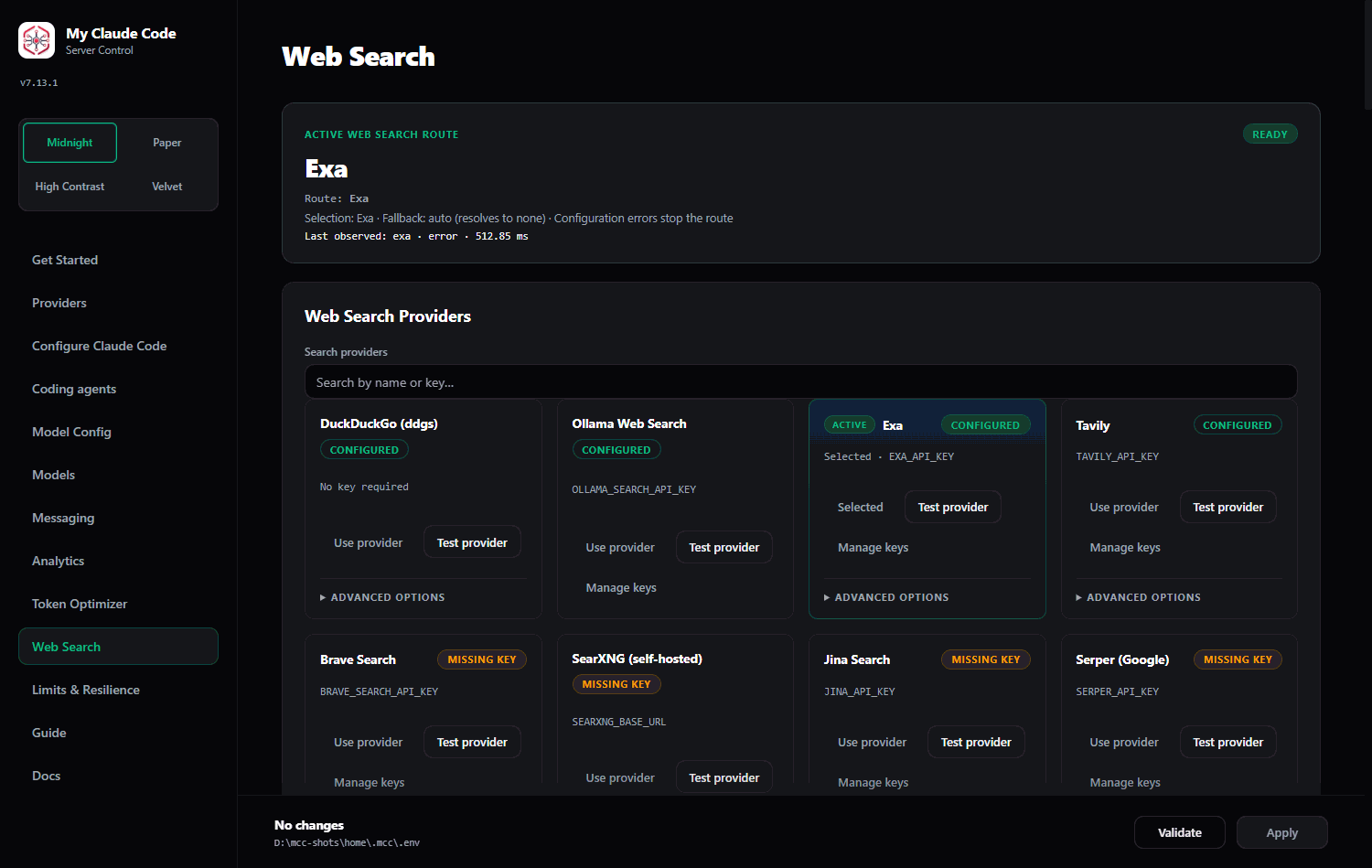
Choosing a provider¶
WEB_SEARCH_PROVIDER=auto            # auto | off | disabled | <provider id>
WEB_SEARCH_FALLBACK_POLICY=auto     # auto | none | ddgs | legacy
WEB_SEARCH_CHAIN=                   # optional: exa,tavily,ddgs,legacy (7.112.0)
WEB_SEARCH_CHAIN_PAUSED=            # optional: chain entries to skip
WEB_SEARCH_CHAIN_SKIP_KINDS=        # optional: failure kinds that end search-chain fallback (8.33.0)
WEB_SEARCH_QUOTA_COOLDOWN_SECONDS=1800 # out-of-credits search key cooldown seconds (8.33.0)
WEB_SEARCH_FALLBACK_ON_EMPTY=true   # fall back when HTTP 200 returns 0 results in chains/auto (8.33.0)
WEB_SEARCH_CHAIN (7.112.0, optional; 8.33.0 resilience upgrades). An ordered list of search services, tried in turn; a service listed twice is tried again at its place, and legacy is the keyless DuckDuckGo hop (below). Unset, the two settings above route every search (WEB_SEARCH_PROVIDER=auto cascades across all configured auto-eligible providers in catalog order before ddgs and legacy). Set, WEB_SEARCH_CHAIN replaces them for routing (WEB_SEARCH_PROVIDER=disabled still disables), and each service's keys follow search resilience rules: a key benches for rejected keys, 429s, or out-of-credits errors (WEB_SEARCH_QUOTA_COOLDOWN_SECONDS=1800 default); multi-key pools rotate after 1 try per healthy key on transient 429/503/504 errors before failing over; rate-limited keyless entries (ddgs/legacy) are stepped over without sleeping whenever a viable configured entry follows; empty HTTP 200 responses fall back when WEB_SEARCH_FALLBACK_ON_EMPTY=true without charging key health; WEB_SEARCH_CHAIN_SKIP_KINDS stays decoupled from the LLM FALLBACK_SKIP_KINDS; and an only key is never benched into an outage. An entry without its key is skipped and named on its attempt row (without starving an earlier cooled-down entry if it trails); WEB_SEARCH_CHAIN_PAUSED skips entries without removing them.
The Search chain card (7.113.0). Admin → Web Search → Search chain edits both settings with the model chain editor: Add search service, a picker per row, arrows and drag (with Undo), a ×2 chip for a repeat, Pause per service (written to WEB_SEARCH_CHAIN_PAUSED), and no key configured on a row that will be skipped. Apply saves them like any setting. While a chain is set the route summary shows it and names the two settings it replaces; a provider card's Manage keys shows its keys' health from the pool that serves today's route, in the model rules' words (benched 60 s: rate limited, out of credits, locked out, tier 2 of 3), with Reset on a benched key; Analytics adds Position, Key tries (expands to every try on every key) and Failure kind once a chain has written rows, — on rows without them.
CONTEXT7_API_KEY (7.113.0). Context7 answers a search with library documentation — two calls (the best-matching library, then its documentation), one result per snippet titled library — section, its URL the source Context7 cites, its excerpt cut at 1,000 characters with a marker. auto never picks it; use WEB_SEARCH_PROVIDER=context7 or, better, a place in WEB_SEARCH_CHAIN. Several keys rotate with CONTEXT7_API_KEY_ROTATION like any provider. Not verified on a real key. See docs/WEB-SEARCH.md.
DEEPSEEK_SEARCH_API_KEY (8.25.0). DeepSeek calls DeepSeek's standalone Search API ($0.75 / 1,000 successful calls, no free tier). It stays strictly separate from your inference DEEPSEEK_API_KEY unless you opt in with DEEPSEEK_SEARCH_USE_INFERENCE_KEY=true, and auto never picks it — choose WEB_SEARCH_PROVIDER=deepseek, pass provider="deepseek", or put deepseek in WEB_SEARCH_CHAIN. DEEPSEEK_SEARCH_NEED_CONTENT toggles full Markdown content and DEEPSEEK_SEARCH_LOCALIZATION sends an optional IPv4/IPv6 geo-localization string. See docs/WEB-SEARCH.md.
auto works with zero configuration. With no keys set it falls back to the keyless ddgs metasearch and then MCC's own DuckDuckGo hop, so search works out of the box. Set any provider key and auto prefers it (except Context7 and DeepSeek).
The ddgs provider is a metasearch. DuckDuckGo (ddgs) on the Web Search page is the ddgs package: with Backend engine (DDGS_BACKEND) empty, one search asks several engines — Wikipedia and Grokipedia first, then the others in a random order — and merges their results, so DuckDuckGo may not be asked at all; DDGS_BACKEND=duckduckgo asks it alone. In ddgs 9.16.1, shipped since 7.120.1, the engines are Brave, DuckDuckGo, Grokipedia, Mojeek, Startpage, Wikipedia and Yahoo: Bing, Google and Yandex are switched off inside the package, and choosing one of them runs auto. Since 7.118.2 a DuckDuckGo result carries the page it leads to rather than DuckDuckGo's /l/?uddg= redirect, and its ads are dropped. Through the package a blocked engine and an empty answer look the same (No results found.); the keyless hop below is the one that reports DuckDuckGo's bot check. Details: docs/WEB-SEARCH.md.
The keyless DuckDuckGo hop (7.119.0). The last hop of auto (and the legacy chain entry) reads DuckDuckGo's no-JavaScript pages with declared parser profiles — since 7.119.1 its html search form first, and its lite page only when that page has no result and no bot check (7.119.0 asked the lite page alone): each result carries its snippet, ads are skipped, and DDGS_REGION / DDGS_TIMELIMIT travel as the page's kl / df when set. When DuckDuckGo answers with its bot check, the search says so — web_search rate limited by legacy: DuckDuckGo answered with its bot check instead of results (…), code too_many_requests — instead of "no results", the lite page is not asked after it, and a chain moves on to its next entry as it would for a 429. The hop sends the form's own Referer and Sec-Fetch-* headers and one static browser-class User-Agent, all declared in config/duckduckgo_profiles.py (headers only; certificate verification untouched). WEBSEARCH_LEGACY_MIN_INTERVAL_SECONDS (default 0 = back to back) spaces its requests, the html and lite requests of one search counting as two; only this hop waits. Details: docs/WEB-SEARCH.md.
A missing API key on an explicitly selected provider fails visibly rather than silently degrading — an unconfigured provider is an operator mistake, not an outage.
Standalone REST web search and fetch¶
External tools, coding agents, and scripts can call POST /v1/websearch, POST /v1/webfetch, drop-in dialect routes (POST /v1/websearch/tavily, POST /v1/websearch/tavily/extract, POST /v1/websearch/exa, POST /v1/websearch/exa/contents, GET /v1/websearch/brave, GET /res/v1/web/search, POST /v1/websearch/deepseek, POST /v1/websearch/deepseek/tools/search, POST /v1/websearch/deepseek/tools/fetch, GET /v1/websearch/searxng, and GET /search?format=json), and MCC's Streamable HTTP MCP endpoint (POST /v1/mcp/websearch, exposing web_search, web_fetch, and search_docs, toggled via WEB_SEARCH_MCP_HTTP_ENABLED) behind proxy token auth (Bearer, x-api-key, x-goog-api-key, ?key=, plus X-Subscription-Token on Brave and body api_key on Tavily). Native agent doors (POST /v1/responses via WEB_SEARCH_RESPONSES_ENABLED=true, mixed client + web_search* / web_fetch* tools on POST /v1/messages via WEB_SEARCH_ANTHROPIC_MULTI_TOOL_ENABLED=true, googleSearch/urlContext on /v1beta/models/{model}:generateContent and :streamGenerateContent?alt=sse via WEB_SEARCH_GEMINI_ENABLED=true, and web_search_options/web_search* on POST /v1/chat/completions via WEB_SEARCH_CHAT_ENABLED=true) run the bounded local loop (WEB_SEARCH_DOOR_MODE=local, WEB_SEARCH_TOOL_LOOP_MAX_STEPS=5, or passthrough/auto) with exact /v1/messages search/fetch parity, schema-on-error self-correction feedback, grounded citations (url_citation / groundingMetadata / urlContextMetadata / web_search_result_location), and full Web Search dashboard integration. Pure searches record local answers (local:web_search / local:web_fetch or mcp:*, is_local=1) in requests.db alongside websearch.db telemetry; passing synthesize: true (with optional model and synthesis_max_tokens) on POST /v1/websearch or using /v1/responses, /v1/messages, /v1beta, or /v1/chat/completions loops records model-billed rows (is_local=0). See docs/WEB-SEARCH.md.
The provider cards (settings moved into a panel)¶
Each search provider is a small card: its name, its status, the variable that
holds its key, and Use provider — the one decision that belongs on the
grid, and it works without opening anything. Press the card anywhere else (or
press Configure, or focus it and press Enter) and its settings open in a
panel over the page: Test provider, its rotation policy
(EXA_API_KEY_ROTATION and the rest), its Advanced options — the
per-provider tuning such as EXA_SEARCH_TYPE and SEARXNG_BASE_URL — and
Manage keys with that provider's pool. The panel scrolls its own body and
Close or Escape returns you to the card you came from.
Web fetch (7.120.0)¶
Claude Code's web_fetch tool is fulfilled at the proxy by fetching the page and extracting its text. Since 7.120.0 an HTML page is read by trafilatura (Apache-2.0, loaded on the first fetch of a process only): the page's main content, with headings, lists, links and tables kept as markdown, and the menus, footers and cookie banners around it dropped. The 24,000-character cap stays — a longer page now ends with one line naming what was extracted, e.g. [web_fetch: truncated to 24000 of 51234 characters extracted], instead of stopping silently. The request names text/markdown first in its Accept header, so a server that can answer in markdown is asked for it, and carries MCC's own product User-Agent (my-claude-code/<version>); a Cloudflare bot challenge (a 403 whose cf-mitigated header says challenge) is retried once, as the product and never impersonating a browser. A page the extractor reads as nothing (or fewer than 200 characters) is answered by the old extractor, so a fetch never returns less than it did before. Pages served without a charset — plain text/html or application/pdf — are read and decoded as UTF-8 instead of failing outright.
WEB_FETCH_EXTRACTOR (Web Fetch Extractor on Model Config → Web tools) picks the extractor: trafilatura, the default above, or basic, the escape hatch that returns every text node, one per line — exactly the bytes every release before 7.120.0 returned, with the silent cut and no marker. Nothing else about the tool changes: the same SSRF guard and DNS pinning, the same redirect, size and time limits, and the same text/plain result with its title. Details and the measurements: docs/WEB-SEARCH.md.
16 backends are supported (14 auto-selectable web search services, Context7's library documentation, and DeepSeek's standalone Search API). Free tiers worth knowing: Exa ($10/month ongoing), Tavily (1,000 credits/month), Brave ($5/month), Serper (2,500 one-time), Linkup ($20 topped up monthly), and the keyless ddgs metasearch and DuckDuckGo hop (no key and no quota, but their engines can rate-limit you or answer with a bot check; lower quality).
The setting most worth changing¶
By default most providers return a one-or-two sentence snippet. Several can return the extracted text of the page — the difference between the model guessing from a summary and actually reading the source.
Turn it on for your provider, then give it room to reach the model:
# Pick the one matching your provider:
EXA_CONTENTS=text                    # or highlights+text, full
TAVILY_INCLUDE_RAW_CONTENT=markdown  # or text
FIRECRAWL_SCRAPE_FORMAT=markdown     # or summary
BRAVE_EXTRA_SNIPPETS=true            # plan-gated

# How much of it actually reaches the model:
WEBSEARCH_DIGEST_CONTENT_CHARS=4000
Jina, Parallel and Linkup return extracted text by default and need no switch.
Extracted text has its own cap, separate from the snippet cap, so opting in isn't silently trimmed back to snippet length. Set it to 0 to keep snippets only.
Cost: content options bill more on most providers — Firecrawl multiplies credits per result, Exa charges per content type — and they increase input tokens on every search. Each option's drawer in the Admin UI states its cost.
Restricting searches to specific sites¶
Claude Code declares allowed_domains, blocked_domains and max_uses on its web_search tool. MCC reads them and forwards them:
{
  "type": "web_search_20250305",
  "name": "web_search",
  "allowed_domains": ["docs.python.org", "peps.python.org"]
}
This filters server-side on Exa, Tavily, Firecrawl, Linkup, Perplexity and Parallel — you pay for relevant results instead of filtering after the fact. Providers without native support search normally and drop the filters; every recorded attempt shows supports_domain_filters, so the analytics detail tells you which happened.
Anthropic rejects requests carrying both lists, so if both arrive the allow list wins rather than being silently intersected.
Safe search, locale, freshness¶
BRAVE_SAFESEARCH=strict       # off | moderate | strict
SEARXNG_SAFESEARCH=2          # 0 | 1 | 2
SERPAPI_SAFE=active
SEARCHAPI_SAFE=active
DDGS_SAFESEARCH=on            # on | moderate | off (empty = moderate)
DDGS_SAFESEARCH takes the ddgs package's on, moderate or off. A strict saved from an older version of these docs is read as on since 7.120.2 — the package never knew it (its Brave engine read it as off and its Startpage engine failed on it) — and the dashboard lists it as strict (older spelling, read as on). Only the engines that read it apply it: in ddgs 9.16.1 Brave, Mojeek and Startpage. DuckDuckGo's own engine ignores it, and so does the keyless DuckDuckGo hop.
Locale matters if you're not in the US — Firecrawl returns US results unless told otherwise, and ddgs asks for us-en when DDGS_REGION is empty:
FIRECRAWL_COUNTRY=DE
TAVILY_COUNTRY=germany
BRAVE_COUNTRY=DE
SERPER_GL=de                  # SERPAPI_GL / SEARCHAPI_GL / JINA_GL are equivalent
DDGS_REGION=de-de             # region-language; also the keyless DuckDuckGo hop's kl
Freshness uses each provider's own vocabulary (BRAVE_FRESHNESS=pw, TAVILY_TIME_RANGE=week, SERPER_TBS=qdr:w). For a precise window rather than a relative one:
TAVILY_START_DATE=2026-01-01
TAVILY_END_DATE=2026-06-30
LINKUP_FROM_DATE=2026-01-01
EXA_START_PUBLISHED_DATE=2026-01-01
Two options especially useful for coding¶
FIRECRAWL_CATEGORIES=github,research   # restrict to GitHub or papers
TAVILY_CHUNKS_PER_SOURCE=3             # more text per source, cheaply
All 66 advanced options are editable from the Web Search tab's Advanced options drawers, which are open when the page loads, and every one states what leaving it blank does. Collapse a drawer if you want the short form; the choice is remembered in that browser.
10b. Usage: what is left (8.3.0, extended in 8.4.0 and 8.5.0)¶
The Usage page answers one question — how much is left? — for the providers you actually configured. It is the first page in the dashboard's Observe group, above Analytics.
Nothing on this page is asked of a provider. Two providers already report their usage on the responses your own requests carry, and MCC has been capturing those figures since the OAuth cards shipped:
| Card | Where the figures come from | What it can show |
|---|---|---|
| Claude subscription | Anthropic's anthropic-ratelimit-unified-* response headers |
5-hour and weekly window utilisation with their reset times, the unified status Anthropic itself reports, overage status and the usage limit |
| ChatGPT / Codex subscription | Codex's own x-codex-* response headers |
primary and secondary window utilisation with window length and reset, the credits balance, whether the account has credits at all, and the limit name OpenAI reports |
From your own traffic (8.4.0)¶
This is the block that costs nothing at all. Two more header families arrive on ordinary inference responses, and MCC now keeps them instead of discarding them:
| Provider | Headers | What they can show |
|---|---|---|
| Nous Portal | x-nous-credits-* |
remaining credits (micros and dollars), subscription value and ceiling, rollover, purchased, paid access, the spend source, and an as-of stamp |
| DeepSeek, OpenRouter, Kimi, Command Code | the x-ratelimit-* family |
request and token limits, how many remain, and when each resets |
A provider appears in this block only if it is configured and sends one of those families. A host that sends nothing shows Not read yet, never a zero — and the page keeps saying that until a real response carries a figure, because there is nothing to fetch and nothing to retry.
What is captured, and what is not. MCC stores only the header names on a declared allow-list (
core/usage_capture.py), with their values verbatim. Nothing is computed, nothing is derived from a clock, and nothing is carried forward past the next response. A header nobody allow-listed is not stored at all, so an edge that adds one costs you a diagnostic rather than a surprise on the page.
The observer runs inside the response path of the providers that opt in, and it can never fail a request: a callback that raised would cost that one observation and nothing else. Not one byte of any outbound request changes — these are response headers of requests you were already making.
How the page knows. Opening the Usage page makes exactly one request, and it is to your own server: GET /admin/api/usage. That route is loopback-only and read-only — it reports what the server's memory already holds, opens no connection upstream, reads no credential and starts no timer. There is no polling and no background refresh; the header-derived readings fill in from your traffic, which is why they cost nothing.
Every other configured provider gets one sentence — "
Read now: asking a provider directly (8.5.0)¶
Seven providers publish a usage route MCC can read with a credential you already have — nothing new to sign up for, nothing pasted in:
| Provider | What it reads | Carried by |
|---|---|---|
| Claude subscription | the 5-hour and weekly windows, the per-model weekly windows, and extra-usage dollars | the Claude sign-in on the Providers page |
| ChatGPT / Codex | the plan's primary and secondary windows, its credits, and any per-model limit | the ChatGPT sign-in on the Providers page |
| Command Code | the credit pool, its 5-hour and weekly slices, and the plan | COMMANDCODE_API_KEY |
| OpenRouter | this key's spend and its remaining limit | OPENROUTER_API_KEY |
| DeepSeek | the account balance, per currency | DEEPSEEK_API_KEY |
| Kimi (Moonshot) | available, voucher and cash balances | KIMI_API_KEY |
| OpenCode Go | the rolling, weekly and monthly Go windows | OPENCODE_API_KEY |
A card for one of those gets a Read now button. Pressing it sends one request to that provider and repaints its card.
— since 8.6.0 — it also refreshes on its own, once every 30 seconds, while the page is open. That interval is the setting USAGE_AUTO_REFRESH_SECONDS on Limits and resilience (default 30, floor 10, ceiling 3600; 0 turns the automatic refresh off and leaves the Read now button alone). The Read now button still works, and inside the interval it says how long until the next automatic read.
What a short interval costs, and why it is affordable. Three behaviours, each enforced rather than assumed:
- A hidden tab reads nothing. Switch tabs or minimise the window and the poller stops; come back and it refreshes once. This is the difference between a few hundred requests a day and tens of thousands.
- A provider's own
Retry-Afteris honoured. Answer429 Too Many Requestsand MCC skips that provider until the wait it asked for has passed, while every other provider keeps refreshing. - A provider that keeps failing backs off on its own. One failure doubles its next wait, two quadruple it, up to an hour; one success puts it straight back on your interval. A host that is down is not asked every 30 seconds for ever, and its failures never slow down any other provider.
At the default 30 seconds a page left open in a visible tab asks each configured provider about 120 times an hour — with 7 configured that is roughly 840 reads an hour and ~20,000 a day if you left it open all day; a tab that is mostly hidden, which is how a dashboard is normally used, costs a handful.
A usage read cannot cost you a key. This is the property the release is built around, and it is structural rather than a promise: the read uses its own client, never touches the key-rotation pool, never benches a provider and never records a failure. A
401on a usage read shows Read failed on the card and does nothing else — your key is not charged, locked out or rotated, and the provider is not benched. A429sets only this page's own deadline. This holds however often the poller runs, because the poller calls exactly the same route the button does.
What is not built, deliberately. OpenRouter's account-credits endpoint needs a management key MCC does not hold — the per-key route above answers the same question with the key you already have. OpenCode's browser-console balance needs a session cookie, the OpenAI and Anthropic organisation APIs need an admin key, and Z.ai, MiniMax, Copilot and Kimi Coding have no route MCC can read with what you hold. Those providers simply show the "Not read yet" or the "publishes no usage endpoint" sentence, which is the honest answer rather than a zero.
Where every figure comes from. Each route is declared in
config/usage_sources.pywith the host it goes to, the credential kind that carries it, and the evidence behind it — vendor-doc (the provider published it), vendor-binary (read out of the provider's own installed client), or third-party (four independent open-source implementations agree; this is OpenCode Go, and its card says so). A route that answers with a shape MCC does not recognise reads as Read failed with a plain sentence, never as a zero.
The five states, and what each one looks like¶
Every number on the page is in exactly one of these, and the chip at the top of a card says which:
| State | Chip | What you see |
|---|---|---|
| Measured now | Measured |
the number, plus "Read 3 minutes ago" |
| Measured at T | Stale |
the number, the observation time, and "Read 4 hours ago, which is older than 30 minutes. What follows is what the provider said then, not what it says now." |
| Nothing available | Not available |
the provider answered and said there is nothing left for this account — an expired plan, an account that cannot serve. Its own reason is on the card. Not an error: the call worked |
| Not read yet | Not read yet |
no response has carried a figure yet, or MCC has no read for this provider in this release. Never a zero, never a spinner |
| The read failed | Read failed |
"Could not read usage: \<the reason>" — plus, when there is one, the last good reading with its own age. A fact about the read, not about the provider |
A missing value is never a zero and never an empty box. The stale bound is 30 minutes — the same interval a read uses, so the chip and the sentence beside it cannot disagree about what "current" means.
Not available and Read failed are deliberately different in words, in tone and in what they mean: "this account has nothing left" is not "we could not ask". Collapsing them would be the "unknown is not unsupported" mistake at a new layer.
Two blocks on every card, never one total¶
A subscription window is a percentage of an allowance that resets. A credits balance is cash. Codex reports both on the same response, so the page keeps them apart on purpose:
- Subscription allowance (the two subscriptions' own header-derived windows) or Allowance (a declared read's windows — a percentage of a plan, or a dollar cap that resets) — the windows, each with a reset time. "Allowance" rather than "subscription" on a card whose provider never said the word.
- Credits / Balance and spend / Overage — the cash or the overage figures, under their own heading.
There is no element anywhere on the page that adds the two together, and no "remaining" total. Adding a percentage of a plan to a dollars balance would be a wrong number that looks like a right one.
Five ways to read the same page (8.7.0)¶
The page draws the same figures in one of five arrangements. It is one
setting — USAGE_LAYOUT on Limits and resilience,
under Server responsiveness — and one payload underneath: every layout
shows every configured provider and exactly the same figures. A change applies
as soon as the page re-reads its configuration; there is no per-browser
override and nothing is kept in localStorage.
USAGE_LAYOUT |
What it looks like |
|---|---|
one_screen |
The default. One compact row per provider — the worst window as a bar, the figure, the state — and clicking a row opens its detail in place. Opening a second row closes the first, which is what keeps nine providers on one screen. The shortest of the five. |
ledger_rows |
One table row per provider with a 4 px micro-bar beside every window, a sticky header, and a balance column. The densest: every provider on the same line height and the same baseline. |
meter_board |
Four counted headline figures — providers measured, the highest window use, the cash reported in one named currency, the longest wait — over full-width bands, so every bar shares one column and one scale. Counts, never a sum. |
dial_cards |
A card per provider leading with one large ring for its most-pressured window, every other window as a bar beneath, money as money. One ring per card: two arcs a few degrees apart cannot be compared. |
master_detail |
A provider list on the left carrying each provider's worst window as a micro-bar, and the selected provider's full inspector on the right. It opens on the provider that needs you — the failed one. |
The same list is also on the page itself: the toolbar names the layout in force
and links the setting that decides it. An unknown value falls back to
one_screen with one line in the log rather than refusing to start the server,
because a layout is a view — a stale .env must still serve a page.
What every layout obeys. These are the page's rules, not any one layout's:
- A bar or a percentage only where the provider sent a percentage or a cap.
A window with a
usedand nolimithas no fraction and is drawn as words; a window nobody measured is a hatched, fill-less track, never a0%bar. - A used/limit pair becomes a bar with a percentage. OpenRouter's
0.184left of0.2is8%consumed. Both halves are printed as money beside the bar ($0.18 left of $0.20), and the provider's exact strings are on the element's tooltip. The one exception is Command Code, below: its subscription windows show the percentage and nothing else. - Money is money.
$34.93,$0.0698,−$0.01— never0.1840009580000002, and never rounded to a figure that changes what it says. A negative balance is real data (an account in arrears) and keeps its own tone rather than being read as "no data". - Timestamps are local.
Nov 2, 11:08 PM, never2026-11-02T21:08:42.000Z; the provider's own string is on the tooltip. - A provider's notes keep their own words.
Free tier: falseandRolling window: okare labelled pairs, never "Note 1" and "Note 2". - A block where nothing was measured says so once, with the field names it would report behind a disclosure — not eight identical lines.
- Windows and balances are two blocks and are never added together.
Command Code's windows are percentages, and nothing else (8.11.1)¶
Command Code's 5-hour and weekly windows are denominated in
model-equivalent credits, not cash: the same percentage can move under a
different dollar figure whenever prices change, so a $34.93 of $35.00 beside
the bar invites a comparison with real money elsewhere on the page that does not
hold. Both of its windows therefore show the percentage alone — 99.8% and
0% on the live data — with the provider's own two numbers reachable on the
element's tooltip.
This is a declared rule on that provider's usage row
(config/usage_sources.py, UsageSource.percent_only_windows), not a special
case in a renderer: there is no place in the page that asks what provider it is
drawing. It applies to that provider's subscription windows and nowhere
else:
- Every other provider keeps its money exactly as it did. OpenRouter still
reads
$0.18 left of $0.20, DeepSeek still reads−$0.01, Claude's extra-usage cap still reads$50.00. - Command Code's own balance rows are untouched. Monthly credits left, Purchased credits left and Free credits left are money, sit in the separate Balance block, and are not part of this rule.
There is no monthly percentage, and the card says why. The monthly figure
would only be honest if the API stated the monthly grant — the denominator.
Command Code's /alpha/billing/credits states what is left of the monthly
pool and never the grant, so the row is omitted entirely rather than shown
as a balance, a guess or 0%, and the card carries one sentence explaining it.
A percentage whose denominator was not published is worse than no row at all.
If the API ever states the grant, the row appears with no change to the page.
Every configured provider, including your own (8.7.0)¶
The provider list is derived from your configuration, never a hard-coded list: between the API-key pools, the custom providers and the two OAuth account stores, anything you have set up appears, and a provider you add tomorrow appears with no code change. Each row is in exactly one of eight states:
| State | What it means |
|---|---|
Measured |
a reading arrived inside the last 30 minutes |
Stale |
a reading arrived and is older than that, shown with its age in words |
Read failed |
the read did not happen; the provider's own reason is on the row |
Not available |
the read worked and the provider's answer is that this account has nothing left |
Needs a credential |
the provider publishes a route that needs a secret MCC does not hold and will not ask for (a management key, a browser cookie, a Copilot OAuth token). A fact about your keyring, not about the provider |
Possible endpoint |
MCC recognises the address — a models.dev api host, or a LiteLLM / New API key/info gateway — but has not read it. Words only, never a number |
Not read yet |
a mechanism exists and nothing has come through it yet, or there is no read for this provider in this release |
Not published |
no usage endpoint is known, which is the honest answer and still a row |
A custom provider is recognised by its host or its gateway family. A host
two models.dev providers claim is ambiguous and resolves to nothing rather
than to a guess, and a provider nothing recognises lands in Not published —
still listed, still with its credential count, one line.
A provider with no data never renders as an empty bar, a $0.00 or a 0%
ring. That is the rule the whole page is built around, and the test suite
asserts it with a fixture where no provider sends a percentage: no layout may
render a filled bar, a ring arc or a percentage anywhere.
Refreshing: the picker, and Refresh now (8.7.0)¶
The toolbar carries a Refresh every picker with five choices — 30
seconds (the default), 1 minute, 5 minutes, 15 minutes and 30 minutes — plus
Refresh now. The picker is a view over USAGE_AUTO_REFRESH_SECONDS: the
stored value is seconds, and changing the picker saves that same setting
through the same apply path every other control uses, then re-arms the refresh
without a reload. A value you set by hand in .env that is not one of the five
(45, say) appears as its own marked option rather than being silently rounded.
Refresh now asks every configured provider whose own deadline allows it,
one at a time, each behind the same gate the per-provider Read now uses. A
provider inside its Retry-After wait or its read interval is skipped and says
why. The walk stops the moment the tab goes hidden.
The arithmetic, at the default interval, for a visible tab:
| Requests | |
|---|---|
| One provider | 2 a minute, 120 an hour |
| N configured providers | 2N a minute, 120N an hour |
| A hidden tab | 0 |
A 429 skips only the provider that sent it; a provider that keeps failing
backs off on its own up to an hour, and one success puts it back on your
interval.
Where each figure came from¶
The last line of every card names its source and when it was observed — "Source: Anthropic's unified rate-limit response headers · observed 2 Nov 2026, 06:38 (2 minutes ago)". A balance read four hours ago is not a live balance, and the age on the card is what tells you which one you are reading.
This page sends nothing upstream. The two subscription cards draw from the payloads the Providers page already asks for (
/admin/api/anthropic-oauth/sourcesand/admin/api/chatgpt-oauth/status), and the provider list arrives with/admin/api/config. Since 8.4.0 opening the page makes exactly one more request —GET /admin/api/usageon your own server, which reads its memory — and nothing else: no timer, no refresh button, no polling. The jsdom suite asserts that by recording every URL the page's fetch stub answers and comparing the list before and after the view is opened.
If a subscription card says Read failed, the Providers page is where the cause lives: a refused credential, an expired sign-in, or a server that never answered. Fixing it there is what makes the next reading arrive.
11. Analytics¶
Two separate local SQLite stores under ~/.mcc/logs/, both written by a background thread so they never block a request.
Model requests¶
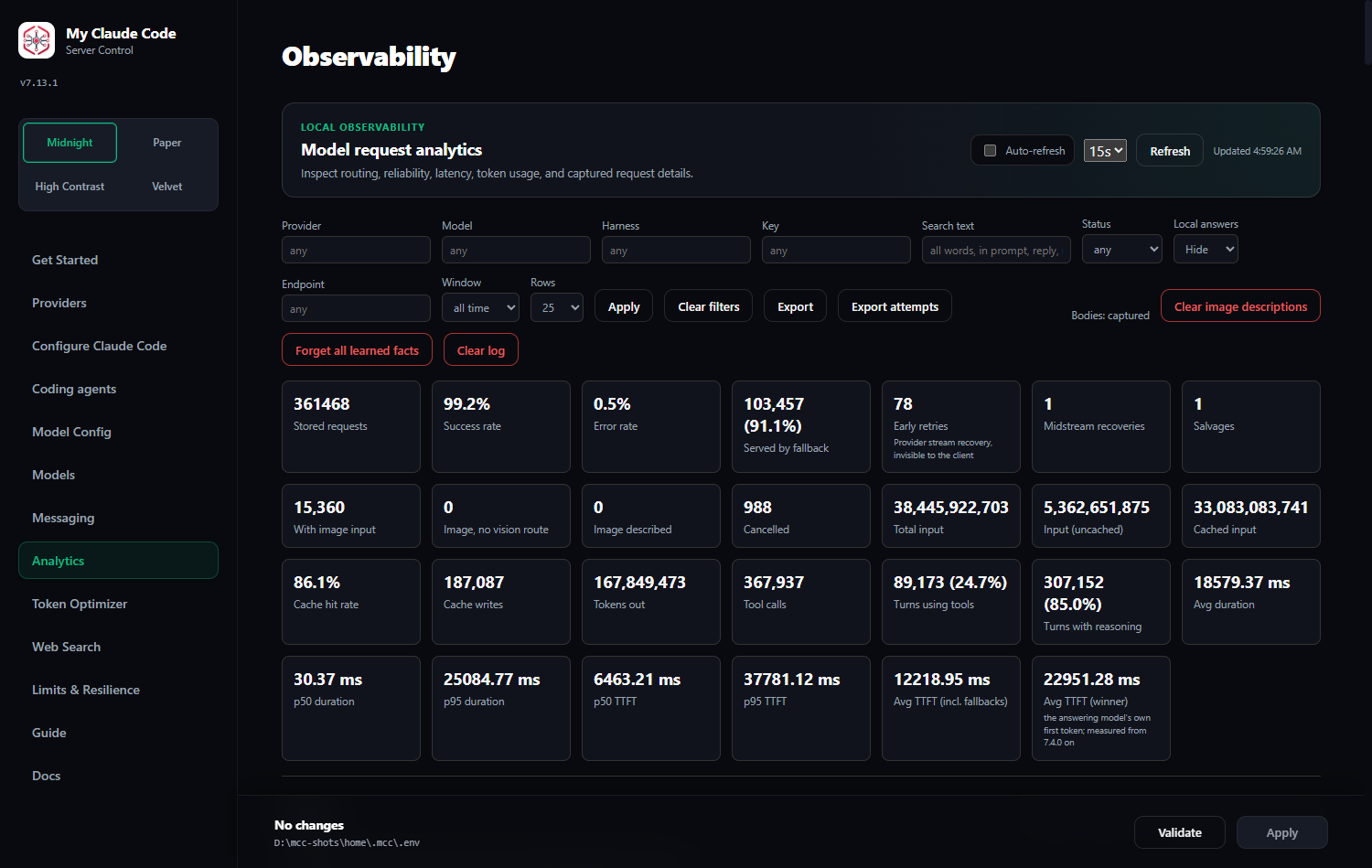
Analytics: the filter bar, then the stat cards it narrows — 361,468 stored requests here, 91.1% of them served by a fallback.
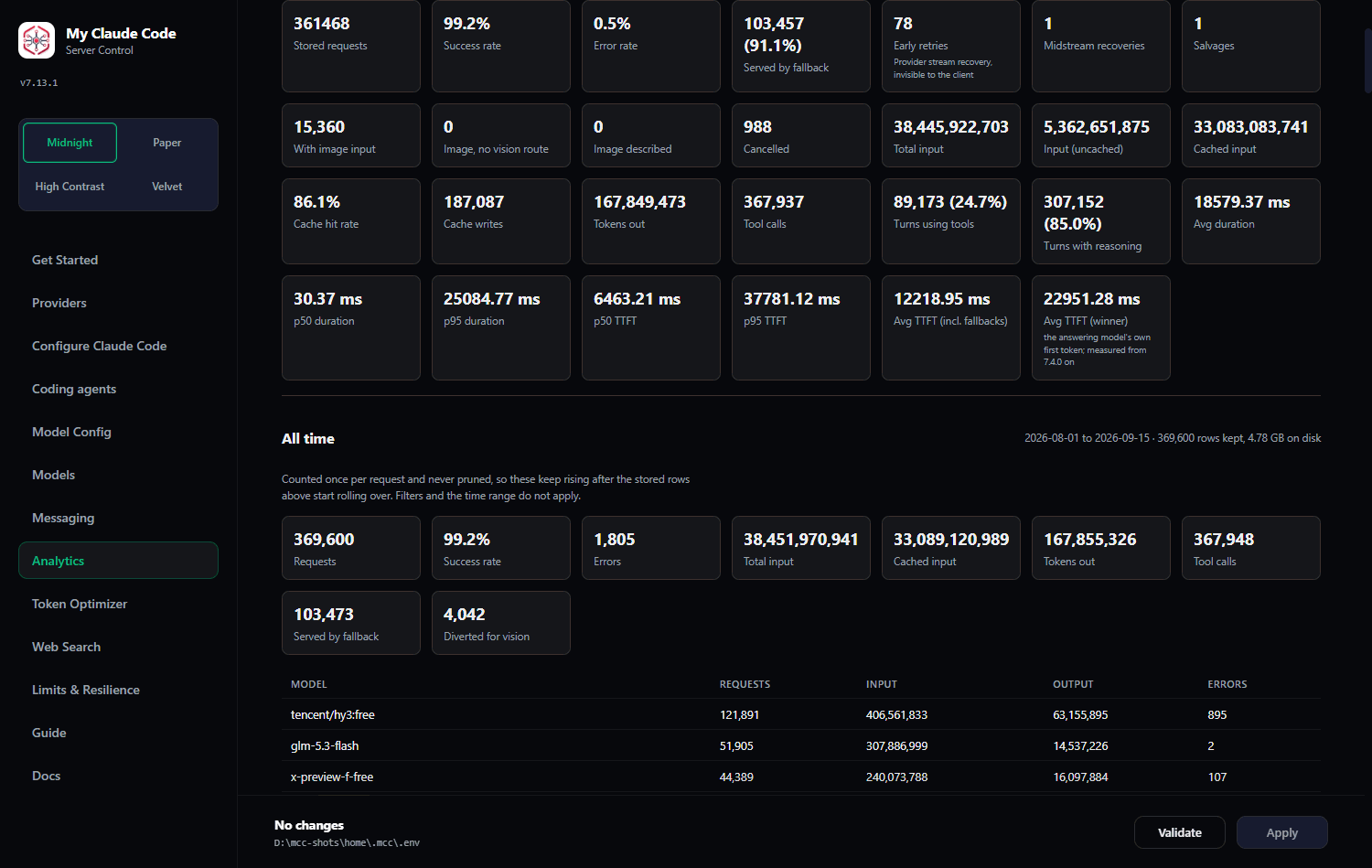
The all-time strip below the cards is never pruned, which is why its counts stay above the stored-row counts.
Summary cards cover volume, success and error rate, latency percentiles, time-to-first-token and token usage. Below: requests over time, tokens by model, and per-provider and per-key tables. Counts, sums and averages are exact; the p50 and p95 latency cards are interpolated from a 64-bucket log-spaced histogram (measured at or under 2.3% error on a 244k-request log), which is what lets an all-time view load in a fraction of a second. A time range that does not start and end on a whole UTC hour is widened outward to one.
A gap in the stored rows, 6.62.0 to 7.56.0: clients that hang up on the last event. From 6.62.0 the row's arithmetic (thumbnails, token estimate, price) runs off the event loop, and a client that closed its connection the instant it read the terminal event (
response.completed,message_stop,[DONE]) cancelled the request while that arithmetic was still running — and the row was dropped. Codex CLI always closes that way, so no Codex success was recorded from 6.62.0 until 7.56.1; any other early-closing client lost rows the same way, on all four surfaces. Their tokens, cost, key and harness attribution are missing from every count on this page for that span, and nothing can backfill them. From 7.56.1 the row is committed as soon as the arithmetic finishes, whether or not the client is still connected.
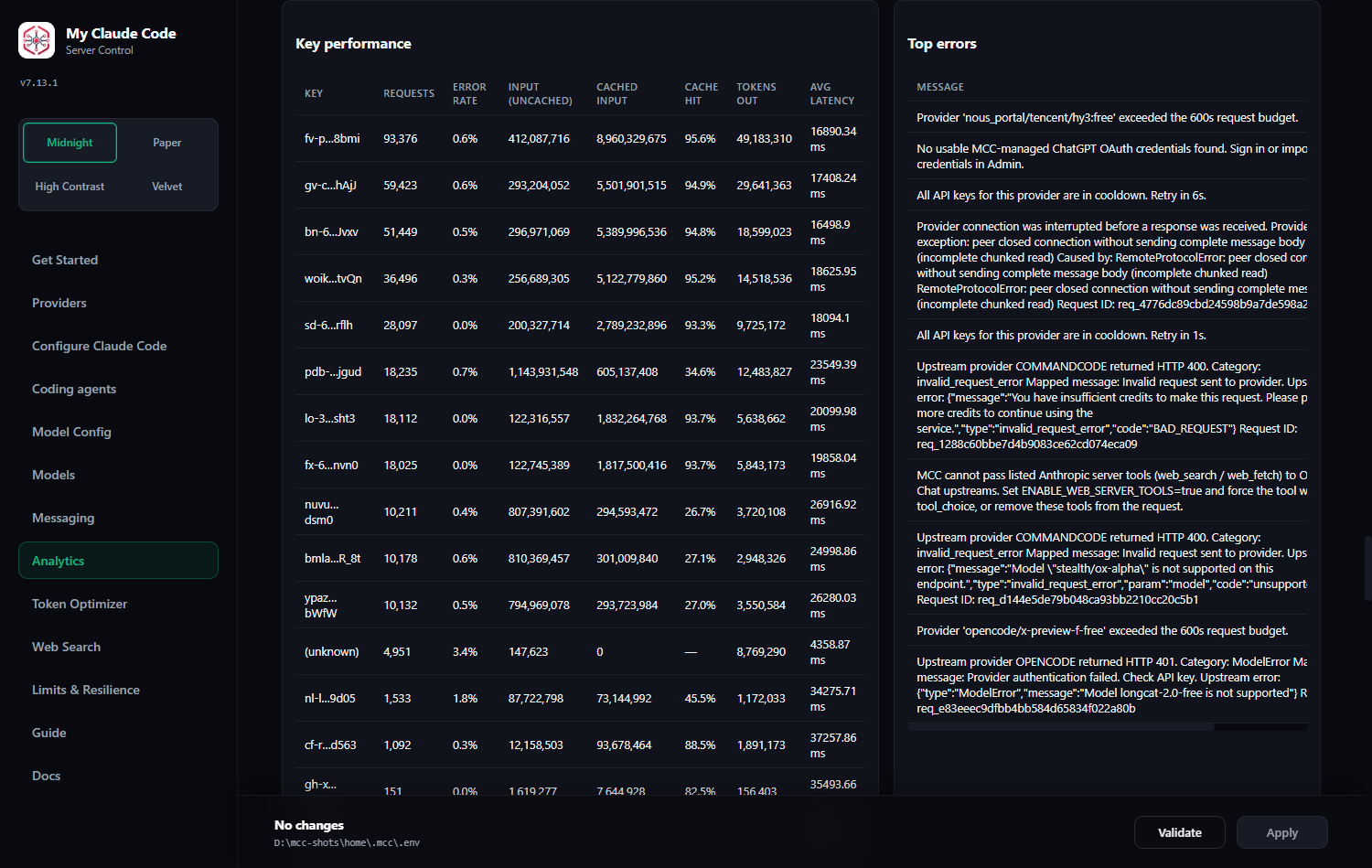
Key performance beside Top errors: which credential did the work, and the provider's own words for what went wrong.
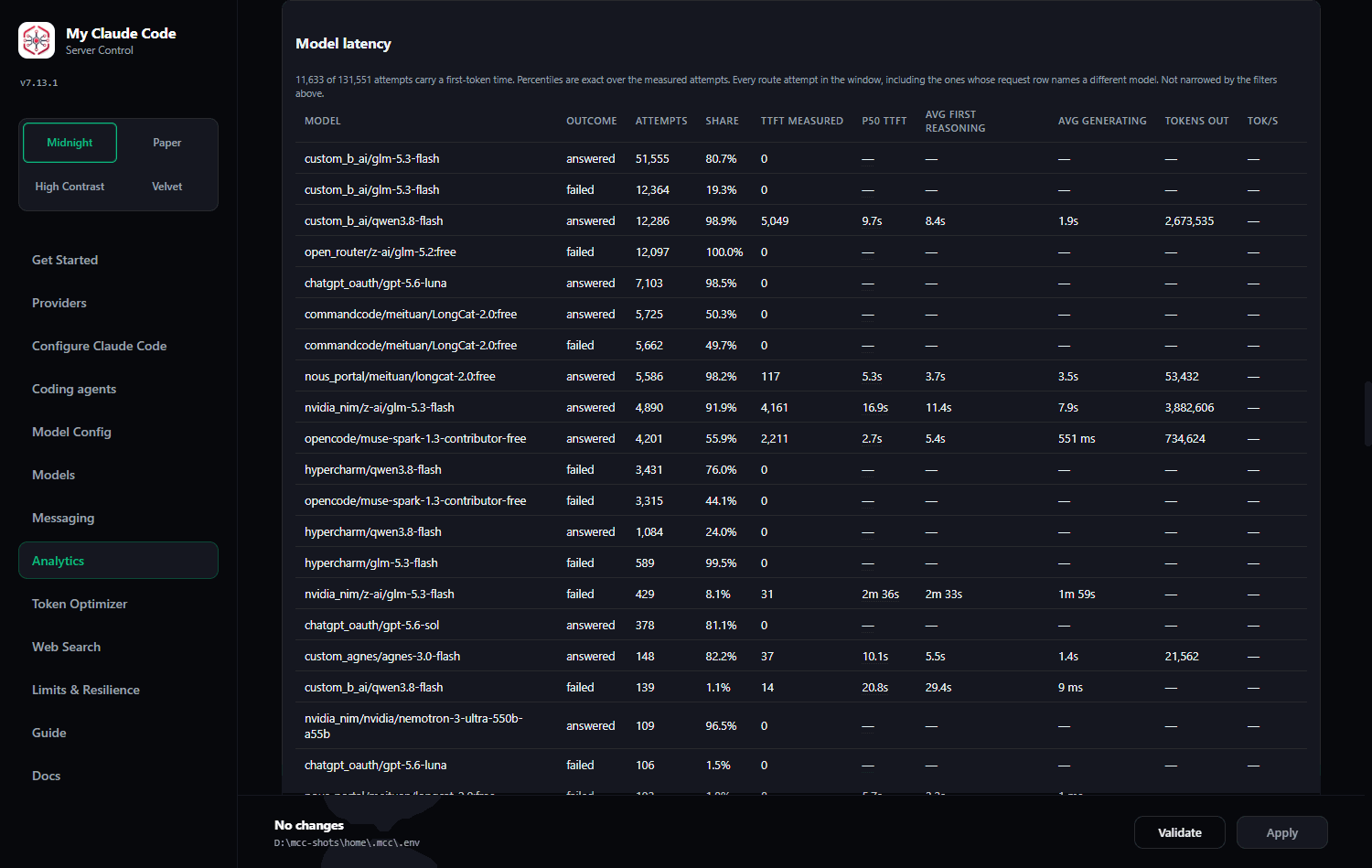
Model latency: answered and failed counted separately for the same model, because a model that fails fast is not a fast model.
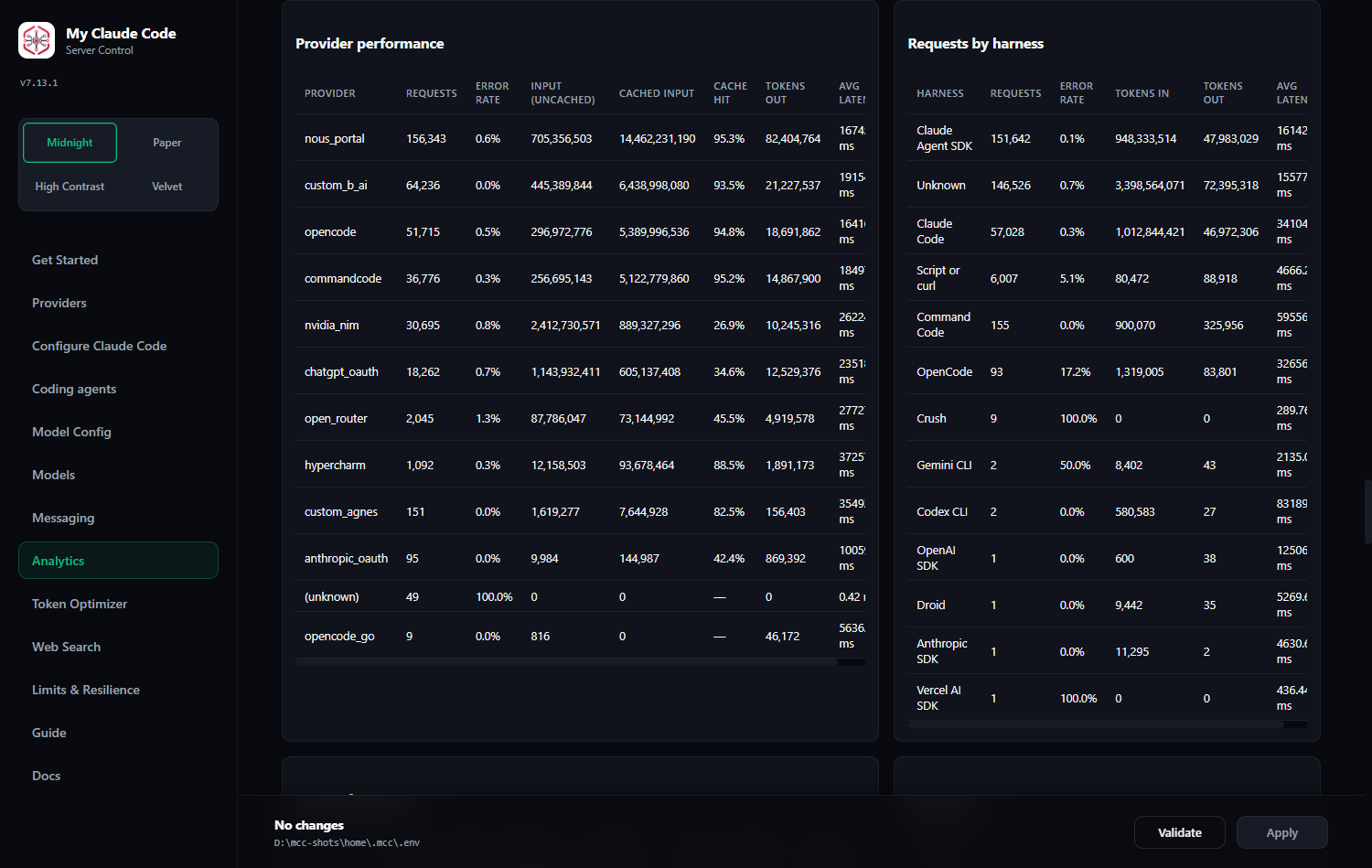
The same traffic split two ways: by the provider that served it, and by the client that asked.
Reading the token columns¶
Input is reported in two parts, because cached and uncached prompt tokens bill differently:
| Column | Meaning |
|---|---|
| Input (uncached) | prompt tokens the provider actually processed |
| Cached input | prompt tokens served from the provider's cache |
| Cache hit rate | cached ÷ total input |
| Cache writes | tokens written into the cache |
A hit rate of
—means that provider never reported caching at all — which is different from a measured0.0%.Prompt caching is provider-dependent. OpenAI reports it for prefixes of 1,024+ tokens; DeepSeek reports it with its own fields; ChatGPT OAuth reports it from 6.68.2. NVIDIA NIM's hosted endpoint does not do real prefix caching — it returns a small constant regardless of repetition — so a near-zero rate there is accurate rather than a fault. NVIDIA exposes prefix caching as a self-hosted deployment toggle (
NIM_ENABLE_KV_CACHE_REUSE), not on the shared API.ChatGPT OAuth requests logged before 6.68.2 show
—and keep showing it. The endpoint was reporting the figure the whole time and MCC was not reading it, so those requests were never measured; nothing is backfilled, because a guess in that column would be worse than a dash. Their Input (uncached) counts were also cache-inclusive and so ran high — from 6.68.2 the cached part is reported separately, as it already was for every other provider.
Finding a request again¶
Search text matches across everything a request contains, not just the visible prompt and reply:
| Searched | |
|---|---|
| Prompt | what you sent |
| Reply | what the model answered |
| Reasoning | the model's thinking blocks |
| Tool calls | tool names and their arguments — commands, paths, patterns |
Reasoning and tool calls are the majority of a real log: on a typical machine 55% of requests carry thinking text and 78% carry tool calls. Before v4.46.0 neither was searched, so a term that appeared only in a command you ran returned nothing.
Every word must appear, in any order and anywhere in the request. Searching proxy 8082 finds a request that says "restart the proxy" in the prompt and "port 8082 is busy" in the reasoning. A single word behaves exactly as before. Matching is case-insensitive and by substring, so kube finds kubernetes.
Words with letters or symbols outside ASCII are found too (7.77.1). Before 7.77.1 a search for ș, ă, —, → or é found nothing inside a stored prompt, reply, reasoning or tool call, even where thousands of requests contained it: bodies are stored with such characters escaped, and the search looked only for them unescaped. On a copy of a real log, one day of 9,569 requests, — now finds 9,555 requests, → 9,536, … 7,764, ✓ 2,020, ș 220 and ă 194 (0 each before); every search made of ASCII words returns exactly the rows it returned before. Case folding still covers ASCII letters only, as before: Ș does not find ș, while PE șosea finds "Pe șosea".
Searches are answered from an index (7.92.0). Until 7.92.0 every search unpacked and read every stored request in the window, and because each prompt repeats the whole conversation before it, an all-time search read tens of gigabytes of text: minutes per search on a large log. The search index keeps each distinct piece of text once, cut into small pieces at line ends, with a trigram index over them (SQLite FTS5), in its own file beside the log: requests-search.db. A search reads the newest few hundred requests of its window the old way (so the first page arrives as fast as it always did, and a small window costs exactly what it did), then looks its words up in the index for the rest and does not unpack those requests. When the index would not be clearly faster for a search (a short window, rows it does not cover yet), the rest is read the old way too.
- New requests are indexed as they are written, after their row is saved, on the request log's own writer thread.
- Requests logged before are indexed only when you press Build search index under the Requests filters. It works between requests and between searches, newest first, says how far it has got (Build search index: 41 % · 3 min left), can be paused, and continues after a restart from where it stopped. Press it once after updating to 7.92.0 or later. Expect it to take a while on a big log: on a copy of a real log of about 600,000 requests it used about 84 minutes of CPU, paced so it yields to live traffic, and the index file came to 2.27 GB.
- A saved search is restored, not run (7.91.2). Reopening the dashboard puts your last search back in the box with a notice and Run · Clear beside it; nothing is searched until you press Run or Enter, so opening the page never starts a long all-time search by itself.
- Results never change. A row the index does not cover — history before the build, a row an older version wrote, a body it could not read — is searched the old way in the same search. The line under the filters says how much the index covers (Search index covers 412,000 of 598,683 rows).
- The log itself is unchanged by the index, so older versions still open it and ignore the index file. Since 7.93.0 the index file also holds the prompts the log stores as chunks (see Prompts are stored as chunks below): do not delete
requests-search.db, and keep it withrequests.dbin any backup — without it those prompts read as empty. Clear log clears it with the log, and retention removes pruned requests from it too. - If this Python's SQLite has no FTS5 trigram tokenizer, the index is off, the line says so, and every search reads the stored requests as before.
What a wide search costs, said before you run it (8.9.0). A search reads the whole window, and on a big log that is minutes, not seconds. Under the search box the page now says what the window you have picked costs, measured on a real 700,005-request log with the index built: 24 hours about a second · 30 days about 38 seconds · a month a minute to two · a year about five minutes · all time a little longer than that. The month figure is a range on purpose — two months of comparable size took 55 s and 131 s, because the planner chooses between the index and a body scan per window — so the page does not quote one number for "a month".
It is advice, and only advice. Nothing is bounded, refused or truncated: pressing Enter still runs the search over the whole window, the progress line still says how far it has read, and typing again or reloading stops it. Below a day there is nothing to say and the line stays hidden.
The custom time window (8.9.0)¶
The Window control on the Analytics toolbar and the Period control in the export dialog are the same control now, so the two can never disagree about what a window means. Both offer the five periods they always did — all time, last hour, 24 hours, 7 days, 30 days — plus two new shapes, added after them so every saved view and link keeps its meaning:
| Shape | What it means | Where to pick it |
|---|---|---|
| Last N… | A rolling window: now minus N hours, days or weeks. It includes the current partial hour, exactly as the five fixed periods do, and it is a duration, not a calendar — across a clock change "last 3 days" is still 72 real hours. |
The number box and the unit selector |
| Calendar… | A period of your calendar, in your timezone. Four sub-shapes: a month, a span of months (the end month included whole), a year, or exact times. | The Shape picker, then native month / year / datetime-local boxes |
A calendar month is your month, and its two ends can carry different offsets. October 2026 in a UTC+2 zone (UTC+3 while summer time is on) starts at +03:00 and ends at +02:00, because the clock goes back inside it — so that month is 745 hours, not 744. A month containing the spring change is 743 hours. That is correct rather than a bug: it is your month as your clock measured it. A UTC month would move the first two or three hours of the first local day into the previous month.
The end is never 23:59:59. A window ends at the first instant it does not include — 1 November 00:00 local for October — so nothing is lost in a one-second or one-millisecond hole, and nothing is double-counted into the next month.
A saved view stores the shape and its inputs, never the resolved dates. "Last 7 days" saved today still means the last 7 days next week: it is labelled with that phrase, not with today's dates. An absolute window (a month, a year) is fixed by definition and restores to the same instant. A view saved before this release restores exactly as it did.
No new limit was added, anywhere. The window is display and export vocabulary: the server already accepted any since/until on every windowed route, so nothing about the queries, the rollups, the indices or the export bounds changed. A wide window is slower to search, which is what the line above the search box is for.
Which model actually answered¶
A request does not always go where the tier points. View on any row draws the whole path it took:
nous_portal/tencent/hy3:free                    failed
nvidia_nim/nvidia/nemotron-3-ultra-550b-a55b    failed
opencode/deepseek-v4-flash-free                 answered
The chain is recorded even when your first choice answers, so you can confirm your fallbacks are configured without waiting for something to break. Rows carry a fallback N badge when a stand-in served them, and a vision badge when the vision adapter took the request instead — those say, in a sentence, which model could not read the image.
Two panels summarise it across the window: Failover pairs each failing primary with what covered for it, and Vision adapter does the same for image diversions. The Served by fallback card shows how often the safety net engaged; a — there means no request in the window recorded routing data at all, which is different from a measured zero.
Requests logged before v4.42.0 have no chain recorded, so the panel is hidden for them rather than inventing one.
Successes with no answer (7.57.0)¶
success means the client received a valid message, and it keeps meaning that. A few of those messages carry no text and no tool call, and from 7.57.0 each one says which of two shapes it had. It keeps its success status, and every count and rate on this page stays as it was:
| Label | What came back |
|---|---|
| thought only | The model reasoned and the turn ended there. No text and no tool call reached the client. |
| empty | Nothing at all: no text, no tool call, no reasoning and no output tokens. |
On one real log this was 201 of 116,679 successes over 14 days (0.17 %), and 199 of the 201 were thought only. MCC's own local answers (for example the empty reply to Claude Code's suggestion-mode request) are empty on purpose and are never labelled.
Where you see it:
- The Requests list. A chip beside
successin the status cell, with the sentence in its tooltip. - The request dialog. A No answer line with the same chip and the sentence.
- The Status filter. success — no answer, thought only and success — no answer, empty. Plain success still selects every success, so saved links and scripts keep their meaning. The API takes the same values,
status=success:thought_onlyandstatus=success:empty. - Analytics. A Successful requests with no answer panel beside Why requests were cancelled, and a one-line note under the Success rate card. The panel shows each label's count and share of the successes in the range, plus a total row. It loads after the rest of the page, because it reads every success in the range. On an 8.4 GB log that took about 0.3 s for a day and about 5 s for all time.
- Exports. A No answer column in the request export, and Request no answer in the Route attempts export, in all four formats.
The labels are worked out from columns the log already stores (output_chars, tool_call_count, thinking_chars, tokens_out, optimization). Nothing new is recorded and nothing is migrated, so older rows get labels too. The one exception is rows logged before MCC began counting tool calls. Those rows cannot show whether the turn called a tool, so a row from then with output tokens and no text gets no label.
The three time-to-first-visible-byte numbers, and which one to trust¶
From 7.4.0 the log stores a first-byte time per attempt, not only per request. There are three numbers and they answer three different questions:
| Number | Clock starts | Answers |
|---|---|---|
TTFT (ttft_ms, unchanged) |
when your request arrived | how long you waited for the first byte — every failed fallback's stall included |
Winner TTFT (ttft_winner_ms, new) |
when the model that answered was asked | how fast that model actually is |
| Attempt TTFT (per row in the chain, new) | when that model was asked | how long each model took, including the ones that then failed |
TTFT − Winner TTFT is the time the chain lost to models that did not answer. It is not a small number: across a 290,074-request log the mean TTFT is 8.6 s when the first model answered and 25.2 s when a fallback did — about 16.5 s of somebody else's stall, charged until now to the model that rescued the request.
Two more things worth knowing:
- Reasoning does not count as a first token. A model that thinks for 40 s and then answers in 200 ms has an attempt TTFT of 200 ms and a separate first reasoning time of ~0 ms. One number cannot say both, and folding them together makes every reasoning model read as either instant or catastrophic.
- Nothing is backfilled. Every request logged before 7.4.0 shows
—in the two new columns and always will: the log never recorded when each attempt's own stream began, so there is nothing to recover. A dash is "not measured"; it is never zero. - It is a first visible byte, not a first token (7.122.2). MCC holds a short window of every stream so an early failure can be retried without a seam, and it assembles tool arguments before forwarding them. On an answer shorter than that window the first byte reaches the client at the end of the answer. The numbers did not change — only the label, which used to claim something the holdback makes false.
From 7.5.0 those numbers are on the pages rather than only in the database:
- The Requests row shows the winner's time to its first visible byte, with a
+N ssuffix when the chain lost time to models that did not answer —300 ms +4.4 sreads "the model that answered took 300 ms; you waited 4.7 s". The suffix appears only when the gap is more than 250 ms, because the winner's own clock starts a frame after the request's. Both numbers spelled out are in the cell's tooltip. A row logged before 7.4.0 shows what it always showed, and says so on hover. - The request dialog lists
First visible byte (winner),First visible byte (incl. fallbacks)and — only when there is one —Lost to fallbacks, plus the two rates described below. - Route attempts carries a line per attempt: first byte · first reasoning · after first byte · tokens out · generation · throughput · what ended it. A model that was never asked keeps its row with dashes in every latency cell and its bench reason underneath — "the fallback was never tried" stays visible. Since 7.105.2, when a gateway refuses with only a generic phrase and an id (Command Code's
invalid request error trace_id: …), what ended it reads the gateway gave no reason (trace id …), the id sits on its own line with a Copy button for the gateway's support, and the host's text stays recorded verbatim underneath (params.gateway_trace_idin the attempt row; the failure kind and the fallback are unchanged). - Model latency on the Analytics page groups every route attempt by model and outcome, because "quick when it works and a minute when it does not" is one model and two facts. Each row carries
p50 first bytewith the p95 in its tooltip, how many of its attempts were actually measured, and a generation rate plus a throughput, both computed in SQL from stored columns and refused on the same terms as the request dialog's. The panel is not narrowed by the filters above it — an attempt belongs to a model, and a failed one has no request row to filter on — and it says so. - The Models page grows a
p50 first bytechip per model, over the same window as the reasoning chip beside it. A model that served no measured attempt gets no chip at all rather than a zeroed one. - The Models page also carries an
in-loop turns ended with text onlychip per model (7.115.1): the turns that followed a tool result and ended with assistant text and no tool call the "it said it would keep reading and stopped" shape, counted from the request log and shown as the count over the in-loop turns it came out of. Only requests that carried a session id can be sequenced, the count covers succeeded turns, and it is observation only: nothing about the requests themselves changes.
Generation rate and throughput — the two rates, and the one that was wrong¶
Until 7.122.2 the dashboard printed a single "Output rate", tokens / (duration − ttft). Two things were wrong with it and they compounded:
- The numerator is the provider's output-token count, which includes reasoning and tool-argument tokens.
- The denominator started at the first byte MCC's client-facing iterator yielded — which, because of the commit holdback and tool-argument assembly, is the end of a short answer. On a real week's log the first byte landed in the last 10% of the request on 75.9% of rows.
Dividing the first by the second crosses two bases. It printed 20,422 tok/s on the newest 198 rows, 429,152 tok/s for one 68-second answer, and 8,451,217 tok/s for a reasoning-only turn whose text the provider withheld.
What is shown now:
| Number | Numerator | Denominator | Shown when |
|---|---|---|---|
| Generation rate | the attempt's reported output tokens | gen_last_ms − gen_first_ms: the first to the last delta of any kind — reasoning, text, tool arguments — measured at the upstream stream, before any MCC buffer |
window ≥ 500 ms and tokens ≥ 8 |
| Throughput | the same tokens | duration_ms — the whole request: routing, thinking, fallbacks and your own wait |
whenever both exist |
- Shorter than the timing window is what the generation rate reads when the window exists but is under 500 ms or the count is under 8.
12 tokens / 0.004 sis not information, and a number there would be a scheduling artifact rather than a rate. - No generation clock before 7.122.2 is what it reads on every older row: the log recorded no first or last delta, so there is nothing to divide. Nothing was rewritten and nothing was guessed. Those rows show Throughput instead, which every stored row can support.
- Estimated token counts — the Chat door's
cl100kfallback when a host reports nocompletion_tokens— are marked~1,240 est.and the rate is suppressed. An estimate over a measured clock is still a mixed basis. - Both stamps are stored on
request_attemptsasgen_first_msandgen_last_ms, and the Analytics group rate is computed from them in SQL. The two constants live in one place (core/generation_rate.py); the page is told them with the data rather than keeping a copy.
Winner TTFT (ms) and Lost to fallbacks (ms) are both columns in the request export. The second is empty, never zero, on any row where either input was never measured.
Every row's dialog also shows the full request and response, the resolved configuration, and timing. It's usually the fastest way to see what actually happened.
Exporting¶
Export opens the export window. It covers Model requests, Route attempts and Web Search, in four formats — JSON, CSV, XLSX and TXT — and streams the entire matching row set (it is not capped at the 500-row list page). Pick a period (last hour, 24 hours, 7 days, 30 days, a custom from–to range, or — since 8.9.0 — the same Last N and Calendar shapes the Analytics toolbar offers), choose which fields to include, and optionally group the output by provider, period, model or key — with the grouping order selectable (e.g. Provider → Period → Model, or Period → Provider → Model). Selecting body-bearing fields (Input, Output, Tool calls, Thinking) includes the stored text for each row. No new export limit came with the new shapes: the bounds that already existed (the ≤ 200-request raw-diagnostics refusal, the "no Group by with raw diagnostics" rule) are unchanged.
Route attempts: one row per model tried¶
Export attempts, beside Export on the Requests toolbar, opens the same window on the Route attempts scope. Model requests gives you one row per request, which means one provider, one model and one verdict — so on a request that fell back twice, the two models that burned the time are simply not in the file. Route attempts gives you one row per attempt instead.
Each row carries the attempt's own facts — its provider and model, its outcome (succeeded, failed, skipped), the key it used, its own time to first visible byte, first-reasoning time, duration, its recorded generation window and the two rates derived from it, what ended it, and its failure kind or bench reason — beside the parent request's dimensions (time, harness, endpoint, requested model, resolved model, request status) so a row is still filterable and groupable after it leaves MCC. Optional groups add attempt tokens, attempt cost and source, the upstream retry ladder, the wire surface and credential index, and the stream recovery counters.
Three things to know before you read the numbers:
- The filters are the request filters. Period, provider, model, key, status, harness, search text and Local answers all select requests, exactly as they do for the Model requests export and for the table you took it from; every attempt of a selected request is in the file, including the ones that failed. That is the point — an attempt without its chain is not evidence.
- Empty means never measured, never zero.
TTFT (ms)andFirst reasoning (ms)did not exist before 7.4.0 and are not backfilled; the generation window arrived in 7.122.2, soGeneration window start/end (ms)andGeneration rate (tok/s)are empty on every older row —Throughput (tok/s)is the rate those rows can support, and it is filled wherever a token count and a duration exist;Attempt output tokensis filled only on the winning attempt (and on a vision describe hop);Attempt cost (USD)only where an attempt reported its own usage. A skipped attempt has no latency at all — only a reason. - It is detail only. There is no Group by for this scope: averaging latency across attempts of different models inside one request is the number the per-model
p50 first bytecards already answer properly.
Raw diagnostics is an opt-in field in the Model requests scope: one column
per kind (Raw API payloads, Raw SSE events, Raw API error tracebacks,
Raw CLI diagnostics), each cell a one-line provenance header — the request
id, the source file, the capture state, the line count and byte count — and
then every line recorded for that request, in full. It is off by default, so
an export that does not ask for it is byte-identical to one made before 7.121.0.
It reads the log files rather than the database, so it is limited to 200
requests (a wider filter is refused with "narrow the filter", never trimmed)
and cannot be combined with Group by. XLSX refuses when a line would not fit
Excel's 32,767-character cell, naming the request; JSON, CSV and TXT carry
every line whole.
Raw diagnostics: the raw log of one request (7.121.0, five boxes since 8.8.0)¶
At the very bottom of a request's detail are five collapsed boxes for the optional logs a request can write, each with a Raw | Normalized toggle:
| Box | Setting | What Raw shows |
|---|---|---|
| API payloads | LOG_RAW_API_PAYLOADS |
the outbound payload MCC logged, as a Python repr (not JSON), with a labelled Pretty-print as JSON button that reads it as a literal in the browser — nothing is evaluated — and, since 8.8.0, a second line marked inbound (from the client): the body the client sent, exactly as it arrived |
| SSE events | LOG_RAW_SSE_EVENTS |
every server-sent event, one per line, \n escaped: the model's output as produced, <thinking> tags and all |
| Provider raw output | LOG_RAW_UPSTREAM_BYTES |
the provider's own bytes, exactly as the transport received them, before anything parsed or re-encoded them — see below |
| API error tracebacks | LOG_API_ERROR_TRACEBACKS |
the server.log ERROR lines carrying this request id; with the setting off, the exception type only, and the box says which setting to turn on |
| CLI diagnostics | LOG_RAW_CLI_DIAGNOSTICS |
the managed CLI's own lines — which carry no request id, so the box says so instead of inventing one |
Provider raw output (8.8.0) is the one box that shows what the provider
actually sent rather than MCC's spelling of it. One RAW_UPSTREAM line is
written per transport chunk, so the lines of a request put back together are
the response byte for byte: SSE comments, id: and retry: fields, data:
prefixes, [DONE], and an in-band event: error frame that ends a stream —
the frame that names why a stream failed, and which no other log holds. The
box shows the answer joined back together by default; Show as recorded
chunks switches to the chunks exactly as they were written, for when the
frame boundaries are the evidence.
It never stands in for the SSE box. That box is MCC's stream to the client; this one is the provider's. Which doors record, and what:
| Door | What it records |
|---|---|
Anthropic Messages (and the anthropic, Anthropic OAuth, Command Code and gateway Messages surfaces on it) |
the bytes |
| OpenAI Responses (and ChatGPT OAuth, and the Responses transport) | the bytes |
| OpenAI Chat Completions — and therefore Gemini, Mistral, DeepSeek, Cloudflare, GitHub Models, LM Studio, NVIDIA NIM, Google/Vertex, the OpenRouter family and Command Code's chat delegate | the bytes |
| A refused request | the error body, whole (never in the request database) |
| Media — image, speech, transcript, video | metadata only: status, content type, byte count, and the first 4 KB of a refusal. Never an image, an audio file or a video |
| Web search | nothing — its answer is in the Web Search page's own log |
A request served by a door that records nothing is told so, by name: the box says "This request's provider answered through the media API, and that door does not record the provider's own output" rather than blaming your setting. A request whose bytes rotation already pruned says so, and — because a request's payload line can outlive its provider bytes — it states the window in hours rather than claiming nothing is ever lost.
Nothing recorded is dropped. A box reads its lines a page at a time — 4,000 lines or 8 MB, whichever comes first, always ending on a whole line — with a Load more control showing how many remain; the rest stays on disk until asked for. A scan stops only when it has read the retained window or at a hard limit (30 s, or a single line over 64 MB), and then it refuses with a message naming the limit rather than present part of the answer as the whole. A line over the limit is marked in place with its file and byte offset. If the log rotates while you page, the next page is refused rather than renumbered. The one honest absence is a request whose lines rotation already pruned, and the box says that, with the window it found.
Raw and Normalized never stand in for each other. Normalized is what the request log stored — prompt text, answer, reasoning, tool calls and the per-attempt wire body — labelled with the column each part comes from; an empty Raw box explains its absence in the server's own words (the setting is off and where it lives; the request is older than the retained window; only a normalised form exists) and never shows normalised text as raw. The view choice is remembered for this browser (Raw is the default), and each box has a Copy button that copies exactly what is on screen.
Export this request… writes the boxes to one file, named for the request, its format and a timestamp (an .ext of the format you chose), with a picker for the kinds, Raw / Normalized / both, and the same four formats as the Analytics export. It reads through the same reader and the same renderers, so the file holds exactly what the boxes showed; a limit the format cannot meet (XLSX's cell size, a line too large to hold, a disk with no room for the copy) comes back as a sentence, never a shorter file.
Two facts worth knowing before reading any of it:
- Nothing is masked. Raw lines are exactly what was logged — prompts,
answers, pasted text, credentials included. That is why the route is
loopback-only and JSON-only, as every other admin route is; the section
carries the warning in its own words.
server.loglines were redacted when they were written, and are returned as written. - Raw upstream bytes exist only on two doors. The Anthropic Messages and OpenAI Responses providers log the provider's own frames. OpenAI Chat Completions and Gemini log no upstream frame, so for those the SSE box shows MCC's own stream to the client and says that the provider's raw bytes were never captured — it does not pass one off as the other.
To get data, turn a setting on in Limits & Resilience → Diagnostics and make the request again: Save applies payloads, SSE and CLI diagnostics at once (no restart), and tracebacks are read live too. Historical requests never gain raw lines; they keep their normalised form.
Why the totals stop rising¶
The request detail view shows the outbound body per attempt: sampling and reasoning parameters are stored whole however large the body is, and only the message and tool structure degrades to counts and names under REQUEST_LOG_WIRE_BODY_MAX_CHARS. On the Models page, reasoning requested and reasoning returned are independent measurements — what left, and whether thinking text came back.
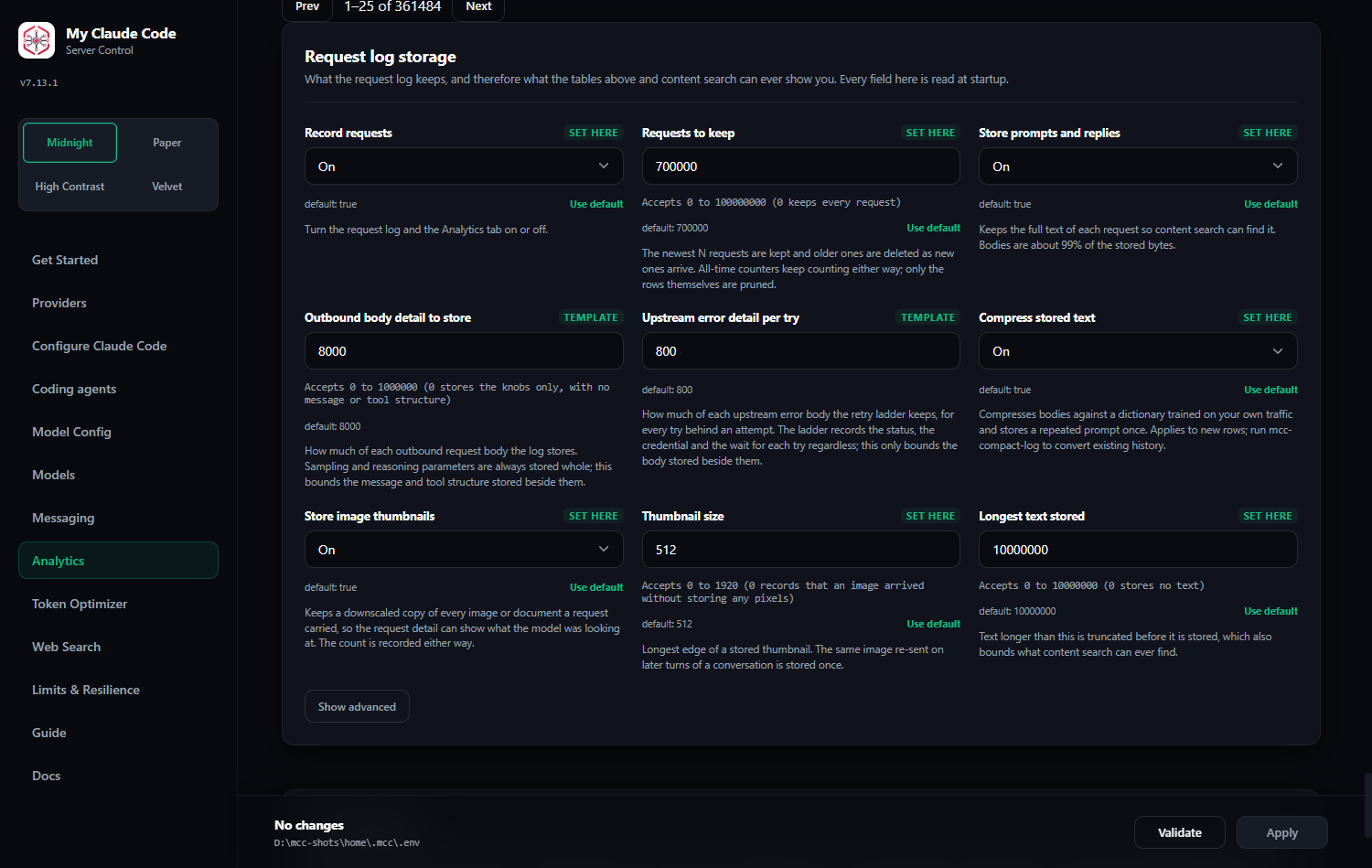
Request log storage, at the bottom of Analytics: what the log keeps is what every table above it can ever show.
REQUEST_LOG_MAX_ROWS caps stored rows. Once the table is full, one row is deleted for every row that arrives, so everything computed from those rows is a rolling window:
| Section | Covers | Affected by retention |
|---|---|---|
| Summary cards, charts, tables | the filter row and time range | yes — frozen once the cap is reached |
| All time | every request ever completed | no — never pruned |
At the cap, Analytics says so above the cards rather than letting a frozen counter look like a bug. All time is a small permanent rollup kept per day, provider and model, so per-model request counts and token usage keep climbing after stored rows roll over. It ignores the filters and the time range on purpose.
Two things worth knowing about it:
- Upgrading seeds it from whatever history is still retained. Rows pruned before the upgrade are gone and cannot be recovered, so the two figures start out equal and diverge from then on.
- Clear log erases it too. It is an explicit "erase my history" action, and reporting millions of all-time requests over an empty table would read as a bug.
Sizing the cap¶
Bodies are 99% of the stored bytes — about 30 KB of text per row against 332 bytes of metadata — so retention is really a disk decision.
They are therefore stored zstd-compressed in a side table, against a dictionary trained on your own traffic. That dictionary is what does the work: consecutive requests repeat a near-identical system prompt and conversation history, and per-row compression cannot see across rows. Replaying 4,000 real requests through both paths:
| database | per row | |
|---|---|---|
| Inline text | 168.5 MB | 41.1 KB |
| Compressed | 28.2 MB | 6.9 KB |
Roughly 6× more retention for the same disk. A body costs ~24 µs to read back, and search still matches inside compressed text.
REQUEST_LOG_ENABLED=true
REQUEST_LOG_MAX_ROWS=700000        # oldest rows pruned beyond this
REQUEST_LOG_COMPRESS_BODIES=true   # false stores text inline, as before
REQUEST_LOG_CAPTURE_BODIES=true    # false drops text entirely, ~77x more rows/GB
REQUEST_LOG_CAPTURE_FOLDER=true    # the working directory the agent reported
REQUEST_LOG_CAPTURE_SESSION=true   # the conversation and subagent ids it sent
REQUEST_LOG_TEXT_MAX_CHARS=10000000 # longer text is truncated before storage
REQUEST_LOG_WIRE_BODY_MAX_CHARS=8000  # bounds stored message/tool structure only
REQUEST_LOG_COMPRESSION_LEVEL=9    # 1-22, new rows only; 3 wrote 3% more, 15 1% less at 4.6x the time
MEDIA_STORE_ENABLED=false          # also keep generated images, as files beside the log
MEDIA_STORE_MAX_MB=0               # 0 = keep until the row is pruned; >0 drops the oldest files first
All of these are editable in Admin UI → Analytics without touching the file — they are the Request log storage card at the bottom of the same page whose contents they govern. Leaving one blank means "use the default" rather than "invalid", so clearing a field can never stop the server starting, and a value outside its range is refused by the form and clamped (with a warning) if it was edited into the file by hand.
What is compressed, and how the dictionaries stay fresh¶
- Prompts, replies, thinking and tool calls are compressed against a dictionary per kind: one learned from prompts, one from everything else in a body. One shared dictionary measured 28.0 MB where a prompt-only one wrote 19.7 MB for the same prompts.
- Wire snapshots — the redacted, text-free copy of what each attempt actually sent upstream, shown in a request's route/wire view — are compressed too since 7.73.0, against a dictionary of their own, whenever that is smaller. On a real 12 GB log they were 1.67 GB of plain JSON and compressed 37× (1,670.6 → 45.2 MB, every one of 319,897 snapshots read back byte-identical). The request detail shows exactly the same snapshot as before.
- The dictionaries relearn themselves. Each kind is retrained in the background once its dictionary is older than the last 14 days of traffic and at least 1,024 samples of that kind arrived in those 14 days; a kind with no dictionary yet starts after a few hundred. Training runs on a thread of its own — never the writer thread, never the event loop — and new rows switch to the new dictionary between two batches. On a real log the one dictionary had been trained once, on 2026-08-09, and never again; a fresh one made new prompts 1.8–2.0× smaller.
- Nothing is ever orphaned. Every stored body and every compressed snapshot names the dictionary it was written with, and dictionaries are never deleted — by retention, by the orphan sweeps or by a refresh — so an older row always stays readable.
- Older history is converted too (7.74.0) — see below.
REQUEST_LOG_COMPRESSION_LEVELsets the level for bodies and snapshots alike, andREQUEST_LOG_COMPRESS_BODIES=falsestores both as plain text, as before (and leaves history as it is). - Going back to an older version (7.72.x or earlier) is safe: it reads every row without error, but shows a compressed wire snapshot as "no wire body". Prompts, replies and every other column read normally, nothing is deleted, and updating again shows the snapshots.
Older history is converted in the background (7.74.0)¶
After the update, MCC recompresses the history it wrote before 7.73.0 by itself — no button, no setting, nothing to do:
- Wire snapshots still stored as plain JSON become the compressed form new rows use, with the newest snapshot dictionary (it waits for that dictionary to be learned first, about a minute after start).
- Prompts and bodies are recompressed with the newest dictionary of their kind, but only when that makes them smaller. Their address (the SHA-256 of the uncompressed content) does not change, and the old dictionaries are kept forever.
- Nothing is replaced unless it is proven identical. Every value is decoded again by the same code the dashboard reads it with and compared byte for byte with the original — a body must also hash back to its address — before the original is overwritten. Anything that does not pass stays exactly as it was and is counted in the log.
- It never gets in the way. It runs on the request-log writer thread only while nothing is waiting to be written, a quarter of a second at a time, and hands the writer back the moment a request arrives. It is resumable: progress is stored with each step, so a restart, a crash or a power cut carries on where it stopped.
- The file shrinks gradually. The space it frees is handed back to the disk a few pages at a time as it goes (incremental vacuum — never a full
VACUUM, which would need twice the log's size free). A database without incremental auto-vacuum keeps the freed space inside the file for new rows instead. Pages that were already free before the conversion started are never handed back by it, because they may still hold rows somebody deleted. - An unused index is dropped:
idx_request_attempts_model_v1(284 MB on a real 12 GB log), which no dashboard query uses. - How long, and how much: on a copy of a real 12 GB log it took about 50 minutes on an idle server and 61 minutes with requests arriving alongside it; the file went from 11.98 GB to 8.61 GB (wire snapshots 1.67 GB → 0.06 GB, bodies 6.56 GB → 4.53 GB), and every one of 2,817,195 snapshots and 919,988 bodies read back identical afterwards. Progress shows on the Analytics page next to the log's size ("compressing older history …"), and the server log has one line when it starts, at most one every five minutes, and one when it is done.
- Going back to an older version after the conversion: converted wire snapshots show as "no wire body" there (7.72.x and earlier), exactly as for new rows above, and the older version recreates the dropped index at its start (about half a minute). Nothing is deleted; updating again shows everything.
Repeated request metadata is stored once (7.75.0)¶
Every request row used to carry its own copy of three small texts: the request's headers, its route chain and its params. They repeat a few hundred distinct values across hundreds of thousands of rows — on a real 551,774-row log, 484 MB of copies of 340 KB of distinct text (353 header sets, 253 route chains, 233 parameter sets). Since 7.75.0 each distinct value is stored once, in a table of its own, and a row names it by number:
- New requests are written that way from the start. A value is named by its number only after reading it back through the same lookup the dashboard uses and finding exactly the same bytes; anything else stays in the row, as before.
REQUEST_LOG_COMPRESS_BODIES=falsekeeps them in the row too. - Older requests are converted in the background, as one more part of the conversion above, with the same rules: writer thread, idle only, in short steps that hand the writer back the moment a request arrives, resumable, every value read back byte for byte before the row changes, and anything that does not pass left exactly as it was and counted. A log 7.74.0 already converted is picked up again for this part alone. Each converted row is moved to the end of its table, because only that frees the half-empty pages it leaves; a step converts a quarter of a second's worth of rows and then commits them, which on a real log made a step about half a second long (at most 1.2 s).
- Nothing you see changes. The request detail, the list, search, every export format and every Analytics figure show exactly what they showed before — checked on a copy of a real log, before and after.
- How long, and how much: on a copy of a real 551,774-row log (the state 7.74.0 leaves it in) it took about 6½ minutes on an idle server and 11 minutes with requests arriving alongside it (their rows were written 1 % slower at the 95th percentile meanwhile); the request table went from 889 MB to 261 MB, the 484 MB of copies became 839 stored values (0.34 MB), and the file shrank by the same ~0.6 GB as the freed space went back to the disk. Every row was converted, none failed the check, and the detail, list, search, every export and every Analytics figure read back identical afterwards. The progress line beside the log's size reads "compressing older history (request metadata …)".
- Going back to an older version after this conversion: rows it converted show an empty headers, route chain and params there (7.74.0 and earlier); in that version's request JSON three extra
_refnumbers appear. Nothing is deleted, every other column reads normally, and updating again shows everything. A value no remaining request names is removed by the hourly retention sweep, never one a request still names.
Skipped route attempts are stored compactly (7.76.0)¶
Every request keeps one attempt row per model on its route, including the models the chain never asked — "never reached", "paused by you on Model Config", a provider in cooldown, a route ended by an earlier failure. Those skipped attempts were nine rows in ten: on a real log, 2,496,969 of 2,817,195 attempt rows, repeating the same few thousand facts over and over. Since 7.76.0 a request's skipped attempts are one small row that names a stored set of [attempt, provider, model, reason, message] entries, each distinct set stored once however many requests share it; the request's time and key sit on that small row:
- New requests are written that way from the start. A skipped attempt is stored compactly only if it holds nothing else — no wire snapshot, no ladder, no bench details, no tokens or cost — and only after its compact form reads back, through the same code the dashboard reads it with, as exactly the row it replaces; anything else stays a row, as before. A request written a second time goes back to rows, so the newer write still replaces the older one attempt by attempt.
REQUEST_LOG_COMPRESS_BODIES=falsekeeps every attempt a row. - Older requests are converted in the background, as one more part of the conversion above, with the same rules: writer thread, idle only, short steps that hand the writer back the moment a request arrives, resumable, and a row is deleted only after its compact form has been read back and found identical — every column, the storage class and the bytes. A log 7.75.0 already converted is picked up again for this part alone. Rows are deleted, never moved, so the attempts that stay keep their place.
- Nothing you see changes. The route trace in the request detail, the attempt export in every format, the Analytics figures (latency and reasoning by model, the upstream-status breakdown, recovery counts) and search read exactly as before.
- How long, and how much: on a copy of a real 551,774-row log (the state 7.75.0 leaves it in) it took about 18 minutes on an idle server, in steps of about a third of a second (95 % under 0.61 s, the longest 1.6 s); 2,496,100 of its 2,817,195 attempt rows became 271,543 small rows naming 17,625 stored sets, the 869 skipped attempts that held more stayed rows, none failed the check, and the file shrank from 7.98 GB to 6.72 GB as the freed space went back to the disk. The route trace of every request, the attempt export and every Analytics figure read back identical afterwards. The progress line beside the log's size reads "compressing older history (skipped route attempts …)".
- Going back to an older version after this conversion: a converted request shows only its attempts that were tried (and any skipped attempt that held more) in that version's route trace and attempt export; the "never reached" / "paused" / cooldown rows of converted requests are missing there, so counts of skipped attempts read lower. Nothing is deleted: updating again shows every attempt. A set no remaining request names is removed by the hourly retention sweep, never one a request still names.
Prompts are stored as chunks (7.93.0)¶
A prompt is almost all of a request's bytes, and turn N+1 of a conversation repeats turn N: on a real log 97.8 % of each prompt's bytes are the previous prompt of its session. Each prompt was nevertheless stored whole, compressed on its own. The search index (7.92.0) already cuts every prompt into chunks that end on a newline and keeps each distinct chunk once, compressed, in its own file beside the log (requests-search.db). Since 7.93.0 the log stores a prompt as the list of those chunks instead of its compressed bytes:
- Older prompts are converted in the background, as one more part of the conversion above, with the same rules: writer thread, idle only, short steps (at most 200 prompts, a quarter of a second) that hand the writer back the moment a request arrives and wait while a search runs, resumable after a restart, a crash or a power cut. A log an earlier version already converted is picked up again for this part alone. A prompt the search index does not hold yet is added to it first, and the index file is written to disk before the log names any of its chunks.
- New prompts are written exactly as before and stored as chunks shortly after, between requests, by the same code — never on the write path.
- Nothing is replaced unless it is proven identical. Before a prompt's stored form is replaced, its chunks are read back from the index file through the same code the dashboard reads them with: packed again they must give exactly the stored bytes and hash to the prompt's address, and the text must read exactly as the stored bytes did. Anything that does not pass stays exactly as it was and is counted in the log. Every read checks the chunks against check bytes kept with the prompt; a prompt whose chunks are missing reads as empty and says so in the server log — it is never shown wrong.
- Nothing you see changes. The request detail, the list, search (same rows, same order), every export format and every Analytics figure read exactly as before.
- The file shrinks gradually, as for the parts above: freed space goes back to the disk a few pages at a time, never by a full
VACUUM, and pages that were already free before the conversion began are never handed back, because they may still hold rows somebody deleted. - Pause / Continue: the line beside the log's size on the Analytics page shows the conversion's progress ("compressing older history (prompts, stored as chunks …)") with a Pause button; a pause holds across restarts until you press Continue.
- The search index file now holds prompt text. Keep
requests-search.dbwithrequests.db(a backup of one without the other loses the prompts stored as chunks). The size readout adds its size once it holds any. Its chunks are removed only when no request names them any more: retention deletes requests, then a mark over every chunk list (the log's and the index's) and a sweep remove what nothing names — a mistake there can only leave a chunk behind, never take one a prompt still needs. Clear log erases them with the log. - How long, and how much: see the release notes of 7.93.0 for the measurements on a copy of a real log.
- Going back to an older version after this conversion: the prompts it converted show as empty there (7.92.x and earlier), and that version's search may miss words only those prompts hold. Nothing is deleted: updating again shows every prompt.
Compacting a log that predates compression¶
Compression only ever applies to newly written requests, so a database carried across the upgrade keeps paying the old price for its whole history. On a real 1.7 GB log that meant every one of its 50,000 rows.
mcc-compact-log rewrites them in place:
mcc-compact-log --help prints the command reference and leaves the log alone (until 7.113.1 it compacted it).
Measured on a copy of that 1.7 GB database: 1.73 GB → 0.29 GB in 4.9 minutes, and all 49,934 bodies verified byte-identical against the original afterwards. It is safe to interrupt — each batch commits on its own and a row is converted only after its body is stored, so a kill leaves a consistent database with the work merely unfinished. Running it again resumes.
It also deduplicates prompts. The prompt is 98% of the stored bytes and 35.3% of those bytes are exact repeats — a retry or a parallel subagent re-sends the same context — so it is stored in its own shared blob, apart from the reply, reasoning and tool calls that differ every time. Keying on the whole body instead deduplicated 1.4%; keying on the prompt alone removed 29.9% of an already-compressed real log (299 MB → 209 MB, 35,461 distinct prompts across 50,460 requests).
No traffic, or no server?¶
A flat stretch in Requests over time means one of two very different things, and the chart alone cannot tell you which. The server records when it was actually running, so a line under the chart says whether a server covered the range or how much of it had none. Pick a time range to see it — over "all time" there is no bounded window to measure against.
Uptime is only recorded from v4.44.0 onwards, so earlier periods report nothing rather than claiming downtime that was never measured. Brief gaps from a restart are ignored; the threshold scales with the range you are looking at.
Tutorial: read the request detail¶
The detail dialog answers the question "what did MCC actually put on the wire, and which key sent it?" — as opposed to what your configuration says it should have. Every field below is a measurement, not a restatement of settings.
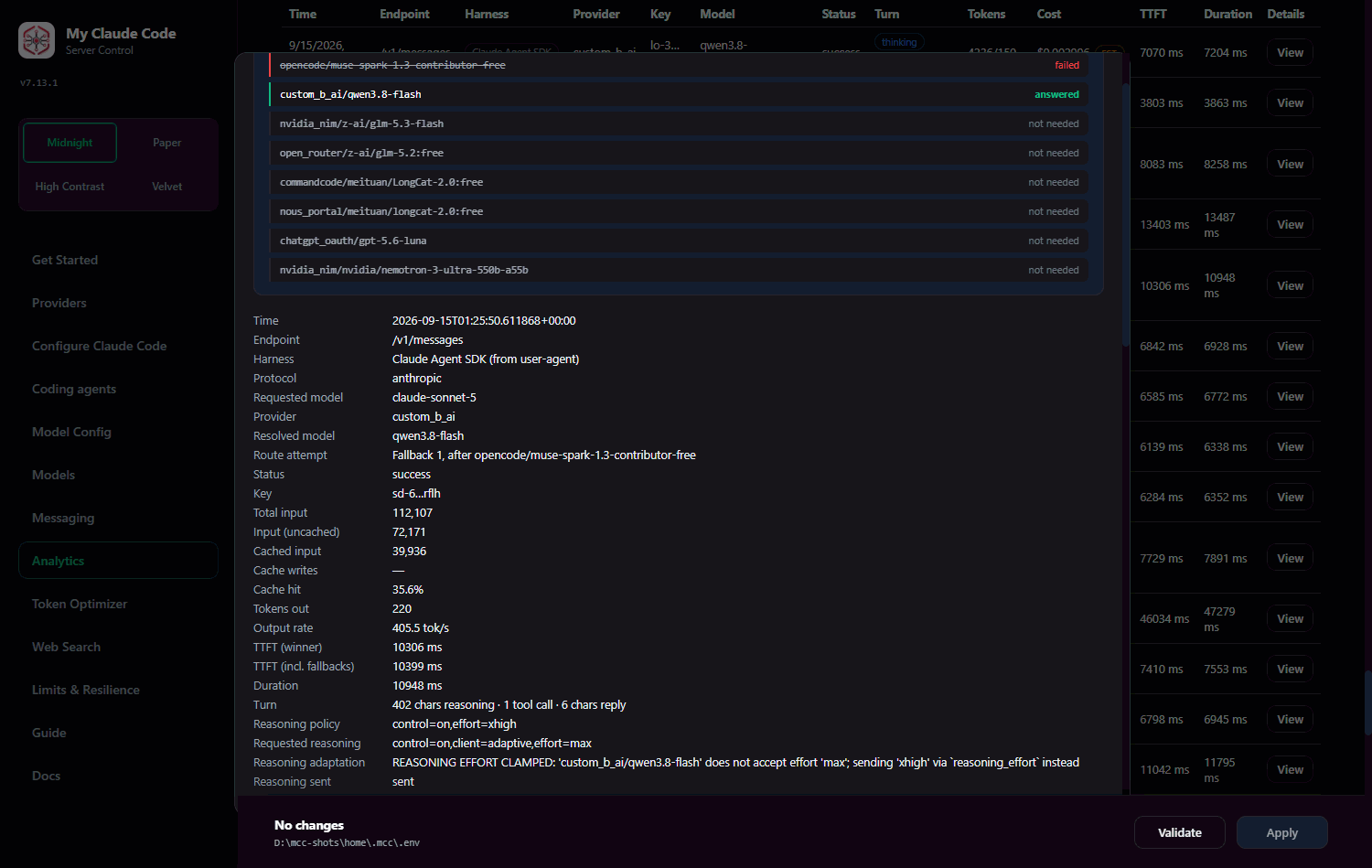
One request: the ladder it walked, then every measurement taken of it — including the effort clamp the provider forced.
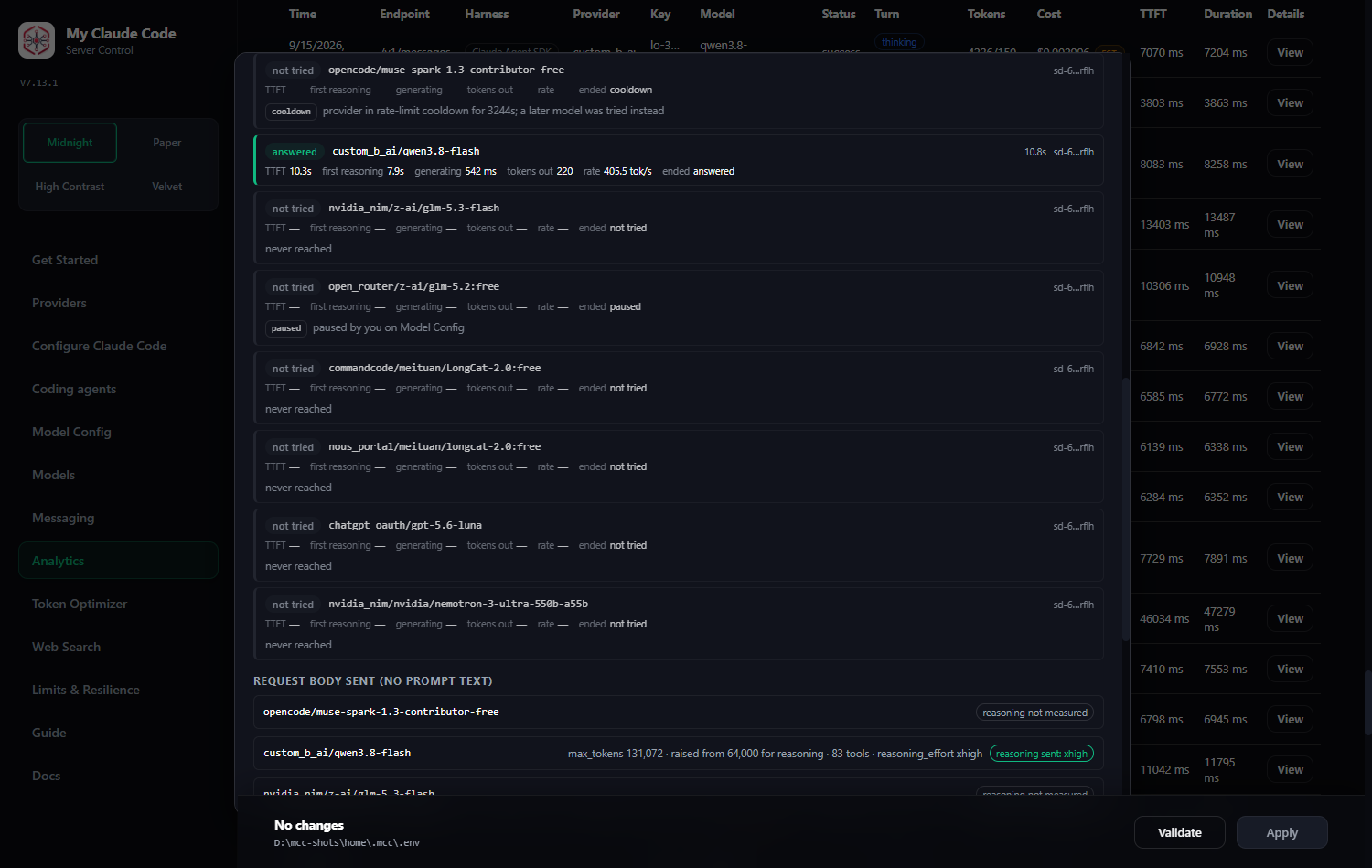
The per-try rows, and the shape block beneath them. The heading says it: the request body is summarised structurally, with no prompt text in it.
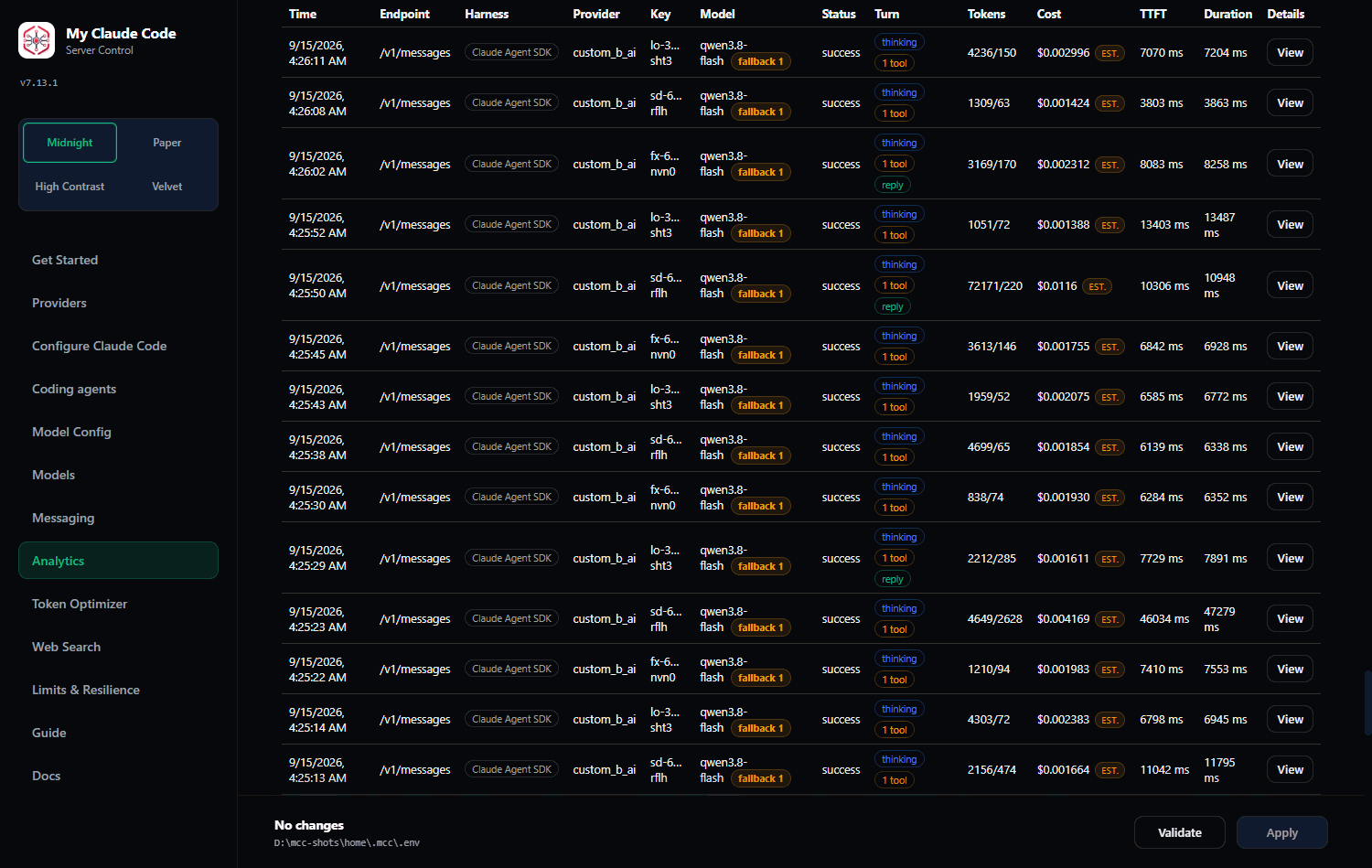
The table these open from: one row per request, the key that served it masked to a fingerprint, and a fallback badge where the primary did not answer.
1. Open Analytics and find the request. Filter or search (search reaches the reasoning text and tool arguments too), then press View on the row. Since 6.13.0 every filter applies itself — the selects the moment you change one, the text boxes a short pause after you stop typing, and Clear filters puts everything back including the default below. Apply is still there for when you would rather press it.
Local answers defaults to Hide, so the table, the cards, the charts and the breakdowns show requests that actually went to a provider. Requests MCC answered itself — title-generation skips, probe replies, suggestion-mode skips, and since 7.69.5 the web searches and web fetches MCC runs for Claude Code (answered locally · web search) — are hidden until you switch it to Show (everything, as before 6.13.0) or Only (nothing else). A web search logged before 7.69.5 still names the route's first model, so across that release the per-model counts for your top model drop by the searches it never answered. The choice is remembered across refreshes. Rows whose provider is genuinely unknown are not local answers and stay visible under Hide, and the All time rollup ignores this filter. Exports honour it: since 6.54.0 /admin/api/export accepts local and harness, so a download matches the table it was taken from.
Harness names the coding agent that sent the request. Since 6.37.0 every row records it, the
table shows it as a chip, the detail dialog spells it out, there is a Harness filter beside
Provider and Model, and Analytics carries a Requests by harness breakdown with counts, error
rate, tokens and average latency. The Coding agents page shows Requests (7d) on each card from
the same data. MCC works it out two ways, and the detail dialog tells you which:
| Detail dialog says | How MCC knows |
|---|---|
OpenCode 1.18.26 (explicit header) |
MCC's own launcher wrote x-mcc-harness into the config it generates for that CLI. Exact, not a guess |
Claude Code 2.1.258 (from user-agent) |
inferred from the user-agent the client sent |
Unknown (no client identification) |
the client sent nothing MCC recognises, or nothing at all |
Eleven of the sixteen agents can carry the explicit header, because their configuration has
somewhere to put one: Claude Code and Gemini CLI through an environment variable, Codex through a
-c assignment, Pi through the provider its bundled extension registers, and OpenCode, OpenCode 2,
Kilo, Command Code, Qwen Code, Crush and Cline through the provider document MCC generates for them.
Kimi Code, Aider, Droid and Goose publish no header hook MCC could verify, and Antigravity is not
launched by MCC at all, so those five are identified by user-agent alone.
Two caveats worth knowing before you read the numbers:
Unknownis large on an old log, and that is history, not a bug. MCC only started recording inbound headers in 5.36.0, so any request written before that has nothing to classify. On the reference log that is 146,658 of 272,132 rows. Requests written from 6.37.0 on are always attributed to something, even if that something isScript or curl.- Qwen Code and Pi send Claude Code's user-agent. Both build
claude-cli/<their own version>on their Anthropic path, so requests from them before 6.37.0 are counted as Claude Code. The explicit header separates them from 6.37.0 onward.Claude Agent SDKis broken out separately fromClaude Codeon purpose — it is a different program, and on the reference log it is the busiest client on the box.
Session, Folder and Requested model say where a request came from and what it asked for.
Since 7.42.0 the table carries all three beside the thirteen columns it already had, and none of
those moved out. Session is the conversation id the client sent, shortened to its first eight
characters; Folder is the working directory the agent reported, shown as its last two folders
and a short hash (Projects\demo · #3f9a21) so two folders with the same name in different places
stay apart. The full value is in the tooltip and in the detail dialog. Requested model is the
model the client asked for, beside the Model that answered. Below 1200 px wide, Session and
Folder share one Origin chip so the table does not grow two columns wider.
Exit (7.88.0) took the Folder column's place in the table: the exit the request went out
through, read from what the request log already stores for the attempt that answered (or, for a
failed request, the last one tried) — a chain entry's name or host:port, a one-entry chain's or a
static proxy's host:port, direct for a Direct entry, or direct via system proxy host:port when
the operating system's proxy carried a Direct dial. When the request went out through more than one
exit (a fallback on another chain, or a chain that kept trying exits), the cell adds +N and its
tooltip lists every exit in the order it was dialled. A dash means no exit was recorded: no chain and
no proxy (before 7.79.2 a one-entry chain or a static proxy was not recorded either), or a media
request, which keeps its exit only on a video job. A credential that ever reached a label is masked
the way the Proxying page masks an address. Folder is not gone: it is in the detail dialog, in the
Session cell's tooltip, in the narrow Origin chip, in Requests by folder and in the Folder
filter, and the in-flight table keeps its Folder column.
The detail dialog says how each value is known:
| Detail dialog says | How MCC knows |
|---|---|
stated by the x-claude-code-session-id header |
Claude Code and the Claude Agent SDK send it on every request |
stated by the x-claude-code-agent-id header |
a Claude Code subagent is speaking; the row also records which session it said it belongs to |
read from the prompt's environment block |
Claude Code's prompt names its working directory; since 7.87.1 it is read from the first user message, where Claude Code sends it |
read later from the stored prompt's environment block (backfill) |
filled in for an older row by the backfill below |
What to expect per client, measured on a real log:
- Claude Code — session on essentially every request, folder on about 95 % of them.
- Claude Agent SDK — session on every request, no folder. Its prompt carries no environment block, so the column stays empty rather than guessing.
- Everything else — empty for now. An empty cell means "not stated", never "none".
Both are stored in your local request log only; nothing new is sent to any provider. Two
settings on the Request log storage card turn them off: REQUEST_LOG_CAPTURE_FOLDER (the path
can contain your user name) and REQUEST_LOG_CAPTURE_SESSION. Off leaves the columns empty for
new requests and deletes nothing. Exports gain an opt-in Request origin field with the raw
values.
Requests logged before 7.42.0 have no session and no folder. The session cannot be recovered — its value was never stored — but the folder usually can, from the stored prompt: Fill in folders for older requests on the same card reads each older Claude Code row's stored prompt and fills the column. It runs only when you press it, in the background between requests, and it can be pressed again to continue if the server restarted part-way.
Session and Folder filters (7.43.0) sit beside Harness in the Analytics toolbar and apply as
you type, like the other boxes; every card, chart, breakdown, the cost panel and Export follow
them, and they are remembered across a reload. Session matches the start of the conversation
id, so the eight characters the table shows are enough. Folder reads what you type two ways: a
full path (C:\Users\you\Projects\app) selects exactly that folder and not app-old beside it;
anything else (phone games) matches every folder whose path contains it, ignoring case.
Exit filter (7.88.0) sits beside Folder and works the same way — every card, chart, breakdown,
the cost panel and Export follow it, and it is remembered across a reload. It matches any part of
an exit's name, ignoring case (tokyo, 1080, direct), against every exit a request went out
through, not only the one that answered, so a request that a chain moved off a refusing exit is found
by either exit. Its suggestions are the exits on the page being shown. An export gains an opt-in
Exit field: Exit (the answering exit, empty when none was recorded) and Exits tried (every
exit, in dial order, separated by ;), and since 7.96.0 Country refused and Challenged: how
many of the request's tries met a 403 refusing the caller's country or a bot-challenge page (0
when a ladder was stored and met neither, empty when none was stored). The request detail marks an
attempt that met them with a country refused ×n / challenged ×n chip and the Exit cell's
tooltip counts them; both are read from the stored tries, so older requests show them too
(details). Like Session and Folder it is not part of the hourly
statistics, so a filtered page is counted from the stored requests; each request it reads costs one
lookup of its attempts.
Two tables below the harness breakdown answer "who is doing what": Requests by folder and Requests by session. Click a folder or a session there to filter the page to it. Only requests that stated a value are counted — an Agent SDK request has a session and no folder, so it appears under sessions only. Sessions are listed flat, one row per session id: By subagents counts the requests a Claude Code subagent sent under that id and Subagents how many different ones it was. They are not folded under a parent conversation, because whether a subagent reports its parent's session id has not yet been confirmed on real traffic.
Neither filter is part of the hourly statistics MCC keeps, so a filtered page is counted from the stored requests; a dedicated index keeps that to a fraction of a second on a large log.
A model that never appears in Analytics never reached the proxy. The request log records what MCC was asked to serve; if a model you tried is missing entirely — no rows, not even failed ones — the agent never sent MCC a request for it. Look at the agent's own configuration and base URL, not at Analytics. This is different from a request that arrived and failed, which is always logged with its error.
2. Read the chain first. One entry per attempt: outcome badge, model ref, how long it took, and — this is the 6.4.0 addition — the credential that served that attempt. Three things it can say:
| Shown | Means |
|---|---|
a key label (nvap…8f21) |
that attempt used that key. Attempts in one request can name different keys |
no key available |
every credential in the pool was benched; the attempt never reached a key at all. Since 6.19.0 this splits in two: the whole pool in cooldown, or every key rate-limited for this model while its other models still serve |
| a dash | no credential was recorded — not measured, not "keyless" |
a ladder headline (15 tries · 12×429, 3×502 · 3 keys · 96s sleeping) |
6.12.0: how many times that attempt actually knocked, and what it met |
3. Read the ladder. An attempt is not one request to the upstream. It is up to five tries per credential, across every credential the pool hands it, with MCC's own exponential backoff between them — and before 6.12.0 the database recorded exactly one status for the whole thing. Under a failed attempt you now get four things:
- The headline, beside the duration:
15 tries · 12×429, 3×502 · 3 keys · 96s sleeping. If the sleeping figure is most of the duration, the model was never the slow part. - The root-cause line, stored with the row rather than composed in the browser, so the modal and all four export formats say the same sentence:
3 keys × 5 tries: 12×429, 3×502 — 96s of the 107s were MCC backoff sleeps; keys 0 and 1 benched 60s on 429 (no Retry-After); key 2 not charged (502 is not credential-shaped)
That is the real req_f3b018…, which the database had recorded as a single upstream failure with HTTP 502 on key 0. The 502 was the last thing that happened, not the thing that went wrong.
- Show N upstream tries — one row per try: #7 · key 1 nvap…8f21 · 429 · 410ms · waited 4900ms · retry-after 12s. A term that was not measured is omitted, never printed as 0; a redacted excerpt of the upstream's own body sits under each try that had one, capped by REQUEST_LOG_LADDER_BODY_MAX_CHARS (800).
- The credential decisions — one line per key the attempt touched, saying whether the pool charged it and why: key 0 nvap…8f21 — benched 60s (rate_limit): 429, no Retry-After -- operator cooldown 60s, or key 2 nvap…c4d0 — health unchanged: 502 is not credential-shaped. The bench duration is read back out of the rotation engine that set it, never recomputed.
A timeout attempt gets a different sentence when most of its duration was spent waiting:
deadline reached after 148s of backoff — the model never received an accepted request: 4×429, 1×502
That is the case the old row got actively wrong. It said "Provider 'x' produced no output within 120s", which sends you to look at the model — when the model was never handed an accepted request at all.
An attempt with a single try shows no ladder: nothing was hidden, so nothing is added. Rows written before 6.12.0 show no ladder either — that is "not measured", not "there were no retries".
4. Expand an attempt's wire pane. The headline line is the numbers people open this dialog to check, e.g. max_tokens 131,072 · raised from 64,000 for reasoning · 59 tools · temp 0.7. That second term appears only when the allowance was widened because the attempt was going to think; the full modal line reads max_tokens raised from 64,000 to 131,072 for reasoning, and it is backed by a per-attempt params.output_widened_from.
5. Then the parameter block, which is the important one. Every parameter MCC sent is listed there — top-level keys, and each provider-specific extra_body key under an extra_body.<name> row — above the message structure, and never truncated. A knob MCC learned to send but this pane had never heard of (min_p, tool_choice, response_format) shows up whole rather than falling off the end. A parameter that was not sent has no row: absence is the finding, so it is shown as absence and not as a dash. Anything that looks like a credential by name or shape reads <redacted>.
6. Below it, the stored body — and why it may be shorter than you sent. The body is stored content-first: the knobs are written whole first, and only messages and tools degrade, to counts and names, under REQUEST_LOG_WIRE_BODY_MAX_CHARS (8,000 by default). The note says exactly that: Message and tool structure reduced to counts at 8,000 of 214,317 characters. Every parameter is stored whole and shown above. The stored body always parses as JSON. Before 6.4.0 the cap cut the body alphabetically, so a Claude Code request with ~59 tools spent its whole budget inside tools and temperature, top_p and reasoning_effort survived in 0 of 212 truncated bodies measured in one day.
7. Read the reasoning state on the same summary line. Three honest states, and none of them is a hidden pane:
reasoning sent: high— a reasoning instruction went on the wire, with the value it carried.no reasoning instruction sent (model default applies)— nothing was sent, and that is a correct outcome, not a fault: the host has no field this model's capability could be expressed through, so the model's own default stands.reasoning not measured— this provider has no instrumented commit boundary (Vertex, permanently), or the attempt was never sent.
8. Take the contradiction badge seriously, and only when it appears. gating asked for reasoning; nothing was sent means the resolved policy chose a value and the body carried none — a real gap between policy and encoder. It is keyed on the stored reasoning_adaptation_kind column, never on message text, and it fires for exactly two kinds: clamped (your rung was moved to the nearest one the host can spell) and substituted (a different expression of the same intent went instead). dropped stopped badging at 6.6.0 — it had covered two opposite situations and was flagging correct behaviour as a defect — and nothing_sent never badges. Rows written before 6.4.0 badge nothing, because the column did not exist: not measured is not a finding.
9. Finally, the thinking pane. thinking_chars follows one convention across the whole surface: 0 is a measurement — a completed stream that returned no reasoning — and NULL renders as "Not measured". Before 6.8.0 the two were folded together, so "the model thought about nothing" and "nobody was counting" looked identical.
ChatGPT OAuth rows before 6.73.2 read
0for a different reason. The ChatGPT (Codex) provider speaks OpenAI's Responses protocol, which names its reasoning channel as an event type (response.reasoning_summary_text.delta) rather than a delta field. MCC's response-shape tally knew the event; the converter that produces what your client sees did not, so the summary was counted and dropped. Measured on 2026-09-11: 2,671 of 2,671chatgpt_oauthrequests over seven days recordedthinking_chars = 0while areasoningdelta had actually arrived on 1,522 of 2,651 successful attempts (57%), and the Models page read reasoning requested 2,652, returned 0. From 6.73.2 the summary becomes athinkingblock like every other provider's. Historical rows stay0— they are an honest record of what was delivered at the time, and nothing is backfilled. One case still reads0on purpose: when the endpoint returns onlyencrypted_contentand no summary, the model thought and released none of it, so there is nothing to show and no empty block is invented.One gotcha worth knowing.
output_widened_fromis deliberately a plain per-attempt parameter and not a reasoning adaptation kind, so widening never badges and never appears in the adaptation severity table. Relatedly, the request-level adaptation line can still name one model while a fallback actually answered — read the per-attempt panes when the chain has more than one entry.
10. Read the tool calls the reply carried (8.20.1). A tool call whose arguments do not parse, or run away to hundreds of kilobytes, used to leave no trace at all: MCC forwarded the bytes, your client threw its own validation error, and the row said only how many calls there were. The shape pane now carries four facts per call — the tool's name, how many characters of arguments it carried, whether those arguments parsed, and a three-word class — plus the tallies:
tool calls                 2
tool calls parsed          1
largest tool call (chars)  483,120
tool calls over the bound  1
tool calls unparseable     0
tool calls not an object   0
ToolSearch                 483,120 chars, over the bound, not parsed
Read                       228 chars, parsed
The class is unparseable (the arguments are not JSON), not an object (they are JSON but not an object, which your client's input must be), over_bound (larger than REQUEST_LOG_TOOL_ARGUMENT_MAX_CHARS, so they were never parsed), or nothing at all (they parsed). The arguments themselves are never stored, never sliced and never hashed — the record holds a length, a yes/no, and a class, which is what makes a client-side error explainable without copying the model's output into your log. Over the bound the row says not measured rather than failed, because nobody looked: NULL is not zero.
It records; it never alters. A call of any size still reaches your client byte for byte, and no retry, fallback or body changes. The bound ships at 131,072 characters — above the largest of 400,000 real tool calls measured on this machine (116,451) and below the smallest degenerate one (332,121) — it is on the Request log storage card as REQUEST_LOG_TOOL_ARGUMENT_MAX_CHARS, and 0 turns it off. A stream that dies inside a tool call names the tool and how far its arguments got, under truncated_after_commit.incomplete_tool_call.
Requests in flight¶
A request reaches the Requests table only when it finishes: its row is written once, at the end, so
a request still waiting on a model, asleep on a backoff or halfway through a long answer is not in
the log yet. GET /admin/api/requests/in-flight (7.44.0) answers the other half — every
request this server is serving right now, oldest first, read from memory:
{ "enabled": true, "total": 3, "shown": 3, "truncated": false, "reaped": 0, "now_mono": 91823.4,
  "rows": [ { "id": "req_…", "elapsed_ms": 41200.0, "harness": "claude", "requested_model": "mcc/best",
              "tier": "best", "attempt_index": 1, "provider": "opencode", "model_ref": "opencode/…",
              "phase": "attempt", "phase_since": 91801.9, "phase_elapsed_ms": 21500.0,
              "waited_s": 12.0, "attempt_tries": 2, "last_try_status": 429,
              "ttft_ms": null, "output_chars": null, "chunks_to_client": 0,
              "key_label": "sk-8…Kofx", "session_short": "0f3c2a1b", "project_dir_pending": true, … } ] }
- Phases, each stamped at the moment MCC itself made the transition, never from a poll:
received→describe(a picture is being described first) →routing→attempt(attempt N has started and not one byte has reached your client) →awaiting_content(the first byte is out — usually MCC's ownmessage_start, sent the moment the upstream accepts — and the model has produced no text, reasoning or tool call yet) →streaming(it has). attemptdoes not say why nothing has arrived. Waiting on the model and MCC asleep on a backoff look the same in one read.waited_stells them apart across two reads: it grows only while MCC sleeps.- Empty means "not measured", never zero. With the request log switched off, the characters
streamed and the retry ladder are not counted, so they read
nulland the row says"observed": false;chunks_to_clientand the phase still work, except that without the observer the model's first words cannot be told from the opening frame, sostreamingstarts at the first byte. - Session and folder are the ones the request log stores, under the same two settings. Claude
Code's folder is read from the prompt only when the request is logged, after it is answered, so
an in-flight row says
project_dir_pendinginstead of guessing. - Nothing a client wrote is in the answer: no prompt, no reply, no header, no key. The key and proxy labels are the masked ones the log already shows.
- Cheap and bounded. No database and no stack walk;
?limit=(default 200) bounds the rows,totalalways counts them all.in_flighton/admin/api/requests/pulseis the same count. - Nothing expires on a timer. A request that is alive for 47 minutes is listed for 47 minutes.
An entry leaves when its request finishes, or when every task that served it has ended (counted
in
reaped).
REQUEST_INFLIGHT_ENABLED=false (on the Request log storage card; restart to apply) turns the list off; the endpoint then
answers {"enabled": false}. It is independent of REQUEST_LOG_ENABLED.
On the dashboard (7.45.0): Analytics → In flight, directly above the Requests table.
- Its own refresh control, default 3 s (Off, 1, 3, 5, 10 or 30 s), separate from the table's 15 s auto-refresh and running whether that is on or off. The endpoint does no database work, so the fast default costs one cheap request per tick. Off freezes the panel on its last reading; the panel's Refresh button takes a new one. A hidden tab does not poll.
- One row per request, oldest first: age, phase, harness, session and folder (the same short forms as the Requests table, full values in the tooltip; below 1200 px they share one Origin chip), requested model, provider / model, attempt (Primary or Fallback N, with the retry ladder's finished tries and the last status), characters streamed, and the masked key and proxy. The age and the time in the current phase count up every second between readings, from the server's own measurement.
- Phase chips say only what is known. Received, Describing images, Routing, Attempt
started, Awaiting content and Streaming are the server's own phases. During an attempt the panel
can say more after two readings: Waiting for upstream when time asleep (
waited_s) did not move between them, Backing off when it grew — MCC was asleep on a backoff or a rate limiter, not waiting on the model. One reading never gets either label. - Stuck — a red bar and the word stuck — marks a request that has been in one phase for more than 300 s, or, while streaming, has sent no new chunk for more than 300 s (a long answer that is still arriving is not stuck). That is the client's own watchdog floor (Claude Code gives up on a stream idle that long), not a guess at what counts as slow. Nothing is cancelled; the panel has no cancel button.
- Live detail: click a row, or its Live button, for everything the server reports about that request, refreshed with the panel, and its attempts so far. Attempt verdicts do not exist until the request ends, so the current attempt is listed as in progress. When the request finishes, the detail says so and offers Open the finished request.
- Handover: a request that finishes stays one more reading, greyed and marked Finished, then leaves; its row appears in the Requests table on the table's own refresh. From 7.69.4 a finish no longer triggers that refresh. Until then every reading that saw a finish reloaded the whole Analytics view, up to every 3 s, instead of at the interval chosen beside the table (see How often the page asks the server).
- Many at once: 50 rows at a time, the oldest first, with …and 70 more — showing the 50 oldest and Prev / Next to page through the rest (the server describes at most 1,000).
- Accessibility: the count line (3 requests in flight) is the page's one polite status region and changes only when the count does; the rows are a plain table with a caption.
- Sidebar: the count also shows beside Analytics on every page. Off Analytics it is read with
?limit=1, every 10 s (7.69.4; the panel's own interval if that is longer). On Analytics the panel keeps the interval you chose. - Hide collapses the panel to its one-line summary. The panel's interval and collapsed state are remembered in the browser.
How often the page asks the server (7.69.4)¶
Measured on 2026-09-28 with Analytics open: 153 requests a minute reached the server, and about 89 % of them were the dashboard itself. Each 3 s in-flight reading that saw a request finish fired the pulse and nine analytics queries. Every open tab did the same on its own. Since 7.69.4:
- The table follows the interval you chose beside Auto-refresh (5, 15, 30 or 60 s). On each tick it checks the pulse and, if anything changed, re-reads the table and the All time counters. A request finishing never triggers a refresh by itself.
- The heavy totals are re-read at most once a minute by auto-refresh: the stat cards, the charts, the breakdowns, Cost, Model latency, TTFT, Successful requests with no answer, Requests by folder, Requests by session, and Media. Every panel caption ends with as of hh:mm:ss, the time its numbers were computed, and the line beside Refresh reads Updated … · totals as of …. Anything you do yourself reads everything at once, as before: opening the view, changing a filter or the window, paging, or pressing Refresh.
- The server keeps the same answers for up to a minute. TTFT, no-answer, origin and the stats
cards are kept in memory per filter and say when they were computed (
computed_at), so a second tab or a reload inside the minute costs no query. The all-time cost breakdown is recomputed at most once a minute. Its key changes with every new row, so it used to recompute back to back while requests flowed. Its note says As of …, refreshing. only while a recomputation is actually running. Clear log forgets the kept answers. - The in-flight badge off Analytics reads every 10 s. The panel on Analytics keeps your interval.
- One tab per browser polls. Open tabs agree on one over a
BroadcastChannel: the tab you opened, showed or focused last. The others paint its in-flight readings and tell it what their panel shows, so it asks for enough rows. A tab that is hidden or closed hands over at once, and one that stops answering is taken over within about 8 s. A tab other than the polling one keeps its table as it was until you press Refresh or switch to it. A browser withoutBroadcastChannelpolls from every tab, as before. A hidden tab never polls. - A poll never overlaps itself. The next one is scheduled only after the previous answer. It gives
up after twice its interval (at least 5 s). After an error, no answer, or an answer carrying
x-mcc-busy: 1(sent on/admin/api/requests/in-flightand/admin/api/requests/pulsewhile the server's event loop is late), it waits twice as long, up to 60 s. The first clean answer puts it back on its interval. - Opening the page no longer validates the config. That call ran a full settings prepare on the server's event loop and its answer was never shown. Validate and Save validate exactly as before.
Open tabs keep the script they loaded. After an update, reload any dashboard tab that was already open (the browser may also keep the old script until a reload).
The Token Optimizer page¶
Admin UI → Token Optimizer answers one question from your own request log: what never reached a provider at all? Nothing on this page is switched on for you.
Some requests are answered inside the proxy by a local rule — MCC replies and no provider is ever contacted. Those requests show in the request table as answered locally · (unknown) the way they read before 5.48.0, and you can filter the table by that value to see only them — or use the Local answers filter on Analytics, which hides them all by default and shows only them on Only. Because no provider served them, they record no provider, and the tokens they saved are counted from the real request rather than assumed.
MCC's own web searches and web fetches are local answers as well (answered locally · web search, since 7.69.5), but they are not rules: they do real work and avoid no tokens, so this page does not count them, and its figures are what they were before 7.69.5.
The page has four panels:
- Ledger — "Tokens never sent": prompt tokens no provider ever received. This is not a bill estimate. What a provider would have charged for the reply cannot be known, and MCC does not guess at it.
- Local rules — how often each rule actually fired.
- Candidates — recurring request shapes that no rule covers yet, ranked by the tokens they really cost. Press Scan the log to produce them. The scan is on demand only: it never runs on a schedule or when the page loads, it reads nothing until you ask, and it changes nothing about how any request is answered. Ask it for more rows than it will scan and it refuses outright instead of quietly sampling and presenting the sample as the whole picture.
- Cache effectiveness — prompt-cache hit rate per provider. This is the biggest lever on the page and the optimizer does not control it. A dash means the provider never reported the figure, which is not the same as reporting zero.
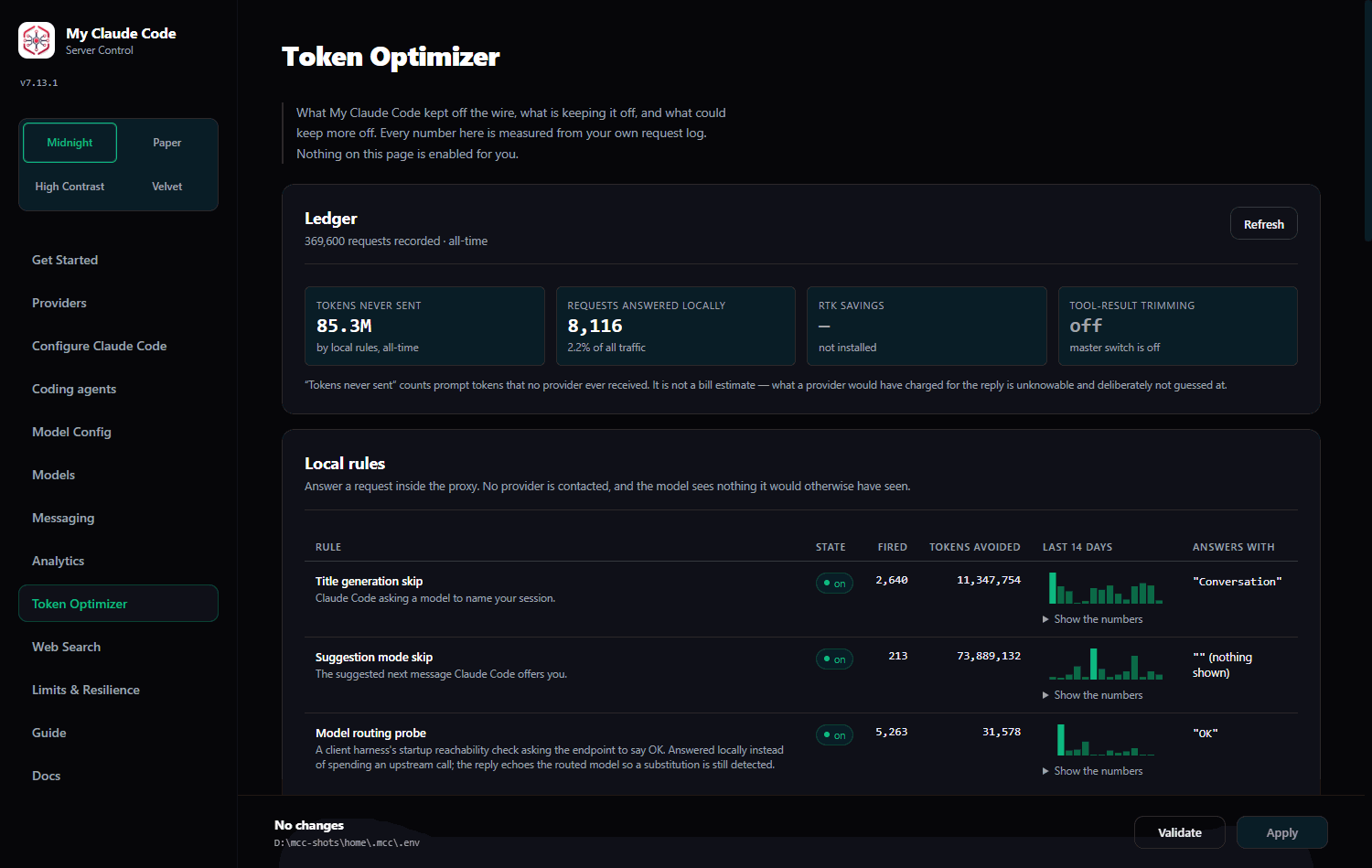
Token Optimizer: every number measured from this install's own request log, and the banner saying none of it is switched on for you.
Three local rules ship today, each with its own kill switch:
- Title generation (
ENABLE_TITLE_GENERATION_SKIP) — Claude Code's request for a short conversation title. - Suggestion mode (
ENABLE_SUGGESTION_MODE_SKIP) — a[SUGGESTION MODE:turn, which expects no model output at all. - Model routing probe (
ENABLE_PROBE_AUTO_RESPONSE) — an agent harness's startup reachability check, sent before a run to catch a proxy quietly serving a different model than the one asked for. It is unmistakable: a singleSay OKuser turn, no system text, no tools, not streaming, andmax_tokensof 16. MCC answers it in milliseconds instead of spending a real upstream call, and the reply names the model that would have answered — the first model on the route your fallback health registry has not benched, which is not always the primary — so the probe still detects a substitution truthfully. Set it tofalseif you would rather the probe reach your provider.
The page also shows RTK's measured savings and warns you if the RTK binary installed on your machine has drifted from the version MCC pins.
Tool-result trimming (off, and worth leaving off)¶
Claude Code re-sends the entire conversation every turn, so one big file read is paid for again on every turn after it. MCC can shorten large Read, Grep and Glob results on their way to the model. The controls moved here from the Limits tab in 5.48.0.
It is off by default and this guide is not recommending you turn it on. It was measured, and it lost. Over a 24-turn session, at the shipped setting, trimming cost 10.9% more fresh input tokens than not trimming at all — rewriting bytes in the middle of a prompt throws away the provider's prefix cache, and the cache is worth more than the removed text. Turning it on part-way through a conversation costs a near-total cache miss on that turn (a 3.8% hit rate). It only starts to pay if your baseline cache hit rate is below about 90.9%, and a well-behaved provider usually sits above that. The full measurement is in .env.example and in the source docstring of core/anthropic/tool_result_trimming.py.
What it will not do:
- Nothing happens unless you change two things:
ENABLE_TOOL_RESULT_TRIMMINGisfalse, and each per-tool rule is separatelyoff. - It never touches
Bashoutput. - It never trims invisibly — every cut carries a note saying MCC made it, how much is missing, and that the model must not describe what it did not see.
- Anything it does not completely understand is passed through untouched.
Each rule has three states, and the middle one is why you would look at this at all: off, observe, and on. observe measures what a rule would have removed from your real traffic without changing a single byte on the wire. That is the way to find out whether trimming would help you: run observe, compare against your own cache hit rate on this page, and only then decide. The remaining settings — the size threshold below which nothing is touched, how much of the head and tail survive, and how many recent results are exempt — are documented in the Admin UI and in .env.example.
What a request cost¶
Since 6.54.0 every request is priced once, at the moment it is written to the log, and the answer is stored beside it in two columns: the amount, and the name of the source that produced it. It is never recomputed when you look at it — a price that changes next month must not silently rewrite last month's bill.
Pricing walks the same ladder every other model fact walks. MCC has always resolved a model's context window, its output limit and its capabilities by asking, in order, this provider's own catalogue, then models.dev's bucket for this provider, then a curated reference catalogue, then a vote across same-named rows in other providers' buckets. Cost is now resolved the same way, and for the same reason: the rung that answered is what tells you how much to trust the number.
| Rung | Shown as | Where it comes from |
|---|---|---|
| 1 | (no badge) | The host's own reported cost. OpenRouter returns one in the final chunk of every streamed response; any host that reports the same field is read the same way. |
| 2 | est. models.dev |
The models.dev price for this provider's own bucket — the catalogue MCC already fetches hourly. |
| 3 | est. LiteLLM |
LiteLLM's published price map, if you turn that source on. The widest table there is, and the only one that names a separate reasoning rate. |
| 4 | est. cross-provider |
A vote across same-named rows in other providers' catalogues. The model is the same; the seller is not. Last resort. |
| — | — not priced |
Nothing published a rate. |
An unpriced request shows a dash, never $0.00. Those are different facts. $0.00 is a claim that the request was free, and only a source that actually publishes a zero — a :free model's own catalogue entry, for instance — may make it. Every cost total on the Analytics page therefore carries an "N of M priced" denominator beside it, so a partial total can never be read as a complete one.
Reported and estimated amounts are shown side by side and are never added together. A single merged figure would launder a guess into a fact, and afterwards nobody could tell which half was which. The Cost panel shows the two as two numbers, per provider, per model, per harness and per day.
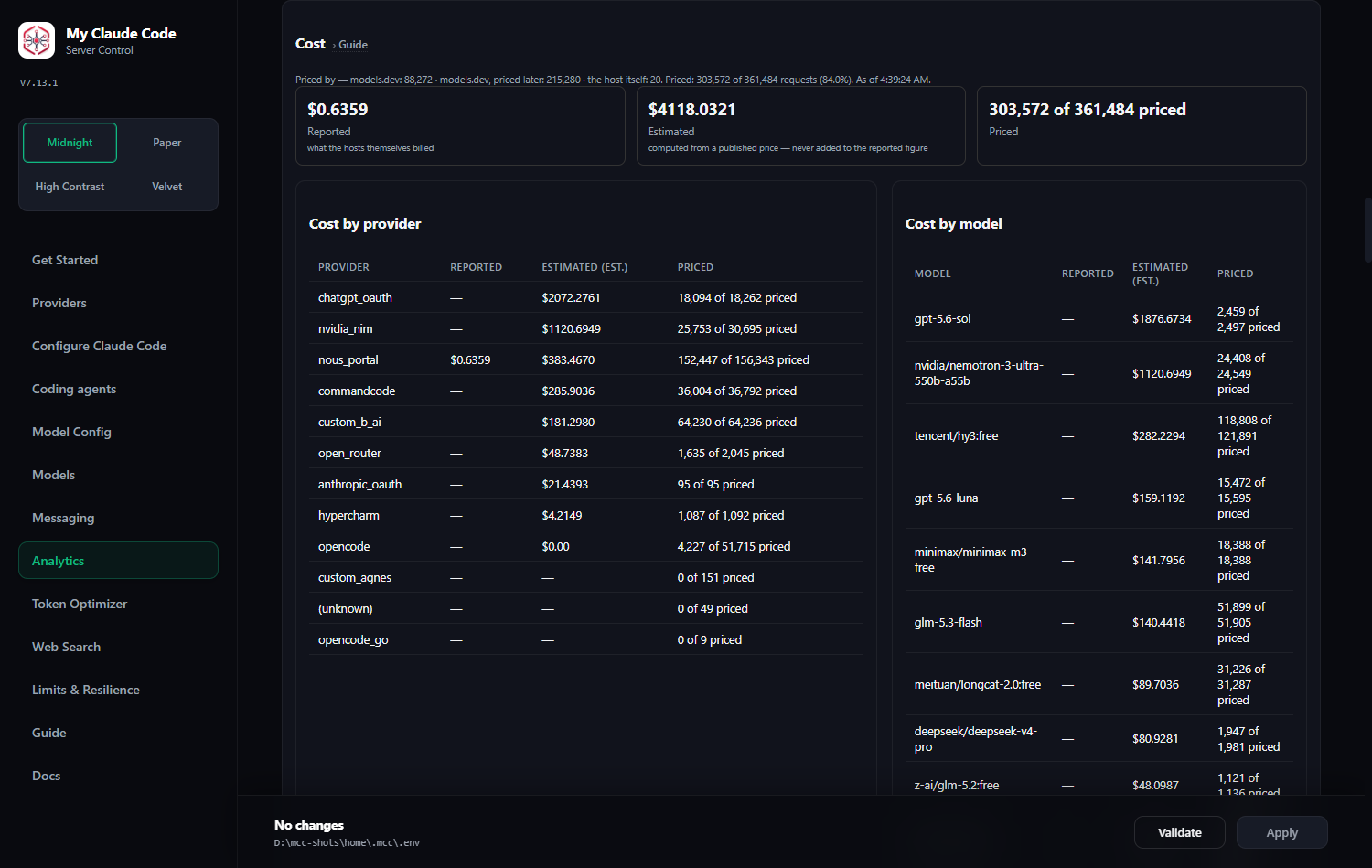
The Cost panel: $0.6359 reported and $4,118.03 estimated, kept apart, with 303,572 of 361,484 requests priced.
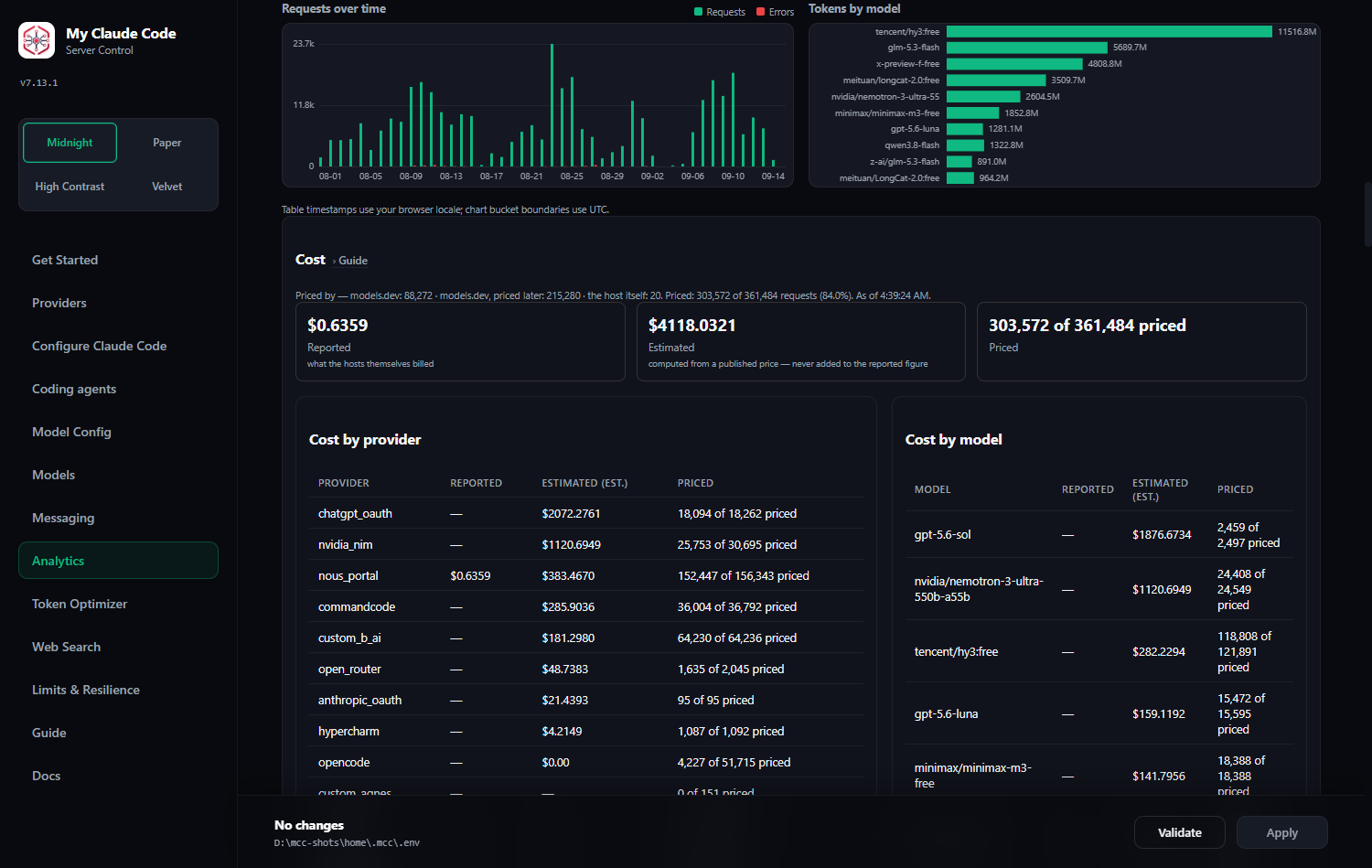
The same panel under the charts: an em dash in the Reported column means that host published nothing, which is not the same as zero.
Details worth knowing:
- Cache reads and cache writes are priced at their own rates, from the same source as the base rate. A source that prices input but not cache reads does not price a request that read from cache — that request falls to the next rung whole, rather than being patched together from two sources.
- 1-hour cache writes price at the 1-hour rate (since 7.111.0). Anthropic keeps a prompt cache for 5 minutes or for 1 hour, bills the two writes at different rates, and says in every answer how many tokens it wrote with each lifetime (
usage.cache_creation). MCC records that split beside the write total — the request detail's Cache writes by lifetime line, empty for every host that does not report it — and prices the 1-hour writes at a rate a source states for that model on that host: the provider's own model list (the OpenRouter-dialectpricing.input_cache_write_1h, which OpenRouter's and Nous Portal's lists carry), LiteLLM'scache_creation_input_token_cost_above_1hrwhile Use LiteLLM's price map too is on, and, last and only to fill a gap, OpenRouter's live list (whileMODEL_METADATA_OPENROUTER_LIVEis on). models.dev states only the 5-minute rate. Where no source states the 1-hour rate, the request is stored as not priced with the reason no source states the 1 h write rate — never at the 5-minute rate and never as zero. A request whose writes were all 5-minute, or whose host reports no split, is priced exactly as before. The cost line in the request detail names the rate each part took ("Cache writes: 600 at the 5 min rate, 300 at the 1 h rate from LiteLLM, … ($6.0000 / 1M tokens)"), and the Models page's Cache lifetime row shows the 1-hour write price and its source for every model whose host takes a 1-hour lifetime. Requests logged before 7.111.0 priced 1-hour writes at the 5-minute rate and keep that stored price (nothing is backfilled; the split was never recorded before). - Reasoning tokens price as output, unless the winning source publishes a rate specifically for them. Almost none do, and that is the correct default: the hosts that publish nothing bill reasoning at the output rate.
- The vision adapter's describe calls are priced separately, on their own row in the request modal's attempt list. A describe hop is a different model on a different key; folding it into the answering model's figure would make that model look more expensive than it was and would hide what describe mode actually cost. The modal says so explicitly when a request had one.
- Nothing is backfilled. Requests logged before 6.54.0 stay unpriced forever. Pricing them at today's rates would produce a confident number that was never anybody's bill.
- There is no price table in the package. models.dev is fetched at runtime with conditional requests and cached like every other catalogue. LiteLLM's table is downloaded only while its source is on (since 7.97.0): with
COST_SOURCE_LITELLM_ENABLEDon, MCC fetches it in the background after a catalogue sweep — and at once when you turn the source on — into~/.mcc/cache/litellm-prices.json, whenever that file is absent or older thanLITELLM_CACHE_TTL_SECONDS. Every download passes LiteLLM's own integrity check (a minimum entry count, and no shrink past half of what is already cached) before it may replace anything; with nothing cached yet, a failed check falls back to the pinned commit. Until the first download lands, LiteLLM prices nothing (and states no model kind) — the request falls to the next rung as if the source were off. Before 7.97.0 nothing called the download, so turning the source on changed nothing on a fresh install. With the source off nothing is fetched.
The Models page shows the resolved input, output, cache and reasoning rates per model, in USD per million tokens, each with the ladder rung it came from — so you can see exactly what a request would be priced from before you send one.
Controls live on this page under Cost estimation: the master toggle (on by default), which sources may price a request (auto, reported only, or computed only — the last ignores the host's own figure, which is how you audit a provider's billing against a published price), and the LiteLLM source (off by default; see above: today it reads a cached file that nothing downloads, so on a fresh install it changes nothing).
Tutorial: read a request's cost¶
Where the numbers are. Analytics → the Cost panel. Three cards across the top: Reported (what the hosts themselves billed), Estimated (computed from a published price), and Priced — an "N of M priced" denominator. Below them, the same three columns broken down by provider, by model, by harness and by day.
Read the denominator first. 7 of 8 priced means one request in that range has no price at all, so the two totals above it are totals of seven requests, not eight. Without that number a window where nine models in ten are unpriced looks like a cheap week.
Never add the two totals together. They are different kinds of claim. Reported is a bill; estimated is arithmetic on a published rate. One merged figure would launder the guess into a fact, and afterwards nobody could tell which half was which — so MCC does not offer one.
Then open the request. Requests → click a row. The modal's cost line names which of the four rungs answered:
| You see | It means |
|---|---|
| an amount, no badge | the host reported this figure itself |
est. models.dev |
computed from models.dev's price for this provider's bucket |
est. LiteLLM |
computed from LiteLLM's map — only if you turned that source on |
est. cross-provider |
a vote across same-named rows in other providers' catalogues. Same model, different seller. Treat it as an order of magnitude |
— not priced |
nothing published a rate for this model |
— not priced: no source states the 1 h write rate … |
(7.111.0) the request wrote 1-hour cache entries and no source states the 1-hour write rate for that model on that host; every other token had a price |
"Why did my image cost that much?" Open the attempt list in the same modal. If the request carried a picture that the routed model could not read and you are in describe mode, there is a second row: the describe call, against the vision model, priced from its own rate card. The modal says so explicitly. Folding that into the answering model's figure would make that model look more expensive than it was and hide what describe mode cost — so it stays a separate row, and the total you should compare against yesterday is the sum of the rows, which the modal shows.
The other half of an image's cost is tokens, not rates: check the billed/est chip on the provider row on the Models page and the Estimated input line in the request detail. If billed is far above estimated on a model that only ever sees screenshots, IMAGE_MAX_LONG_EDGE is the setting to look at.
"What does 'not priced' mean?" Exactly what it says: no source published a rate for that model. It is a dash and never $0.00, because $0.00 is a claim the request was free and only a source that publishes a zero — a :free model's own catalogue entry — may make it. Two things make a dash more likely: a model nothing but its own gateway has ever listed, and COST_ESTIMATION_MODE=reported_only, which stores a host's own figure or nothing at all. Turning on COST_SOURCE_LITELLM_ENABLED buys back most of the misses.
"Why does a web search have no price?" Because no model answered it. MCC ran the search itself, so since 7.69.5 the row has no provider and no model and is not priced (a dash, never $0.00). Before 7.69.5 those rows were priced as the first model of the route, which put cost on models that were never called — $14.38 on a paused gpt-6-sol on one log. Those older rows are left as they were.
Nothing is backfilled. A request logged before 6.54.0 stays unpriced forever. Pricing it at today's rates would produce a confident number that was never anybody's bill.
Web search analytics¶
The Web Search tab has its own analytics with an important distinction made explicit:
- Logical searches — one per
web_searchcall. - Provider attempts — one per try. A fallback produces several attempts for one search.
The two are shown in separate tables so the numbers reconcile.
WEBSEARCH_LOG_ENABLED=true
WEBSEARCH_LOG_MAX_ROWS=500000
WEBSEARCH_LOG_CAPTURE_CONTENT=true      # false = lengths and hashes only
WEBSEARCH_LOG_CONTENT_MAX_CHARS=2000000 # cap per input/output JSON payload
Privacy. Search content routinely includes private queries, result URLs and page text.
WEBSEARCH_LOG_CAPTURE_CONTENT=falsewithholds the captured payloads and the query text itself, keeping only lengths and SHA-256 hashes.API keys are never written to either store — only masked
first4…last4labels. Proxy credentials are stripped from recorded URLs.
Search results are stored compressed (7.77.0)¶
The web search log lives in its own file, ~/.mcc/logs/websearch.db, and almost all of it is the captured search results — the pages of text each provider sent back. On a real 486 MB file they were 480 MB of plain JSON.
- New searches store their results zstd-compressed (level 19), but only when that is smaller and only after the compressed copy has been read back, through the same code the dashboard reads it with, as exactly the same bytes; anything else is stored as plain text, as before. The query, the request input and the provider configuration stay plain (together about 1.5 MB on that file; compressing them would save 0.36 MB).
- Older results are converted by themselves after the update — no button, no setting. The web search log's own writer does it while no search is being written, in steps of about a quarter of a second, each step one transaction with its own progress marker, so stopping or killing MCC at any moment loses nothing and the next start carries on. A result is replaced only once its compressed form reads back byte for byte; one that does not stays as it was and is counted. The space this frees goes back to the disk a few pages at a time (the file uses incremental auto-vacuum); nothing ever rewrites the whole file.
- How long, and how much: on a copy of a real 486 MB file it took about 8½ minutes on an idle server, in steps of about a third of a second (95 % under 1.2 s; a single large result is compressed in one piece, the longest step took 2.8 s); its 2,467 results went from 480.0 MB to 101.2 MB (4.7×), none failed the check, and the file shrank from 485.9 MB to 108.5 MB as the freed space went back to the disk. Killed 45 times mid-way and restarted, it lost nothing: every result read back identical afterwards.
- Everything reads the same: the attempt detail, the request list, every filter, the content search (
q), the statistics and every export return exactly what they returned before, on converted and unconverted rows alike. The search still matches inside the results, case-insensitively for ASCII letters, as before. - Going back to an older version (7.76.0 or earlier) is safe: it reads every row without error, but shows a compressed result as no captured output, and its content search does not find words inside one — while a short search term can match the compressed bytes by chance (on that copy 7.76.0 listed 911 attempts for "ș", which 104 contain). The query, the input, the provider configuration, the counts and the statistics without a search are unaffected, nothing is deleted, and updating again shows the results.
11a. Appearance: design, theme, mode and density (8.1.0; Hybrid added in 8.2.0)¶
The dashboard's own look is a feature with three independent choices, on Get Started → Appearance. Nothing here touches a request, a provider or a model.
Design — which structure the dashboard draws, and how you move through it. Two ship:
- Today — the dashboard as it already is: one page at a time, a grouped sidebar, every setting on the page that owns it. Labelled Classic; it stays selectable for good.
- Hybrid (8.2.0) — Ledger's structure with Console's operation: a masthead across the top with the server's version, a numbered, grouped rail (Setup · Agents · Routing · Observe · System), ruled sections instead of boxes, compact density, a right-hand drawer for a request's detail, Ctrl/⌘K to jump to any page, any section of a page or any setting, and
g-key shortcuts (g rfor Analytics,g lfor Limits;?lists them,/focuses the page's own search).
It is the same dashboard underneath — the same fifteen pages, the same controls, the same settings. Every page's own section navigator (the strip of section names under the title) is the product's and is unchanged: Hybrid neither hides it nor adds a second one.
If Hybrid's own chrome cannot start — its script failed to load, say — the dashboard keeps working in Today's layout and the Appearance card says so in one line. Nothing else changes, and you can switch away and back.
Theme — a colour family, each drawn in both light and dark: Today (the colours the dashboard shipped with), Midnight, Paper, High Contrast, Velvet, Navy, and a design's own palette where it declares one. Mode — light or dark — is a separate button, and neither choice ever resets the other.
Density — Design default, Compact or Comfortable. Density is spacing and type size only. On a wide window it decides how many controls share a row (four at 1500 px and above, three from 1100 to 1500, two from 760 to 1100, one below 760 — a phone is the only single-column case), and no setting is hidden at any density.
The two places a choice is kept¶
Every control on the card writes this browser and nothing else. That is what makes switching a theme instant and what keeps it from changing anybody else's dashboard. The four settings below the card are the machine defaults:
ADMIN_DESIGN=today      # today | hybrid — the design a fresh browser opens on
ADMIN_THEME=velvet      # the colour family: today | midnight | paper | hc | velvet | navy | own
ADMIN_MODE=dark         # dark | light, and never changes the family
ADMIN_DENSITY=design    # design | compact | comfortable
They are ordinary settings: they carry their source chip, their default and a “Use default” button, and the page's own Validate/Apply saves them. A browser choice always wins over the machine default, and leaving a browser value unset means follow the machine — which is what Follow the machine on the card restores. Use this as the machine default stages the current four values as unsaved changes, so Apply saves them the same way any other edit is saved. Neither button writes anything by itself.
What changed for an existing install¶
Versions up to 8.0.2 stored one browser value — the theme key in this browser's local storage — with four choices. Each still means exactly what it did:
| Saved theme value | Now reads as |
|---|---|
midnight (or nothing saved) |
Midnight, dark |
paper |
Paper, light |
high-contrast |
High Contrast, dark |
velvet |
Velvet, dark |
A browser with nothing saved at all opens on Velvet in dark.
Two colours changed, because they failed the contrast check¶
Two of the shipped palettes put text on a surface it could not be read against at WCAG 2.2 AA. Both are corrected:
- Paper (and Today in light): accent text
#059669measured 3.77:1 on white and 3.52:1 on the page — below the 4.5:1 text floor. It is now#047857, one emerald step darker (5.48:1 / 5.12:1). The warning colour#b45309measured 4.38:1 on its own tint; it is now#9a4f06(5.6:1 or better). - Velvet dark: white on the filled-button crimson
#e6435emeasured 3.94:1. The fill is now#f0607awith a dark ink (#1a0610) on it — 6.18:1. Accent text on its tint measured 4.09:1 and now measures 5.05:1.
The section navigator¶
Every page with four or more named sections opens with a row of short section names under its title — Summary · Filters · Requests · In flight · Charts · Cost · Breakdowns · Media · Maintenance · Settings on Analytics, for instance. Each button scrolls to its section, marks it, and puts the anchor in the URL so a reload keeps your place. The strip is sticky, sits on its own surface, and marks the section you are reading as you scroll.
The three quick-jump rails that used to sit in the top bar (Providers, Proxying and Analytics) are now part of this strip — one mechanism, not two, and no page shows both.
The left rail is bigger¶
The sidebar's typography has a floor: link text is at least the dashboard's own 14 px, a row is at least 36 px tall, and a numbered item's index is at least 11 px. Group headings stay small caps with slightly more letter-spacing. The active item is distinguished by weight and its accent border, never by dimming everything else — contrast was already fine and nothing was darkened.
12. Multi-key rotation¶
Both model and web search providers accept several keys in one variable:
| Policy | Behaviour |
|---|---|
single |
Only the first key. Default with one key. |
round_robin |
Even spread across healthy keys. |
least_used |
Prefers the key with fewest requests. |
failover |
First healthy key; move on when it fails. Default with several keys. |
Health tracking¶
Each key carries its own state, and only three things change it. A 401/403 locks the key out on an escalating ladder (CREDENTIAL_LOCKOUT_TIERS). A 429 benches it for exactly as long as the provider asked, and only for the model that was rate-limited (see CREDENTIAL_MODEL_BENCH_ESCALATION below). Exhausted credits named in the provider's own words bench the whole key for RATE_LIMIT_COOLDOWN_SECONDS (6.34.0). Nothing else does — a timeout, a 5xx, a 410 model gone, an ordinary 400 or a dropped connection leaves every key exactly as it was, because the same keys serve every model in your chain and none of those failures is the key's doing. When a model will not answer, the fallback chain moves to the next model.
A rate-limited key is benched for exactly as long as the provider says — parsed from Retry-After, retry-after-ms or x-ratelimit-reset-* — rather than an invented fixed delay. A key that resets in one second isn't idled for a minute, and one that needs an hour isn't hammered.
Since 6.19.0 that bench is also scoped to the model it happened on. Gateways that front many models rate-limit them separately: measured on NVIDIA NIM on 2026-08-31, moonshotai/kimi-k3 returned 429 on all three keys inside 0.1 s while nvidia/nemotron-3-ultra and a MiniMax model answered on those same keys in the same second — and NIM sends no Retry-After at all. Charging the whole key for that took every NIM model off the route for a full minute. Now the pair is benched, the key stays HEALTHY, and the key itself is benched only once CREDENTIAL_MODEL_BENCH_ESCALATION (default 2) different models are limited on it at once — which is what a genuinely key-wide limit looks like, one extra 429 later.
Per-key state, usage and health are visible in the Admin UI, including which key served which request; the ladder and the no-header cooldown are the Credential health card on Limits and resilience.
Web search keys follow these rules fully while WEB_SEARCH_CHAIN is set (7.112.0). Without a chain, since 7.112.1, the same three signals are the only ones that charge a key (a 5xx, a timeout or a refused connection leaves it usable) and a one-key or keyless provider is never benched into an outage, but each key is tried once per search and the bench lengths are the search pool's own (a rejected key 5 minutes doubling to an hour). Since 7.113.0 the Web Search page shows each key's bench in these words, with a Reset. See Web search.
Tutorial: why my key was benched¶
A key that is out of rotation and a model that is failing look the same from your agent's side, and until 6.0.0 MCC largely conflated them: on one live three-key pool, healthy keys were taken out of service 1,529 times in a single day by failures none of them had caused — a 410 model gone on one model ref, a 400 top_p immutable, a first-token timeout on a slow route. Rotation and key health are now separate questions. This is how to tell which one you are looking at.
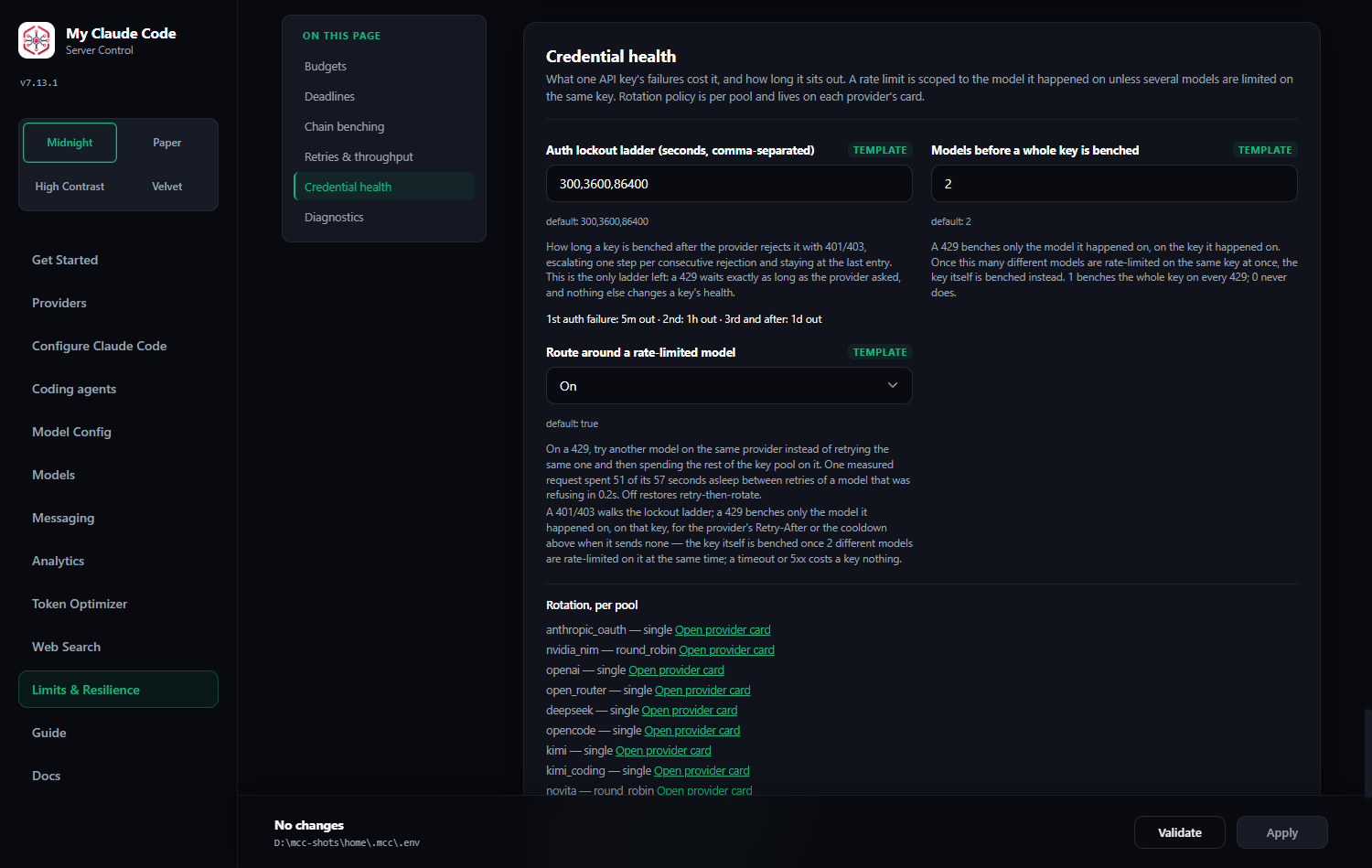
1. Look at the key pool. Providers → the provider's card → Configure. Every key in the pool carries its own state badge, and hovering it gives the rest: LOCKED_OUT — back in 42m — 1,208 requests, 3 failures.
| Badge | What put it there |
|---|---|
HEALTHY |
in rotation |
HEALTHY with a model line under it |
a 429 on one model — that model is benched on this key for a stated time, everything else on the key still serves |
COOLDOWN |
a 429 that cost the whole key: several models limited on it at once, or CREDENTIAL_MODEL_BENCH_ESCALATION=1 |
LOCKED_OUT |
a 401 or 403 — benched on the escalating ladder |
2. Confirm it against a real request. Analytics → View on a failing request → the chain panel names the key per attempt (see the previous tutorial). If every entry reads no key available, nothing was attempted upstream. The error says which of the two reasons applies: All API keys for this provider are in cooldown is a credential problem, while All API keys for this provider are rate-limited for <model> is a model problem on a healthy pool — try another model on that same provider. If the attempts name keys and still fail, it is a model problem and no key is at fault.
3. Read the ladder under the attempt. Since 6.12.0 the chain panel names every upstream try, and one line per credential saying whether the pool charged it. If the ladder shows 12×429 before a 502, the 502 is not the story — the pool was throttled and the last key simply happened to fail differently.
4. Match the failure to what it costs. Exactly two signals charge a key. Everything else is free:
| What the provider returned | The key | The request |
|---|---|---|
| 401 / 403 | steps the CREDENTIAL_LOCKOUT_TIERS ladder — 300 s, then 3,600 s, then 86,400 s (5 min → 1 h → 24 h), one step per consecutive rejection, staying at the last entry |
rotates to the next key |
| 429 | the (key, model) pair is benched for exactly the provider's Retry-After — parsed from Retry-After, retry-after-ms or x-ratelimit-reset-* — or RATE_LIMIT_COOLDOWN_SECONDS (60 s) when the host publishes no header, capped at RATE_LIMIT_COOLDOWN_MAX_SECONDS (default 3600) for a header either way, and RATE_LIMIT_COOLDOWN_MODE decides whether any bench happens at all (provider / fixed / off). The key itself is benched only once CREDENTIAL_MODEL_BENCH_ESCALATION different models hold a live bench on it |
rotates to the next key |
| connection error / transport fault | nothing | rotates to the next key |
timeout, 5xx, 410 model gone, "overloaded", 400, context overflow |
nothing at all | moves to the next model in the chain |
The rule behind the table is "judge a key only on signals about the key". The same keys serve every model in your chain, so a model that is gone, overloaded, or slow says nothing about the credential holding the request.
5. Act on what you found.
LOCKED_OUT, one key, others healthy — that key is wrong, expired or revoked. Remove it from the pool; the ladder is not going to heal a dead key, and by the third rejection it is out for a day.LOCKED_OUT, every key — it is not the keys. Check that the provider is the one the key belongs to, and that your account still has API access.COOLDOWNconstantly, on every key — you are over the provider's rate limit, not short of keys. LowerPROVIDER_RATE_LIMITandPROVIDER_MAX_CONCURRENCYon Limits & Resilience → Retries & throughput rather than adding a fourth key that will cool down alongside the other three.- All keys
HEALTHY, requests still failing — nothing is wrong with your credentials. Read the chain panel's error kind: this is a model, deadline or benching question, and it lives on Limits and resilience.
The deliberate gap. A key that fails with a 5xx or a transport fault on every single request is never benched — rotation tries it once per request and the chain absorbs the cost. That is the trade MCC made knowingly: the failure classes that could identify such a key were the same ones emptying healthy pools by the thousand. A 401 or 403 still locks it out, which is how a genuinely dead key gets caught.
If your
~/.mcc/.envstill carries aCREDENTIAL_CIRCUIT_THRESHOLD=line, it configures nothing — the breaker it belonged to was removed in 6.0.0. The line is ignored rather than fatal; delete it when convenient.
The RTK token optimizer¶
RTK (the Rust Token Killer, v0.45.0) is an optional third-party binary that filters noisy terminal output before it reaches the model — trimming the token cost of long, chatty agent sessions without changing what the agent does. MCC manages the binary and its per-agent hooks through one command, mcc-rtk:
mcc-rtk status              # installed binary + enabled agents
mcc-rtk enable claude,pi    # install the hook for these agents
mcc-rtk disable codex       # remove the hook for one agent
mcc-rtk uninstall           # disable every agent and remove the binary
mcc-rtk apply               # re-apply the stored state to the machine
Enablement is per agent — claude, codex, and pi are each toggled independently. On first enable MCC downloads the pinned RTK release, verifies its SHA-256, installs it under ~/.local/bin, and patches the agent's own config with telemetry disabled. Desired state lives in ~/.mcc/rtk.json; mcc-rtk apply reconciles the machine against that stored state after any drift.
The same controls live in the dashboard under the Token optimizer card and in the mcc-desktop tray's Token optimizer submenu, so the three surfaces stay in sync.
MCC reads RTK's own rtk gain report and shows the resulting savings on the Token Optimizer page, and tells you when the RTK binary installed on your machine is no longer the version MCC pins.
RTK telemetry is off when MCC enables it, and MCC cannot turn it on. MCC patches each agent's config with telemetry disabled and additionally forces RTK's telemetry opt-out environment variable on every invocation, which also short-circuits RTK's own consent prompt. Enabling RTK through MCC therefore cannot opt you into RTK telemetry.
13. Limits and resilience¶
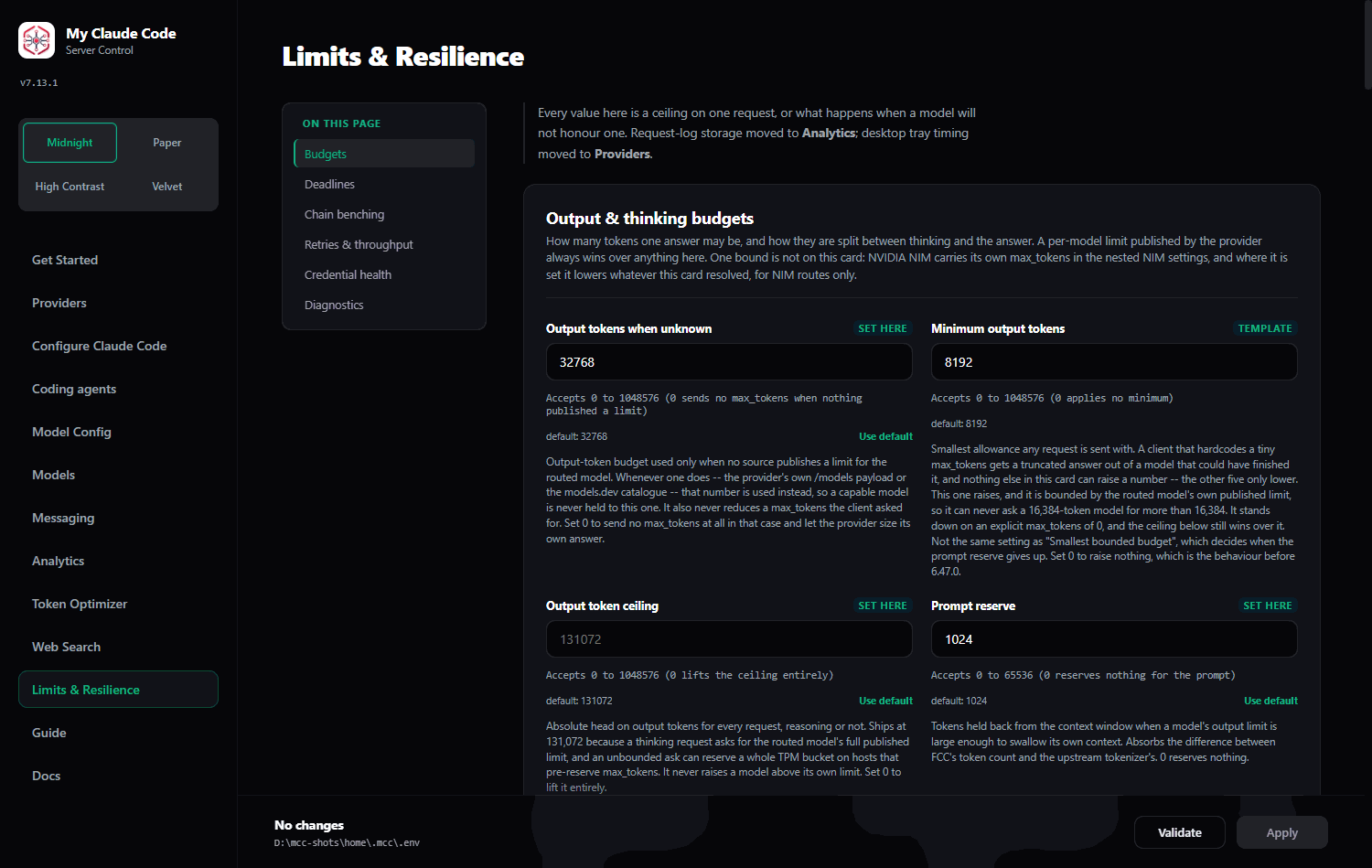
Admin UI → Limits & Resilience holds every setting that decides how long MCC waits, how hard it retries, and when it stops. Seven cards — Budgets, Deadlines, Chain benching, Retries & throughput, Credential health, Server responsiveness, Diagnostics — each stating in one line what it decides, reachable from the sticky section rail down the side of the page. It replaced a single flat grid of 37 fields; the cost of the split is a long page, which is why the rail follows you down it. Every numeric field carries its accepted range on its own line under the input, so you can see what a box will take without reading the help text.
Nothing is hidden. Since 7.29.1 every setting the manifest declares renders the moment its page loads, on every card, on every page. A setting marked advanced sorts after the common ones in its card and carries a small advanced tag — that is all the mark does now. Until 7.29.1 it meant display: none behind a Show advanced button, which is why RATE_LIMIT_COOLDOWN_MODE and RATE_LIMIT_COOLDOWN_MAX_SECONDS looked absent from Credential health while CREDENTIAL_LOCKOUT_TIERS sat visible beside them — and why a provider card's proxy and base-URL overrides could not be reached at all, because the providers section was never given that button. If you prefer the short form, each card has a Collapse advanced control; it starts expanded and the choice is remembered in that browser only.
Output & thinking budgets¶
How large one answer may be. MCC sizes max_tokens from the routed model's own published limit; these settings only cover what the model cannot answer for itself — the budget used when nobody publishes a limit, the absolute ceiling, the tokens held back so a large output limit cannot swallow its own context window, the smallest bounded budget that reserve may produce, and the answer reserve kept back while extended thinking is on.
A request that is going to think starts from the model's maximum, not from what the client asked for. Thinking tokens and the answer are spent from one max_tokens, so a client that sized the number for an answer unknowingly sized the thinking as well — and it is the model, not the client, that knows how much it can emit. The ceiling, the context reserve and the model's own limit then clamp that exactly as they clamp any other ask.
The ceiling ships set at 131,072 for that reason. Some hosts — OpenAI and Azure style limiters — reserve max_tokens against your rate-limit bucket before generating anything, so an unbounded thinking turn on a 262,144-output model can 429 a request that would otherwise have been served. The head applies uniformly, reasoning or not; it never raises a model above its own published limit. Set it to 0 to lift it entirely and let every model's own limit stand. Leaving the box empty now means "use the default", not "no ceiling" — that is the one upgrade edge worth knowing about.
Deadlines¶
When to stop waiting. The first-token deadline, the whole-request budget, the stall deadline for a stream that started and then went quiet, how long a model may think before the chain moves on, whether reasoning is held back so a thinking model can still be replaced, the commit holdback that keeps a recovery invisible, the three transport timeouts underneath all of it, and how long a closing process gives in-flight requests to drain.
All four deadlines ship at 0 — no limit — since 6.16.0, and that has one consequence worth stating plainly: with the shipped zeros MCC never ends a silent or stalled upstream on its own. The fallback chain moves only on an error the provider actually returns. A model that thinks for forty minutes is left to think. A stream that produces two sentences and then goes silent forever stays open until the transport read timeout ends it (HTTP_READ_TIMEOUT, 300 s, applied per read rather than per request) or the client disconnects. Nothing in MCC will step in first.
That is a deliberate reversal. Through 6.15.0 these shipped as measured numbers (180 s first token, 600 s budget, 180 s floor, 180 s stall, 450 s thinking) and the failure they produced was the worse one: a reasoning model doing real work was killed mid-thought, the client got Provider 'x' produced only reasoning for 450s without answering, and nothing in that sentence said which knob had done it or where it lived. MCC is a system for the operator who runs it, so the shipped value is the one that decides nothing.
Three settings give you time-based failover back, and they measure different things:
| Set this | To bound | What happens when it fires |
|---|---|---|
FALLBACK_FIRST_TOKEN_TIMEOUT |
silence before any output reaches the client | the next model on the chain takes over — the client never sees the handover. This is the only deadline that produces a failover. |
FALLBACK_STALL_TIMEOUT |
silence after output started, measured from the last chunk that moved the answer forward | the request ends. No model can replace a stream the reader is already looking at; with FALLBACK_END_CLEANLY_AFTER_COMMIT on it ends as a truncated message rather than an error. |
FALLBACK_TOTAL_TIMEOUT |
the whole request, across every attempt, retry and recovery | the request ends, wherever it had got to. |
FALLBACK_REASONING_ANSWER_TIMEOUT |
thinking that never becomes an answer, once the provider says it is holding reasoning back | the chain moves on, provided FALLBACK_ON_REASONING_ONLY is on — that is what keeps the attempt abandonable. |
STREAM_COMMIT_HOLDBACK_SECONDS + STREAM_COMMIT_HOLDBACK_CHARS |
how much has to arrive before output is released to you at all | nothing is ended; this is the width of the window in which a failure is still invisible and the next model can start over with nothing shown. Both conditions must be met, or the stream must end. |
FALLBACK_ATTEMPT_SHARE_FLOOR |
nothing on its own — it is the smallest slice of FALLBACK_TOTAL_TIMEOUT the chain-side division may hand one model |
see the arithmetic below. Moot while the total budget is 0. |
The Deadlines calculator on this page turns whatever you set into the number each model on each of your routes actually gets. At the shipped zeros every row reads no limit, and the headline names HTTP_READ_TIMEOUT as the only thing left that ends a silent model.
An install that already sets any of these keys keeps its own values. Upgrading rewrites nothing; the zeros are what a key you never set falls back to.
Every error one of these limits raises now names its own knob. A request MCC ended reaches your client as, for example, Provider 'open_router/qwen/qwen3-max' produced no output within 300s. (FALLBACK_FIRST_TOKEN_TIMEOUT -- change it on the dashboard under Limits & Resilience -> Deadlines). The hint names the limit that actually ended the attempt: a silent model cut short by its slice of the request budget rather than by the first-token deadline names FALLBACK_ATTEMPT_SHARE_FLOOR instead, because raising the first-token box would not have changed anything. The same sentence appears on the attempt row in the request detail, and on the All API keys for this provider are in cooldown error, which names RATE_LIMIT_COOLDOWN_SECONDS and the Credential health card.
A model's first-token allowance is the smaller of the deadline and its share of the budget — and that share has a floor. Each attempt gets an equal share of whatever is left of the total budget, counting itself and every model still behind it on the chain; that share is then raised to FALLBACK_ATTEMPT_SHARE_FLOOR if it came out lower (never above what is actually left), and what is applied is the smaller of the result and the first-token deadline.
Without the floor the share alone decides: with 600s total and a 120s deadline, a ten-model route gives the first model min(120, 600 ÷ 10) = 60s, and the 120 in the box never applies to that route at all. That is what produced log lines like produced no first token after 74.9494s on an eight-model chain — a number that appeared nowhere in the configuration. Set 600s total, 180s first token and a 180s floor and the same route gives every silent model the full 180s: min(180, max(600 ÷ 10, 180)).
The floor is chain-side: it bounds each model's first-token allowance, never a retry of the same model. And it buys its honesty with the models behind it — ten models at a 180s floor is 1,800s of demand against a 600s budget, so only the first three silent models can use the whole floor and the ones after them get whatever is left, then nothing. That is the operator's trade to make. FALLBACK_ATTEMPT_SHARE_FLOOR=0 is the pure equal-share; the shipped value is 3600, a floor wider than any interactive request. Either way, while FALLBACK_TOTAL_TIMEOUT is 0 the whole division is moot: there is no budget to divide, so nothing can undercut the first-token deadline. The Deadlines calculator on this page computes both numbers for your own chains and warns when the floor cannot fit.
A dead stream is now continued on the next model (6.18.0). With FALLBACK_RESUME_AFTER_COMMIT on (the default), a model that dies part-way through an answer no longer only ends the message: the next model on the route is given the words already on your screen, asked to carry on from them, and its output is spliced into the same message. One message_start, one text block, one ending — there is no visible seam, on purpose. The model change is recorded in the request detail instead: the stalled attempt keeps its own failure row, and the attempt that finished says continued here after <model> stalled at N chars. It uses the same chain as any other fallback — benched models skipped, FALLBACK_SKIP_KINDS still ending a route, the same request budget, no new retry layer. Continuation is not reliable on every model: many answer nothing at all, and a model that starts the answer over is detected and thrown away rather than printed twice. Every one of those outcomes falls through to the truncated message below, never to an error, which is why it ships on. A half-written tool call is never continued. The first characters of a continuation are held back until it has proved it is continuing rather than restarting, so the rescue costs a short pause before the answer resumes.
A stream that dies after it started answering now ends as a message, not an error (6.15.0). The chain commits the moment real text reaches you: from there no other model can take over, because your client has already printed the first model's words. Every failure past that point — the stall deadline, the total budget, a mid-stream 5xx, a dropped connection — used to arrive as an API error underneath a half-written answer, and the turn was dead. With FALLBACK_END_CLEANLY_AFTER_COMMIT on (the default) the message is ended instead: the open block is closed and the client is told the answer was cut short, so the session continues with a short but complete reply. Nothing about when the stream is stopped changed — only what your client is handed. The answer is genuinely incomplete: the request detail shows the attempt still failed, with its real cause, alongside ended early after N chars. One case still errors — a stream that stopped halfway through a tool call's arguments, which cannot be completed honestly. Set it false for the old error.
The Deadlines card works this out for you. It shows one row per configured route — Default, Fable, Opus, Sonnet, Haiku, Vision — with the arithmetic for that route's chain length, names the floor in the formula when the floor is what decides, and warns either that the floor cannot fit the budget (naming how many silent models it does cover) or that the total budget cannot honour the first-token deadline (naming the budget that would). Routes with no model of their own are left out, because they run on MODEL and its chain.
It is a model of the executor, not the executor. It does not know about time already spent earlier in the request, about Retry primary once adding an attempt, about a benched model shortening the chain, or about the reasoning path taking over. The card says so where it sits.
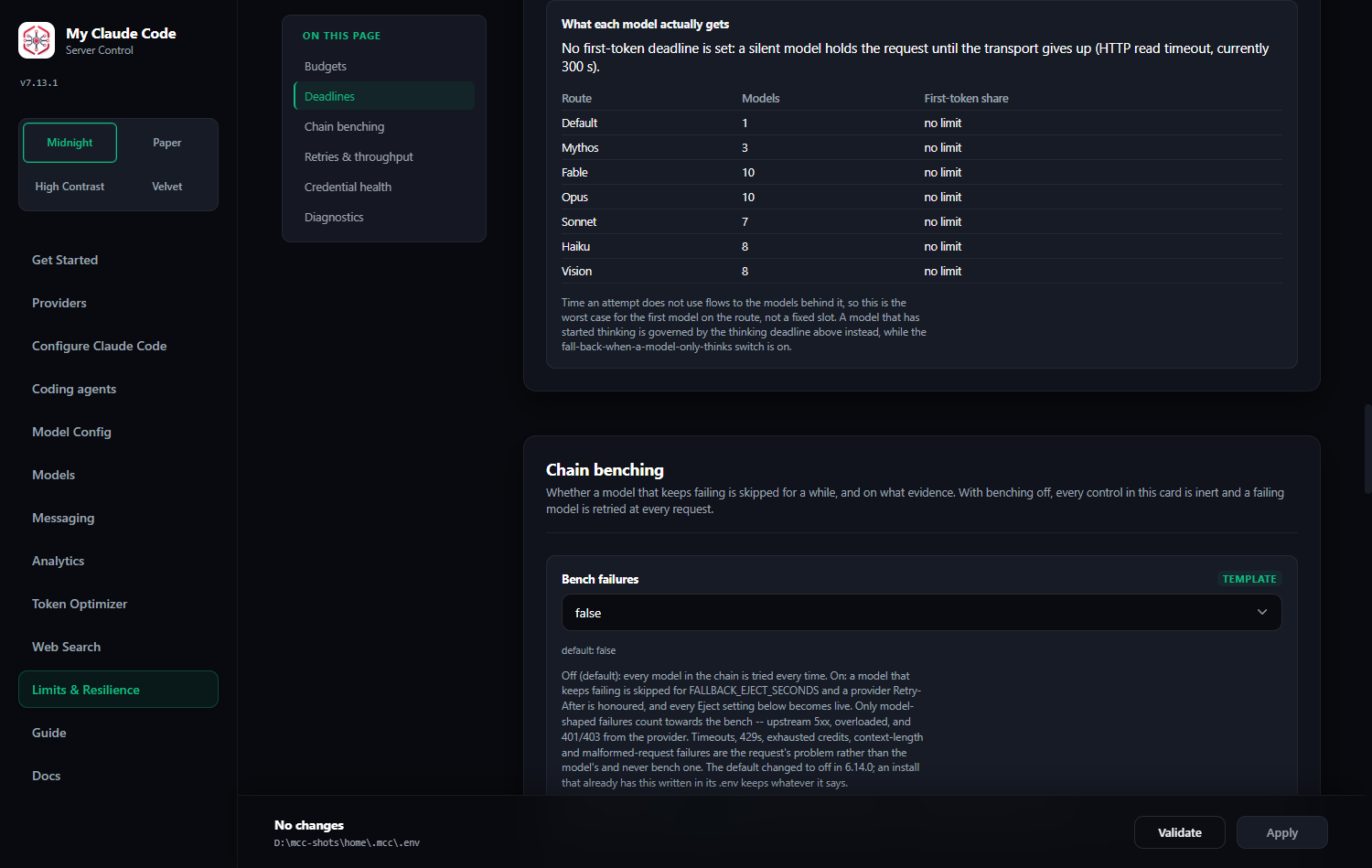
It also catches two settings that quietly undo a deadline: an HTTP_READ_TIMEOUT below the per-model allowance (a slow model then produces a transport error instead of a clean handover to the next one), and a graceful-shutdown window shorter than the total budget (a reload force-drops requests before the budget expires).
Known gap. A stream that thinks and then ends with an empty visible answer — finish_reason=length after the thinking consumed the allowance — is not rescued by the fallback chain. Fall back when a model only thinks only covers a deadline reached while a stream is still open, so a stream that ended on time, with output, never reaches it. Raise MAX_OUTPUT_TOKENS_CEILING, or lower the reasoning tier, if you see it.
Chain benching¶
When to stop trying a model. Bench failures is the master switch: turn it off and every other control in the card is inert, and a failing model is tried again on every request.
The mode you are not using stays on screen but disabled, with a note saying which — Not used while eject mode is legacy, Not used while benching is off — rather than only being dimmed. Disabled fields are skipped by the change tracker, so a mode's unused knobs cannot be saved by accident.
With it on, Eject mode picks the arithmetic. rate_based (the default) benches a model when at least the failure-rate threshold of its last N requests failed, with a minimum sample count so one bad request on a quiet model cannot trip it. legacy benches after a number of consecutive failures instead. Each mode ignores the other's settings. Both share how long a benched model stays out of routing, whether the primary gets one more chance before the chain is used, and the shortest remaining rate-limit cooldown that makes stepping over a model worth the chain slot it costs.
Successes on every surface count (7.56.2). A model's successes are part of this arithmetic: in
rate_basedmode each one adds a success to the window, and inlegacymode one success resets the streak and lifts an active bench. Up to 7.56.1 only/v1/messagessuccesses counted. The/v1/responses,/v1/chat/completionsand Gemini adapters stopped reading at the answer's final event, so MCC never finished that attempt. Their successes never reached the bench, and their requests were stored with no attempt row. From 7.56.2 those adapters read the stream to its end, and a model used through Codex, Gemini CLI, Qwen Code or an OpenAI SDK has its successes counted the same way. Two things follow from this. Such a model is benched less often inrate_basedmode, and a client that reads to the end waits for the upstream's own end of stream. Whatever arrives after the final event is read and thrown away, including a failure, so it never becomes an error frame for the client and never turns the request row into an error.
Benching never empties a chain: if every model on a route is benched they are tried in order anyway. Which failures abort the chain instead of falling through is a routing decision, not a resilience one, so FALLBACK_SKIP_KINDS stays on Model Config; the card links across to it.
Retries & throughput¶
How hard one model is tried before the chain is used at all: the retries on a 5xx or a dropped connection (a 429 is routed around instead — see Credential health), the attempts a provider makes on its own before routing ever sees the failure, the recovery attempts after output has started and the connection dropped, and the exponential backoff between them — first wait, ceiling, and the random jitter that stops several clients retrying in lockstep. The same card carries the client-side pace: requests per window, the window, and how many streams one provider may have open at once.
The client-side pace cannot throttle interactive traffic. PROVIDER_RATE_LIMIT ships at 300 per PROVIDER_RATE_WINDOW=2 seconds since 6.68.0 — 150 requests a second, per provider. That is far above anything a person at a keyboard generates, so requests go upstream as fast as your client sends them while a runaway loop still meets a ceiling. (6.62.0 shipped 0, no pace at all; the number is back, at a value that cannot be the thing holding a request up.) It used to ship at 40 requests per 60 seconds, per provider, against limits no provider had published — and because every routing attempt spends one slot, a route that averaged three attempts began throttling after about thirteen client requests a minute. Measured on one machine, 24 concurrent requests took a median of 938 ms and a 95th percentile of 54 seconds, all of it MCC waiting for its own window. A provider that really is over its quota answers 429 with a Retry-After, and Credential health obeys that either way.
Set a positive number only to hold a metered key back on purpose. When you do, the queue is fair: since 6.62.0 waiters are admitted in the order they arrived, so a paced request waits its turn rather than losing a lottery. PROVIDER_MAX_CONCURRENCY (default 300 since 6.68.0, was 5) was never the problem — it is an ordinary semaphore and it was always fair. Lower it if your machine or your link is the bottleneck rather than the provider.
Credential health¶
What one key's failures cost it, and it is a short list. A 401 or 403 walks the lockout ladder — CREDENTIAL_LOCKOUT_TIERS, five minutes then an hour then a day by default, one step per consecutive rejection and staying at the last entry. A 403 whose words say your country was refused (RegionError, "not available in your country") is the exception: it is about the address the request came from, not the key, and since 7.96.0 it costs the key nothing — the request still tries the next key and then the next model (details). A 429 benches the key for exactly as long as the provider asked in its Retry-After, or for RATE_LIMIT_COOLDOWN_SECONDS when it sends no header — and only for the model it happened on, until CREDENTIAL_MODEL_BENCH_ESCALATION (default 2) different models are limited on that key at the same time, which is when the limit is the key's rather than the model's. A timeout or a 5xx costs a key nothing at all, because the same keys serve every model in your chain and neither failure is the key's doing.
What the request does after that 429 is RATE_LIMIT_ROUTES_AROUND_MODEL. Off (the default since 7.78.10) follows your chain order: the model is retried on the same key up to PROVIDER_RETRY_ATTEMPTS times with a short wait between tries, then each other key of the provider gets the same tries, and only then does the request move to the next chain entry. On (the default from 6.20.0 to 7.78.9) benches the pair and sends the request straight to a later model on the same provider — same pool, same key — with no sleeps, no provider-wide block and no key rotation; the chain entries in between are skipped for that request. With it on and no other model on that provider in your chain, MCC asks one 16-token question of a model you already configured there: a 200 says the key is fine and only the model is limited, a 429 says the limit is the key's after all and it is benched and rotated. That probe appears in the request-detail ladder as its own row, tagged probe, and never as a request in your analytics.
Tutorial: why my request took 57 seconds¶
Open the request in Analytics → Requests and expand the attempt. The ladder under it is the whole story: how many times MCC knocked, what each knock met, which key carried it, and — the number that matters here — how much of the attempt was MCC asleep rather than waiting on the model. A real one read "3 keys × 5 tries: 14×429, 1×502 — 50s of the 57s were MCC backoff sleeps; keys 0, 1 and 2 benched 60s for moonshotai/kimi-k3". Fifteen knocks, six seconds of actual upstream time, and a healthy model on the same three keys sitting one chain slot away that was never asked. That is what Credential health → Route around a rate-limited model set to off (the default since 7.78.10) costs on a key pool: every key gets its tries, in chain order. If you would rather skip ahead to a sibling model on the same provider, turn it on and check that the model that refused actually has a sibling configured on that provider.
Server responsiveness¶
Two numbers, both about honesty rather than speed. MCC serves everything on one event loop, and a long admin gesture — a three-hundred-address proxy add, a provider refresh — can keep that loop to itself for seconds at a time. HEALTH_HEARTBEAT_INTERVAL_MS (100) is how often MCC measures that: one task asks to sleep for exactly that long and records how much later it actually woke. HEALTH_BUSY_LAG_MS (500) is how late that has to be before GET /health answers with x-mcc-busy: 1 and says, in the body, since when and which gesture it was. It is still a 200 and still carries {"status": "healthy"} — the busy fields are additive — and the desktop app reads that as alive, working rather than starting a second server. Set HEALTH_BUSY_LAG_MS to 0 to stop marking answers; the measurement continues regardless, and turns up in the server log as LOOP: the event loop was N ms late at DEBUG. See And now the server says so itself.
The stuck-request watchdog (7.37.0)¶
On 2026-09-16 nine parallel requests on this project's own install parked for 47 minutes, released only by the server process dying. Every mechanism that could be excluded from the request log was excluded, and the one artefact that would have named the await holding them — the server log for that hour — had rotated away before anyone looked. The event has not recurred. Rather than ship a fix for a mechanism nobody has proven, 7.37.0 ships the instrument that captures the evidence the next time.
It observes and never intervenes. No request is ever ended, cancelled, retried or altered by it, whatever it finds. It holds no reference that keeps a request alive and takes no lock the request path takes. If your fallback deadlines are 0 — wait forever — they still mean exactly that.
REQUEST_WATCHDOG_ENABLED (true) turns it on. Every REQUEST_WATCHDOG_INTERVAL_SECONDS (30) it reads one counter per in-flight request. If a request has made no progress at all for REQUEST_WATCHDOG_STALL_SECONDS (300) it writes one record to logs/stuck-requests.jsonl and one WARNING line to server.log naming the request id and the deepest await.
What "progress" means, exactly. Any one of: a chunk reached the client; the chain moved to another attempt; another upstream try was recorded on the ladder; MCC credited itself another second asleep on a limiter or a backoff; the credential or proxy label changed. Chunk delivery is counted where the bytes leave, so it is observed whether or not the request log is switched on.
The three phases, because "stuck" alone is not actionable and a slow model is not a fault:
| phase | what it means |
|---|---|
awaiting_first_upstream_byte |
An attempt is in flight and no byte has reached the client. A slow model looks like this legitimately — first tokens up to 190 s were measured on this install. |
streaming_stopped |
Bytes did reach the client and then stopped. Nearly always a real fault. |
between_attempts |
MCC is not reading an upstream stream at all: still routing, asleep on a backoff, or switching rungs. This is the shape of the 09-16 park — one completed upstream try on the ladder and then nothing. |
Why 300 seconds and not 60: this install routinely runs legitimate multi-minute requests, with streams over 300 s and first tokens to 190 s, and Claude Code applies its own 300 s stream-idle deadline. A request that has been completely still for five minutes has already outlived the patience its own client would have shown it. Drop REQUEST_WATCHDOG_STALL_SECONDS to 5 or 10 to reproduce a stall deliberately — it is read on every pass, so the change applies without a restart. 0 stops the reporting and leaves everything else working.
GET /admin/api/tasks/stacks answers the same document on demand, loopback admin only, with no database work at all. It carries two halves. The first is the in-flight requests with their own stacks. The second is the one that settles a parallel stall in a single look: every task on the event loop counted by the frame it is suspended on — nine tasks under one file:line function is a lock, nine tasks under nine is nine sockets, and nothing else distinguishes them. Both are bounded (?limit=, ?tasks=, ?frames=) and the answer says when it truncated. The count, and a link to the document, are on Limits & Resilience → Server responsiveness.
Privacy. A frame is file:line function and nothing else. No locals, no argument values, no request bodies, no headers, no keys. Paths are made package-relative before they are written — my_claude_code/api/response_streams.py, site-packages/httpcore/_async/socks_proxy.py, stdlib/asyncio/locks.py — so nothing in that file names your account or where you keep your files, and it can be pasted into a bug report as it is. REQUEST_WATCHDOG_LOG_MAX_MB (5) rotates the JSONL, and SERVER_LOG_RETAIN_FILES prunes the copies; 0 writes no file and leaves the WARNING line.
And underneath the two numbers, what they measured (7.31.0). The card now lists the last twenty gestures that named themselves, newest first, with the worst event-loop lateness recorded while each one ran and how long it took. A gesture at or over HEALTH_BUSY_LAG_MS is the one a /health probe would have been told about, and is coloured to say so. The same list is on GET /admin/api/loop-health, and under loop_health on GET /admin/api/status, which is how the before/after tables in the performance specs are reproduced without a harness. Nothing is recorded until a gesture finishes, so a quiet server says exactly that.
What 7.31.0 made faster. Measured on a 52 KB managed .env with 475 set keys, 995 visibility patterns and the full 222-provider models.dev index, against a scratch server with a 20 Hz /health poller:
| gesture | before | after |
|---|---|---|
| Pause one route | 1,109-1,238 ms, loop held up to 1,227 ms | 306-425 ms, loop held up to 363 ms |
| Resume one route | 1,001-1,326 ms, loop held up to 1,137 ms | 344-383 ms, loop held up to 291 ms |
| Refresh models | 4,568 ms, loop held 1,337 ms | 3,411 ms, loop held 298 ms |
None of it was the render of the managed file, which measures 2.7 ms. It was dotenv parsing the same unchanged files six times per click -- the parse is now memoised on the bytes it parsed, so a file that changed by any means is parsed again and there is no staleness window to reason about -- and the models.dev cross-provider table being rebuilt once per provider instead of once per index, which was 120 ms times however many providers you have configured. What is left of a pause is the provider generation swap, measured at 207-331 ms and deliberately untouched here.
Diagnostics¶
The logging flags, and the log level that used to sit on its own. Leave them off unless you are chasing something: they are verbose by design.
Two cards that used to live here now sit where you see their effect. The REQUEST_LOG_* retention settings are at the bottom of Analytics, and the DESKTOP_* settings are on Providers, beside the live desktop panel.
14. Updating¶

The dashboard shows your running version, checks the release feed (cached for six hours), and announces new releases with the release notes inline — expand What changed to decide whether an update matters to you.
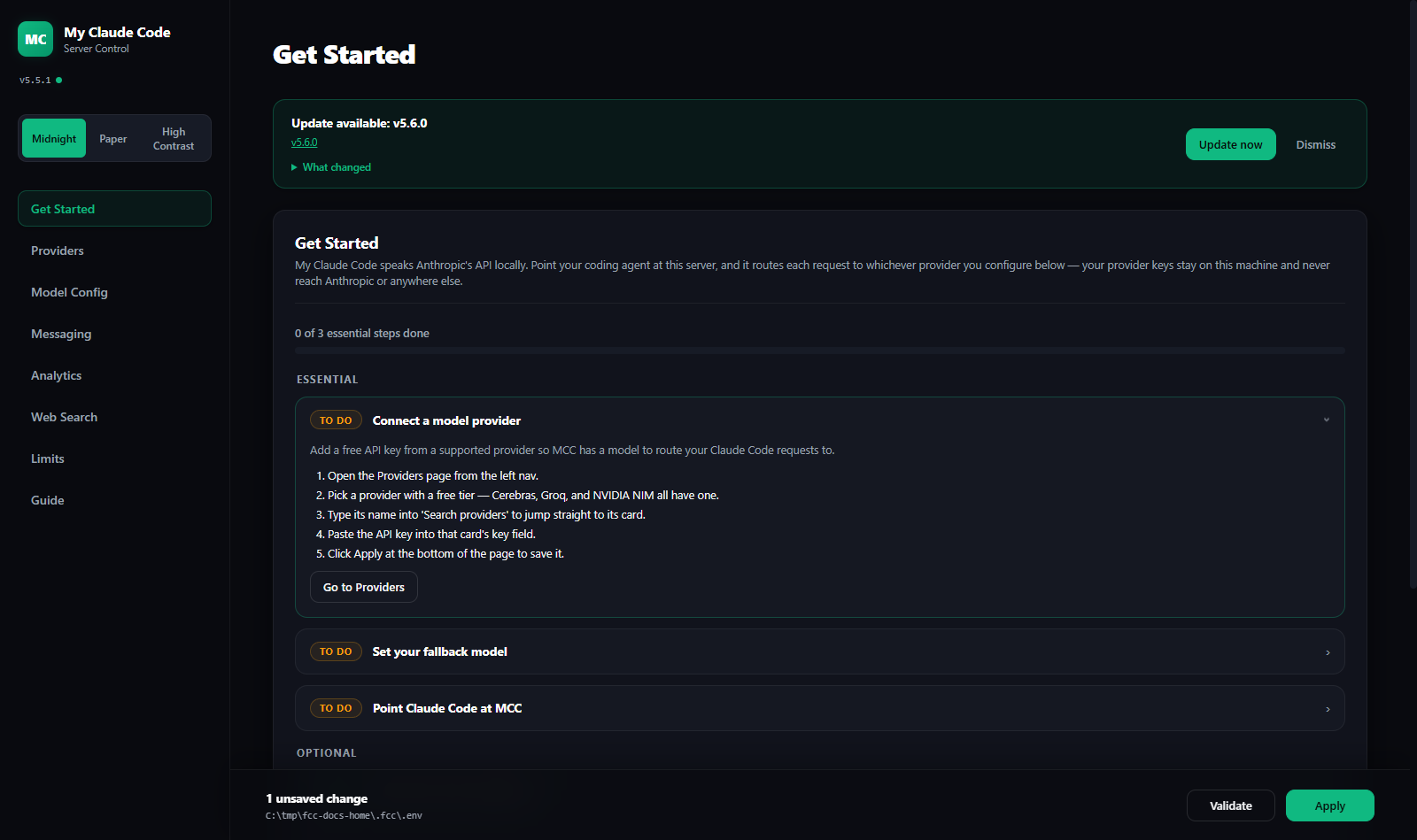
Update now downloads the release wheel, verifies its SHA-256 against the digest GitHub publishes for that asset, and installs it with uv. A checksum mismatch aborts. Extras you originally installed — voice support, for instance — are detected and preserved.
Upgrading never restarts the server. A running process keeps serving the code it already loaded, so an upgrade can't drop an in-flight stream. You get a restart required banner and restart when convenient.
The desktop app now updates itself too (6.60.0)¶
An update has two halves, and until 6.60.0 the dashboard only ever reported one of them. The wheel — the server, the CLI, the dashboard — updates itself every release. The desktop app is a compiled binary the wheel pins rather than carries, and that pin was enforced in one place only: the moment the Python tray created a window. Launch the app any other way and nothing compared what you were running with what the wheel wanted, forever. One person ran the v6.43.0 window for fifteen releases while the banner told them they were up to date.
Now:
- The app checks itself on launch. It compares the release stamped into it
with the
shell_release_tagthe wheel reports, and when they disagree it runsmcc-desktop --ensure-shellin the background — one command, off the interface thread, that downloads and verifies the pinned build. - It never replaces its own running executable. The verified build is
staged beside it as
MyClaudeCode.exe.new. The tray says Desktop app update ready — restart the app to use vX, and Restart now starts the staged build, which renames itself into place before it draws anything. If you ignore the tray, the swap happens the next time you start the app anyway — which is exactly what the banner promises. The previous build is kept for one run asMyClaudeCode.old-<stamp>.exeand swept afterwards. - The dashboard says so. The Update banner gains Desktop app vX available —
it updates the next time you restart the app, the version panel shows
v6.43.0 → v6.60.0 on next restart, and Update now's success message names both halves rather than declaring you finished when half of you is not. - The server says so. One line in
logs/server.log, once, behind readiness.
MyClaudeCode.exe --version prints which release a binary is, which is the
question that had no answer before.
Upgrading from a version before 6.60.0 takes one manual step, because the mechanism that fetches the app is itself part of what is being fixed — the window you are running has no swap step in it, so nothing staged beside it would ever be picked up. Close the app and run
once (add --target if the copy you launch is not the one in ~/.local/bin —
on Windows the installer's is
%LOCALAPPDATA%\Programs\My Claude Code\MyClaudeCode.exe). With nothing
running it, the file is replaced outright. Every update after that is
automatic.
A restart no longer destroys the log that would explain it. Until 6.58.1
every server start emptied logs/server.log, so the one file anyone would open
after a restart went wrong had been erased by that very restart — the timeline of
the hang this release fixes had to be reconstructed from database rows and file
timestamps. A start now moves the previous log aside as
logs/server.<timestamp>.log and begins a fresh one, and the same
SERVER_LOG_RETAIN_FILES (default 10) that caps loguru's own rotations caps
these: the newest ten survive, older ones are swept on the next start. On Windows
a log another process still holds open cannot be moved; that start truncates as
before rather than refusing to run.
Windows: the install is deferred¶
Windows holds a running executable and its loaded DLLs open, so the environment cannot be replaced underneath a live process — attempting it fails partway and leaves a broken install.
So on Windows, Update now downloads and verifies the wheel, then hands it to a background helper that waits for the server to exit and installs it then. You'll see:
Update staged — stop the server to finish installing
Stop mcc-server, the update applies itself, start it again on the new version. Your working install is untouched until that moment, so a failed update can't strand you. If the deferred install does fail, the dashboard reports it on the next start.
WSL, Linux and macOS install in place, because they can replace files that are still open.
An update can no longer race itself (6.58.3)¶
The helper used to move every launcher aside before installing, mcc-desktop
included. That is the launcher the desktop window asks for its status on every
pass, so for the length of the install the window believed My Claude Code was
not installed — and by design it answers that by running the official installer
itself. Two installers, one tool directory. On 2026-09-07 the helper lost all
five of its attempts to the window's installer and never reached the step that
starts the server again.
Two independent guards, both shipped:
- The helper never moves the window's own launcher aside.
uvreplaces it in place, and if it happens to be locked at that moment it is kept, exactly like any other launcher. - The window never installs while a helper is alive. Every line the helper
writes to
<config>/updates/progress.jsonnow carries its process id, when it started, and whether it has finished, so anyone can ask the one question that matters: is an installer running right now? While one is, the window says Updating to X… (installer running, N s) and waits. It never guesses from the stage name — a helper killed mid-install would leaveinstallingbehind forever.
mcc-desktop --print-status publishes the same answer as an update key, null
whenever no helper is running.
An open mcc-claude window no longer costs the install its fast path (6.58.3)¶
Windows will not let a running launcher's .exe be renamed, and one mcc-claude
session left open for the afternoon is enough to refuse one rename. That refusal
used to skip the whole fast install path, forcing every update through the slow
staged fallback (the fingerprint was attempts = 5 rather than 10). The fast
path now always runs, and a launcher that genuinely could not be replaced is
kept and named:
kept: mcc-claude.exe (in use) — restart it to pick up 6.58.3
That is not a failure. The launcher is a version-agnostic stub that runs the interpreter in the tool directory the update just replaced, so the command already runs the new code; only a command added by the release would be missing, and that is reported separately.
A failed update brings the previous version back (6.58.3)¶
Start-Process used to sit on the success branch alone, so an install that
failed left a perfectly good previous version on disk with nothing running it.
The helper now starts the server on both branches, records restarted in its
receipt, and ends on a recovered stage. The dashboard's banner says so:
The update failed — the previous version was restarted
Stopping and restarting, and how long it takes¶
Every stop is the same operation underneath — Ctrl+C, the reload that follows
Apply on a settings page, the restart that finishes an update, and the tray's
Restart Server. Since 6.41.0 all of them are bounded by one number,
SERVER_GRACEFUL_SHUTDOWN_SECONDS on Limits & Resilience, and that number
means what it says:
- At the instant a stop begins the server stops taking new work. A request that
arrives during the drain gets
503withConnection: closeand aRetry-Afterhint, so a busy client can no longer keep a closing server alive by making ordinary requests. - Requests already in flight get the whole budget to finish.
- At the bound, whatever is still open is closed. An in-flight stream simply ends — there is no special error frame on the wire — and your coding agent's own retry finds the restarted server a moment later.
- The process exits a few seconds past the bound whatever is still running.
The default is 20 seconds. If you carried SERVER_GRACEFUL_SHUTDOWN_SECONDS=300
over from an older install, consider lowering it. Before 6.41.0 this number
bounded only one wait inside the stop and everything after it was unbounded, so
a large value cost nothing in practice; now it is the time you spend watching a
tray icon after pressing Restart.
The tray and the update helper follow the same budget rather than numbers of their own. The tray asks the server to stop, waits that budget, and only then terminates the process it launched — by the exact process id, never by name. The Windows deferred-update helper does the same with the server it is waiting for, and then installs; it used to poll for a full hour and give up without installing anything.
From the command line¶
Re-running the install command does exactly the same thing and always fetches the newest release.
The installer restarts the server — by default (7.1.0)¶
Until 6.73.0 nothing in the product would start a server after an update unless the desktop app did it, and on 2026-09-11 that produced the worst case it can produce: the dashboard's helper stood down because the app said it was watching, the app was a version that could not act, and the hand-run installer three minutes later was never allowed to act at all. Two installs exited 0 and the machine had no server for a quarter of an hour.
6.73.0 gave the installer a -Restart switch. 7.1.0 makes it the default.
Every install and every update — from the dashboard, from the desktop app, from
a terminal, from npm — now stops the server on the configured port, waits for
it to close, installs, starts mcc-server again and waits until /health
answers. There is no flag to remember and no combination of flags that leaves
this machine with a dead server by accident:
# Windows, PowerShell
& ([scriptblock]::Create((irm "https://raw.githubusercontent.com/FiredMosquito831/my-claude-code/main/scripts/install.ps1")))
# Linux, macOS, WSL
curl -fsSL "https://raw.githubusercontent.com/FiredMosquito831/my-claude-code/main/scripts/install.sh" | sh
-Restart / --restart is still accepted and does nothing, so a script that
passes it keeps working.
Exactly one server is restarted, and this is the whole of the rule:
- The installer reads
PORTandHOSTfrom the configuration directory it is installing for —MCC_CONFIG_DIRif you set it, otherwise~/.mcc. It only ever reads: it never creates that file, never migrates a legacy directory and never writes a default back. - It asks the product what holds that port (
mcc-server --report-holder). The answer is the same classification the port takeover has used since 6.59.0 and the process-tree scan 6.72.2 added — never an image name, and never a substring of a command line, because the uv tool environment is a directory literally namedmy-claude-codeand every launcher's command line therefore contains the product's name. - If that holder is a My Claude Code server, it is stopped by its exact
process ids, within the budget
SERVER_GRACEFUL_SHUTDOWN_SECONDSsets, and the installer waits for the port to come free. mcc-serveris started detached, so it outlives the installer.- The installer waits for
/healthto answer on that port and for/admin/api/versionto answer with the version document (7.103.1). That is success. An install that exited 0 is not, and neither is a green/healthon its own — see the start gate. - Once a listener has answered, the desktop app is started too — see below.
…and it opens the desktop app (7.1.0)¶
When the installer starts mcc-server it also starts mcc-desktop, so an
update ends with a working window rather than a working port. It is deliberately
narrow. The app is started only when every one of these is true:
- a server was actually started by this run and answered
/health; -NoStart/--no-start/MCC_INSTALL_NO_START=1was not given — there would be nothing for a window to attach to;-NoDesktop/--no-desktop/MCC_INSTALL_NO_DESKTOP=1was not given;- this is not CI (
CIset to anything but0/false) and not a headless session — on Linux and WSL that meansDISPLAYorWAYLAND_DISPLAYmust be set, and on Windows the session must be interactive; - the desktop app is installed on this machine, proved by the binary
(
MyClaudeCode.exe,MyClaudeCode) and theMyClaudeCode.receipt.jsonthis product writes beside it — inMCC_DESKTOP_SHELL_DIR, in~/.local/bin, or where the native installer put it (%LOCALAPPDATA%\Programs\My Claude Code,/Applications,/usr/bin,/usr/local/bin). A bare executable with a matching name and no receipt is somebody else's file and is never launched; - it is not already running. During an update driven from the desktop app
the app is running and watching; launching a second one would hand the
launch straight back to the window that is already there. Detected by
comparing the executable path of every running process against those
binaries — never by an image name or a command-line substring, because the
uv tool environment on every machine is a directory literally named
my-claude-code.
If the app cannot be started the transcript says why in one line and the install is unaffected. A desktop app that did not open is a nuisance; an install that failed because of one would be a defect.
One update path (6.82.0)¶
Pressing Update in the dashboard now runs the same command you would type by hand. There is one downloader, one thing that checks the wheel's checksum, one installer and one owner of the restart, and all four are the install command.
Before this there were two of each. The dashboard's update lived in a
thousand-line PowerShell script generated by the server; the hand-run install
lived in install.ps1; they downloaded the wheel separately, verified it
separately, and disagreed about who restarts the server. On 2026-09-11 both ran
within three minutes of each other, both exited 0, and the machine had no server
for fifteen minutes because each of them believed somebody else owned the
restart.
What the install command does now, whichever door you came in by:
| Stage | What happens | Is the server down? |
|---|---|---|
staging |
The new version is built beside the running one, in a directory of its own. | No. It keeps serving. |
verifying |
The staged version is run once — mcc-server --version, and an import of the package. A release that installs but cannot import itself is caught here. |
No. |
stopping |
Exactly the one server on the configured port is stopped by its exact process ids. | From here. |
swapping |
Two directory renames. Measured at 2.7–20 ms. | Milliseconds. |
starting |
mcc-server is started detached and /health is polled for as long as that process is alive (7.103.1). Every 15 s the receipt says still starting, N s. |
Until it answers. |
done |
A listener answered /health and /admin/api/version. Only now is the previous copy swept. |
No. |
rolling-back → recovered |
It died, hung past the ceiling, or answered /health without being able to serve: it is stopped first, then the previous version goes back and it is started. |
Until the old one answers. |
The outage is the stop, the rename and the start — not the download, the
dependency resolve and the environment build, which used to happen with the old
version already deleted. The launcher files in uv's bin directory are never
written at all: each one is a stub that runs whatever environment is at the
canonical path, so the rename alone cuts the whole machine over and no locked
.exe can abort anything.
If the new version never answers, the previous one is put back and started,
and the receipt ends at recovered rather than failed. The copy that made the
rollback possible is deleted only after the new server answers.
The start gate waits for a live server, and nothing moves under one (7.103.1)¶
On 2026-10-19 an update gave up on the new server after 35 seconds — the
DESKTOP_SERVER_START_TIMEOUT × DESKTOP_SERVER_START_RETRIES budget — while
that server was alive, bound and still opening a 3.3 GB request log (it needed
about 49 seconds). The rollback then moved the tool environment out from under
the running server, could not finish, and exited 0; the server kept answering
/health while every real request failed, because its CA bundle had moved with
the directory. Since 7.103.1:
- The wait follows the process, not a clock. The installer keeps waiting while the server it started is alive and the port is its own (or nobody's). It stops waiting the moment that process dies — within a couple of seconds — or answers. The old budget is no longer a give-up point; it sets the floor of a hard ceiling: ten times the budget, never less than ten minutes. Every 15 seconds the receipt (and the desktop window) says still starting, N s.
/healthis not enough./healthis answered before any work is done. Success also needsGET /admin/api/versionto answer the version document; a server that cannot (a 5xx, no JSON) is treated as a failed start.- Nothing moves while a server runs out of it. A server that hung past the
ceiling, or answers
/healthwithout serving, is stopped first — by its exact process id and the processes it started, never by name — and the rollback waits until all of them have exited and the port is free. If it cannot be stopped, or the port stays held, nothing is moved: the transcript names the process ids and where each version is, and the install exits 1. - A rollback that fails half-way stops where it is. Each of its two moves is
a step; if one fails, nothing else is tried, the transcript says what is where,
and the install exits 1. The next run of the install command finds the broken
environment and installs a fresh copy by itself. A rollback that finished is
checked:
Scripts\python.exe(bin/python),pyvenv.cfg, anduv tool listnot calling the tool malformed. - The swap trusts the operating system last. If the stop reports the port free while a server is still listening on it, nothing is swapped and the install exits 1.
The update that installs 7.103.1 still runs 7.103.0's gate. A dashboard update is carried out by the version you are leaving; the new gate applies from the update after it, and to every install you run by hand.
The update that installs 6.82.0 still runs today's helper. The new path applies from the update after it. That is unavoidable: an update is carried out by the version you are leaving, not the one you are arriving at.
install.cmd also stops hard-coding main when it fetches install.ps1.
--version 6.63.0 now fetches the installer that shipped with 6.63.0, and
setting MCC_INSTALL_REF to a branch, tag or commit fetches that one — which is
how a change to the installer is proven before it is merged.
Everything else on the machine is left alone, and said so in the transcript:
Other My Claude Code servers are running. None of them is touched: mcc-server.exe (pid 6764) -> pid 63484
- A server on another port, or another configuration directory, is never stopped. If you run several instances with agents waiting on them, an install touches the one this install is for and lists the rest.
- Something that is not ours on the configured port is never stopped either.
The installer names the holder, starts nothing, and finishes with
restarted: false. - A holder it could not identify is treated as a stranger. "Cannot tell" is never "ours".
If the new server never answers /health, the receipt records what was done
about it: recovered when the previous version was put back and started (the
ordinary case since 6.82.0, see below), and failed with the child's exit code,
the last lines it wrote and the path to its log when there was nothing to put
back — a first install, or a machine with no tool environment to swap.
Opting out (7.1.0)¶
Three ways out, and they mean three different things:
| Flag | Stops a running server? | Starts one? | Opens the app? |
|---|---|---|---|
| (nothing) — the default | yes, the one on the configured port | yes | yes, per the rule above |
-NoRestart / --no-restart |
no, never | only if nothing answers that port | only if it started one |
-NoStart / --no-start / MCC_INSTALL_NO_START=1 |
no | no | no |
-NoDesktop / --no-desktop / MCC_INSTALL_NO_DESKTOP=1 |
yes | yes | no |
-NoRestart is the one to reach for when a server on this port is busy and must
not be interrupted: the new version is installed around it, the old process
keeps running the code it has already loaded, and the next time you restart it
yourself it comes up on the new version. It is not "do not start a server" —
if nothing answers the port, one is still started, because "do not stop mine" is
not "leave this machine without one".
-NoStart is the flag for a build machine or an image: nothing is stopped,
nothing is started, nothing is opened. The environment form exists for callers
that pass arguments through a layer with its own opinions about quoting —
install.cmd, the npm wrapper, a CI run: step.
-Restart / --restart is still accepted and is now a no-op alias for the
default, so nothing that passes it has to change.
One update at a time¶
Both update paths — the dashboard's helper and the install command — now take one
exclusive lock, <config dir>/updates/update.lock, before they write anything.
It holds the owner's process id, the second it started and which script it is.
A second updater does not queue and does not install. It says who is installing, points at the transcript that updater is writing, and exits 0:
An update is already running (pid 13820, started 15:04:24) -- watching it instead. It is writing: C:\Users\you.mcc\updates\install-20260911-150424.log
A lock whose owner is gone is reclaimed rather than waited on, because a crashed installer must not take the machine out of updating for the rest of the day.
When the lock cannot be taken and no running update holds it — the
updates folder, or a lock file left in it, is not yours to write, which is
what an install run as root with your home directory leaves behind — the
installer no longer claims an update is running. Since 7.79.1 it says whose
lock it is, how old it is and which folder it cannot write, names the
chown that gives the folder back, and exits 1.
A port answered by a server the installer did not start¶
The installer's success line, "installed and answering on port N", now means
the answer came from the server it started (every server since 7.70.0 names its
process id on /health). When the port is held by a server the installer
cannot stop — another user's (one started through sudo runs as root), or your
own previous server on a machine where the installed mcc-server cannot tell
which process holds a port (it asks ss or netstat; a minimal image has
neither) — the installer names that server's process id and user, starts
nothing, says how to stop it, and exits 1 (7.79.1). Before, it started a
server that gave up at once and reported the other server's answer as its own
success. The new version is still installed; nothing is rolled back.
The receipt keeps every episode¶
<config dir>/updates/progress.json used to be emptied by whichever writer
started next. That is how, at 15:04 on 2026-09-11, a hand-run install erased the
entire record of the update that had finished two minutes earlier — while a
window was supposed to be reading it.
Now every writer appends, and an episode opens with a marker record
(stage episode) naming the writer and its process id. A watcher that looks a
minute late still sees what happened, and the desktop window draws the current
episode rather than a timeline that starts with last week's install. Two fields
are new on every record: restarted (empty until a restart is attempted, then
true or false) and holder (what was on the port).
15. Security and networking¶
Worth understanding before you expose anything.
What binds where¶
| Surface | Default bind | Access control |
|---|---|---|
Proxy API (/v1/...) |
127.0.0.1:8082 by default |
Bearer token, if ANTHROPIC_AUTH_TOKEN is set |
Admin UI (/admin) |
same port | Loopback callers only, always |
The proxy binds this machine only by default (HOST=127.0.0.1). The Admin UI is separately restricted to loopback and cannot be reached remotely regardless of bind address.
To reach the server from another machine (a LAN, WSL, a phone, a second laptop): set HOST=0.0.0.0 and give ANTHROPIC_AUTH_TOKEN a secret. mcc-server refuses to start on a non-loopback HOST with an empty token, because that combination is an open proxy spending your provider credits for anybody who can route to the port.
The auth token¶
ANTHROPIC_AUTH_TOKEN is generated on your machine the first time mcc-server starts without a .env (43 URL-safe characters from secrets.token_urlsafe) and written into that .env; read it on the dashboard under Providers -> Runtime. It is compared in constant time against the bearer token your agent sends. Before 6.65.0 the template shipped the literal freecc, which meant every install shared one password -- existing .env files are never rewritten, so change yours if it still says that.
If you clear it, authentication is disabled entirely — any caller that can reach the port can spend your provider credits. That is fine on a single-user laptop behind a firewall; it is not fine on a shared or exposed network. Change it from the default if anything other than you can route to the machine.
Loopback-only (HOST=127.0.0.1) is the shipped default.
What never leaves the machine¶
Provider API keys are never sent to your agent, never written to the analytics stores, and never included in configuration snapshots — only masked first4…last4 labels. Proxy credentials are stripped from any recorded URL. Since 7.89.0 the two files that can hold a proxy login, proxy_chains.json and proxy_sources.json, are written readable by you only (POSIX 0600; on Windows you, SYSTEM and Administrators, nothing inherited). Since 7.90.0 proxy_sources.json may also hold a tor control password; tor's cookie is never stored anywhere — it is read from the file tor names at the moment you press a Tor button.
Remote Control (/rc) and tunnels¶
MCC includes an opt-in mobile/browser Remote Control workspace at /rc (RC_ENABLED=false by default). Enabling /rc never exposes /admin: the Admin UI and /admin/api/* remain strictly loopback-only (127.0.0.1 / ::1) even when a tunnel forwards external traffic to the server.
- Pairing & session isolation: Pair devices from the Remote Control page using Generate pairing QR (single-use 60-second token) to receive an HMAC-SHA256 signed HttpOnly cookie (
RC_SESSION_SECRET). New remote sessions and the folder picker are restricted toRC_ALLOWED_DIRS(fail-closed when empty), capped byRC_MAX_SESSIONS, and governed byRC_PERMISSION_MODE(ask,auto_edits, oryolo). Click Revoke all devices at any time to invalidate paired sessions immediately. - Transports: Keep
RC_TUNNEL_MODE=offfor loopback-only access, usetailscale_servefor Tailnet HTTPS (recommended when Tailscale is installed — required by mobile browsers for Service Workers and Web Push without exposing/admin),tailscale_localfor direct plain HTTP over your Tailnet IP (requiresHOST=0.0.0.0+ANTHROPIC_AUTH_TOKEN), orcloudflarefor an outbound-onlycloudflaredquick (trycloudflare.com) or named tunnel. Stop tunnel tears down the active tunnel immediately.
For driver tiers, --rc live sidecar dual-sync (mcc-claude --rc), Web Push alerts, and all RC_* settings, see the Remote Control guide.
Tutorial: route a provider through a VPN, WARP or Tor¶
Why you would: a provider that counts a free allowance per address (OpenCode
Zen's free models answer a spent address with 429 FreeUsageLimitError while
other addresses still get answers), a provider that refuses your country, or a
provider you would rather not show your home address. MCC never installs,
starts, signs in to or registers a VPN app, WARP or tor: it uses what you run
— the one exception is step F, where MCC runs wireproxy with a WireGuard file
you exported, downloaded only when you press its button and started only when
you press Start — and it never weakens TLS for any of it — a proxy relays an encrypted tunnel and
cannot read your keys, prompts or replies. The reference for every switch named
here is Proxy Chains.
Pick your path.
| What you have | What MCC can do with it | Steps |
|---|---|---|
| Proton VPN Free, or any VPN app with no proxy (Surfshark, Windscribe, Proton Plus or ExpressVPN without split tunnelling) | The whole computer goes out through the app, so MCC's Direct does too | A |
| Proton VPN Plus, ExpressVPN with split tunnelling | Only MCC's program goes through the VPN | B |
| Mullvad or IVPN with its app connected | Every server's in-tunnel SOCKS5 proxy becomes a chain entry: many exits from one tunnel | C |
| A NordVPN, Private Internet Access, IPVanish or TorGuard account | Their SOCKS5 hosts, with the account's service login, become chain entries | C |
| Bright Data (datacenter or ISP zones), Oxylabs, IPRoyal, Decodo | N sessions of one gateway become N chain entries | C |
Webshare's free plan, or any ip:port:username:password list |
Each row becomes a chain entry | C |
| Cloudflare WARP | Its proxy mode is a SOCKS5 proxy on this computer | D |
| A tor you run | Each SocksPort is one identity and one chain entry; a button asks tor for new circuits |
E |
| A WireGuard file from your VPN account (Proton VPN Free or Plus, Surfshark, Windscribe, AirVPN, PIA, Mullvad or IVPN without their app, wgcf for WARP) | MCC runs wireproxy with it: one chain entry, or one per in-tunnel exit for Mullvad and IVPN | F |
| A VPN that only gives you OpenVPN files | Run gluetun in Docker yourself and point an entry at its proxy | G |
A. Proton VPN Free: turn the app on¶
- Connect the Proton VPN app. Nothing is set in MCC: every request MCC sends from this computer's own address — a provider with no chain, a chain's Direct entry, Direct fallback — now leaves through Proton.
- Check it on the Proxying page: Where does Direct come out? on a
provider's card fetches that provider's own
/cdn-cgi/tracewith no proxy and shows the address and country it saw (providers behind Cloudflare, such as OpenCode Zen and Anthropic's API, answer; others publish no trace and the card says so). It sends only where that provider's traffic may leave from this computer right now — no chain, a chain with a Direct entry, or every proxy unhealthy with Direct fallback on. Anywhere else nothing is sent and the card says why:

Where does Direct come out? on a chain whose Direct fallback is off: nothing is sent, and the card says why.
What Proton VPN Free is, from Proton's own pages (read 2026-10-06): no proxy, no split tunnelling (a paid feature), one device, and a server picked at random from about ten countries, where Change server waits 45 seconds and then ten minutes between changes. So it is one exit for the whole computer, you cannot choose its country, and MCC cannot press Change server for you.
Gotchas:
- A chain with Direct fallback off never uses this computer's address, so a VPN app makes no difference to it: its own entries decide where it comes out.
- A system proxy is followed. A VPN or corporate tool that sets the Windows
or macOS proxy setting (rather than a tunnel) carries every Direct dial; the
request log then names it
direct via system proxy host:port. - One device. Running a second Proton Free connection (a runner, step F, or gluetun, step G) while the app is connected may be refused or disconnect the app; that has not been tested with MCC.
B. Split tunnelling: only MCC through the VPN (Proton VPN Plus, ExpressVPN)¶
Split tunnelling in include mode sends only the programs you list through
the VPN (Proton documents it on Windows; ExpressVPN documents per-app split
tunnelling on Windows). The program to list is the one that opens MCC's
connections: the Python interpreter running the server — not the
mcc-server command, which only starts it, and not the desktop window. Ask the
running server which process it is (/health names it in its x-mcc-pid
header) and where that program lives:
$p = [int]((Invoke-WebRequest -UseBasicParsing http://127.0.0.1:8082/health).Headers['x-mcc-pid'] | Select-Object -First 1)
(Get-Process -Id $p).Path
On a Windows install made by the installer this is uv's own Python, for example
C:\Users\<you>\AppData\Roaming\uv\python\cpython-3.14.0-windows-x86_64-none\python.exe
(what it printed on the machine these steps were written on). Add that file
to the VPN app's include list, then press Where does Direct come out? to see
the VPN's country.
Gotchas:
- Every program that runs on that same
python.exegoes through the VPN too (another tool installed with uv on the same Python, for example). - Check again after an update that moves MCC to another Python: run the two lines again and update the list if the path changed.
- Your coding agents reach MCC on
127.0.0.1; they need no VPN. - A connection already open keeps its route until it closes.
- MCC running inside WSL is a program inside the WSL virtual machine; whether a Windows VPN app can select it by program has not been tested.
C. A VPN account, a gateway or a proxy list¶
On the Proxying page, under Proxies on this computer, press Add a VPN account, Add a gateway or Add a proxy list. A preset fills the form from the vendor's own documentation (host, port, session syntax, a link to the page and the day it was read); you keep or change every field. Save and offer contacts nothing: it offers each address on that card. Choose the chain and press Add all to chain (or Add to chain per address): each address is tested against that provider's own host first and refused if its tunnel breaks certificate validation.
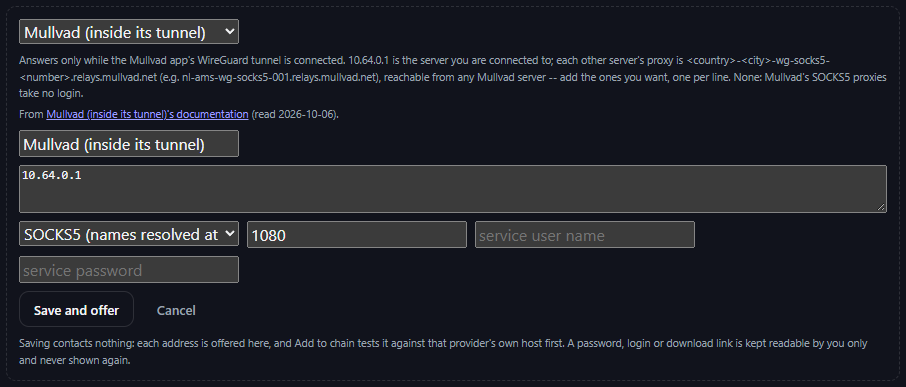
Add a VPN account, Mullvad preset: the preset explains itself and fills the form; nothing is contacted until you save, and then only when an address is tested.
| Source | What to type | Worth knowing |
|---|---|---|
| NordVPN | its service credentials (Nord Account → Set up NordVPN manually), not your login; the preset fills nl, se and us.socks.nordhold.net:1080 |
SOCKS5 servers in the Netherlands, Sweden and the United States only; at most 10 connections at once per account; its HTTPS proxy on port 89 is untested with MCC and not offered |
| Private Internet Access | proxy-nl.privateinternetaccess.com:1080 with the SOCKS credentials you generate in its control panel |
one exit, in the Netherlands |
| IPVanish, TorGuard | their SOCKS5 hosts with the proxy login | one host is one address |
| Mullvad, IVPN | nothing to log in with; 10.64.0.1 (Mullvad) or 10.1.0.1 (IVPN) is the server you are on, and every other server's proxy (nl-ams-wg-socks5-001.relays.mullvad.net and so on) is reachable through the same tunnel — one host per line |
answers only while the app's tunnel is connected |
| Bright Data | brd.superproxy.io, SOCKS5 on 22228 or HTTP on 44445, a datacenter or ISP zone |
residential and mobile zones are refused: they need Bright Data's own certificate installed so it can decrypt your traffic |
| Oxylabs | pr.oxylabs.io:7777 |
a session keeps its address until its session time or 60 s idle; 30 minutes or more keeps a quiet thinking pause from changing it |
| IPRoyal | geo.iproyal.com:12321 |
the session goes in the password; without one it changes address on every request |
| Decodo | gate.decodo.com:7000 |
|
| Webshare (free plan) | paste the list, or its download link from your Webshare dashboard | 10 datacenter proxies, 1 GB a month, shared with other users; the link carries your token, so it is kept like a password and fetched only on Fetch now or the schedule you choose |
A SOCKS5 login to a remote proxy crosses the network unencrypted (that is the
protocol); it exposes the proxy login, never your API key. Logins, passwords
and download links are kept in proxy_sources.json and in each address's URL in
proxy_chains.json, both readable by you only, and are never shown again. The
reference is VPN accounts, gateways and proxy lists.
D. Cloudflare WARP¶
- In the WARP desktop app, turn on its proxy mode (Cloudflare documents it under Preferences → Advanced → Configure Proxy, on a port you choose). MCC does not install, register or sign in to WARP.
- On the Proxying page press Scan this computer (it asks
127.0.0.1only, on ports 1080, 8888, 9050, 9052, 9150, 25344 and 40000), or typesocks5h://127.0.0.1:<your port>into a chain card and press Add proxy.
Gotchas: WARP is one exit, shared with other WARP users at the same Cloudflare location; two WARP entries are not two addresses (a card groups entries that come out of the same address — see Where each exit comes out). Cloudflare documents a 10-second limit per request for the local proxy mode of its Zero Trust client; its consumer page states none, but a long streamed answer through WARP may be cut.
E. A tor you run yourself¶
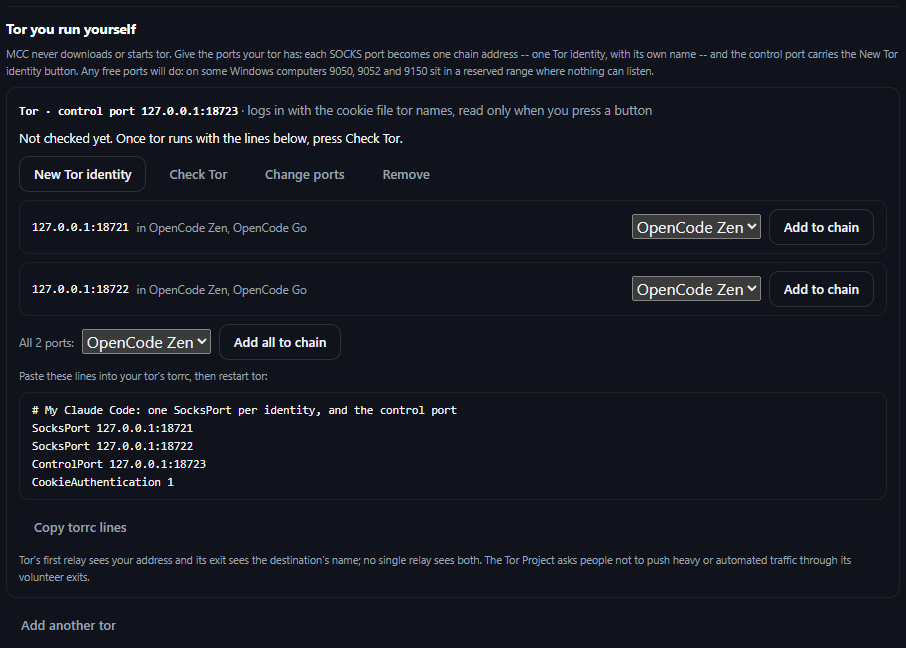
Tor you run yourself after Save Tor ports: one chain address per SOCKS port, and the torrc lines that match.
- Choose ports: two or more SOCKS ports (one identity each) and one control
port. Any free ports work; on some Windows computers 9050, 9052 and 9150 sit
in a range Windows reserves and nothing can listen there
(
netsh int ipv4 show excludedportrange protocol=tcplists the ranges). Type them under Tor you run yourself and press Save Tor ports (it contacts nothing). - Paste the torrc lines the card shows (Copy torrc lines) into the torrc your tor reads, and restart tor:
SocksPort 127.0.0.1:19250
SocksPort 127.0.0.1:19251
ControlPort 127.0.0.1:19260
CookieAuthentication 1
- Check Tor: MCC logs in to the control port and shows whether tor has a circuit and which of your ports it really listens on.
- Add all to chain. Each port is tested against the provider's own host
first and goes by its own name,
Tor · 127.0.0.1:<port>. - Leave Keep trying exits until one answers ticked on that chain (it is on by default): a 429 or a country refusal on one Tor port moves the same request to the next port at once.
New Tor identity sends SIGNAL NEWNYM: new requests on every port get new
circuits. Tor allows one per 10 seconds, so a second press inside that window is
refused by MCC with the seconds left and nothing is sent. MCC never asks for a
new identity by itself — not after a refusal, not on a timer. A connection
already open keeps its exit until it closes.
Raise PROXY_CONNECT_TIMEOUT_SECONDS (Limits & Resilience → Credential
health; default 10) to 30 or so when your chains use Tor: a fresh circuit can
take longer than ten seconds to connect.
Logging in: by default with tor's cookie, read only at the moment you press
a button and never copied; MCC prefers SAFECOOKIE, where the cookie never
crosses the connection. If tor runs as another user or inside WSL and MCC cannot
read the cookie, give tor a HashedControlPassword (what tor --hash-password
prints) and choose Log in with a control password. The Tor Project asks
people not to push heavy or automated traffic through its volunteer exits. The
reference is Bring your own Tor.
F. A WireGuard file MCC runs for you (wireproxy)¶
For a VPN that gives you WireGuard files but no proxy — Proton VPN Free and
Plus, Surfshark, Windscribe (Pro), AirVPN, PIA through its
manual-connections script, Mullvad and IVPN without their app, or a
wgcf-profile.conf for Cloudflare WARP. MCC runs wireproxy with the file:
a WireGuard client inside one program, with no network adapter, no route
change, no service and no administrator. Its SOCKS5 port on 127.0.0.1 is a
chain entry; only the chains you add it to use the tunnel, and the rest of
this computer is untouched.
- Export one WireGuard file from your account. Proton VPN:
account.protonvpn.com → Downloads → WireGuard configuration, choose a
server and download the
.conf(the Free plan included). Mullvad, IVPN, Surfshark, Windscribe and AirVPN have a generator in their account area;wgcf generatewrites WARP's. - On the Proxying page, under WireGuard files MCC runs for you, press
Import a WireGuard file, upload or paste it, and press Import. That
contacts nothing and starts nothing. The private key is kept in
proxy_sources.jsonand in the config MCC writes for wireproxy, both readable by you only, and is never shown again. Commands the file names (PostUpand the like) are dropped: MCC never runs them. - Press Download wireproxy once. MCC fetches the release it pins
(wireproxy 1.1.3, from
github.com/windtf/wireproxy): the release'schecksums.txtfirst, which must agree with the sha256 MCC pins, then the archive, which must match both. One executable lands under your MCC folder (bin/wireproxy/1.1.3/) with a receipt, and both are checked again at every start. Prefer your own build? Type its path and press Use my own binary. There is no Windows arm64 build of wireproxy. - Proton VPN Free allows one device: disconnect the Proton app first.
- Press Start. The card goes Starting → Ready once the SOCKS5 port answers and wireproxy's own check hears the tunnel (an answer from the file's DNS server, through it). Ready proves the tunnel is up, not that a provider answers through it.
- Choose a chain and press Add to chain: the entry (
Proton · NL-FREE#12, named from the file) is tested against that provider's own host first.
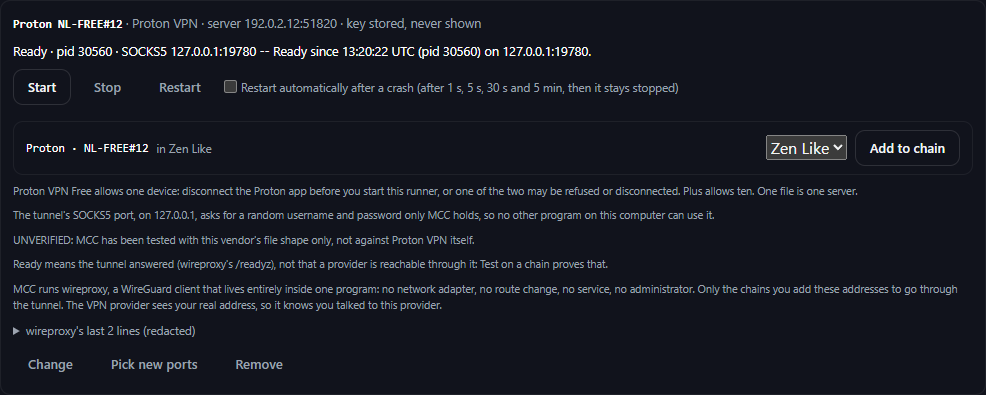
A runner after Start: its state, pid and port, its one address, and what its VPN sees. (Screenshot from a test install; the WireGuard server was a stand-in.)
Gotchas:
- Ports. The SOCKS5 port, a health port and one per in-tunnel exit come
from
PROXY_RUNNER_PORTS(Limits & Resilience → Credential health; default41000-41999), are chosen once and kept, so the entry keeps its name. If another program takes one, press Pick new ports. - The local login. The SOCKS5 port asks for a random username and password only MCC holds, so no other program here can borrow the tunnel.
- Crashes. If wireproxy exits on its own the card says so with its exit code and a Restart button. Tick Restart automatically after a crash (off by default) to have MCC restart it after 1 s, 5 s, 30 s and 5 minutes, then leave it stopped.
- With the server. A started runner starts again with the server; Stop keeps it stopped. Stopping the server stops every runner; on Windows a server that is killed takes its runners with it.
- Mullvad and IVPN: many exits from one key. On the import form (or
Change), list the vendor's in-tunnel SOCKS5 servers you want, one per
line, in its documented shape
(
se-sto-wg-socks5-001.relays.mullvad.net,socks5.<server>.gw.ivpn.net); each becomes its own entry through the one tunnel. Those ports take no login, because the vendor's proxy takes none. Tested against fake servers only so far. - WARP. MCC never registers a WARP device; import a profile you made with
wgcf. Test the entry with exit identity on and the card shows Cloudflare's
warp=flag. wireproxy has no field for WARP's reserved bytes; whether WARP answers without them is reported by users, not documented. Tested against fake servers only so far. - Not yet run against a real VPN. Every vendor's file shape, Proton VPN's included, has been tested with a stand-in WireGuard server only; the card says UNVERIFIED until a real one has been tried.
- Remove stops the runner and deletes its config (with the key) and its log. The reference is WireGuard runners.
G. gluetun: any VPN's OpenVPN or WireGuard file, in Docker¶
gluetun is a VPN client in a Docker container with an optional HTTP proxy. You run it; MCC does not install or start Docker or gluetun. Its wiki lists the providers it knows and the variables each needs. A Proton VPN WireGuard example, publishing its HTTP proxy on this computer only:
docker run -d --name gluetun-nl --cap-add=NET_ADMIN --device /dev/net/tun \
  -p 127.0.0.1:8888:8888/tcp \
  -e VPN_SERVICE_PROVIDER=protonvpn -e VPN_TYPE=wireguard \
  -e WIREGUARD_PRIVATE_KEY=<the PrivateKey of your Proton WireGuard file> \
  -e SERVER_COUNTRIES=Netherlands \
  -e HTTPPROXY=on \
  qmcgaw/gluetun
Then Scan this computer (8888 is one of the ports it asks) or add
http://127.0.0.1:8888 to a chain with Add proxy. A second container on
another host port (-p 127.0.0.1:8889:8888/tcp, another country) is a second
exit.
Gotchas:
- Publish the port on
127.0.0.1as above; published on every interface, the proxy is usable by anything on your network. If you give gluetun's proxy a login, the scan asks for it and keeps it readable by you only. - The proxy relays MCC's TLS untouched, so it passes the interception check like any honest proxy.
- Proton VPN Free allows one device: gluetun with a Free WireGuard key while the Proton app is connected may be refused (not tested).
H. Check that it worked¶
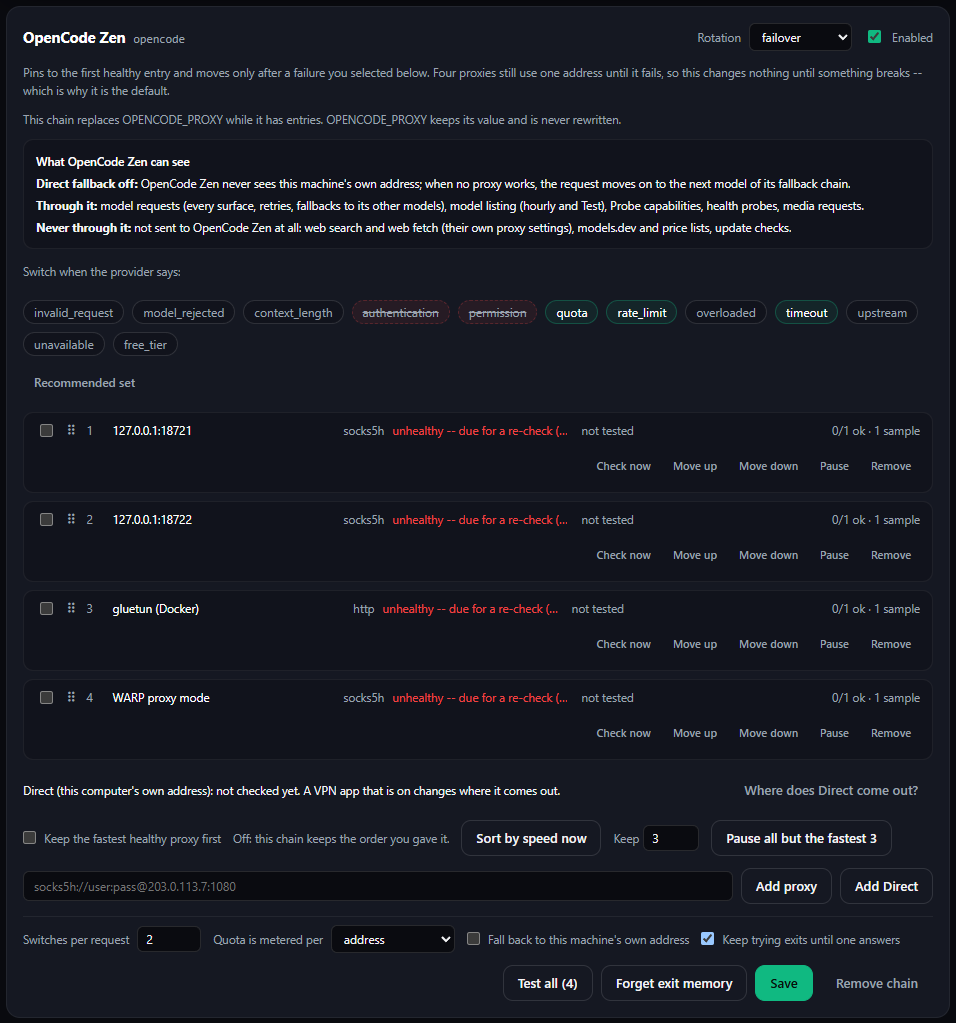
A chain card: its entries and their health, What OpenCode Zen can see, Direct fallback and Keep trying exits. (Screenshot from a test install whose proxies are not running, so every entry reads unhealthy.)
- The card's What <provider> can see box says which traffic goes through the chain and when, if ever, the provider sees this computer's address.
- Analytics → Exit column: the exit of the attempt that answered, +N when the request went out through more exits (all of them in its tooltip). The Exit box in the toolbar filters the page — and its exports — by any part of an exit's name.
- A request's View lists every exit it dialled, what each answered, how long it took and what MCC now remembers about it:

Analytics: the Exit column, with +3 for a request that tried four exits.
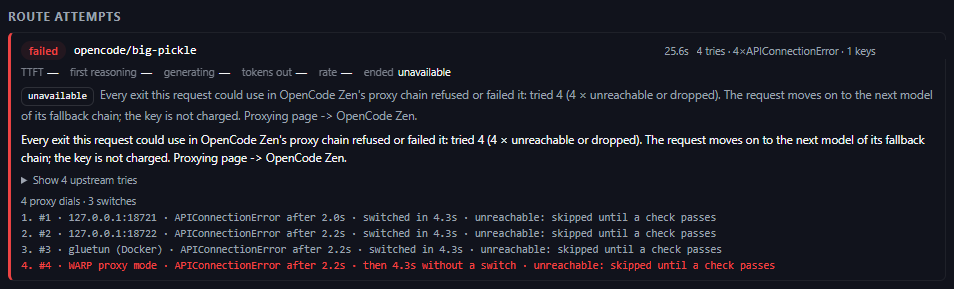
The request detail: four proxy dials, each exit marked unreachable, and the one sentence saying the key was not charged.
I. Defaults worth knowing¶
- Keep trying exits until one answers is on for every chain (since 7.81.1):
a free-usage 429, a refusal for the exit's country, an exit that cannot be
reached or drops the connection before the first byte moves the request to
another exit on the same model, within your Switches per request and
PROXY_MAX_LIVE_FAILURES. Output that has started never moves. - Exit memory (7.81.0): a refused exit is skipped by later requests until the
wait the provider stated (or
PROXY_COOLDOWN_SECONDS); Forget exit memory on the card clears it; a restart forgets it. - Direct fallback (Fall back to this machine's own address) is on for a new chain, and since 7.79.2 sends from this computer only once every proxy in the chain is unhealthy. Untick it on a provider that must never see this computer's address.
- A chain with one entry never switches and never falls back to Direct. Give it two or more entries for a refusal to move on.
- The OpenCode session id is the same on every exit: one per conversation, so a new exit is not a new client.
- Keep-alive and recency are off until you set them (7.94.0, Limits &
Resilience → Credential health).
PROXY_KEEPALIVE_SECONDSkeeps an idle connection through each proxy exit open so the next request through it skips the proxy's tunnel handshake and the TLS handshake — the HTTP library's own default closes it after 5 seconds; 60 is recommended. Chat Completions, Responses and Messages streams and non-streamed requests reuse the connection (a Chat Completions stream did not before 7.111.1). It reaches only the proxy entries of a chain with two or more entries.PROXY_ORDER_RECENCY_HALF_LIFE_MINUTESmakes Keep the fastest healthy proxy first and Sort by speed now prefer exits a real request (answered, or a first token — never a health check alone) succeeded through lately; 10 is a good start, 0 orders by speed only. Both apply on Save. The reference is Keep-alive and recency. - Terms. No VPN vendor found allows automated API traffic in its terms, and commercial proxies bind you to the use you declared to them. Using them for a coding assistant is your call.
16. Troubleshooting¶
mcc-server: command not found right after installing.
Close and reopen your terminal. The installer extends PATH; an existing shell won't see it. This is the single most common install issue.
Windows: installing while MCC is running.
Supported, and it is the normal path. The installer renames the old tool environment and every mcc-* launcher aside, then lets uv write a complete new set. Running sessions — the server, the tray, an open mcc-claude window — keep the old version until they are restarted; anything started afterwards uses the new one. Nothing needs to be closed.
If Windows refuses to move a launcher aside (an antivirus scan, the search indexer, or the shell can hold an .exe for a moment), the installer does not give up: it re-runs uv with UV_TOOL_BIN_DIR pointed at a staging directory, so uv writes every shim and a complete receipt somewhere nothing is holding, then places the shims one at a time. A shim that still cannot be replaced keeps the file it had and is listed by name as "these keep working and will refresh on the next install" — that is not a failure. A uv launcher is a version-agnostic stub that runs the interpreter inside the tool directory, and that directory now holds the new install, so the old stub already runs the new code.
Windows: the install retries, or says a launcher was "in use".
Since 6.72.2 it tells you who. When a launcher or the tool environment cannot be moved aside, the install prints every My Claude Code process running out of those files — process id, command, when it started, and the exact path it holds — and then takes the staging path described above. It never stops any of them, and the server stops only one kind: an old server of its own port and configuration folder that owns no listening socket (7.72.0) — any other may be a server you are using right now. The same list is in the server log at every start (At start: N other My Claude Code server processes are running on this machine), and in mcc-desktop --print-status under other_servers. Each entry carries a status: serving owns a listening socket, live is checking in normally, unknown is one MCC cannot classify, and stale is the only one that has been proven finished — either its heartbeat has been silent past SERVER_STALE_SESSION_SECONDS (default 900) and the port it recorded is now served by a different My Claude Code, or it is a launcher whose server process is gone. Set SERVER_STALE_SERVER_ACTION=stop on Limits & Resilience if you want those stale ones stopped automatically; it is report by default, and a server with no listening socket is never stopped merely for that — it may be starting, draining, or still streaming an answer it accepted earlier.
Windows: the installer says a command is missing.
That means a command the release publishes is genuinely absent, not merely stale. Close the mcc-claude window(s) and the tray, then re-run the install command. The installer exits non-zero in that case — it never reports "verified" for a command that does not exist.
The server printed "lost its listening socket … exit code 75" and stopped.
Since 7.69.2 that line means the server noticed it could no longer accept new connections and shut itself down rather than sit there unreachable. Before 7.69.2 the same situation was silent: on Windows, a client that resets a connection the server has not accepted yet — typically while the server is busy for a few seconds, for example shrinking large screenshots — made Python close the server's listening socket for good (a known CPython bug, python/cpython#93821). The process kept running and kept answering anyone already connected, so /health could still say 200, but nothing new could reach it; on 2026-10-01 one stayed like that for over seven hours.
7.69.2 does two things. On Windows it keeps the listening socket open through those resets; server.log gets at most one WARNING a minute, "A client dropped its connection before the server accepted it", and there is nothing to do. And if the listening socket is lost anyway, for any reason, the server prints one timestamped line on its console, writes the same at CRITICAL to server.log, marks its session in the request log as not listening, lets the requests already in flight finish within SERVER_GRACEFUL_SHUTDOWN_SECONDS, and exits with code 75 (distinct from 1, a refused start, and 3, a stop that overran its budget). The desktop app starts a fresh server on its own; if you started mcc-server in a terminal, run it again.
A save says "Not saved: the settings file was busy … nothing was changed".
Since 7.69.7 a dashboard save that cannot read or replace the settings file (.env in the config directory) refuses instead of guessing. On Windows another program that has the file open at that instant — a second My Claude Code server sharing the same config directory, a sync tool such as OneDrive or Google Drive, an antivirus scan, a backup tool or an editor — makes a read or a replace fail for a moment. The save retries for about a third of a second (seven attempts) and, if the file is still busy, stops with that message. Nothing was changed: the file is byte-for-byte as it was, the running server keeps the settings it had, and the form keeps your edits — press Save (or the Pause button) again. Before 7.69.7 such a moment could make the save rewrite the file with only the one setting you were saving; measured with a second process replacing the file in a loop, 51 of every 1,000 reads came back empty.
Where the previous copy of your settings is, and how to put it back.
Since 7.69.7 every save first keeps the settings file as it was, beside it, as .env.previous — on Windows C:\Users\<you>\.mcc\.env.previous, elsewhere ~/.mcc/.env.previous (the server prints which config directory it uses at startup). There is one copy: each save replaces it with the file from just before that save, and a file that could not be read, or was empty, never replaces it. It holds your API keys exactly as .env does, so treat it the same way; it is never shown on the dashboard, never returned by any route and never written to a log. To go back one save: stop the server (quit the desktop app, or Ctrl+C the mcc-server window), copy .env.previous over .env — PowerShell Copy-Item "$HOME\.mcc\.env.previous" "$HOME\.mcc\.env" -Force, macOS/Linux cp ~/.mcc/.env.previous ~/.mcc/.env — and start it again. Uninstalling with the configuration purge removes it with the rest of the directory.
Two configs on Windows.
If you installed under both PowerShell and WSL you have C:\Users\<you>\.mcc and ~/.mcc inside WSL. The server prints which config directory it is using at startup — check that against the one you've been editing.
Claude Code still talks to Anthropic.
~/.claude/settings.json wins over shell exports. Confirm with /status — it should show http://127.0.0.1:8082. Check the JSON is valid and that you edited the path for your platform.
401 from the proxy.
Your agent's ANTHROPIC_AUTH_TOKEN doesn't match the server's. Compare the value in ~/.claude/settings.json — or the Desktop gateway API key — against the server's setting.
server.log has a REJECTED CLIENT warning.
Since 7.69.6, the first /v1/* 401 from a client the server has not seen in
the last minute logs one WARNING naming its user agent, which auth header
names it presented, and its remote address (no port) — never the token, any
part of it, a hash of it, or any other header's value. Repeats from the same
client in that minute are counted, not re-logged; REJECTED CLIENT SUMMARY
says how many every minute while it keeps happening. This is almost always
the same stale-or-wrong ANTHROPIC_AUTH_TOKEN as the plain 401 above — the
new line just makes a client retrying once a second visible instead of
silent.
Provider validation fails with 404. Usually the model id, not the key. Check the exact id against the provider's model list.
Claude Desktop's test buttons fail. The server must be running for Test connection and Test model discovery to succeed — they make real calls.
Desktop shows a warning dialog on launch. Expected with model discovery on; the picker fills in once discovery completes.
Agent can't reach the proxy from another machine.
The proxy binds 0.0.0.0, so it should be reachable — check your firewall. The Admin UI is loopback-only by design and will refuse remote callers no matter what.
Web search returns nothing useful. Open the attempt detail in Web Search analytics. It shows exactly what was sent upstream and what came back, including whether your domain filters were applied or dropped.
Cache hit rate shows —.
That provider doesn't report prompt caching. Not a fault — see Reading the token columns.
mcc-desktop hangs or does nothing on WSL.
There's no tray on WSL/headless — run mcc-server instead and open the dashboard from a Windows browser. See WSL and headless: there is no tray.
I changed a DESKTOP_* setting and nothing happened.
It applies on the next mcc-desktop launch, not to a tray already running — quit and relaunch. See DESKTOP_* settings apply on the next launch.
Update did nothing on Windows. Versions below 4.21.5 had a defect where the deferred installer could stall. A self-updater can't fix its own updater, so update once from the install script; after that the dashboard button works.
Anything else. The request analytics View dialog shows the complete exchange for any request — request body, response, resolved provider and model, timing, and errors. Start there.
Appendix: what changed in 6.x¶
Only the keys whose value or meaning moved in 6.0.0–6.8.0. Everything else in .env.example is unchanged.
| Setting | Default | What it decides |
|---|---|---|
CREDENTIAL_LOCKOUT_TIERS |
300,3600,86400 |
The auth lockout ladder, in seconds. A 401/403 takes the next entry each time and stays on the last one (a 403 refusing your country does not, since 7.96.0). Any comma-separated list of positive seconds works; the field spells your list back at you as 1st auth failure: 5m out · 2nd: 1h out · 3rd and after: 1d out. |
RATE_LIMIT_COOLDOWN_SECONDS |
60 |
Used when a 429 arrives with no Retry-After and no equivalent header, and — since 6.34.0 — as the whole-key bench for an account the provider says is out of credits. When a header does arrive, the provider's own number wins. Capped at one hour either way. Named in the All API keys for this provider are in cooldown error since 6.16.0, alongside the Credential health card that edits it. |
CREDENTIAL_MODEL_BENCH_ESCALATION |
2 |
New in 6.19.0. A 429 benches the (key, model) pair, not the key; this is how many different models must be limited on one key at once before the key itself is benched. 1 restores the 6.18.0 whole-key bench, 0 never escalates. |
FALLBACK_FIRST_TOKEN_TIMEOUT |
0 (no limit) |
Changed in 6.16.0 — was 180. Silence before any output. The only deadline that produces a failover. |
FALLBACK_ATTEMPT_SHARE_FLOOR |
3600 (one hour) |
Changed in 6.68.0 — was 0, and 180 before 6.16.0. Chain-side floor on one model's slice of the total budget. Moot while the budget is 0, which is what it ships as. |
FALLBACK_TOTAL_TIMEOUT |
0 (no limit) |
Changed in 6.16.0 — was 600. The whole request, across every attempt and retry. |
FALLBACK_STALL_TIMEOUT |
0 (no limit) |
Changed in 6.16.0 — was 180. Silence after output started. Ends the request; no failover is possible past the first token. |
FALLBACK_REASONING_ANSWER_TIMEOUT |
0 (no limit) |
Changed in 6.16.0 — was 450. Thinking that never becomes an answer. |
FALLBACK_COOLDOWN_STEP_OVER_FLOOR |
5.0 |
The shortest remaining rate-limit cooldown that makes stepping over a model worth the chain slot it costs. |
PROVIDER_RETRY_BACKOFF_BASE_SECONDS |
2 |
First wait between retries of one model. |
PROVIDER_RETRY_BACKOFF_MAX_SECONDS |
5 |
Changed in 6.68.0 — was 10. The longest single wait. The chain is not tried until the ladder is spent, and since 6.20.0 only a 5xx or a dropped connection walks it. |
PROVIDER_RETRY_ATTEMPTS |
2 |
Changed in 6.68.0 — was 3, and 5 before 6.20.0. Tries one model gets on the same key after a 5xx or a dropped connection. A 429 uses none of them. |
RATE_LIMIT_ROUTES_AROUND_MODEL |
false |
New in 6.20.0; off by default since 7.78.10. false follows the chain order on a 429: the same key is retried per PROVIDER_RETRY_ATTEMPTS, then each other key of the provider, then the next chain entry. true benches the (key, model) pair and tries a later model on the same provider first, on one key with no sleeps, skipping the chain entries in between. |
PROVIDER_RETRY_BACKOFF_JITTER_SECONDS |
0.5 |
Changed in 6.68.0 — was 1. Random spread added to it, so several clients do not retry in lockstep, kept below the ceiling above. |
REQUEST_LOG_WIRE_BODY_MAX_CHARS |
8000 |
Bounds the stored message and tool structure only. Parameters are stored whole at any size. |
MAX_OUTPUT_TOKENS_CEILING |
131072 |
The hard ceiling on max_tokens. 0 means no ceiling; a blank field means "use the default", not "off". Range 0–1048576. |
MAX_OUTPUT_TOKENS_FLOOR |
8192 |
New in 6.47.0 — this changes behaviour on update. The smallest allowance any request is sent with, and the only bound here that raises rather than lowers. Never above the routed model's published limit, applied before the context headroom, and it stands down on an explicit max_tokens: 0. 0 turns it off and restores 6.46.0. Range 0–1048576. |
ANTHROPIC_DEFAULT_MAX_OUTPUT_TOKENS |
81920 |
Settable since 6.47.0. The last-resort max_tokens for a request that reached a provider with none of its own and no published limit to take one from. 0 sends none at all. |
REASONING_EFFORT_BUDGET_RATIOS |
0.10,0.20,0.50,0.80,0.95,0.95 |
New in 6.47.0. Six shares of the output allowance, one per reasoning effort in order (minimal → max), each strictly between 0 and 1 and never decreasing. |
FALLBACK_BENCH_ENABLED |
false |
Master switch for model benching. Off (the default since 6.14.0) tries every model in the chain every time; on makes the rest of the Chain benching card live, and only upstream 5xx / overloaded / 401 / 403 count towards a bench. Reachable from Model Config as well as this card — one setting, two places. Worth checking if your .env predates 6.1.0. |
FALLBACK_EJECT_SECONDS |
10 |
Changed in 6.68.0 — was 30. How long a benched model stays out. Honoured exactly since 6.0.0; a clamp used to cut it to 1 s for timeout and 5xx ejections. |
FALLBACK_END_CLEANLY_AFTER_COMMIT |
true |
New in 6.15.0. A model that fails after it started answering ends the message cleanly (stop_reason: max_tokens) instead of returning an API error under a partial answer. false restores the error. |
FALLBACK_RESUME_AFTER_COMMIT |
true |
New in 6.18.0. Rather than only ending a half-written answer, hand the text already sent to the next model on the route and splice its continuation into the same message. Falls back to the row above whenever the continuation is unusable, so it can only lengthen an answer, never break one. false stops at the short message. |
STREAM_COMMIT_HOLDBACK_CHARS |
0 |
New in 6.18.0. Visible characters that must arrive before output is released, on top of STREAM_COMMIT_HOLDBACK_SECONDS. Raising it means a model that writes a word and dies has shown you nothing, so the route restarts on the next model invisibly; the cost is that much time-to-first-visible-word on every request. 0 uses the clock alone. |
STREAM_KEEPALIVE_IDLE_SECONDS |
30 |
New in 7.46.0. Seconds a streaming response may be silent -- before the first frame, or after a model that started goes quiet -- before MCC writes a keepalive the client's protocol defines as meaningless: event: ping on /v1/messages, an SSE comment (: keepalive) on /v1/chat/completions, /v1/responses and Gemini. It helps OpenAI and Gemini SDK clients (their timeouts count bytes) and any proxy between the client and MCC that closes idle connections. It does not help Claude Code by default: the official Anthropic SDK drops ping before its idle timer sees it; only with _CLAUDE_CODE_ASSUME_FIRST_PARTY_BASE_URL=1 in Claude Code's environment do the bytes count. A keepalive sent before any model answered commits the HTTP 200, so a failure after it arrives as an error inside the stream rather than an HTTP status. Every other byte is identical with it on or off. 0 never sends one. On Limits & Resilience → Stream keepalive. |
STREAM_KEEPALIVE_INTERVAL_SECONDS |
20 |
New in 7.46.0. Seconds between keepalives while the silence lasts. A real frame from the model resets the clock. |
STREAM_KEEPALIVE_MAX_SECONDS |
300 |
New in 7.46.0. Longest single stretch of silence MCC keeps alive; past it no more keepalives are written and the client's own idle timer runs exactly as with keepalives off, so a model that never answers cannot hold a client longer than this plus that timer. 0 = no cap. |
STREAM_KEEPALIVE_MODE |
ping |
New in 7.47.0, opt-in. What the keepalive is on /v1/messages. ping (default) is Anthropic's event: ping, which the official Anthropic SDK -- and so Claude Code -- drops. frames: while the model's own text or tool-call block is open and silent, the keepalive is an empty delta of that same block (text_delta "" / input_json_delta ""), which Claude Code's idle timer does count and which adds nothing to the answer. It helps a model that has started answering and then goes quiet; before the first block, between blocks and while the model is thinking it is still a ping, and it never invents a thinking block. The wire shape changes, the content does not. Each request's row records how many frames it sent (Keepalive frames in the request detail). Other surfaces are unaffected. |
HARNESS_TIER_ALIASES |
true |
New in 6.38.0. Lists mcc/cyber, mcc/best, mcc/good, mcc/medium, mcc/cheap and mcc/vision at the top of every coding agent's generated picker, each a name for one of MCC's own routes rather than a model of its own. Off keeps those pickers to concrete refs; the router still resolves an alias a client sends anyway, so an agent already configured on one keeps working. Per-agent chains live in ~/.mcc/harness_tiers.json, written by the Coding agents page. See Tiers for every other coding agent. |
OPENCODE_CLIENT_IDENTITY |
opencode |
New in 6.69.0. Which client MCC identifies as to OpenCode Zen and OpenCode Go, both of which read identity headers off every request. opencode sends the official client's user-agent and client id, which is what the free tier's limiter recognises; mcc sends my-claude-code and this version instead. The conversation, request and project headers go either way. See OpenCode Zen and OpenCode Go: what MCC sends about itself. |
OPENCODE_CLIENT_VERSION |
(empty) | New in 6.69.0. Pins the OpenCode release named in that user-agent. Empty reads it from the opencode-ai package installed on this machine, and falls back to the release this build was verified against. Only used when OPENCODE_CLIENT_IDENTITY is opencode. |
OPENCODE_CLIENT_AI_SDK_VERSION |
(empty) | New in 7.28.0. The middle segment of the user-agent the real OpenCode client sends — ai-sdk/provider-utils/<this>. Its own HTTP transport appends it, so unlike the release above it cannot be read off this machine; empty sends the version captured from the client this release was built against. Only used when OPENCODE_CLIENT_IDENTITY is opencode. |
OPENCODE_CLIENT_RUNTIME |
(empty) | New in 7.28.0. The last user-agent segment, written <runtime>/<version> and sent as runtime/<that> — bun/1.3.14 on the captured client. Empty sends the captured value. Only used when OPENCODE_CLIENT_IDENTITY is opencode. |
OPENCODE_FREE_TIER_MODELS |
big-pickle |
New in 7.28.0. Comma-separated Zen/Go model ids that are on the free tier without saying so in their name. On these — and on any id ending -free or :free, and any model the catalogue prices at zero here — MCC sends OpenCode's own tool-name spellings and translates the model's calls back, because that tier answers 403 to any other catalogue. Every other model keeps the request it has always been sent. See The free tier now reads your tool names. |
OPENCODE_FREE_TIER_CREDENTIAL |
public |
New in 7.34.0. Which credential free OpenCode Zen models are fetched with. The free-usage limit is metered per credential, not per address. public uses OpenCode's shared anonymous credential exactly as the OpenCode CLI does when no key is configured, so your own key's free allowance is not spent — and neither are the hourly model-discovery sweep or the Test button. key uses your key for everything, as 7.33.0 did. Paid Zen models always use your key; OpenCode Go is never affected; the shared credential is shared. Same scope as OPENCODE_FREE_TIER_MODELS. See The free tier is metered per key. |
SERVER_STALE_SERVER_ACTION |
report |
New in 6.72.2. What the server does about other My Claude Code servers it finds at start. report names each one in the server log — pid, session, recorded port, start time, last heartbeat, and the files it holds open — and stops nothing. stop also stops the ones this install can prove are finished: a heartbeat silent past SERVER_STALE_SESSION_SECONDS whose recorded port is now served by a different MCC, or a launcher whose server process is gone. A server is never stopped merely for owning no listening socket. From 7.72.0 the old servers of this port and this configuration folder — no listening socket anywhere, and their own record here names this port — are stopped at start whatever this says (your decision of 2026-10-01); this setting governs every other server. |
SERVER_STALE_SESSION_SECONDS |
900 |
New in 6.72.2. How long another server's heartbeat must be silent before the word "stale" is available for it. A running server checks in every 30 s, so the default is thirty missed beats. Silence alone never stops anything. Range 60–86400. |
SERVER_PORT_TAKEOVER |
always |
New in 6.59.0; narrowed in 7.70.0. What happens when the server starts and its port is already held. always replaces a holder that is not answering; a holder that is not MCC is named in one WARNING line first. A My Claude Code server that answers /health (healthy, busy or starting, within 30 s) is never stopped: the new start names it and exits with code 1 — stop it first to replace it. Setting it to mcc-only replaces only processes this install can identify as its own; never is the pre-6.59.0 behaviour — name the holder and refuse to start. Whether a holder is stopped is decided by its process; its answer can only make a start stop nothing. |
SERVER_GRACEFUL_SHUTDOWN_SECONDS |
20 |
Changed in 6.41.0 — was 300, and it used to bound only uvicorn's connection wait while the response cleanup, the provider drain and the ASGI lifespan had no bound at all (a request against a silent upstream meant a server that never exited). It is now one deadline for the whole stop, new requests are refused with 503 for its duration, and the process exits a few seconds past it. Lower an inherited 300 unless you would rather wait five minutes for a restart than cut a long request. |
CREDENTIAL_CIRCUIT_THRESHOLD |
removed at 6.0.0 | The circuit breaker it configured no longer exists for provider pools. A stale line is ignored, not fatal — delete it. |
Settings that moved page, not meaning: the nine REQUEST_LOG_* keys are at the bottom of Analytics, the nine DESKTOP_* keys are on Providers, LOG_LEVEL joined the logging flags under Diagnostics, and HTTP_*_TIMEOUT, PROVIDER_RATE_LIMIT, PROVIDER_RATE_WINDOW and PROVIDER_MAX_CONCURRENCY came onto Limits & Resilience. FALLBACK_SKIP_KINDS stays on Model Config, cross-linked, because which failures abort a chain is a routing decision rather than a resilience one.
Gone from the vocabulary entirely: the 10/30/60/120-second cooldown ladder, the provider-pool circuit breaker and its half-open probes, per-credential first-token budgets (MIN_CREDENTIAL_FIRST_TOKEN_SECONDS), and "consecutive failures" as something that benches a key. Consecutive failures still bench a model, under legacy eject mode.